i think Omega is using stock kernel all the while. Why you never backup? Flashing stock ROM via PC odin wipe your interna memory? I think for factory reset/full wipe, it does not wipe your data like MP3 and photos at internal memory.
Did a Nandroid backup? But i am not sure restoring the nandroid will bring back the photos or not. Need others to confirm.
I always backup my internal memory and sometime even external whenever I want to flash stock ROM coz some say it will wipe clean everything in the internal memory but some say it will not wor... so i just do the backup just in case.
I know it is tedious and time-consuming but for those new android flasher (not to Fallenangelz

), here is a simple prudent guide to backup your data:
1. Do a complete Titanium Backup for apps and system.
2. Do a sms backup with SMS backup and restore.
3. Boot into recovery - do a backup (also known as Nandroid backup)
4. Connect your device to PC - create a backup folder in PC. Create 2 sub-folder, mark them
Internal and
External.
5. Copy your internal and external memory to the respective sub-folder.
6. Done.
This is quite bullet-proof just in case anything wrong with the flashing. You have a complete backup to fall back on.

so far the only stock rom that i know will wipe the internal sd is 4.1.2 leaked and i didn't expect other stock roms will drag me into this deep sheet. now finger crossed that my pc got backup for the picts when i switch from note1 to note2 or otherwise....... wat gone is gone.


 Nov 26 2012, 09:47 AM


 Quote
Quote




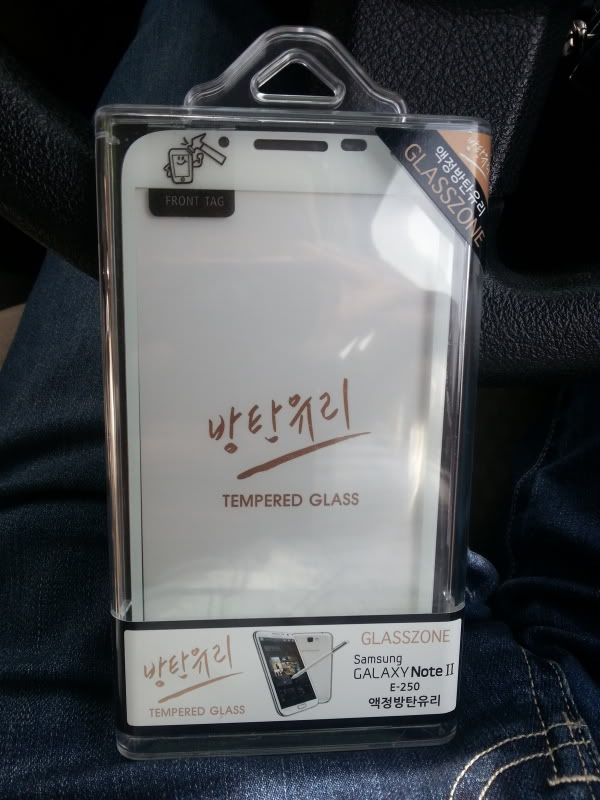
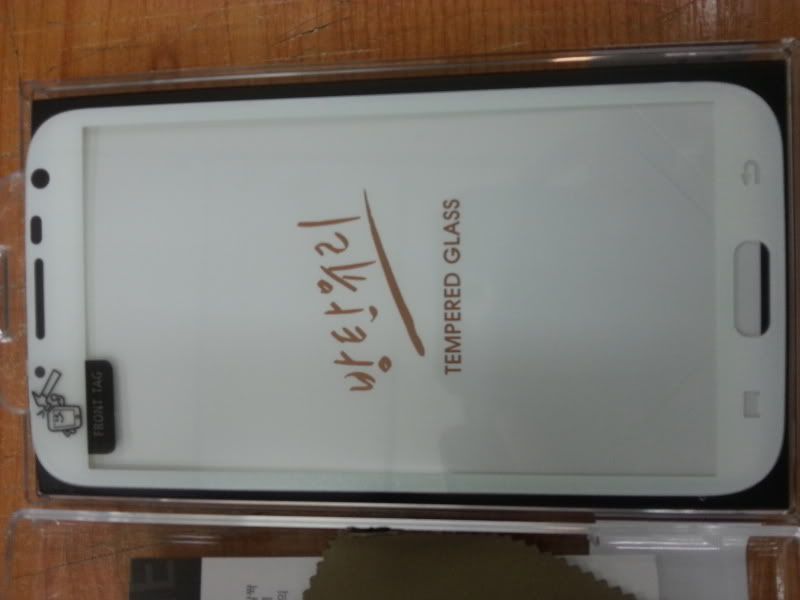

 yup i see it... hmm quite difficult to use it lor.. said where are u


 .
.
 0.0417sec
 0.73
0.73
 7 queries
 GZIP Disabled