

 Apr 14 2012, 05:24 PM, updated 14y ago


Recently, Intel uses two different sockets to define the product position. New Extreme uses X79 chipset.
X79 is the product at the top of pyramid. CPU is Core i7 series only. It has 4C8T and 6C12T.
The mid-high level is LGA 1155. It has full product line, from entry to Core i7.
CPU has 1C2T~4C8T. It means the top LGA 1155 is the entry of LGA 2011.
Intel dual product lines are different positions and pricing strategies. I do suggest you to study carefully before buying.
This time, the CPU I got is LGA 2011 Intel Core i7-3820.
It’s entry CPU for X79 platform. The structure is 4C8T which is different with two 6C12T 3930K and 3960X.
Even though it’s entry Core i7 of LGA 2011, the price is similar with LGA 1155 Core i7...

i7-3820 clock is 3.6GHz. It supports Turbo Boost 2.0 and up to 3.80GHz.
It’s physical 4 Cores with Hyper-Threading to support 8 threads, called 4C8T.
It’s 32nm manufacturing, TDP 130W, and 10MB L3 Cache. The picture is the back side.

MB is using GIGABYTE X79-UD5, the mid end X79 board.
GIGABYTE X79 UD5 and G1.Assassin2 both bundle BT4.0/Wi-Fi combo PCI-E card.
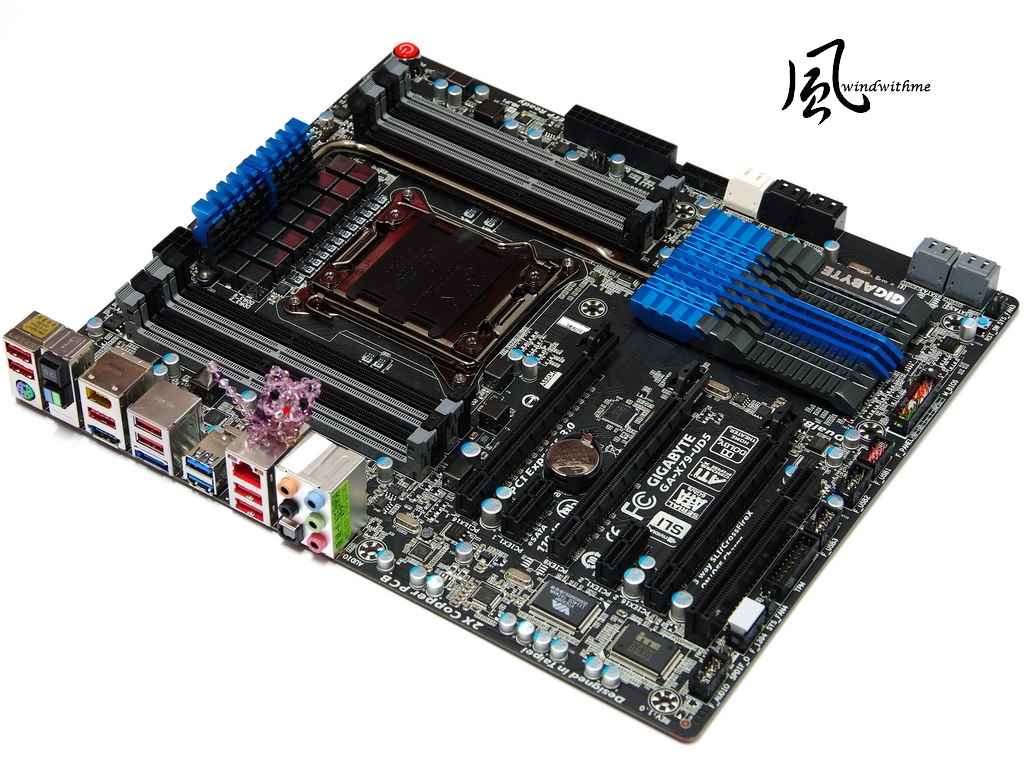
It’s E-ATX form factor, 30.5cm x 26.4cm.
It looks bigger but still can install into regular ATX case, like Sharkoon T28.

Lower-Left Corner
3 X PCI-E X16 support 3-Way AMD CrossFireX/nVIDIA SLI.
The bandwidth is X16 + X16 or X8 + X8 + X8.
2 X PCI-E X1
1 X PCI
LAN Chip is Intel GbE LAN
Audio chip is Realtek ALC898, support 7.1 channel and High Definition Audio technology.
Design in Taipei
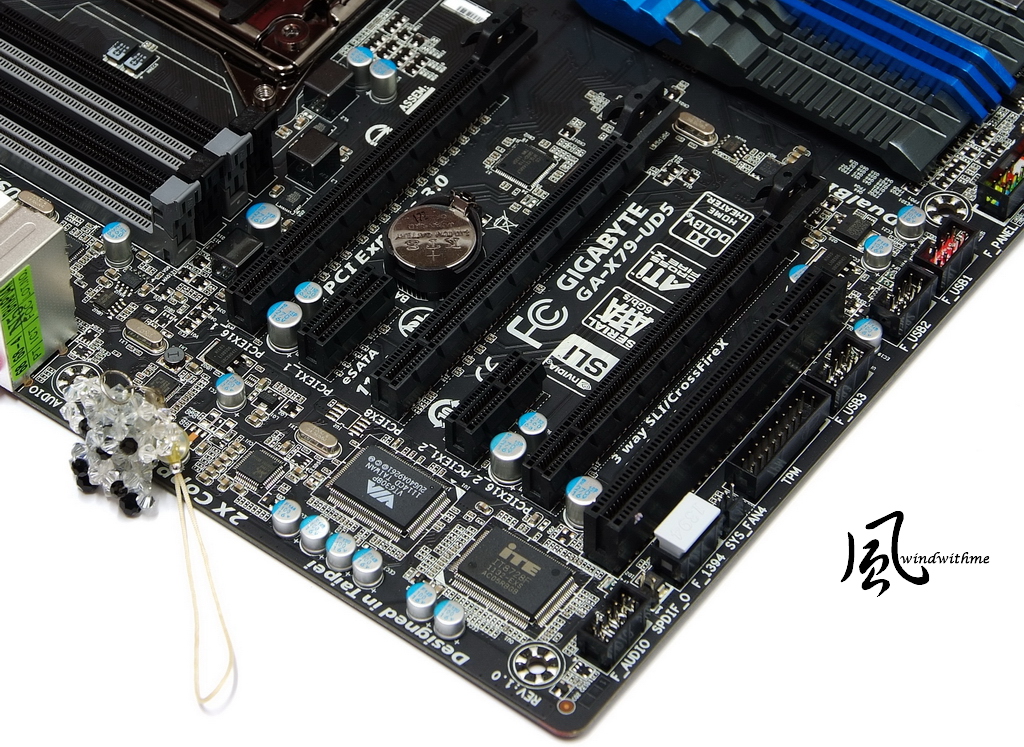
Lower-Right Corner
2 White SATA support SATA3, provided by X79.
4 lack SATA support SATA2, provide by X79.
Above SATA can support hybrid RAID 0, RAID 1, RAID 5 and RAID 10. The performance is based on installed SATA devices.
4 Gray SATA support SATA3, provided by Marvell 88SE9172. They support RAID 0 and RAID 1.
2 X 64 Mbit flash for Dual BIOS, 1 front USB 3.0 and 3 USB 2.0 ports.

Upper Side
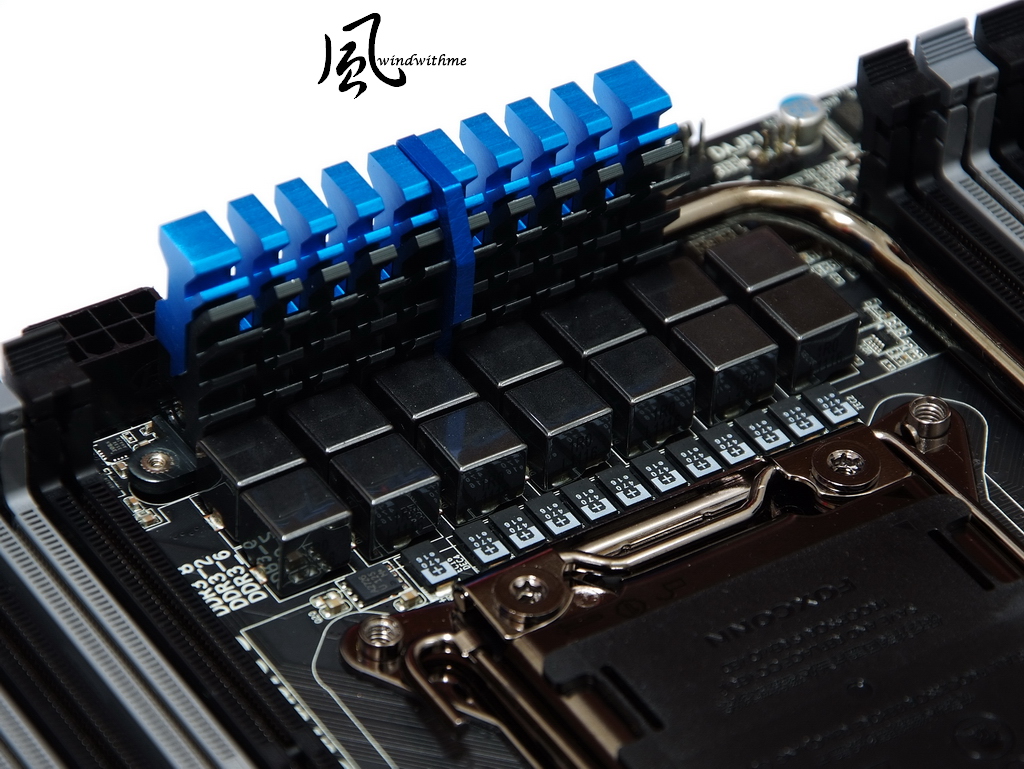
X79-UD5 uses 14-phase digital PWM for CPU. CPU metal cover is plating process.
8xDIMM DDR3 support 1066/1333/1600/1866/2133. The max DDR3 capacity is 64GB.
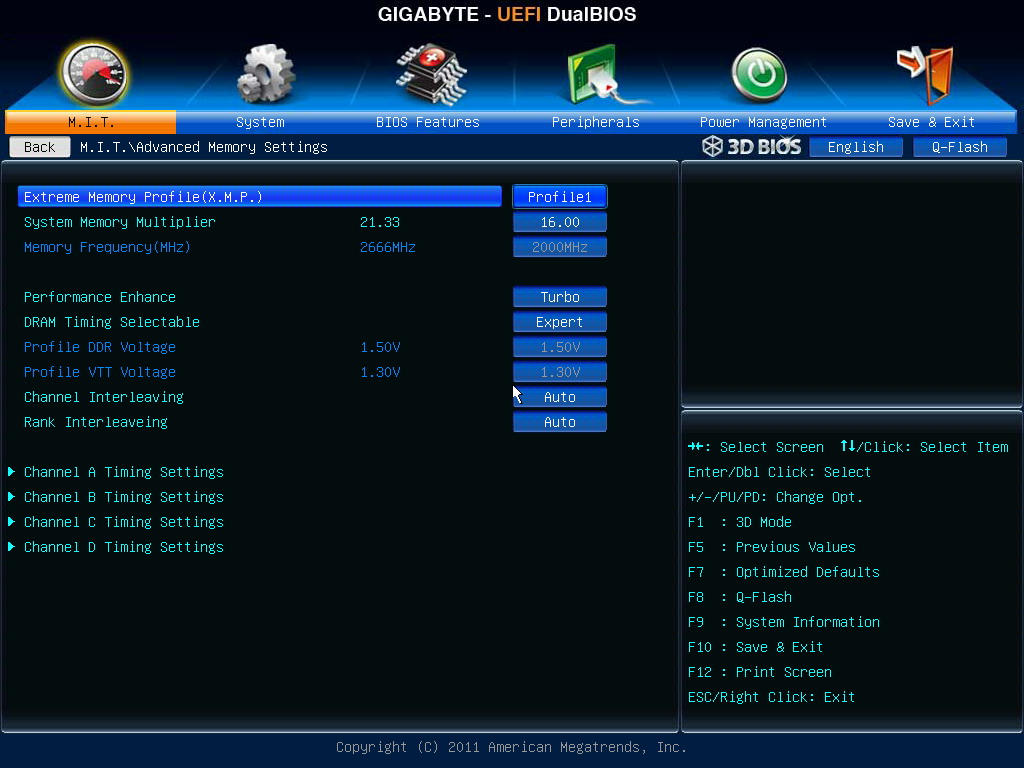
DRAM supports quad channel and Extreme Memory Profile technology.

IO
1 X PS2 KB/Mouse
1 X O.C. button
1 X BIOS switch
1 X Clear CMOS button
7 X USB 2.0(Red/Black)
1 X eSATA/USB 3.0 Combo(Blue)
1 X eSATA3 Combo(Blue)
2 X USB 3.0(Blue)
1 X RJ-45 LAN
1 X S/PDIF Optical Output
5 X Audio Jacks

X79 Chipset use big heat-sink. The good harmonious color makes board more elegant.

MOSFET heat-sink, you can see the special cutting make surface bigger.
The heat-pipe design can balance the heat between chipset and PWM.
 Quote
Quote




 0.0336sec
 0.43
0.43
 5 queries
 GZIP Disabled