Outline ·
[ Standard ] ·
Linear+
iOS Screenshot & Modding Theme Thread, READ:STRICTLY X PIRACY ICON SCREENSHOT!
|
teikwing
|
 Apr 24 2011, 01:41 PM Apr 24 2011, 01:41 PM
|

|
QUOTE(neo_sharky @ Apr 24 2011, 02:33 AM) which wallpaper? user default or theme default? like stated in my previous post, Wallpaper.png in the theme's folder.  |
|
|
|
|
|
davidgary73
|
Apr 24 2011, 01:41 PM
|
Music Producer

|
Guys..Sorry.
We have a forumer who choose not to read the RULES. Thread Closure for 2 days due to vexus who posted on piracy. Reopen on Tuesday.
@vexus
You're noted/reported for piracy disccusion and this is your second offense. 7 - 14 days Account suspension will be served due to your ignorance and stuborness of not reading the RULES.
Worst of, you're a senior forumer since 2003 and you can't even comprehend simple rules such as Strictly no PIRACY?
Guys, when i reopen this thread. Fire away if you need to give this kinda forumers a piece of your mind, making this closed due to their stubborness of not reading the rules on the first post of this thread and the pinned thread.
This post has been edited by davidgary73: Apr 24 2011, 01:49 PM
|
|
|
|
|
|
GamersFamilia
|
Apr 26 2011, 08:12 PM
|
|
|
QUOTE(5uperMan @ Apr 18 2011, 02:22 PM) here's mine using UINique HD  for the signal icon is actually AT&T logo but my house signal poor for DiGi  one of the best ive seen , mine still hv prob with themes setting , dont know why This post has been edited by GamersFamilia: Apr 26 2011, 08:13 PM |
|
|
|
|
|
userONIX
|
Apr 26 2011, 11:12 PM
|
|
|
Theme: Suave HD Lock Screen: Modded Nimbus LS Iconoclasm+5 icons dock » Click to show Spoiler - click again to hide... « |
|
|
|
|
|
krayz_underground
|
Apr 27 2011, 02:03 AM
|
|
|
wHoa.. Nice one there..
Glad the thread re-opened..
|
|
|
|
|
|
Eiraku
|
Apr 27 2011, 12:15 PM
|
|
|
Bored so modded my LS. 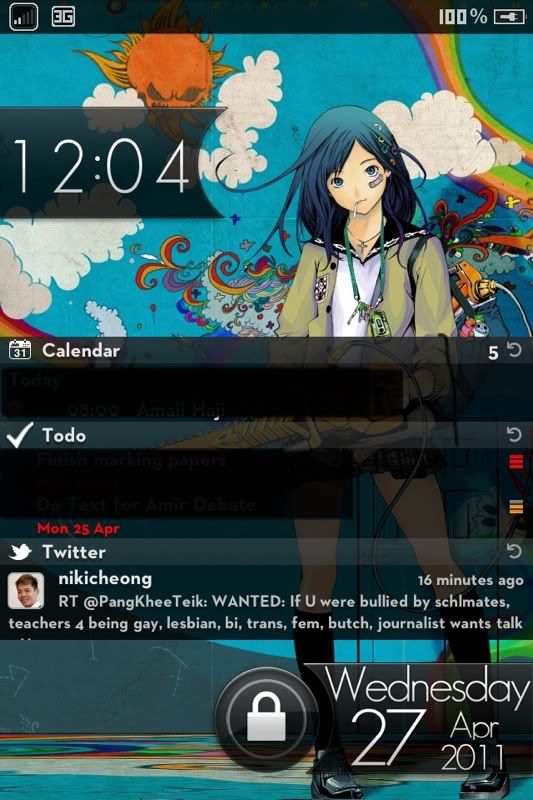 Tooch.B No Weather personal mod. Also modded my Whatsapp.app to use the same bubbles in my chatkitUI. 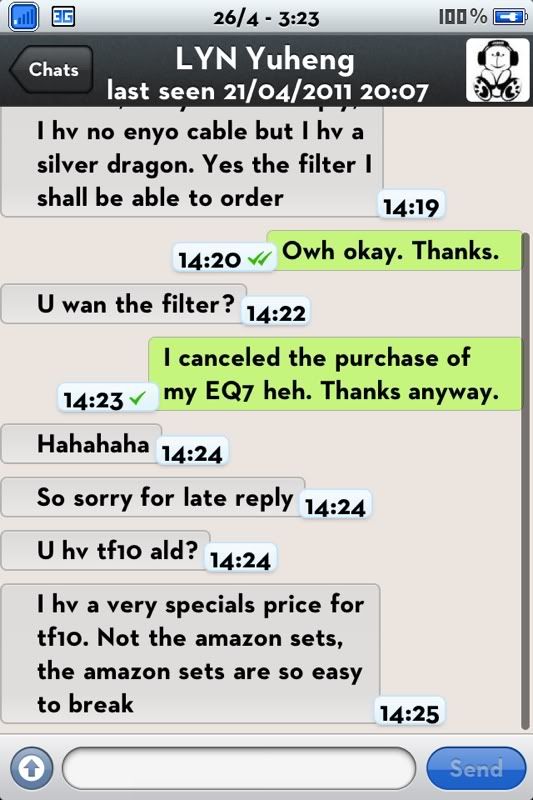 Great fun lol. |
|
|
|
|
|
GamersFamilia
|
Apr 27 2011, 12:47 PM
|
|
|
QUOTE(teikwing @ Apr 23 2011, 11:22 PM) prolly changing the Wallpaper.png in the theme folder in /Library/Themes might help. how to change it , give guide |
|
|
|
|
|
userONIX
|
Apr 27 2011, 03:14 PM
|
|
|
QUOTE(Eiraku @ Apr 27 2011, 12:15 PM) Bored so modded my LS. » Click to show Spoiler - click again to hide... « Tooch.B No Weather personal mod. Also modded my Whatsapp.app to use the same bubbles in my chatkitUI. Great fun lol. Where u find the SMS bubble? Look simple and neat. |
|
|
|
|
|
TScocooh
|
Apr 27 2011, 04:21 PM
|
|
|
I saw alot of great customization Sad that iPad 2 does not have a jb yet Might find an official way to make it look fabulous |
|
|
|
|
|
Eiraku
|
Apr 27 2011, 04:32 PM
|
|
|
QUOTE(userONIX @ Apr 27 2011, 03:14 PM) Where u find the SMS bubble? Look simple and neat. It's for the SMS app originally. Get it from: http://tinyurl.com/6ct782aInstructions in the thread. Please proceed on your own from there. |
|
|
|
|
|
hadzGBN
|
Apr 27 2011, 05:44 PM
|
|
|
can any of u pros help me,.this is a screen shot of my lockscreen on iphone 2g fw 3.1.3, i use nimbus lockscreen, but the standard apple clock still appear, how to remove coz it looks weird with 2 clock, plz help!!  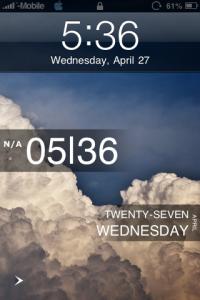
Added on April 27, 2011, 5:54 pmbro,.how u make the apple clock dissapear n how to change the lockscreen wpaper?? » Click to show Spoiler - click again to hide... « QUOTE(boomZ @ Apr 26 2011, 10:47 PM) |
|
|
|
|
|
boomZ
|
Apr 27 2011, 06:16 PM
|
Getting Started

|
QUOTE bro,.how u make the apple clock dissapear n how to change the lockscreen wpaper?? i use clock hide and for the wallpaper, go to the theme folder n put whatever wallpaper u like and rename it to LockBackground |
|
|
|
|
|
deepan84
|
Apr 27 2011, 07:51 PM
|
|
|
i managed to install nimbus LS but i still have d black bar/border for "slide to unlock" WITHOUT the words.. wat to do to hide the black borders? i managed to hide d clock though..
screw it lar..tried ssh the wellock.png but not workin :/ wanna revert bck to 4.2.1..
This post has been edited by deepan84: Apr 27 2011, 08:53 PM
|
|
|
|
|
|
hadzGBN
|
Apr 27 2011, 08:44 PM
|
|
|
QUOTE(boomZ @ Apr 27 2011, 06:16 PM) i use clock hide and for the wallpaper, go to the theme folder n put whatever wallpaper u like and rename it to LockBackground clock hide can get from cydia meh?? oo the wallpaper use iphone browser la is it? |
|
|
|
|
|
boomZ
|
Apr 27 2011, 11:00 PM
|
Getting Started
|
clock hide can get from cydia. use ifile also can
|
|
|
|
|
|
baretta
|
Apr 28 2011, 11:37 AM
|
|
|
Snow leopard theme via dreamboard 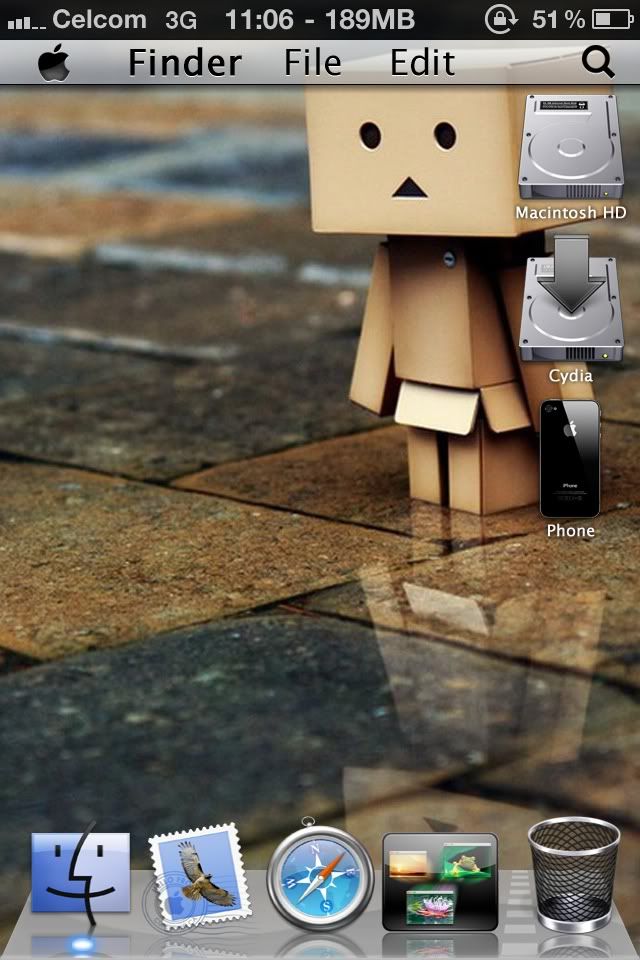 Appleweb HD v2 also via dreamboard 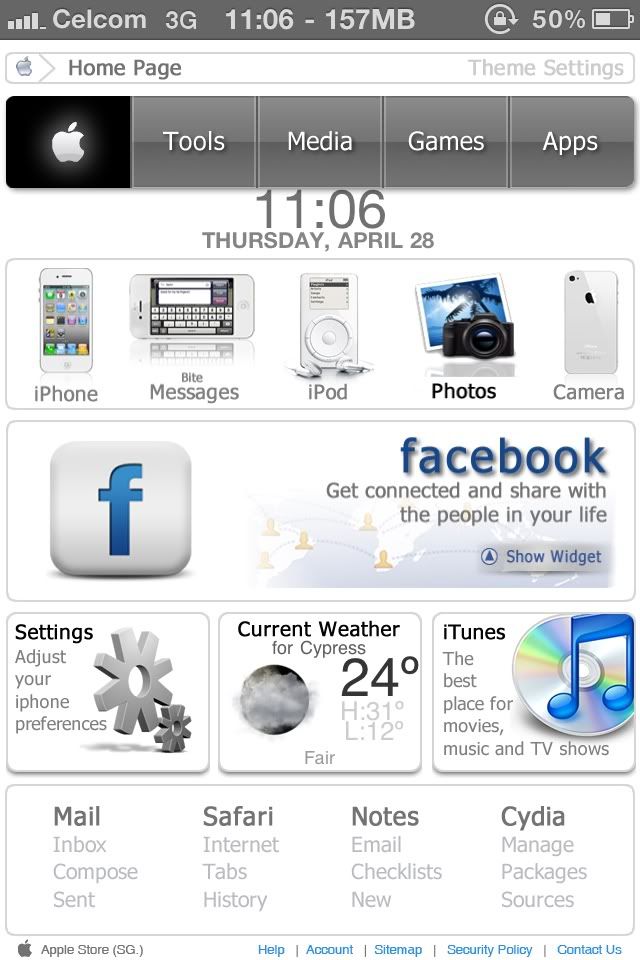 With dreamboard, u can easily change theme without headache to mod. This post has been edited by baretta: Apr 28 2011, 11:42 AM |
|
|
|
|
|
hadzGBN
|
Apr 28 2011, 12:19 PM
|
|
|
» Click to show Spoiler - click again to hide... « QUOTE(baretta @ Apr 28 2011, 11:37 AM) Snow leopard theme via dreamboard Appleweb HD v2 also via dreamboard With dreamboard, u can easily change theme without headache to mod. uuuuu super nice!! iphone 4 is it? what firmware can use?? QUOTE(boomZ @ Apr 27 2011, 11:00 PM) clock hide can get from cydia. use ifile also can bro! thanks! prob solve alrdy!!  
Moderators Note: DO NOT DOUBLE POST!!!! |
|
|
|
|



 You may suggest though... Again,
  Quote
Quote






 0.0301sec
 0.40
0.40
 6 queries
 GZIP Disabled