

 Mar 23 2011, 01:39 AM


QUOTE(Duckies @ Mar 17 2011, 12:27 AM)
» Click to show Spoiler - click again to hide... «
What is that note pinned showing CPU and RAM?

QUOTE(bearyfishy @ Mar 17 2011, 12:32 AM)
QUOTE(Xiia0Ban @ Mar 17 2011, 09:54 AM)
A very nice skin. Thanks for sharing. 
Thanks for replying/answering. 
QUOTE(TechnoG @ Mar 17 2011, 11:40 AM)
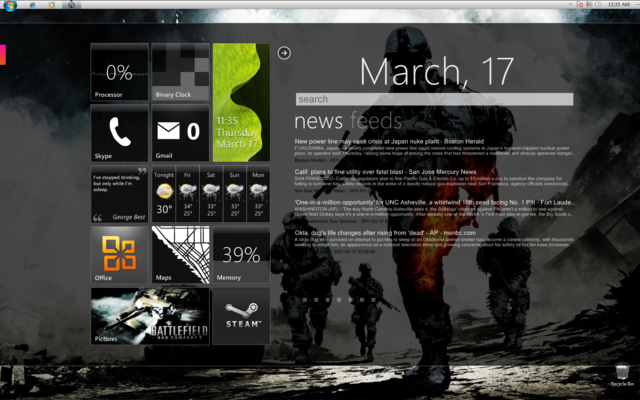
uumm. Just asking, how you change your taskbar icons? I'm stuck at that part 
» Click to show Spoiler - click again to hide... «
QUOTE(TechnoG @ Mar 17 2011, 04:17 PM)
Roger that!
I've downloaded the DayDreamer by Solmider, managed to change the Windows logo at the taskbar, but I want to change the entire thing. How do you do that?
I've downloaded the DayDreamer by Solmider, managed to change the Windows logo at the taskbar, but I want to change the entire thing. How do you do that?
QUOTE(wanfaris @ Mar 17 2011, 05:51 PM)
if me,i'm just change icon at ur all programs > choose what app u want to change the icon > right click and choose properties > change icon at below window... 
What wanfaris said. Then for the entire skin, u have to change the file systems. It's all there in the package you've downloaded. Read the PDF as well.
Anyways, was away for some time. Here's last two desktops. Current one is the sad looking godzilla though.

» Click to show Spoiler - click again to hide... «

 Quote
Quote


 My desktop is done & complete


 ! i like mine to be "messy"


 0.0281sec
 0.38
0.38
 6 queries
 GZIP Disabled