

 Jan 9 2011, 02:41 AM


Specifications of board,
- Support up to DDR3 2200
- 2 x PCIe 2.0 x16 (single at x16 or dual at x8/x8 mode)
- 1 x PCIe 2.0 x16 * [Black] (max. at x4 mode, compatible with PCIe x1 and x4 devices)
- 2 x PCIe 2.0 x1
- 2 x PCI
- Support CrossX and SLI Technology
- Intel® P67 Express Chipset
2 xSATA 6.0 Gb/s ports (gray)
4 xSATA 3.0 Gb/s ports (blue)
Intel® Rapid Storage Technology Support RAID 0,1,5,10
- Marvell® 9120 controller
2 xSATA 6.0 Gb/s ports (navy blue)*
- JMicron® JMB362 SATA controller
2 xExternal SATA 3.0 Gb/s ports*
Some picture to share:
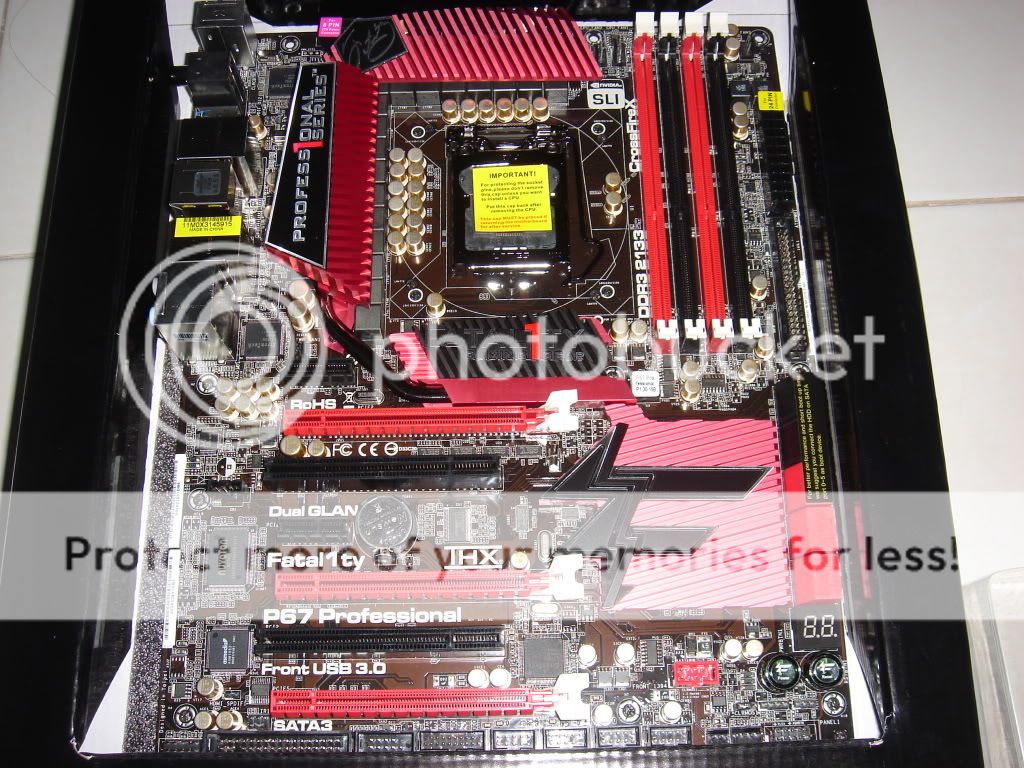
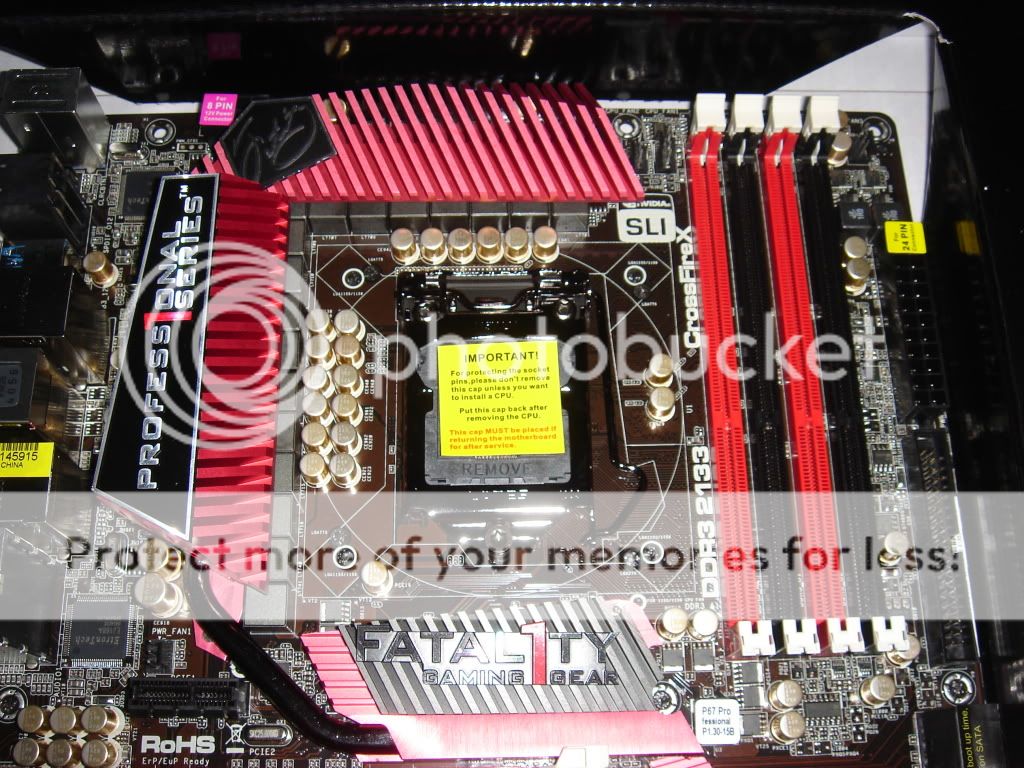
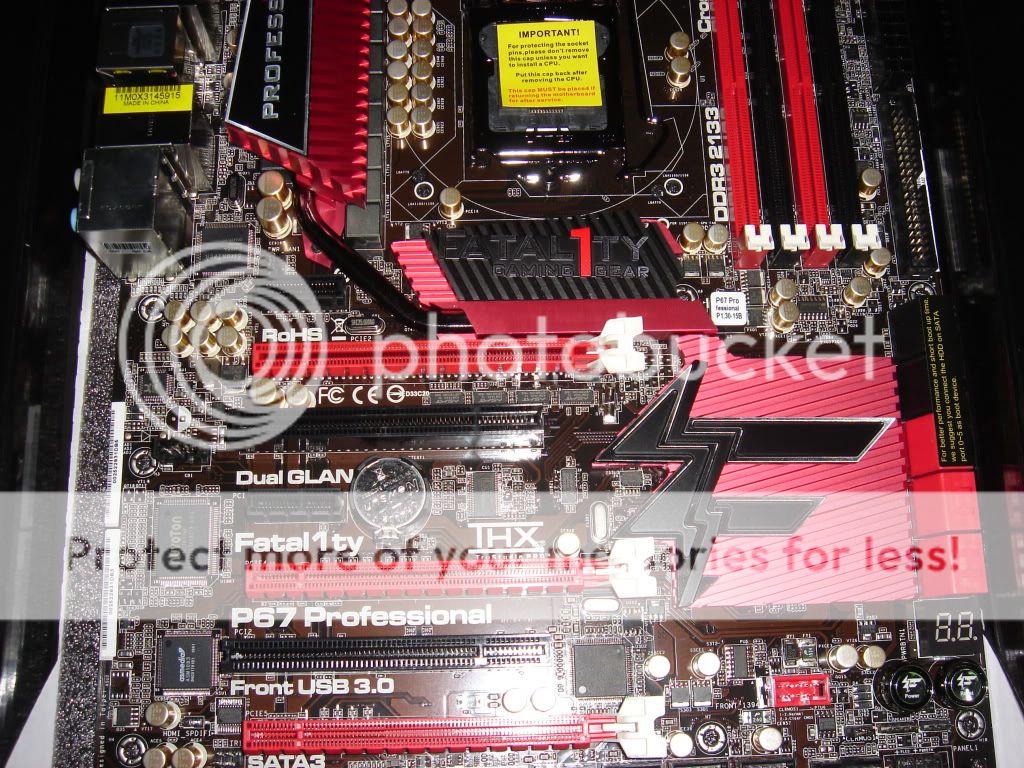
The front side of motherboard and chip,

The back of motherboard,

Layout of board,
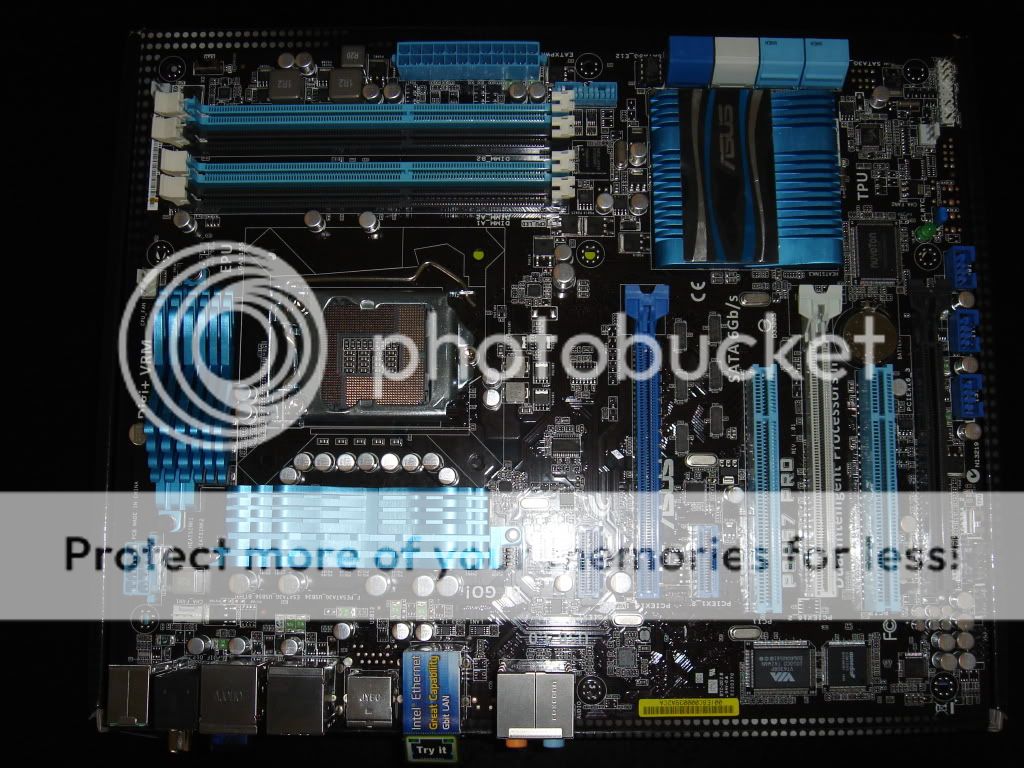
EPU Switch - no test on this switch as I dun have many fans, monitors and hard drive on my test rig,
DRAM LED - Mainly checking on ram, if the red light stay on which mean the memory are giving issue

TPU Switch, for lazy people who want to OC with ease, just enable this switch before power up and after power on, the board will do the OC job,

CLRTC Jumper,

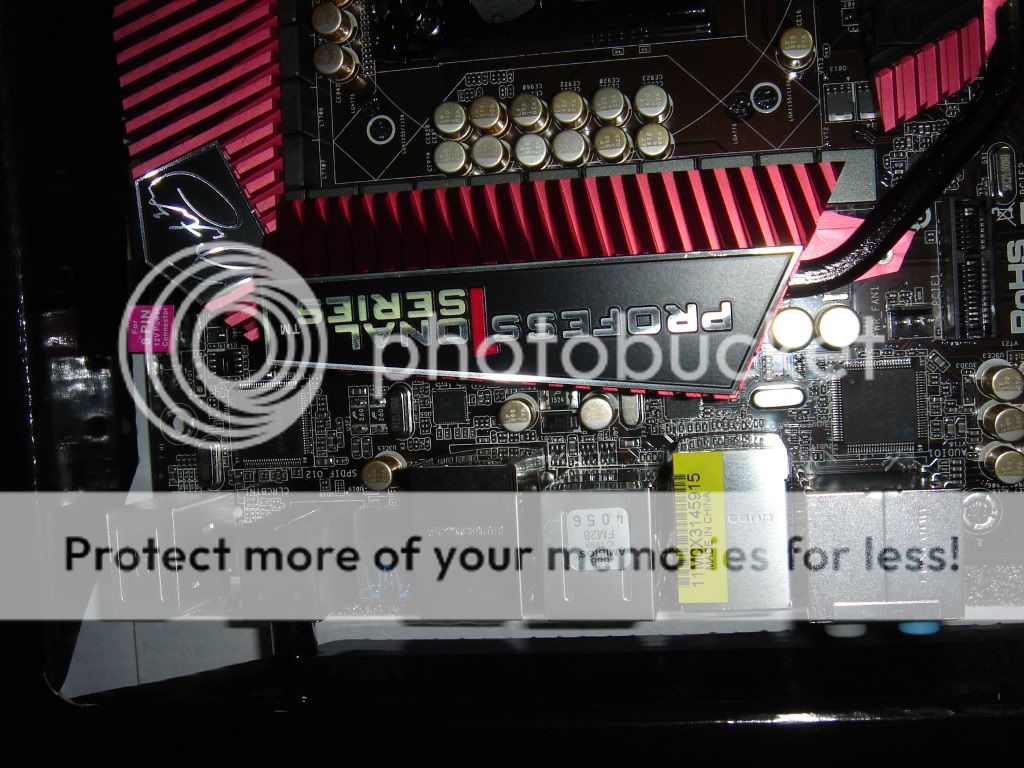
I/O

Test system,
Motherboard : Asus P8P67 Pro
CPU : Intel I7 2600K
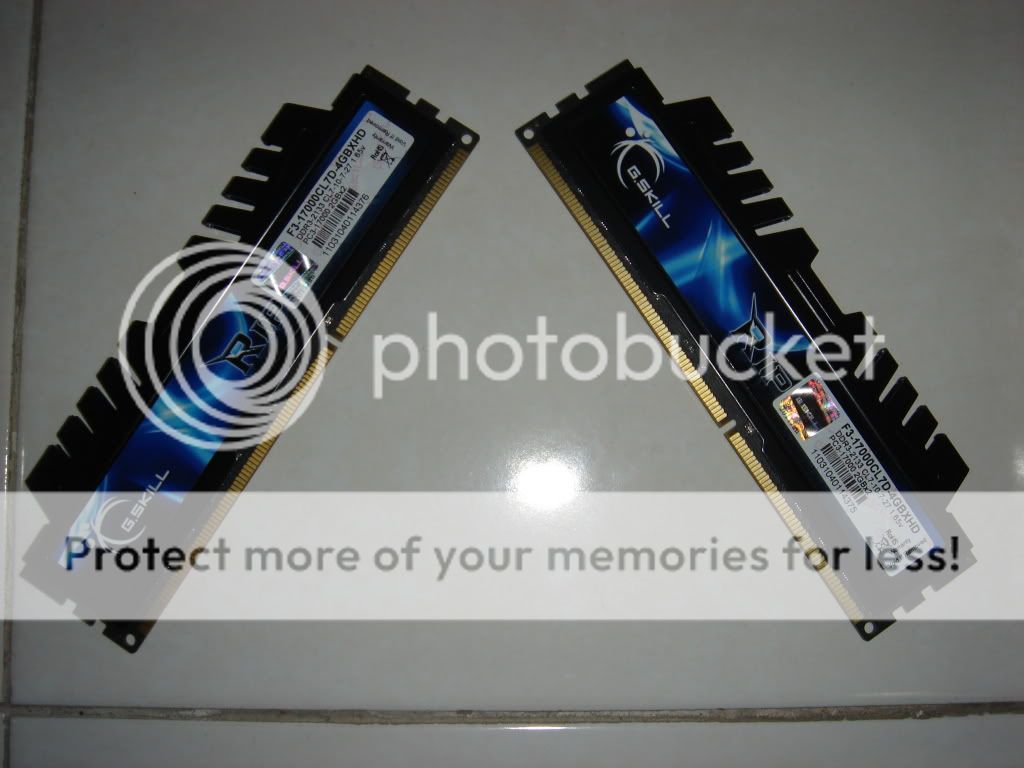
Memory : GSKILL FLARE PC3 16000
PSU: Corsair HX950W
OS: Window 7 64 bit
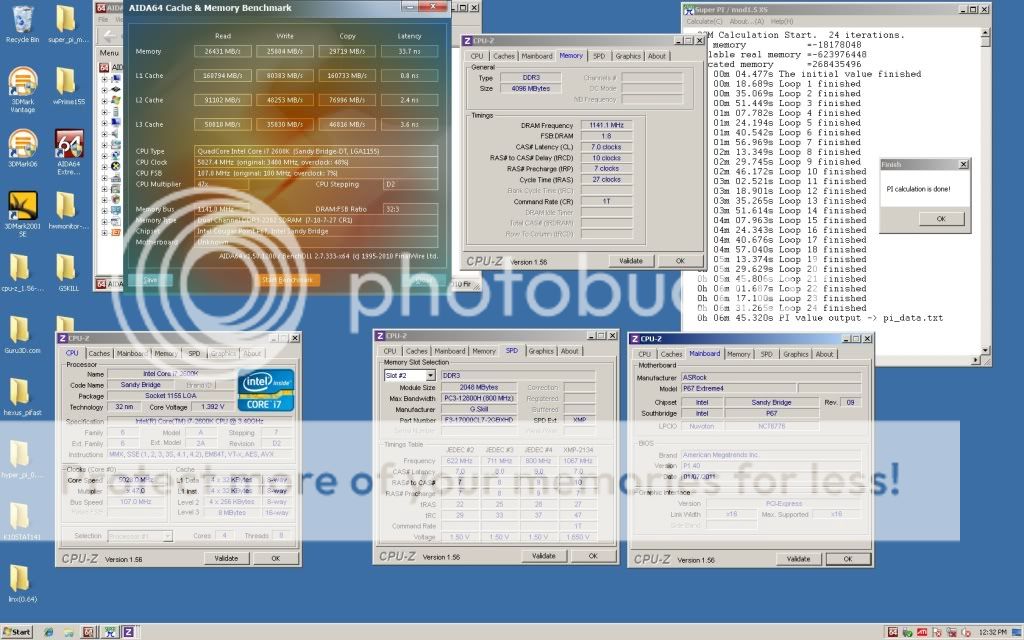
First the result on stock speed,


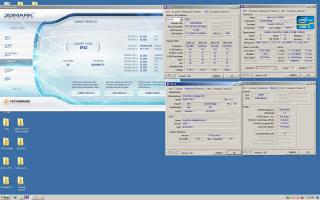
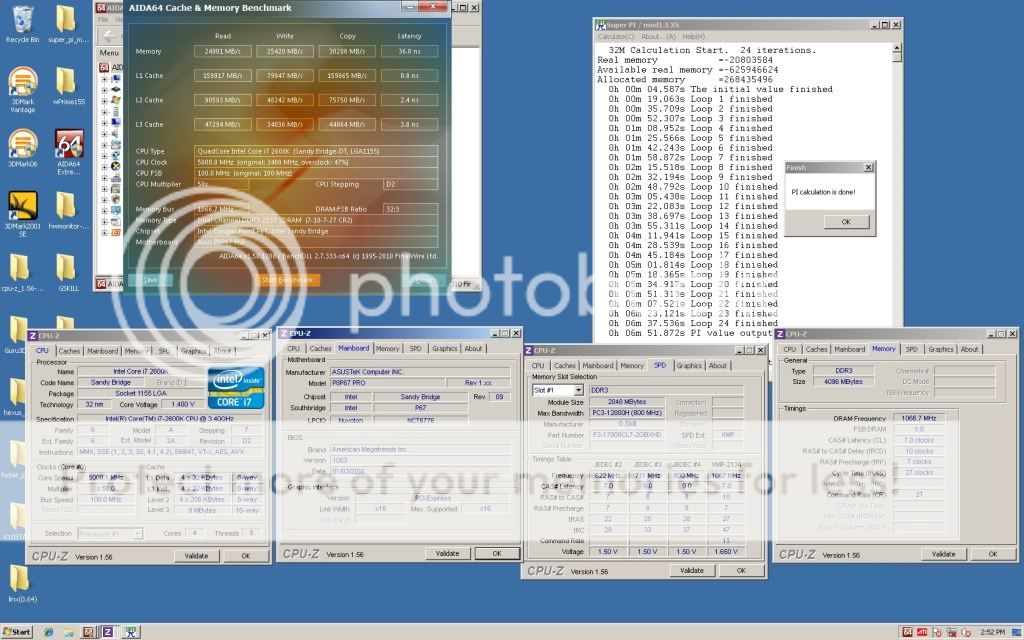
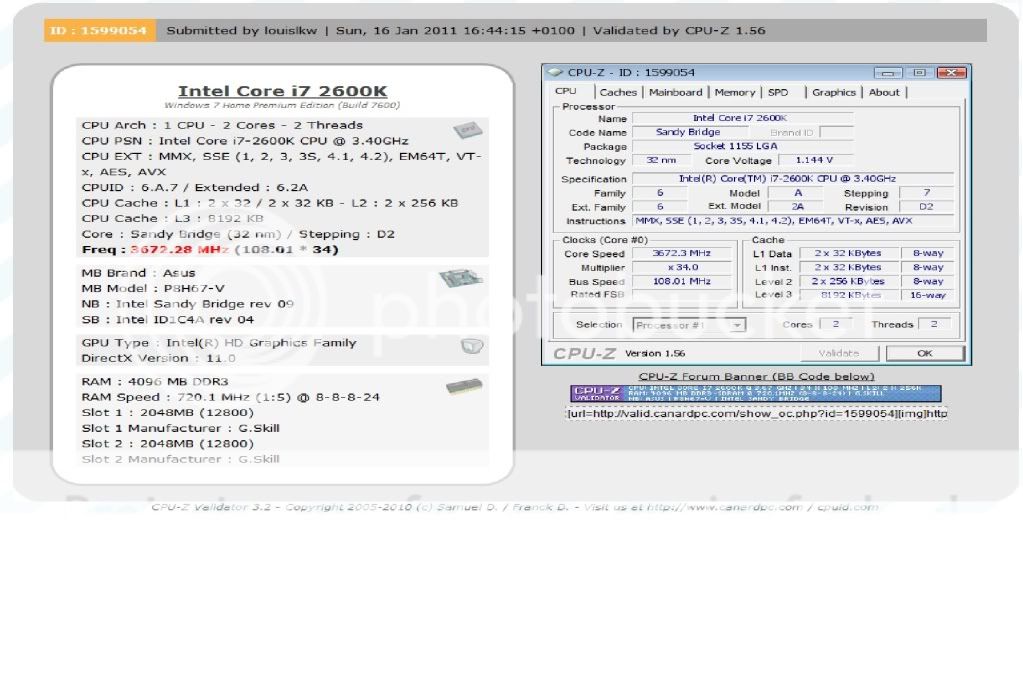
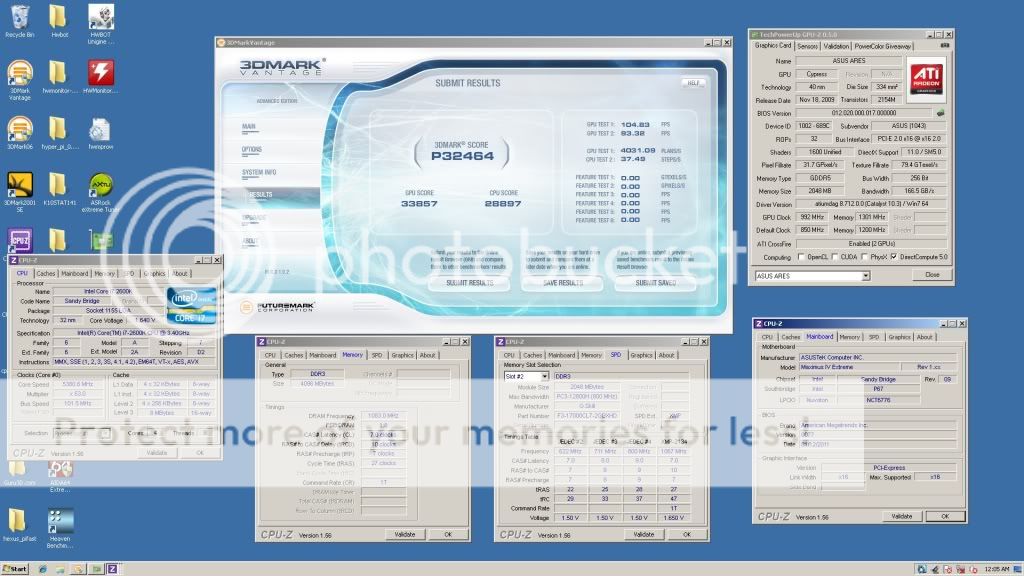
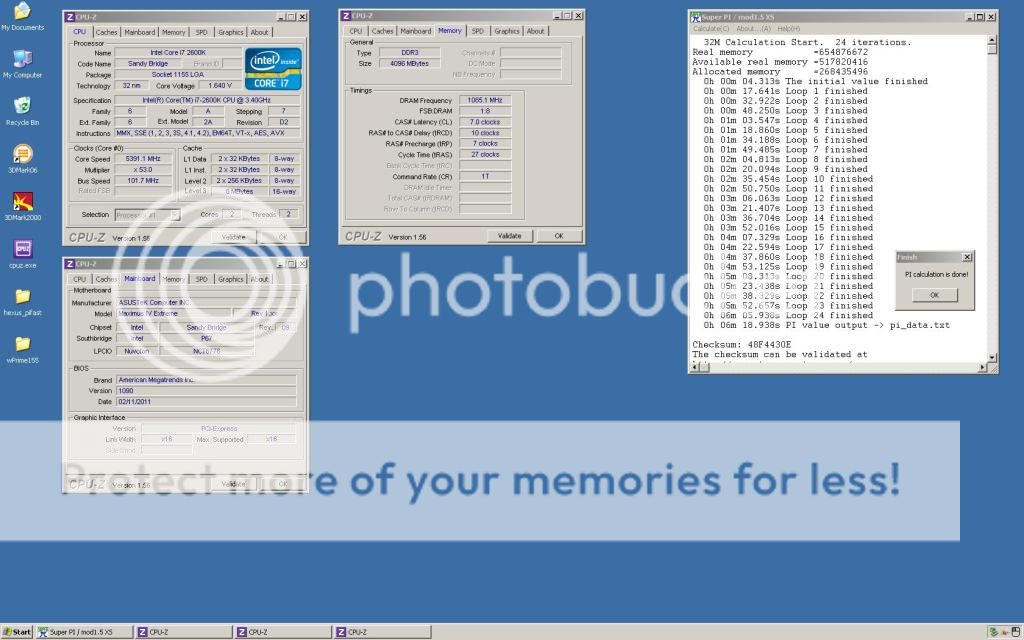
Overclocking result with TPU Switch Enabled,


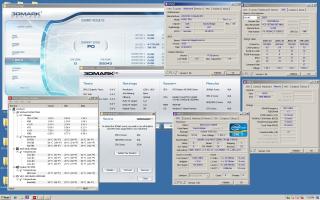

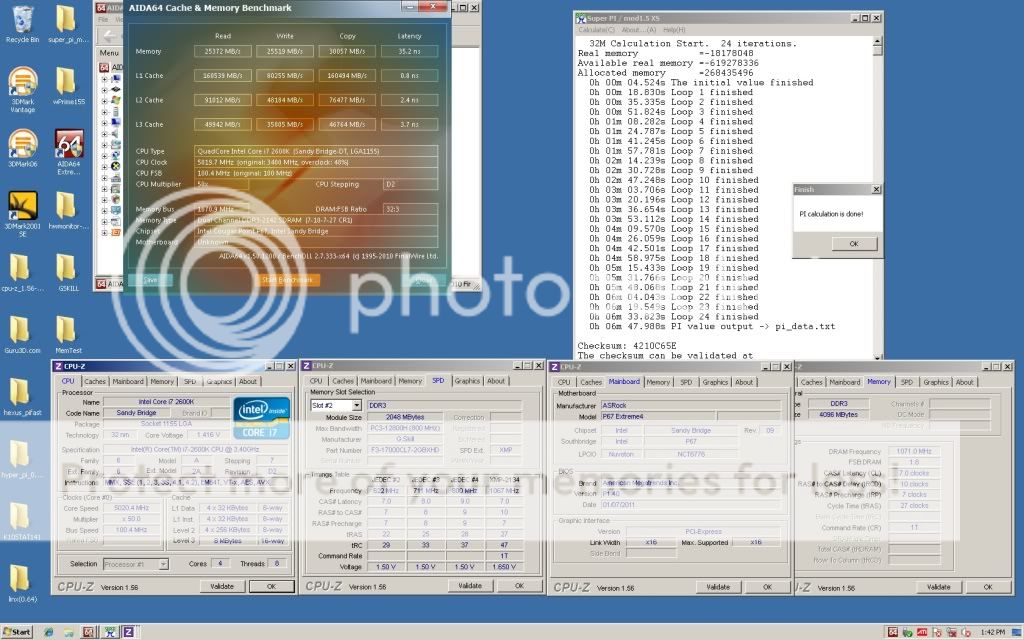
Highest acheived 5.25Ghz. Been spending 2 hours for my memory and get none. Memory giving a lot of issues and need some better memory dedicated to Sandy Bridge. Max achived at bclk 103 but the system is not stable at all. No post and have to lower down the bclk to 100 and CPU Turbo to crank up again. No extreme overvolt is available and max voltage capped at 1.53V. Only bclk can bring the clock speed up a little more (Test next time when I have the SB memory)


Last, voltage scaling for my chip during the benching,
1.2V at 4.5Ghz
1.25 at 4.6Ghz
1.3V at 4.8Ghz
1.365V at 5Ghz
1.51V at 5.25Ghz
Tired need to sleep... fainting soon..

undefined


This post has been edited by louislkw: Jan 9 2011, 06:36 PM
Attached thumbnail(s)


 Quote
Quote
















 0.0437sec
 0.38
0.38
 7 queries
 GZIP Disabled