

 Aug 16 2004, 12:37 AM, updated 18y ago


After noticing quite a number of newcomers being all lost and such over many aspects of watercooling, I thought that it was time that it was time a basic set of tips be written to give you guys some inkling. The reason why one uses watercooling, I leave it to you to decide. This is just here to help the new guys. I'm gonna cover a few main aspects in the following:
Pump
The first thing one must understand is that for a looped system such as these, maximum head pressure which is measured in terms of either feet or meter of a column of water is more of an important consideration rather then maximum flow rate of the pump measure in either liter or gallons per hour. This is due to the fact the greater the maximum head pressure, the flow of water is smoother and has a higher flow rate even after going through various restrictions such as tubing bends, the water block (which varies with design, but I'll get to that later), and other components especially when you're going higher end. Do bear that in mind.
Why some pumps are costlier then others? It's for a few reasons. One is the fact even though the cheaper one has a similar rate, but that is the maximum. Costlier one's can sustain the rated value better over time compared to the cheaper one's. Then there's the reliability issue. The costlier one's use better quality motors (armature windings, magnets and such), better sealed impellers and have generally a lower heat emission. All these mean a longer operational lifetime.
Now for Nirox pump users, this is my personal observation and experience. The plastic barbs which are provided? Ditch it. Will save you a whole lot of heartache later as one of these days removing and reattaching the tubing's to it will lead it to snap it too much force is applied. And if it snaps at the base of the tappings, you're finished. No amount of gluing or whatever method you choose to refit it again will save it. Save the effort by sourcing out the proper brass barbs for it. Then there's the frequent complaint that they fail easily. A few reasons why. Number one; do not EVER run the pump dry. Even for a few seconds will cause it's lifespan to be shortened. Secondly if you have to fix the impellers yourself, make sure you fit it snugly. Too loose and at times the rod will spin freely requiring you to give it a few knocks to make sure the impeller catches on to the impeller. Too tight and you might suffer resistance at the impellers resulting in having the motor unnecessarily stressed and causing failure. Thirdly, make sure that clean current is supplied to the pump as it's sensitive to voltage and current fluctuations. So get a good surge protector at least. Lastly, give the pump proper ventilation so that heat is properly dissipated from it. It'll help extend it's lifespan.
Tubings
When you setup your loop, try to make it as short as possible. Think outside the box. Find innovative ways to place your components so that overall loop is shorter. This is helpful to maintain the flow rate of the water at a higher rate. It will help to reduce the strain of the pump as the better the flow rate of the water entering the pump, the less it has to work to suck in the water (if someone helps you push a cart, the less effort you need to pull it right?). Don't bend it too much though. If it starts to flex slightly, stop. That's as far you can go, as more will lead to having a bottleneck in the waterflow thus slowing down and reducing the water's pressure. another tip, make the length of tubing as short as possible from the pump to water block. There's a gain to be had in terms of temps. I gained a 5C reduction in mine by doing so
Reservoir
This maybe the simplest component in the loop, but there are some little things to consider in order to make things easier for you. Those using CD bay type devices, to make air lock bleeding easier for you, create a raised area around the fill hole. This is because air is always rising in a liquid due to the differences in pressure due to depth. So if you create an opening which is slightly higher then the top acrylic of the reservoir, the air bubbles will find it's way to there. In my case, I glued to the opening of my reservoir a coke bottle cap (sawn off) and it works like a charm. It's sorta like a bleed tank.
Those who are using reservoir's similar to bulkhy's cylindrical acrylic reservoir, to prevent bubbling inside it, use a thin piece of foam or sponge and wrap it around the inlet barb where the water comes out into the reservoir. This will slow down the water and reduces splashing which causes bubbles to be introduced. Imagine pouring water into a glass slowly and then rapidly, and you will see what I mean.
Radiator
A simple tip, try to make the water stay longer in the radiator as much as possible as it will allow better heat transfer. Fan placement I leave it to you. Some prefer push, other pull, some even push-pull. I personally prefer pull as it causes lesser air friction hence lower noise rates.
Water block
This is the hardest component to consider. For the best of your money, you'd want to look for a block which has the best Delta values versus head pressure. Delta value is the difference in temperature between the hot surface and the water in the block (usually measured at the barbs). The lower, the better. The trade off is that the block is more restrictive so as to allow the water to stay inside a bit longer and absorb the heat more. But too long it stays and you're gonna have a "chicken and egg" situation as the block will be warmer. What do you do? Get a higher head pressure rated pump (Now do you see what I mean when I mentioned about pumps?). The differences in the design of the blocks are numerous and it's best to do some googling about it as it will be too long to explain here. But for the best performance, look for those whose barbs which are of ½" OD for the best flow rate. In fact the whole loop is recommended to be of ½" diameter overall.
Water
Now here comes the most widely discussed aspect. There are many schools of thoughts on this. Ideally, one would go for distilled water with a bit of water wetter solution. This is the best as calcium build up will be minimal and bacterial build up is almost eliminated. Too much water wetter will screw up your tubing's as it will cause deterioration along the tubing's wall. Use at most 2 capfuls. Others have been known to use instead coolant to prevent corrosion but personally, it only causes an increase of temps by about 2C and if left too long in the loop, will mess your tubing's and cause sludging (gooey build up on the surface of the loop) which is a pain to clean. If you're still determined to use a water + coolant mixture, I'd say again about 2 capufuls of coolant would suffice. Want the UV effect? then use neon dye instead. But for the best compromise in terms of cost and protection, just use only distilled water, and flush and clean your loops constantly. Those who find getting distilled water a chore, filtered water is a good option but you have be more constant in your servicing intervals.
That's all I can think of right now. Hoped that helps. Others are welcome to give their own 2 cents of tips to help the newbies out there
Tips and tricks for watercooling users, Come share with us your workable tips
 Quote
Quote


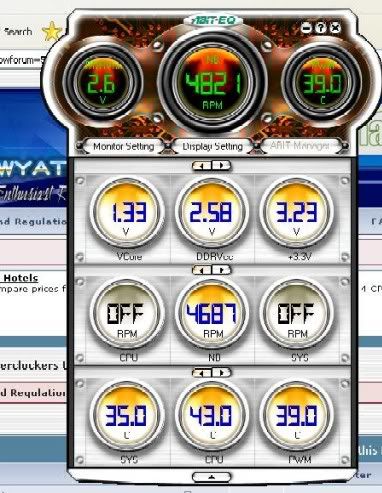
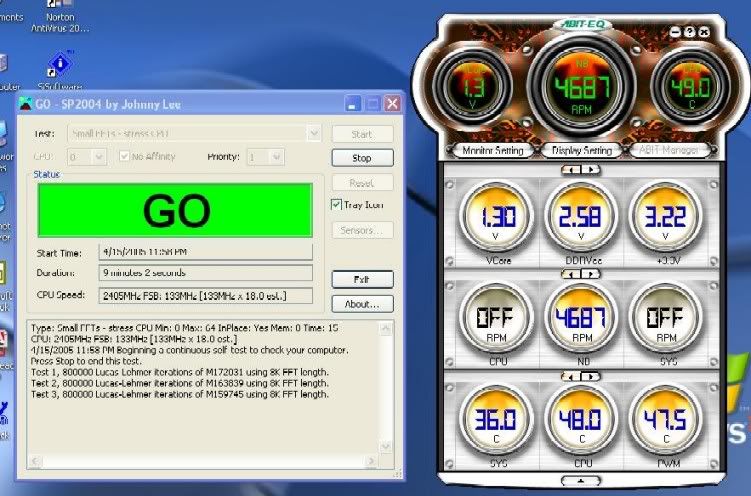
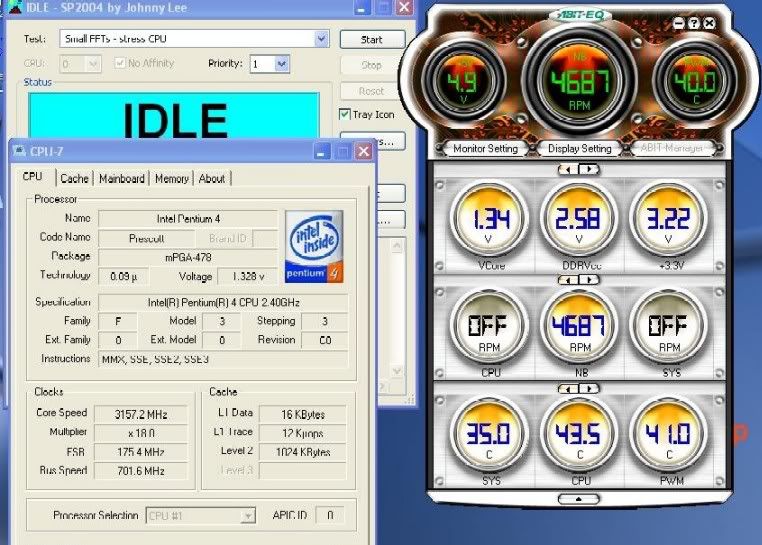
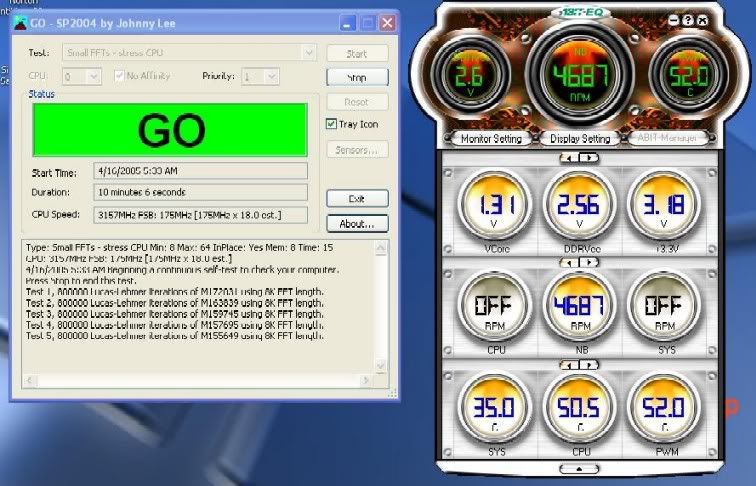
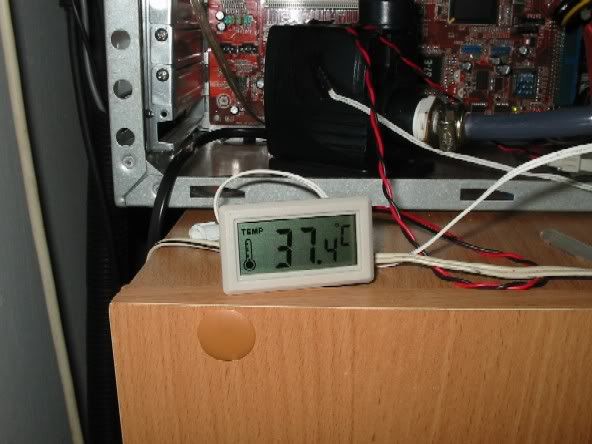
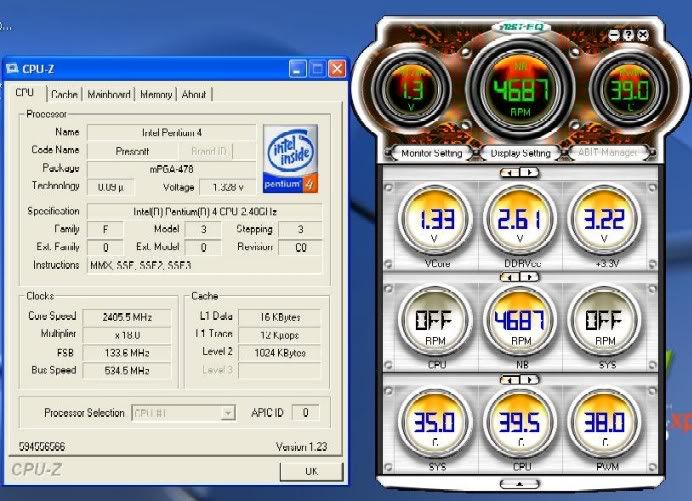
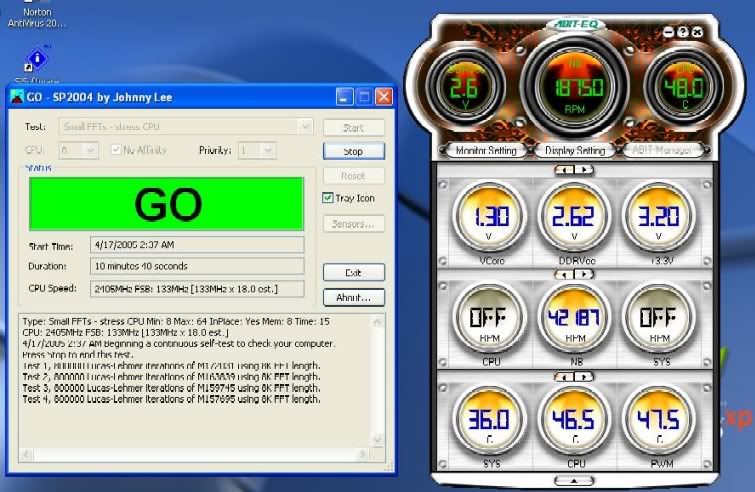
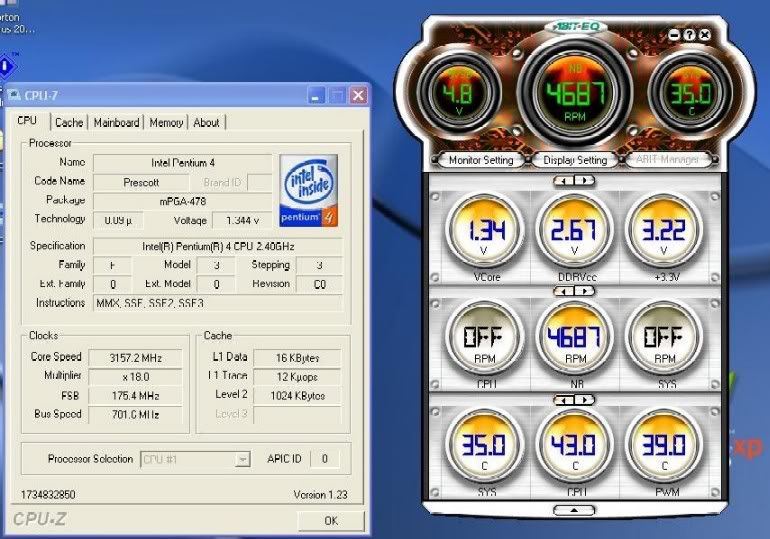
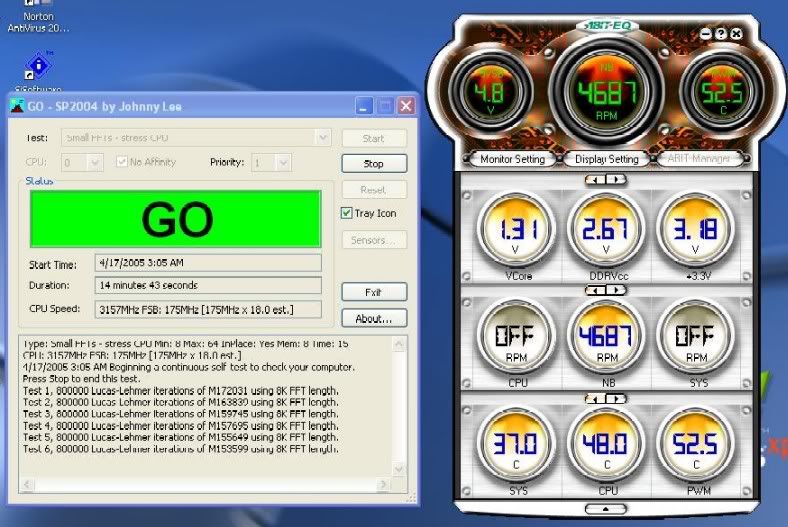

 (so what else is new form tmnet) ..O.k. here we go, a few weeks back i've tested two pumps namely the Cyber Aqua and the nirox, for the shoot out, for the result please clikc ere :
 .. ok? no offence.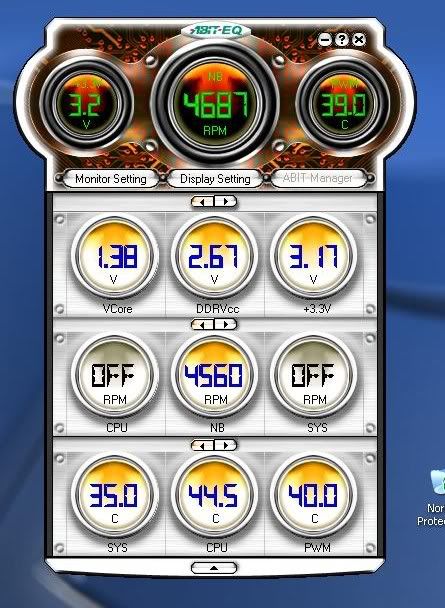
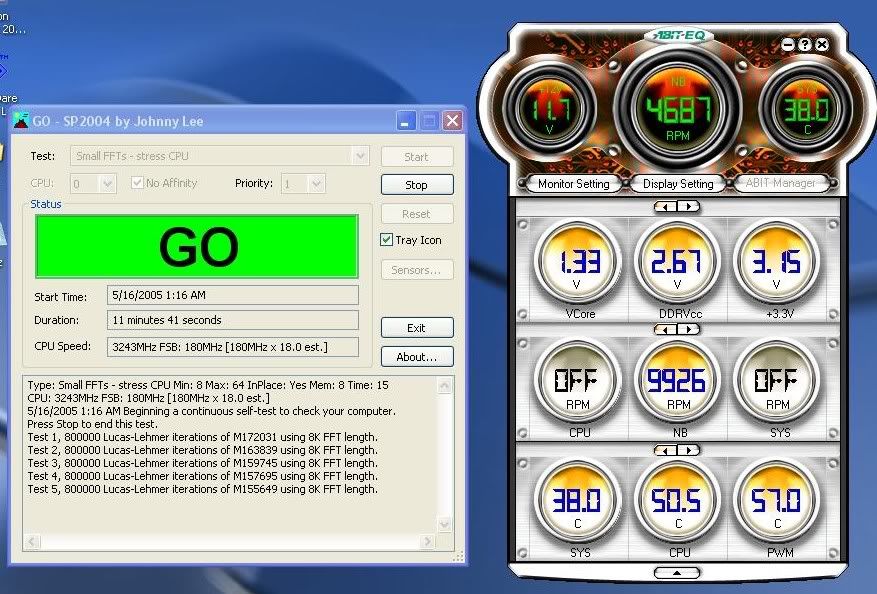
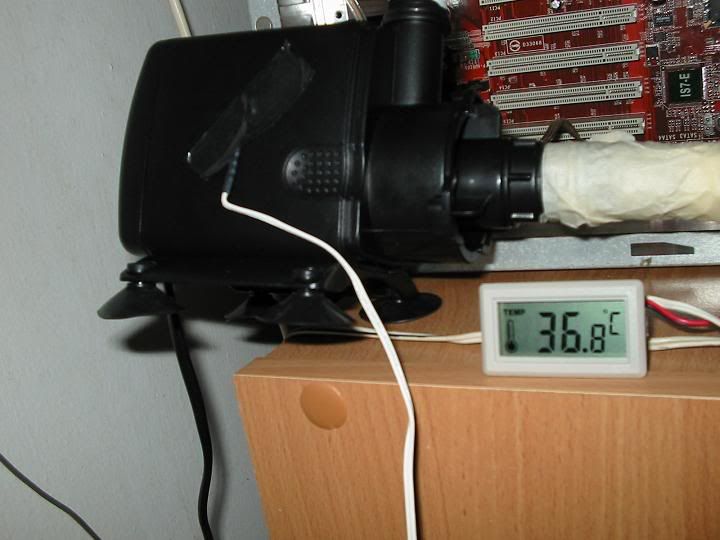
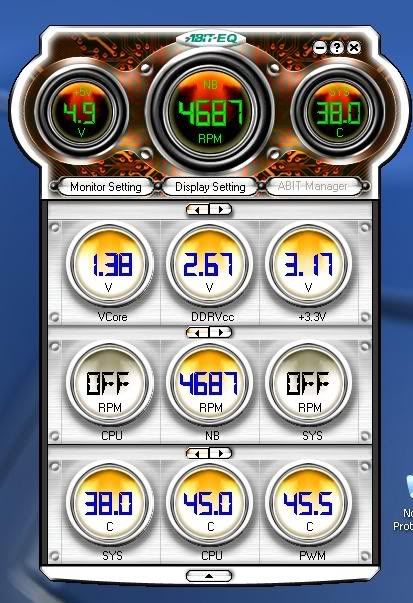
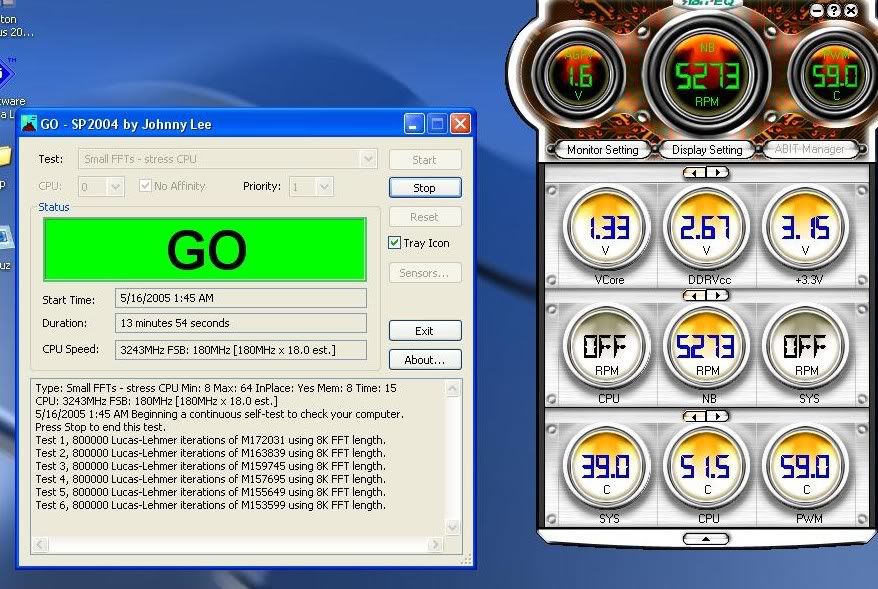
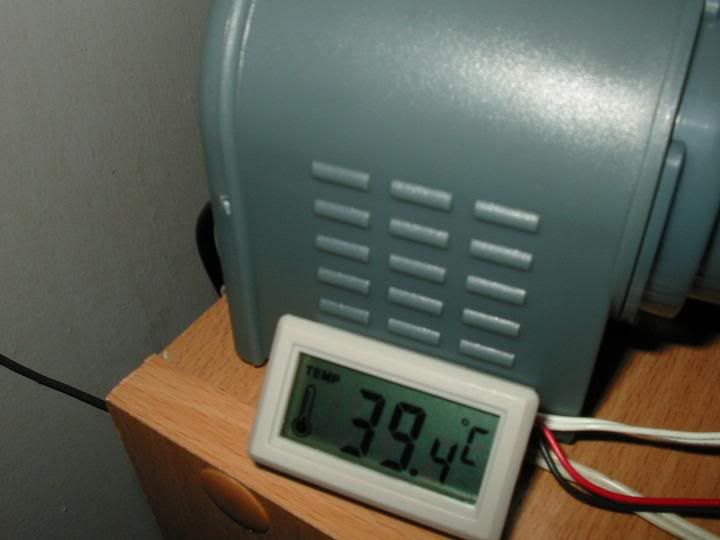
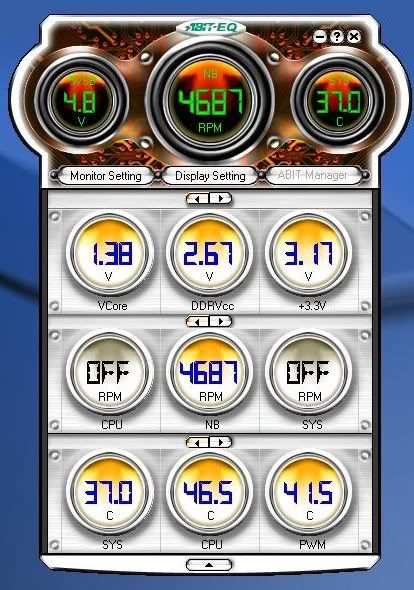
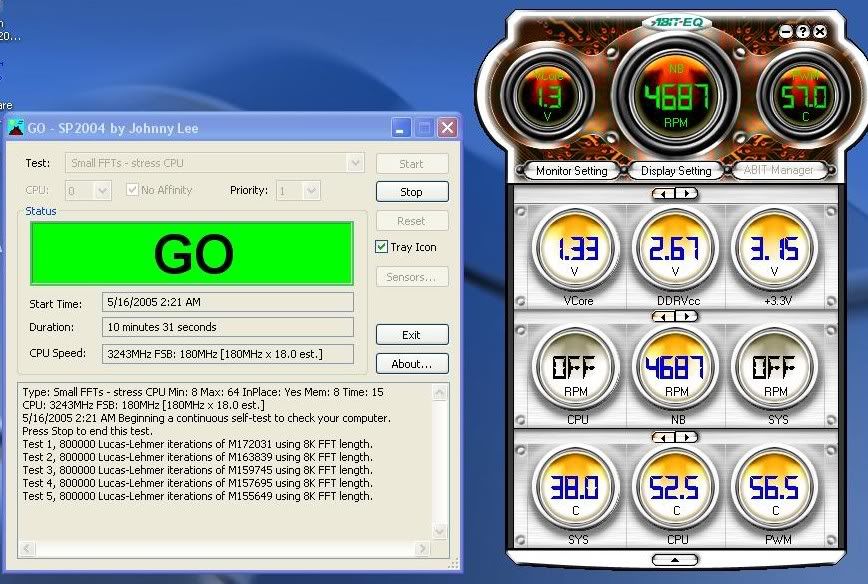
 , it's up to you guys to pick you poison
  . Hope you enjoy reading and viewing the pics
  , sorry if it kinda large cause don't have photoshop..


 )
)


 plus any pump other than the last few post? the swiftech at the bulk section there good?
  pretty confusing here leh, is it some of the pump up there is for other use, i mean not purposely design for PC watercooling, just u guys brought it and mod it....
 0.0238sec
 0.42
0.42
 6 queries
 GZIP Disabled