

 Sep 25 2011, 08:41 PM


QUOTE(andyfriends @ Sep 25 2011, 10:20 AM)
i wil redo again
1. where can i see ims ?
2. AV-in, we can choose the "video system" right? when i click 720/1080, left and right black screen cant see full screen unless i choose 420/572. why ger?
3. error code when off the machine
4. when doing timing recording, i switch off the machine (when the on/off btm is red color)?

next week i check on previous firmware for IMS location. i think u can find the IMS icon at menu.1. where can i see ims ?
2. AV-in, we can choose the "video system" right? when i click 720/1080, left and right black screen cant see full screen unless i choose 420/572. why ger?
3. error code when off the machine
4. when doing timing recording, i switch off the machine (when the on/off btm is red color)?
yes. becoz ur video input (from astro example) is not in HD format. RCA cable not HD format.
3rd problem relate to firmware, flash previous firmware to check.
according to manual book, u can set ur current time, and set the record time. then put the player in standby mode it also can wake up and record.
or u can let it just power on
will do.
QUOTE(crushi @ Sep 25 2011, 07:40 PM)
I am trying both, HDMI and Cinch/CVBS connection but nothing.
In short
i (tried) to flash
the unit rebooted
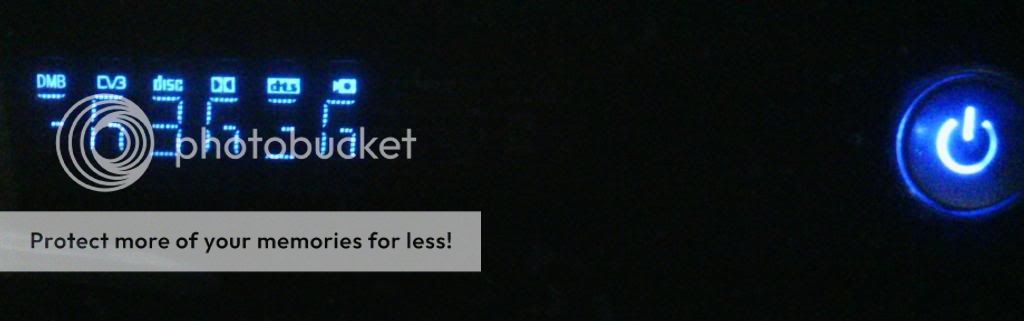
screen is blank, eaget x5 does not (seem) to respond

possibility it is brick. send back to the place where u buy from. next time before flash the firmware, pls ask here.In short
i (tried) to flash
the unit rebooted
screen is blank, eaget x5 does not (seem) to respond
and i remember the firmware zip file come with the flash instruction...
 Quote
Quote


 0.0319sec
 0.59
0.59
 6 queries
 GZIP Disabled