Welcome Guest ( Log In | Register )

Bump Topic Topic Closed RSS Feed

Outline · [ Standard ] · Linear+

 Nokia N900 Thread V3, Where Tablet meets Mobile Phones

views
     
liamlain
post Jun 11 2010, 01:25 AM

Getting Started
**
Junior Member
83 posts

Joined: Dec 2008
QUOTE(cwl_ykh @ Jun 11 2010, 01:07 AM)
hmmm lucky i try reinstall the chinese thingy... suprisingly it work and my keyboard function back to normal... and now can type chinese too huhu lucky sweat.gif thx guys for helping me...
*
hw u doing!?install Chinese input and virtual keyboard still functional??can teach me!?coz i hv problm whn install chinese input my virtual keyboard will gone怂wht chinese input u install google pinyin!? smile.gif
liamlain
post Jun 14 2010, 10:59 PM

Getting Started
**
Junior Member
83 posts

Joined: Dec 2008
QUOTE(angelbratz @ Jun 14 2010, 08:04 PM)
I am Hunting for OtterBox...
*
ya me too,tht case so nice drool.gif
i donno lowyat plaza can find it or nt
liamlain
post Jun 15 2010, 11:44 AM

Getting Started
**
Junior Member
83 posts

Joined: Dec 2008
QUOTE(super_evil_alien @ Jun 15 2010, 11:36 AM)
Around RM75..
Let me know if you guys want to bulk it.
*
rclxms.gif nice whn strt bulk?i wan it too
liamlain
post Jun 18 2010, 03:04 PM

Getting Started
**
Junior Member
83 posts

Joined: Dec 2008
ya i wan to knw too which chinese pack installed,coz last time i installed mscim will lost the virtual keyboard...need to flash again my device
liamlain
post Jun 18 2010, 03:24 PM

Getting Started
**
Junior Member
83 posts

Joined: Dec 2008
how u fix it?mind to share ur way?so ur phone is installed google pinyin nw?and the same time ur vitual keyboard still functional?
liamlain
post Jun 19 2010, 01:05 AM

Getting Started
**
Junior Member
83 posts

Joined: Dec 2008
hlp~i cant access my n900 with winscp
my ip is correct,username is root,and my password reset again is 1234
but whn connect is show connection timeout~
liamlain
post Jun 19 2010, 01:17 PM

Getting Started
**
Junior Member
83 posts

Joined: Dec 2008
[quote=aspire2oo6,Jun 19 2010, 02:58 AM]
restart your phone and computer. Make sure u install the openssh client and server on your phone

ya i installed openssh client and server....but still show the same problm cry.gif
is it the problm is my pc is wireless connect to my modem?coz i tested using lan cable to conenct my modem,it success connect to my n900(not every time will success) .....i donno is it my pc is using wireless connect to my modem probm sad.gif

liamlain
post Jun 19 2010, 02:04 PM

Getting Started
**
Junior Member
83 posts

Joined: Dec 2008
QUOTE(super_evil_alien @ Jun 19 2010, 01:28 PM)
Most probably it's the router problem.

There's another way of connecting.But this will require you to have laptop/desktop with WiFi capability.

1)Make sure your laptop/desktop connected to internet.
2)Go to Network & Sharing
3)At left side you'll see "Manage Wireless Network"
4)Click "Add"
5)Click "Create ad-hoc network"
6)Choose a adhoc name & password.
7)Your ad-hoc should be available now when you search for WiFi network in your phone.
8)After connecting to the ad-hoc start from the step 1 of my previous tutorial.
*
i cant find the network and sharing under My network places rclxub.gif
liamlain
post Jun 19 2010, 02:24 PM

Getting Started
**
Junior Member
83 posts

Joined: Dec 2008
QUOTE(super_evil_alien @ Jun 19 2010, 02:07 PM)
You need to download Pidgin protocols plugin for conversation & contacts from apps manager 1st
Go to "App Manager" & download from there.Make sure you already add extra repo before that.

Is it really that hard setting up IM with this phone?
I found it very easy.

[attachmentid=1635198]

[attachmentid=1635199]


Added on June 19, 2010, 2:14 pm
Are you using Windows XP?

My instruction is for Windowx Vista/7
Network & Sharing is under Control Panel.
I don't have any computer using windows xp near me. unsure.gif
*
ya is windows Xp cry.gif
liamlain
post Jun 20 2010, 02:08 AM

Getting Started
**
Junior Member
83 posts

Joined: Dec 2008
http://www.ecaseshop.com/popup_image.php?pID=3043

this silicon case quite nice~
liamlain
post Jun 23 2010, 11:30 AM

Getting Started
**
Junior Member
83 posts

Joined: Dec 2008
QUOTE(angelbratz @ Jun 23 2010, 10:58 AM)
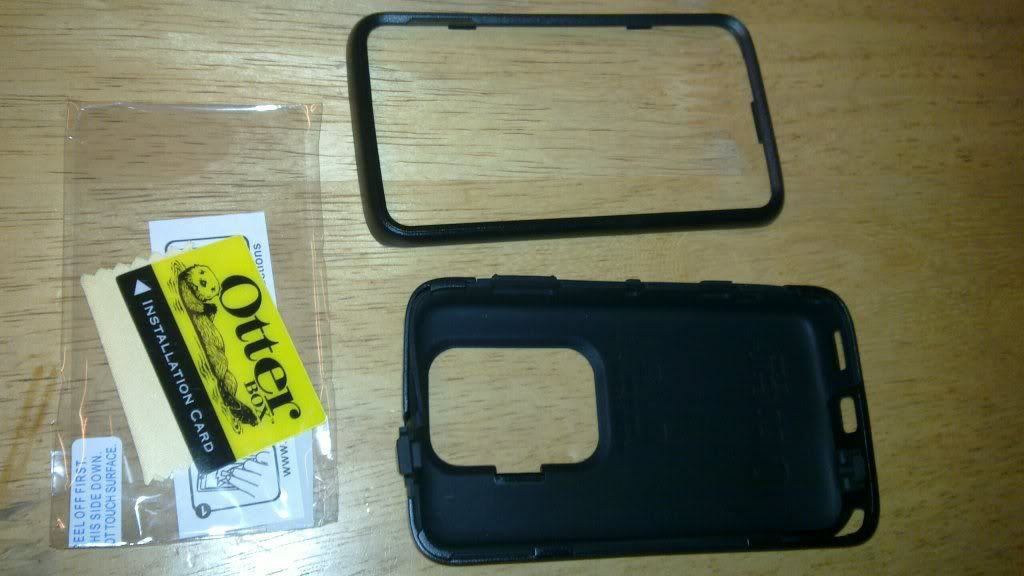
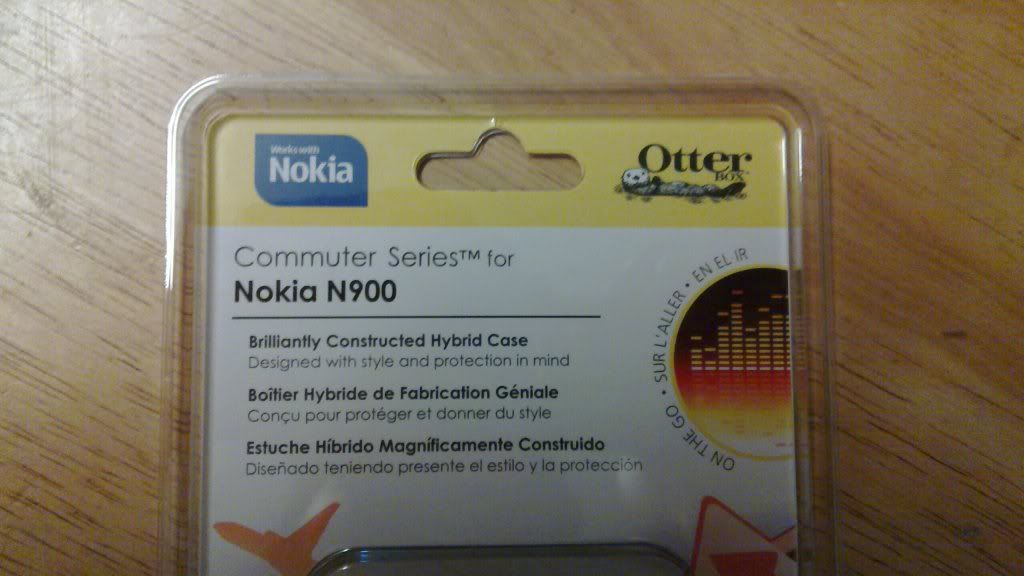
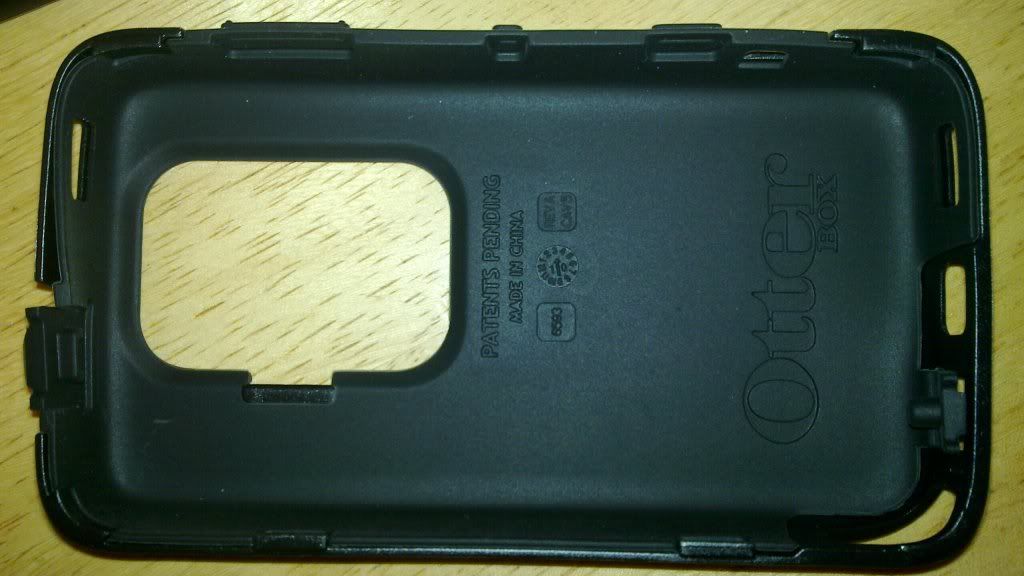
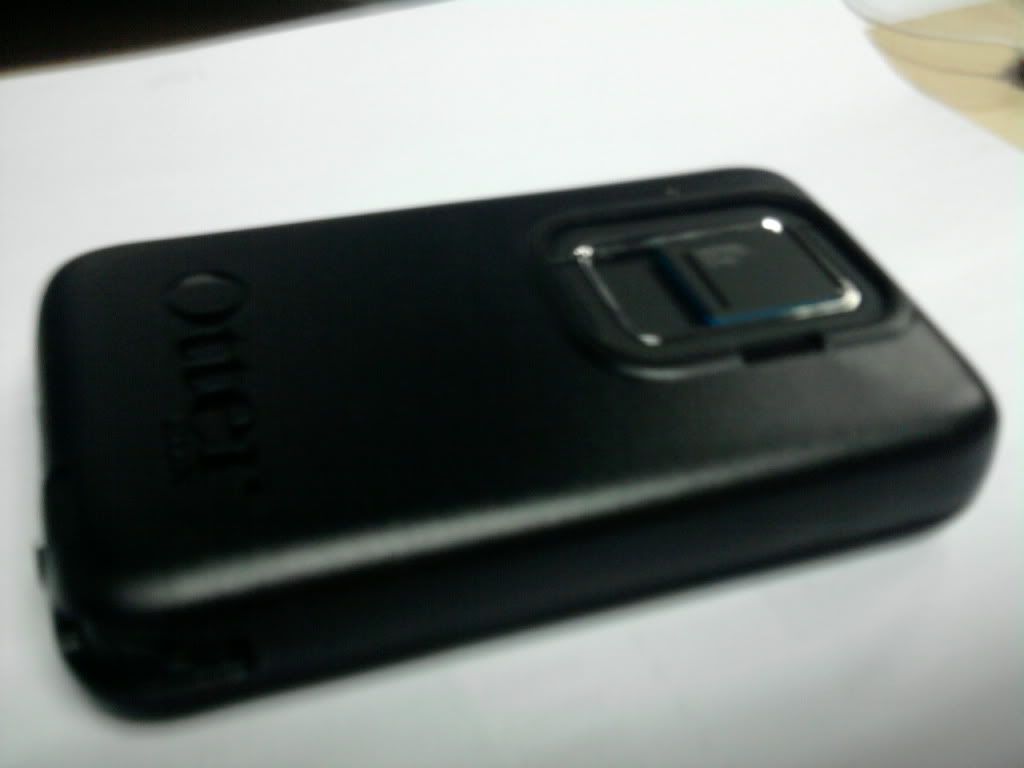
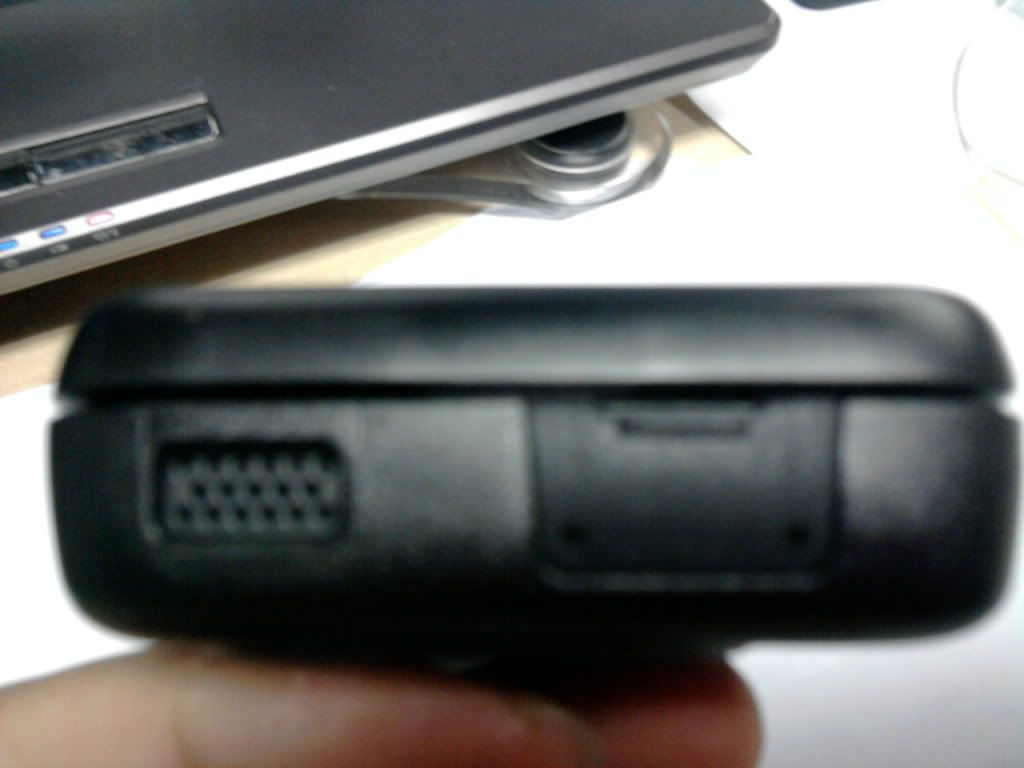
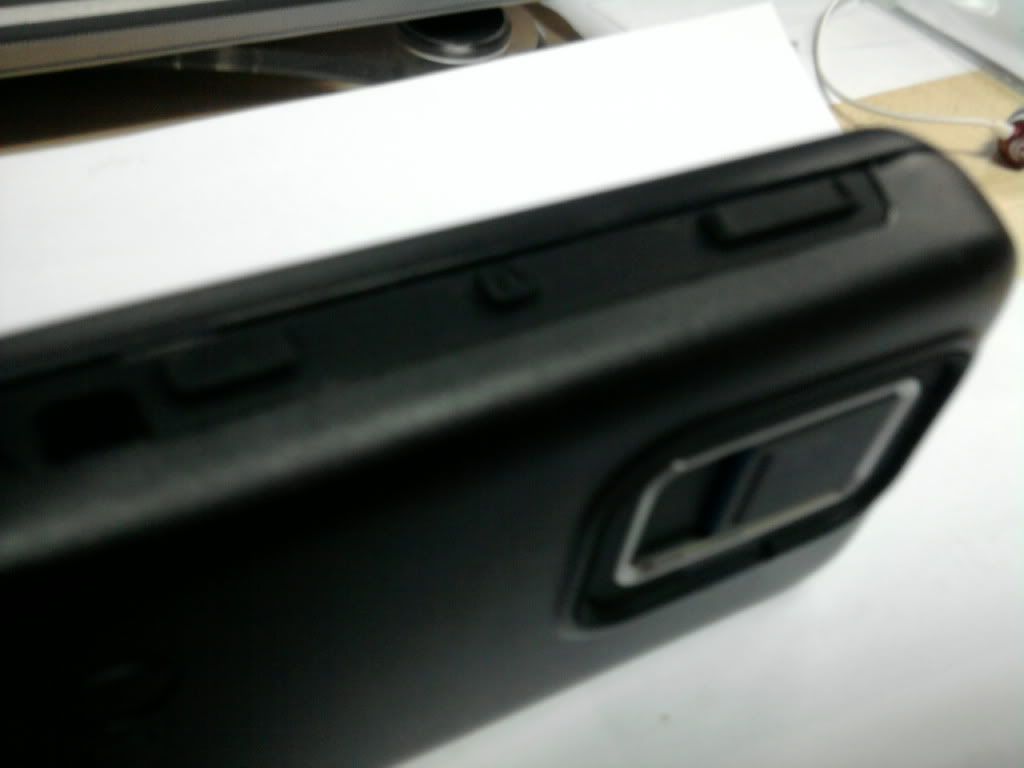
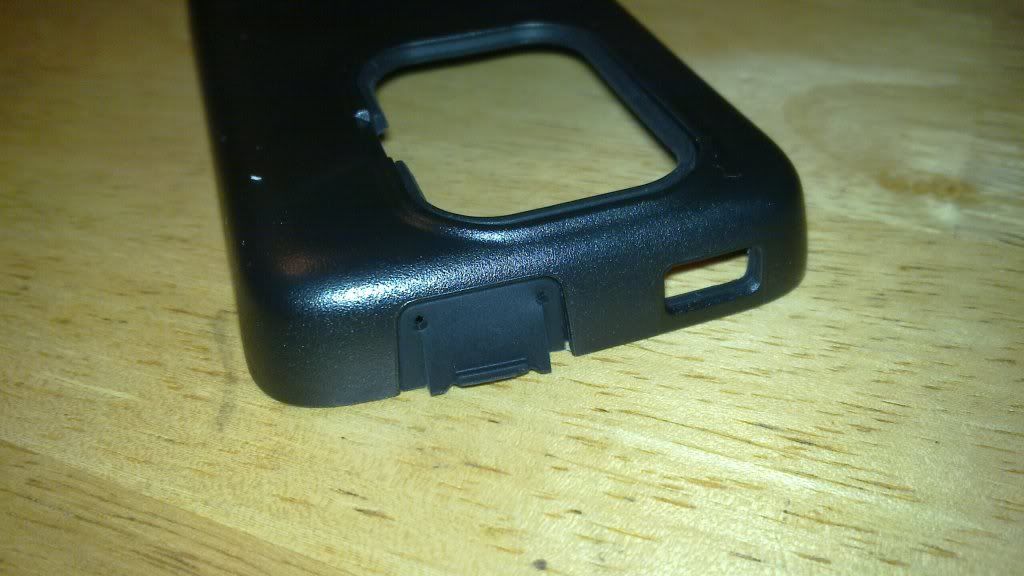
Otterbox N900 Case....Its here....

Overall its a very nice Casing...Worth the money paid.

Casing has an Internal Silicon Layer
Material Damn Sturdy Compared to the "Rubberised casing" No fear on breaking any parts while using it...
External Silicon to Close the earjack plug & the Usb port.
Keyboard slide very smooth, like there is nothing attach to it, not like the "Rubberized case" which lifts the Screen from the keyboard and making it hard to slide
Elevated silicon Button for power, camera & volume...
Does not block your N900 Stand
Does not Block the Nokia Logo
Come with a Clear Screen protector but i prefer the Matte by DCMugen

Wonderful case...

» Click to show Spoiler - click again to hide... «


****Pictures Taken using N900 Camera... Except those 3 with the White Background
*
nice case ~takes how many days to arrive to u.whn start to order and arrive to u?
liamlain
post Jul 4 2010, 04:40 AM

Getting Started
**
Junior Member
83 posts

Joined: Dec 2008
hey guys~bluetooth mouse is working on N900~ rclxms.gif
link is here
http://talk.maemo.org/showthread.php?t=57427

video
http://www.youtube.com/watch?v=PaNz4uM-29Q

but i donno hw to start do this --..-- sad.... feel quite complicated sad.gif

This post has been edited by liamlain: Jul 4 2010, 04:44 AM

Topic ClosedOptions
 

Change to:
| Lo-Fi Version
0.0448sec    0.36    7 queries    GZIP Disabled
Time is now: 4th December 2025 - 05:56 PM