Haha devkamal . . no worries . . it was just a tongue in cheek response

Anyway a quick update. Managed to install 3 games over the weekends but didn't really had time to really play all of them. Installed COD:MW, MW2, and Borderlands.
All played around 1 hour. All played smoothly. . but the one with the most improvement from my desktop is the borderlands graphics/display . . that may be due to my glossy LCD hehe. I just felt it looked so much better than my Samsung 2233sw. I did not install fraps and all because I really don't care about specific numbers. As long as the graphics is nice and everything is smooth . . I am satisfied. Oh, I am quite sure all my settings on the games are High and 4xAA.
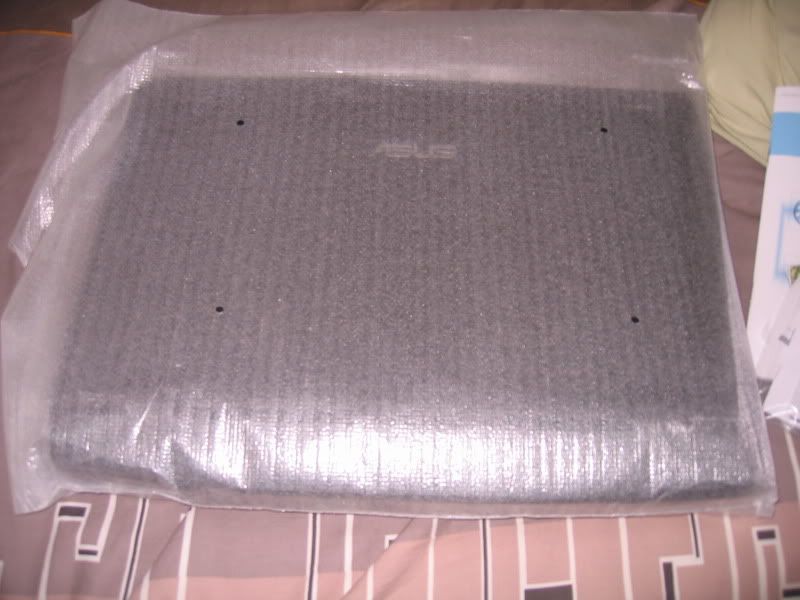
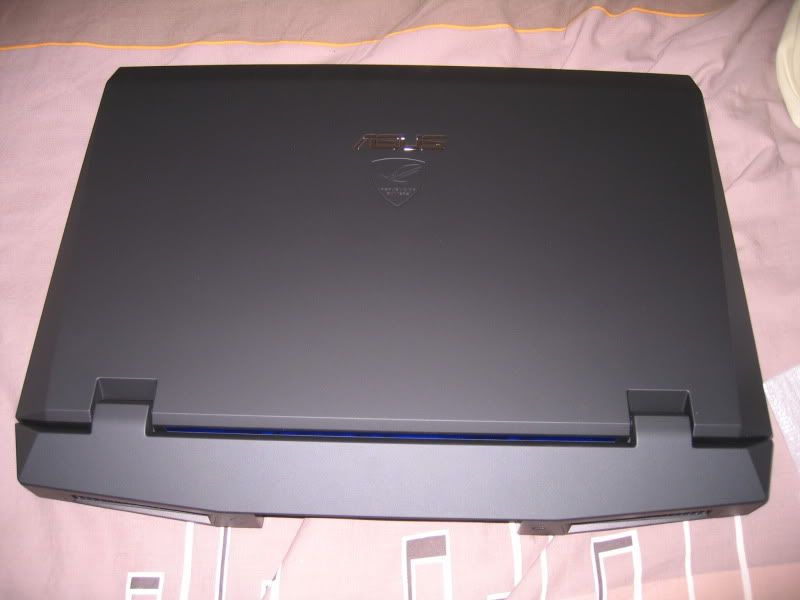
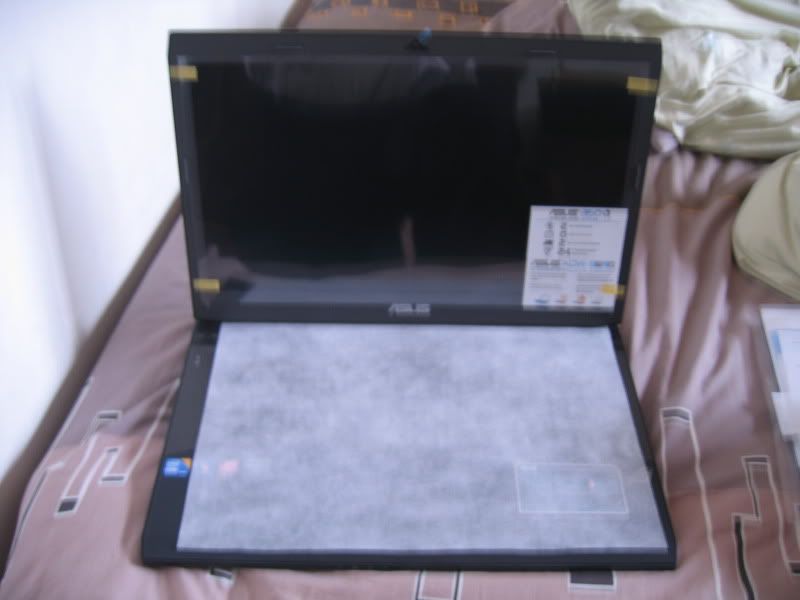
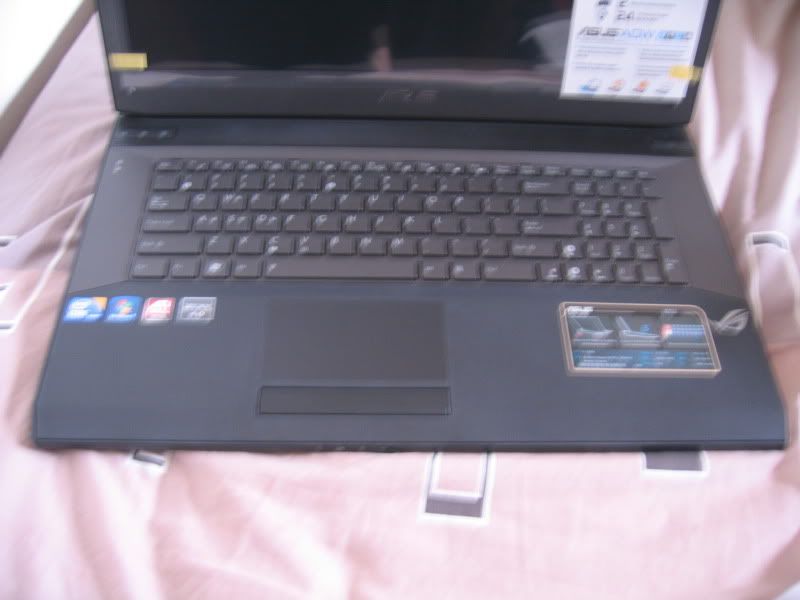
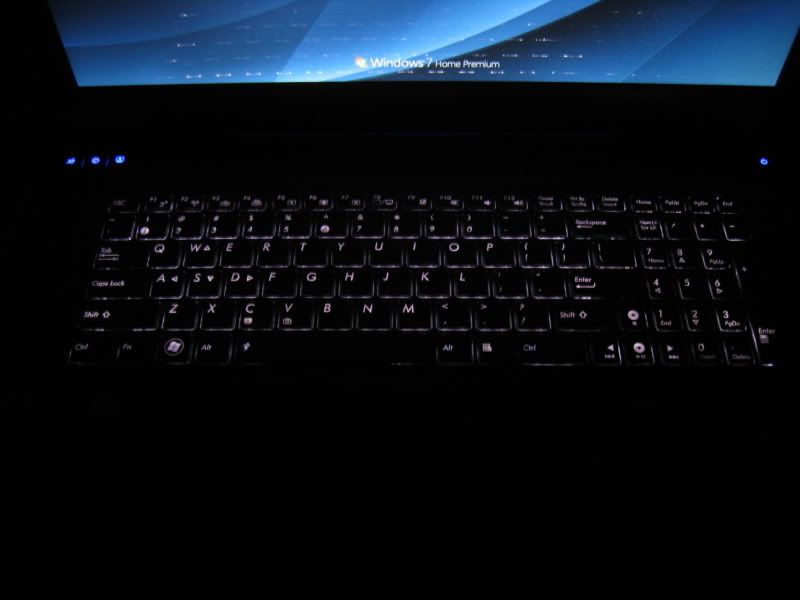
It is my 1st time using a 17" laptop, so I am still getting used to it. Still feel pretty big for me but I like the feel of the rubberized exterior. Gives my hands extra grip which allows me to carry the laptop with one hand. I am loving the glossy LCD screen . . everything looks great on it . . but badly coded anime looks worse on it than my Samsung 2233sw. The speakers are good, maybe a notch below the Harmon Kardons on the Toshibas . . but still better than most. The mousepad is great, but the buttons are a little stiff. The chiclet keyboards are ok . . but I would need getting use to it. For now, I still find myself not managing to type as fast as on the normal keyboards as it will miss some letters. It is not keyboard lag . . just that chiclet keyboards need more precise pressure heh.
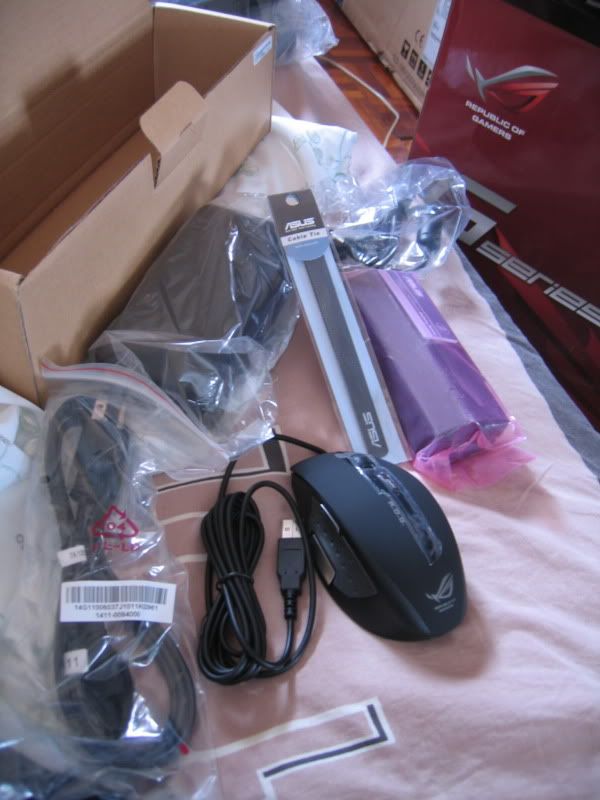
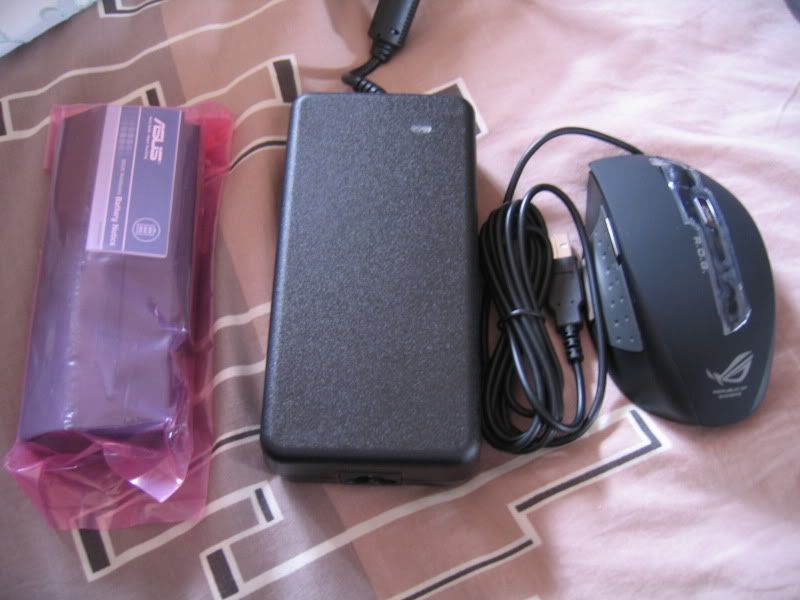
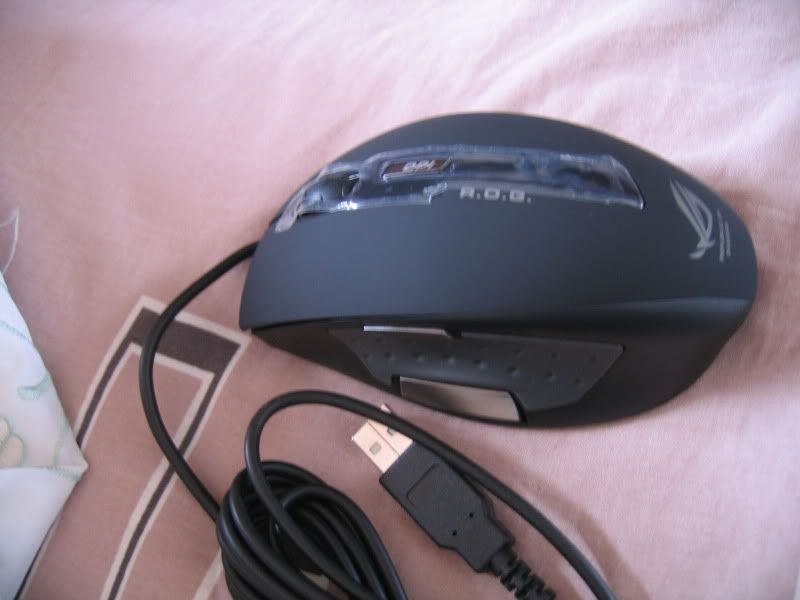
The ROG mouse which came with the A2 & A1 is also something I need to get used to. . . since I never had a gaming mouse before. Still abit jakun playing with the 2 thumb buttons heh. The Targus backpack which comes with the A1 & A2 is great for me. I've already tried loading it with my laptop, power brick, mouse, Wii, Wii Power Brick (which is huge as well), wii remote, wii zapper, 2 wii games, wii other accessories and it all fits albeit making it quite heavy lolz. But it is still comfortable to carry because of the padding available on the back part and also on the shoulder strap. On my trip back to hometown, I loaded it with my external Seagate Freeagent 500G HDD, mouse, power brick, Ex-HDD power adapter, ipod, earphones, electric tootbrush and adapter

. . and all fit well as well

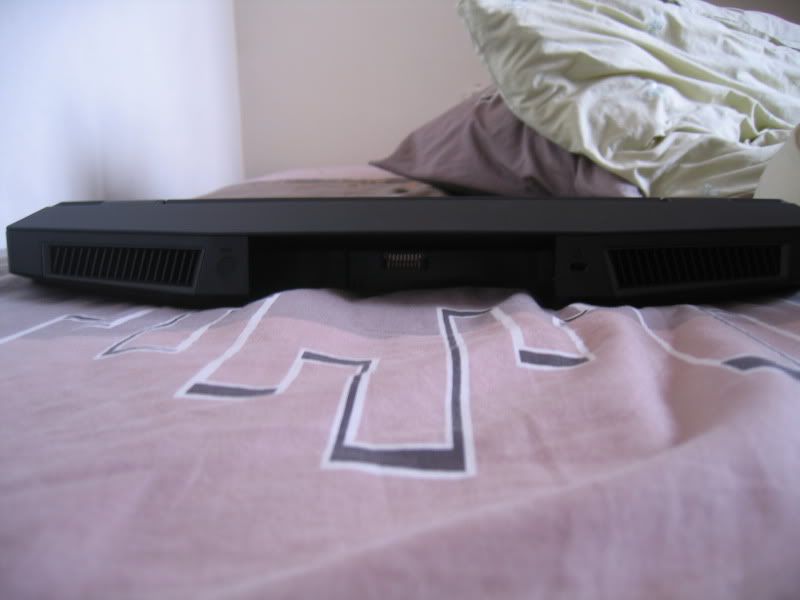
Unfortunately, the one thing I want to monitor . . I am unable to. I have used GPU-Z, HWInfo32, and AMD GPU Clock Tool . . but nothing can sense my GPU Temperature. I am a little worried . . but it may be because I haven't update the ATI driver. I am still using the stock driver that came with the laptop. Not updating it anytime since people are experiencing problems with the new release. (If any of you don't think its because of my driver . . do give me suggestions on how I can monitor my GPU temp) . Even though I am unable to see precise numbers, this is by far the coolest laptop I've used. Many of my previous laptops have been really hot even during just surfing the web . . but when I was gaming . . I can't feel the heat at all. I did also check the back of the air vents . .it was warm . . but not as hot as anything I've experienced before hand. I will try to game more this week . . and check the heat out and report back.
If there are anything I missed out . . or you would like to know . . do state it here and I will try to reply. However, as I've stated before . . not gonna do any benchmark test and stressing out the GPU for nothing. Sorry to dissappoint . . guess you guys will just need to wait for someone else to get the G73JH in LYN heh. And again . . for a thorough review of the G73JH including benchmark and fraps for lots of games . .
CLICK HERE!!! 

 Apr 19 2010, 02:22 PM


 Quote
Quote














 0.0381sec
 0.53
0.53
 7 queries
 GZIP Disabled