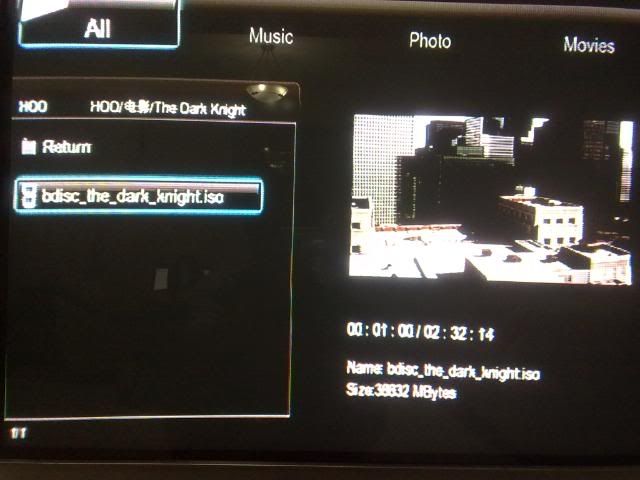
Latest beta firmware! Too bad,the long wait important update to support HD audio format passthrough and support BDISO still yet see in this firmware...

This shall be the list of updates in this beta release. Please take note that the Internet Feeds is still in beta development stage and is not fully working yet.
Also, please take note of this in the Readme file
The HDMI connection may reset after updating the firmware and may go out of sync with your display.
Press the TV SYS button on the remote a few times to sync with a compatible display mode if this happen.
Once the display is back, we recommend setting to HDMI Auto in the video setup menu unless a manual mode is preferred.
Please download the beta firmware at this
location if you are interested in trying it out. We value any feedbacks on it as well.
Version v7.0.6 r2089
------------------------------------
What's new in this release
1) Add torrent download function in Home menu
- Place .torrent file in any folder and press Menu to select "Add the torrent"
- On-Screen real-time download status
Press Menu button on selected torrent download to select priority level
Press Stop button on selected torrent download to Stop torrent or Stop torrent and Delete file
- On-screen client setup
2) Add Internet Feeds function in Home menu (Beta development, not fully working yet)
- YouTube streaming
- Picasa photo album
- RSS news feeds
3) Add NFS support for mapping of network folders
4) Add Screen size calibration to fit video to screen
- Press ZOOM IN button of the remote control during playback to fit to defined screen size
5) Add Network Host Name configuration
6) Add Japanese (S-JIS) text encoding
7) Add Korean (EUC-KR) text encoding
8) Add system time synchronisation with time servers
9) Add external USB DVD-ROM support**
10) Add Auto-Play function when a disc is inserted in the external USB DVD-ROM
11) Add Parental Control for disc rating
12) Fix internal HDD capacity information correctly above 1TB
13) Fix Simplified/Traditional Chinese characters display under English Language Menu
14) Fix external USB DVD-ROM unable to eject once mounted
15) Fix the extra directories present when returning to Home menu from browser
16) Fix system freeze when another USB device is attached while the wireless N dongle is in use
17) Fix internal Simplified Chinese SRT subtitle present in MKV container format
18) Improved playback of files in sequence via network
19) Remove File Copy and Setup menu from Home menu
20) Remove unicgi (Neighbour Web) application from Extension Info
--Currently developing--
1) Fix internal Traditional Chinese SRT subtitle support for MKV container format
2) Fix punctuation order of Hebrew text encoding
**Due to CSS (Content-Scrambling System) present in DVD movie discs, the system accepts only un-protected DVD movie discs.


 Aug 26 2009, 06:04 AM


 Quote
Quote




 0.0398sec
 0.32
0.32
 7 queries
 GZIP Disabled