

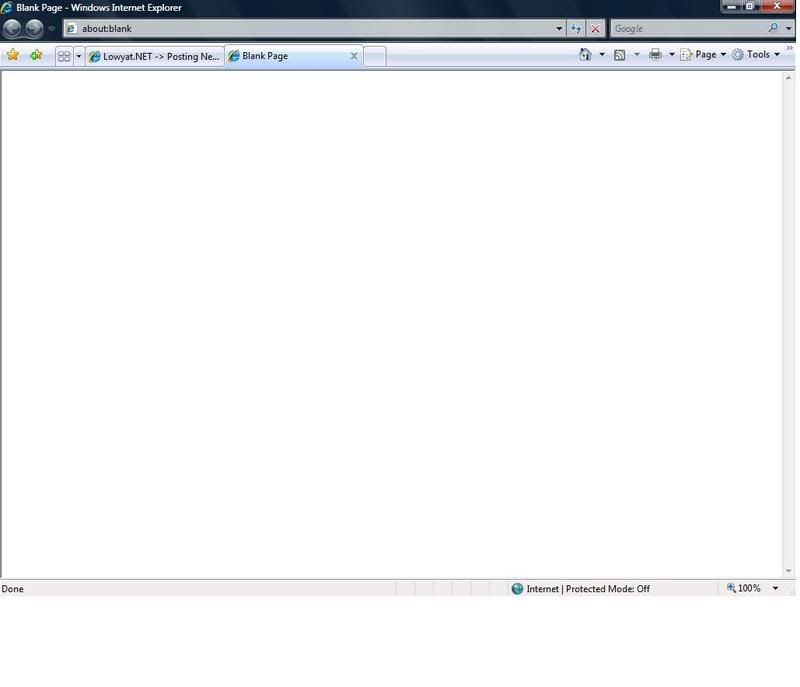
^when i full screen, we are suppose to see the toolbar,but i can't see any...how to fix this please...
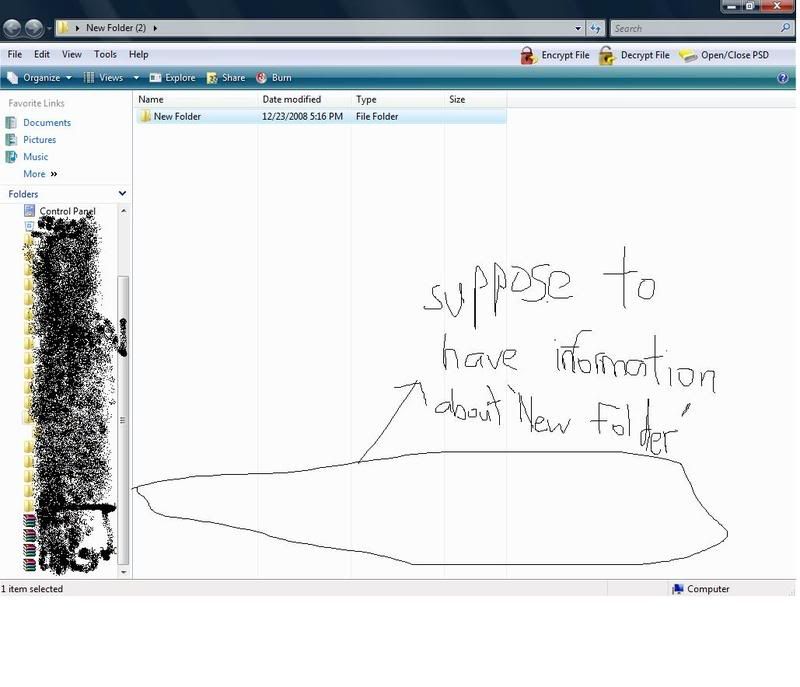
^when you click something,there is suppose to have a information about that file,but can't see any..how to fix this please...
thanks in advance
how to enable back this few things..., windows vista..help please
|
|
 Dec 23 2008, 05:29 PM, updated 17y ago Dec 23 2008, 05:29 PM, updated 17y ago
Show posts by this member only | Post
#1
|
 
Junior Member
356 posts Joined: Oct 2007  
|
forget how I make this problem,and now I don't know how to fix it,I even try to restart but it fail
^when i full screen, we are suppose to see the toolbar,but i can't see any...how to fix this please... ^when you click something,there is suppose to have a information about that file,but can't see any..how to fix this please... thanks in advance |
|
|
|
|
|
Dec 23 2008, 05:38 PM
Show posts by this member only | Post
#2
|
|
Junior Member
36 posts Joined: Apr 2008
|
click organize->layout->detail pane..shud bring back your detail about folder..if im not misunderstood..
 |
|
|
Dec 23 2008, 05:39 PM
Show posts by this member only | Post
#3
|

Junior Member
74 posts Joined: Jan 2003
|
Organize > Layout > Details Pane
|
|
|
Dec 23 2008, 05:40 PM
Show posts by this member only | Post
#4
|
|
Junior Member
356 posts Joined: Oct 2007
|
thanks you all so much
 how about the first one??  |
|
|
Dec 23 2008, 05:45 PM
Show posts by this member only | Post
#5
|
|
Junior Member
36 posts Joined: Apr 2008
|
QUOTE(HolyCross @ Dec 23 2008, 05:40 PM) thanks you all so much actually..the first one im not quite understand how about the first one??   ..what's the prob? ..what's the prob?Added on December 23, 2008, 5:50 pm QUOTE(budak_kecik @ Dec 23 2008, 05:45 PM) actually..the first one im not quite understand i got it..u mean when u maximize window, the taskbar is not showing..right?if dat so, juz right click taskbar->properties and makesure keep the taskbar on top of other window is check..that shud solve the prob ..what's the prob? This post has been edited by budak_kecik: Dec 23 2008, 05:50 PM |
|
|
Dec 23 2008, 05:53 PM
Show posts by this member only | Post
#6
|
|
Junior Member
356 posts Joined: Oct 2007
|
 ^ normal( when maximize still can see the toolbar) 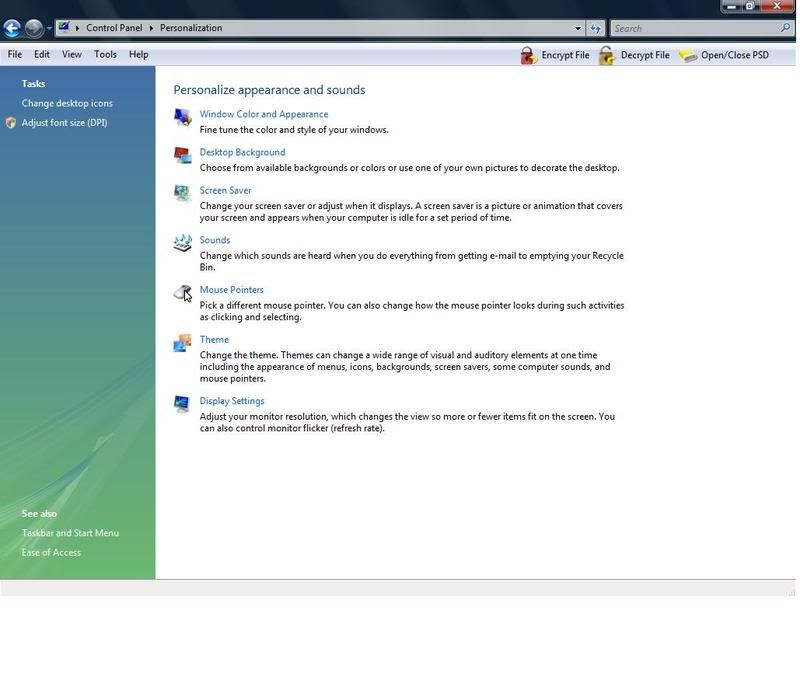 ^mine( when maximize,the toolbar gone ) Added on December 23, 2008, 5:56 pm QUOTE(budak_kecik @ Dec 23 2008, 05:45 PM) actually..the first one im not quite understand wow thanks you so much ..what's the prob?Added on December 23, 2008, 5:50 pm i got it..u mean when u maximize window, the taskbar is not showing..right?if dat so, juz right click taskbar->properties and makesure keep the taskbar on top of other window is check..that shud solve the prob  many thanks  moderator,please close this tread This post has been edited by HolyCross: Dec 23 2008, 05:56 PM |
|
|
|
|
|
Dec 23 2008, 08:32 PM
Show posts by this member only | Post
#7
|

Senior Member
6,738 posts Joined: Dec 2006 From: Kuala Lumpur, Malaysia | Eau Claire, Wisconsin
|
QUOTE(HolyCross @ Dec 23 2008, 05:53 PM) ^ normal( when maximize still can see the toolbar) ^mine( when maximize,the toolbar gone ) Added on December 23, 2008, 5:56 pm wow thanks you so much many thanks moderator,please close this tread Scrolling down to the last post of the thread -> At the bottom left -> Click on Moderation Options -> Choose "Close Topic/Thread" -> OK. |
|
|
Dec 26 2008, 08:02 PM
Show posts by this member only | Post
#8
|

Senior Member
961 posts Joined: Jan 2007
|
yeah..hope u learn
|
|
|
Dec 26 2008, 08:49 PM
Show posts by this member only | Post
#9
|
|
Senior Member
6,738 posts Joined: Dec 2006 From: Kuala Lumpur, Malaysia | Eau Claire, Wisconsin
|
QUOTE(MyRedz @ Dec 26 2008, 08:02 PM) yeah..hope u learn WTF is this post all about?   |
|
|
Jan 6 2009, 08:45 AM
|

Junior Member
307 posts Joined: Jul 2008
|
wow...
|
| Change to: |  0.0178sec 0.0178sec
 0.51 0.51
 5 queries 5 queries
 GZIP Disabled GZIP Disabled
Time is now: 20th December 2025 - 06:03 PM |
 Quote
Quote