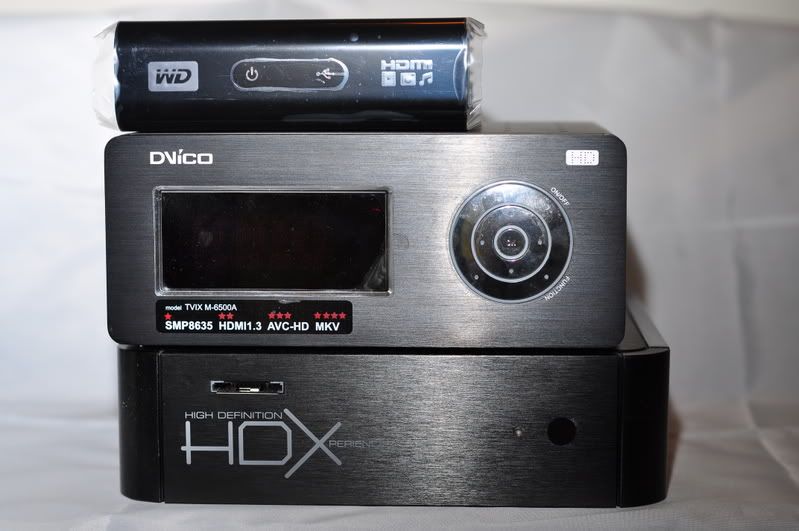
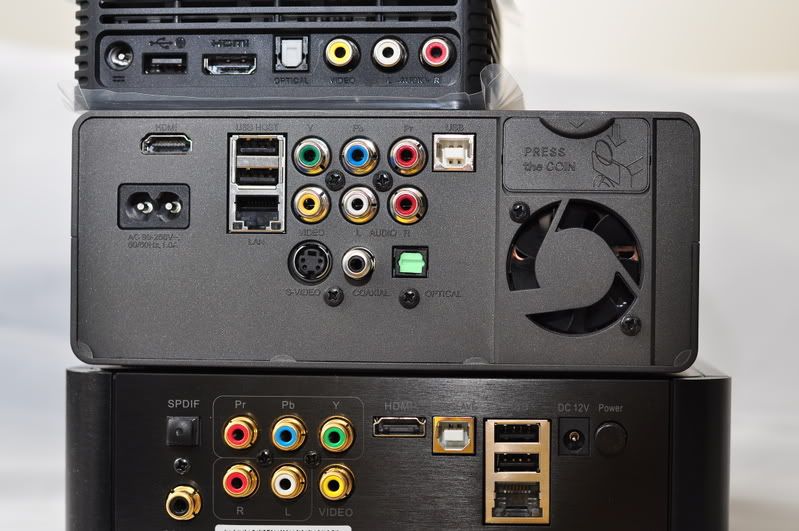
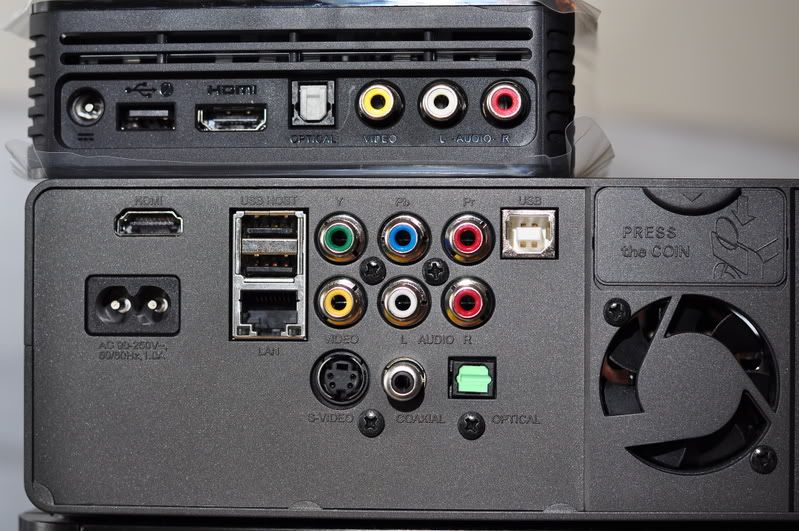
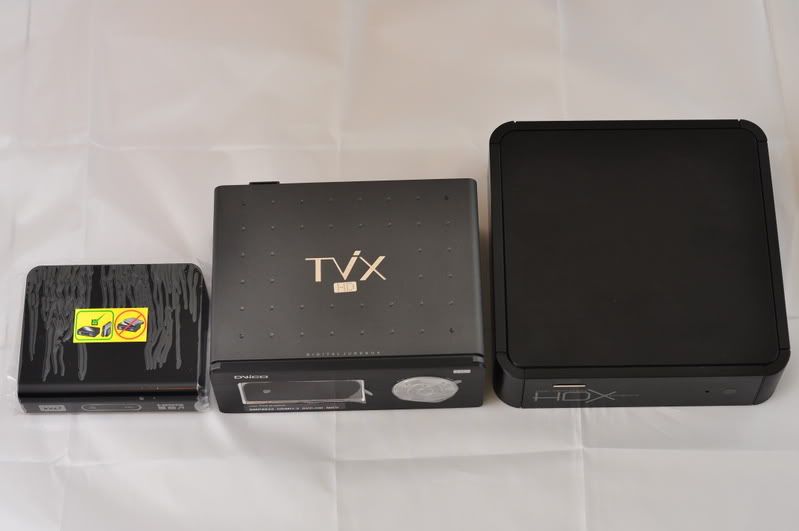
Went to Lowyat yesterday evening ...
Thundermatch's RM380 units - sold out!
Walked around and found Viewnet selling - so, got one for RM395
Check out my Unboxing Ceremony here:
http://lancechee.multiply.com/photos/album...ayer_-_Unboxing


Western Digital TV™ HD Media Player, Full HD 1080p Player @MSRP USD129.99
|
|
 Jan 13 2009, 09:58 AM Jan 13 2009, 09:58 AM
Return to original view | Post
#1
|
 
Junior Member
79 posts Joined: Jan 2003 From: Cyberjaya, Malaysia  
|
Hi guys,
Went to Lowyat yesterday evening ... Thundermatch's RM380 units - sold out! Walked around and found Viewnet selling - so, got one for RM395 Check out my Unboxing Ceremony here: http://lancechee.multiply.com/photos/album...ayer_-_Unboxing |
|
|
|
|
|
Jan 13 2009, 11:25 AM
Return to original view | Post
#2
|
|
Junior Member
79 posts Joined: Jan 2003 From: Cyberjaya, Malaysia
|
Thanx Vex for helping with some answers!
Yes, D90 with Tamron 17-50 f/2.8 lens Air Asia Thumbdrive from in-flight shopping ... i think can get from the website too! About price drop - as long as demand is lower than supply, it will - it's electronics anyway ... |
|
|
Jan 15 2009, 09:44 AM
Return to original view | Post
#3
|
|
Junior Member
79 posts Joined: Jan 2003 From: Cyberjaya, Malaysia
|
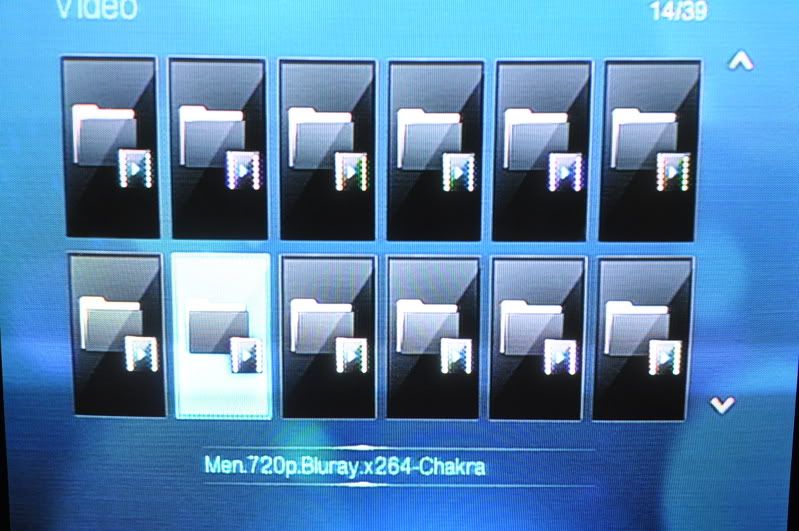
Very good review! Love the photos too! Let me give some feedback/tips here ... "...WD took like 10minutes to detect it , could it be because of the one terabyte worth of media files in my dvico?? Will test it on a passport drive when I get it later for him." LANCE> I "kena" this after doing 2 things. 1. Convert my 1TB Buffalo to NTFS (from FAT32) 2. Transferring huge 1080p files to it (8-11GB each file). Need to try to remove and see. Unfortunately, this is required each time u boot up; try plugging in a small thumbdrive into the other slot - seems to make browsing available much earlier! "...If your movies folder have more than 300 files , god speed with you to find the files u want to watch.. don’t know what wd was thinking when designing this. U have a maximum of 12 huge icons per page(I guess u can put pictures for each files, but I don’t know how, and if u have 1000 files it will be crazy just to put a photo for each files) scrolling each icon will show u the name of the file.. u want more just keep on scrolling up or down .. and a new page will appear.." LANCE> Yeah, it's pretty bad at default. Try 2 things. 1. Use the SEARCH function - it's pretty good, will reduce from 300 to maybe 10+ (for series) or just 1 (for movie) 2. Change ur browsing to non-thumbnail, will show up a longer list instead "...Don’t tell me I need to fast forward 16x to find a scene thats 1 hour ahead. " LANCE> Unfortunately, YES, as of firmware 1.01.02 - they haven't included a scene search function (even my PSP-2000 got it! Come on!) Even just a "Go to" function (to a specific time) would have made it so much better ... i'm confident we will see this function in the new firmware! WD, release 1.01.03 already!  QUOTE(andyz @ Jan 14 2009, 08:13 PM) First off before I start I am sorry I cannot compare picture quality of the wd with other machines. I didn’t realize the wd did not have component connections when I went to set it up at a friends place. But I did test on normal video out.
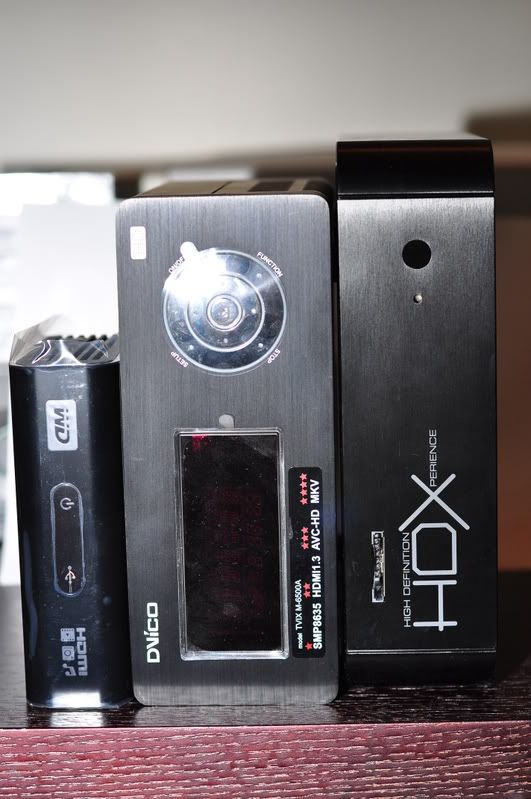
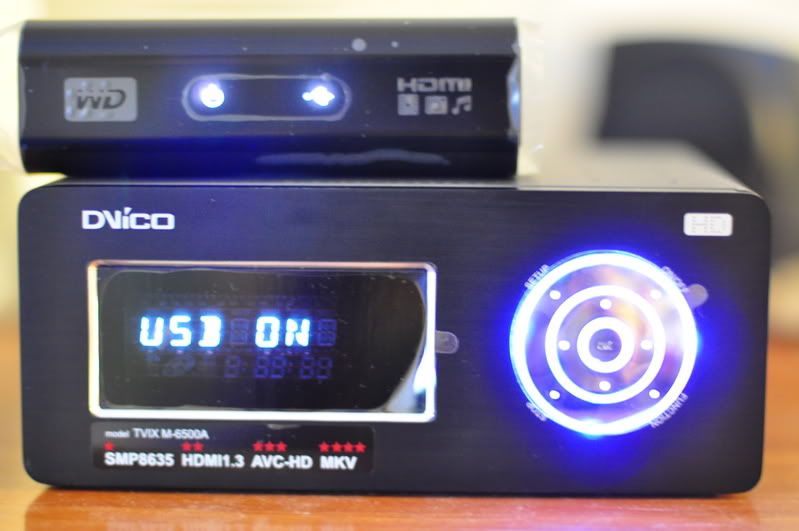
Ok now lets begin the first thing that strike me about this wd machine is how god damn small it is. So small that is so cute. Updated the machine with the latest firmware using the usb key. Fast detect of the usb key and installation was straight forward lasting less than 5 minutes. Went through the menu systems.. quick access using the tiny remote. Ok I brought along my trusty dvico 6500a as the hard drive machine.. Plug it in to the usb port of the wd machine.. WD took like 10minutes to detect it , could it be because of the one terabyte worth of media files in my dvico?? Will test it on a passport drive when I get it later for him. After detection went through the menu system again to look for files to play. OK this is what I don’t like of the wd machine.. the files selection is totally fugly . irritating by itself. If your movies folder have more than 300 files , god speed with you to find the files u want to watch.. don’t know what wd was thinking when designing this. U have a maximum of 12 huge icons per page(I guess u can put pictures for each files, but I don’t know how, and if u have 1000 files it will be crazy just to put a photo for each files) scrolling each icon will show u the name of the file.. u want more just keep on scrolling up or down .. and a new page will appear.. trust me its very irritating..but lukily its fast not like the hdx1000 which has a delay (but hdx1000 files system show names which is nice) I don’t know whether its me (didn’t read manual) or just wd plain stupidity. The greatest peeve I have on this machine is the search function. Its non existence, WTF man … I click the search button on the remote to find my favourite scenes (like battlestar galactic season 3 episode exodus part 2, the scene where galactica jump into the skies above) and the bloody thing doesn’t do anything. Just a bloody stop sign appears. Don’t tell me I need to fast forward 16x to find a scene thats 1 hour ahead. Could it be I need to use a wd external drive?? Picture quality test from normal video out. I will try to do PQ on hdmi next time, but for now this little wd machine has quite outstanding PQ. I couldn’t test "v for vendetta" as the wd machine cannot play any 1080p vc1 files. But the rest of the 1080p play with without a hitch so far. Again because of the stupid wd search function not working I cannot test more into the film or critical intense scenes for stuttering. Only the start of each movie. Only one tp files had problem playing. (will try to update with more info the next time) So to sum it up WD hdtv is highly recommended machine for the price range. Of course u get what u paid for, like missing convenience and missing extra functions like the big boys. But i am sure most people can live without those. Like Small casing Cheap cheap cheap PQ up to par with the big boys (normal video out review) Dislike File menu listing No dts downmix No search function No bookmark click for pictures: » Click to show Spoiler - click again to hide... « This post has been edited by lance: Jan 15 2009, 09:47 AM |
|
|
Feb 12 2009, 10:01 AM
Return to original view | Post
#4
|
|
Junior Member
79 posts Joined: Jan 2003 From: Cyberjaya, Malaysia
|
Quick update ...
Last nite I copied a 1GB VOB file from a DVD into my HDD and WD TV plays it! So nice ... is this DVD VIDEO file format? Next to try is BlueRay Video file ... Also, can't wait for a new Firmware from WD ... need auto-recovery from the green pixelation happening to some of the mkv 1080 files A bit on Transformers movie. Quite a few times for I Am Legend. Current solution is Stop > Resume (repeat) |
|
|
Feb 13 2009, 07:41 AM
Return to original view | Post
#5
|
|
Junior Member
79 posts Joined: Jan 2003 From: Cyberjaya, Malaysia
|
QUOTE(willphang @ Feb 12 2009, 10:57 AM) For any playback skipping, you can perform a 10 minutes chapter skip by first performing FF (>>) or RR (<<) then pressing >| or |< respectively to make the skips. Good tip! Thanx! In my opinion, playback in VOB (NTSC) or MKV 720p are very stable with both Dolby Digital and DTS supported flawlessly. I am in the midst of zapping my existing Hi quality DVD collections into HDD and storing it for future home video server project. Now my mark is about 300 titles... aiming for 1000 titles within this coming June 09.  As for 1080p "green pixelation" problem, we can quickly get rid of it by simply pause/resume or FF (>>) then resume normal playback. The "green pixelation" will disappear instantly. Good luck@!   |
|
|
Feb 26 2009, 07:30 AM
Return to original view | Post
#6
|
|
Junior Member
79 posts Joined: Jan 2003 From: Cyberjaya, Malaysia
|
Hey guys, thanx for the info.
Very good to know that the HDMI cable actually carries digital sound info as well ... to date, I only thought that only the Optical Out have it ... Next thing to check is the quality comparison between DTS via HDMI and Optical ... anybody have both and can comment? |
|
|
May 21 2009, 10:18 AM
Return to original view | Post
#7
|
|
Junior Member
79 posts Joined: Jan 2003 From: Cyberjaya, Malaysia
|
Hi guys ... just updated to official release 1.02.07 yesterday!
Looks good ... seems like the interface is a tad bit faster, don't you guys think? Anyway, something weird happen once - the WD TV rebooted by itself while I was browsing ALL PHOTOs using Thumbnail view ... hmm ... |
|
|
May 22 2009, 08:48 AM
Return to original view | Post
#8
|
|
Junior Member
79 posts Joined: Jan 2003 From: Cyberjaya, Malaysia
|
QUOTE(DigitalTech @ May 21 2009, 10:29 AM) I shall wait for the final release firmware. Hi there, not really sure if I understand this correctly, but firmware 1.02.07 is an official release (27-Apr-09) - but yeah, not FINAL (thank goodness ... since there's a huge suggested upgrade list from all of us users!)not taking any risk. Find the OFFICIAL firmware release here: http://www.wdc.com/en/products/wdtv/ Currently, the PRE-RELEASE firmware - not fully tested ones can be found here: http://www.wdc.com/wdtvprerelease/ This is now version 1.02.08 - dated 18-May-2009! |
|
Topic ClosedOptions
|
| Change to: |  0.0378sec 0.0378sec
 0.63 0.63
 7 queries 7 queries
 GZIP Disabled GZIP Disabled
Time is now: 16th December 2025 - 05:43 AM |
 Quote
Quote