

here is the desktop
vista + mac 09
Attached thumbnail(s)

November 2008 Desktops
|
|
 Nov 9 2008, 08:48 PM Nov 9 2008, 08:48 PM
|
 
Senior Member
2,933 posts Joined: Nov 2007 From: Kuala lumpur  
|
just finish format and install a fresh vista.
here is the desktop vista + mac 09 Attached thumbnail(s)
|
|
|
|
|
|
Nov 10 2008, 12:02 AM
|

Junior Member
261 posts Joined: Feb 2006
|
QUOTE(wen9x88 @ Nov 9 2008, 08:48 PM) just finish format and install a fresh vista. very colourfull~here is the desktop vista + mac 09  |
|
|
Nov 10 2008, 12:13 AM
|
|
Senior Member
2,933 posts Joined: Nov 2007 From: Kuala lumpur
|
ya..
i believe many people are using it. |
|
|
Nov 10 2008, 12:48 AM
|
 
Elite
14,813 posts Joined: Nov 2006
|
still under construction
 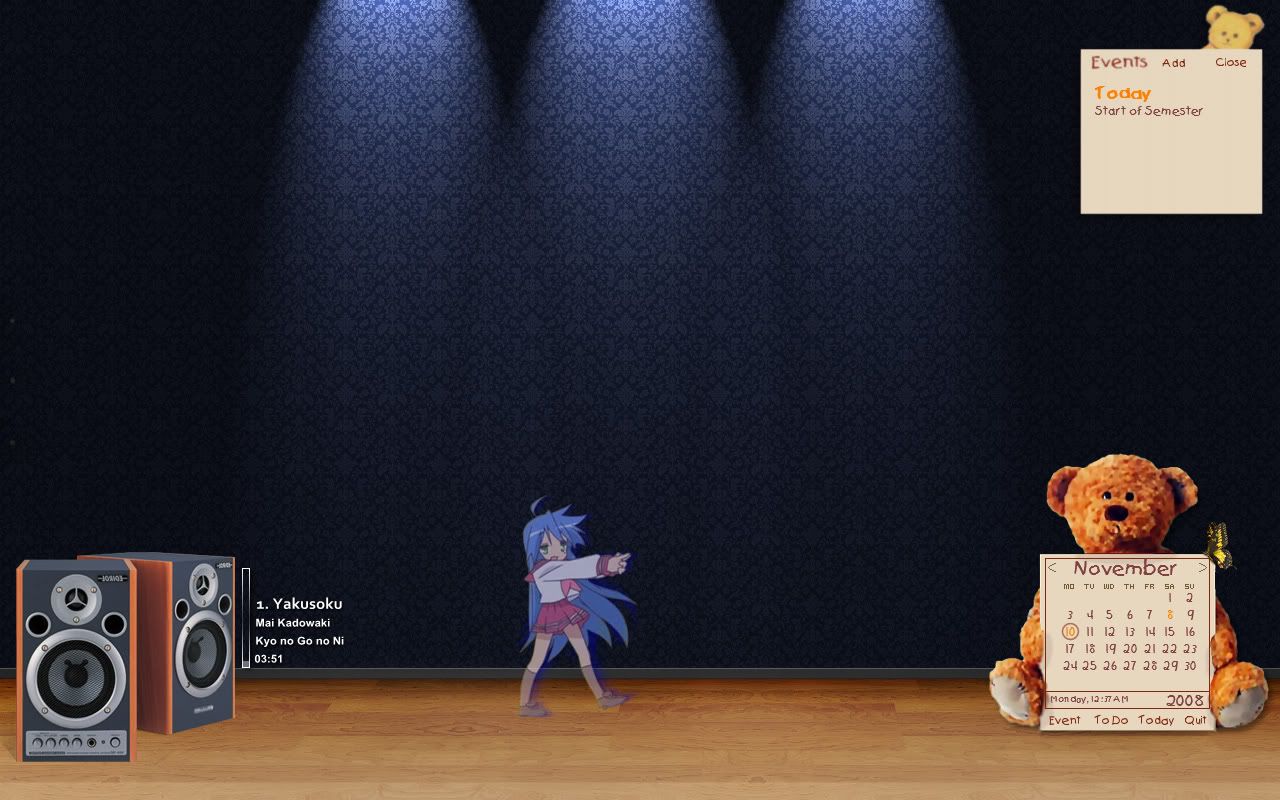 using CAD, rainlendar  |
|
|
Nov 10 2008, 02:00 AM
|

Senior Member
1,205 posts Joined: Aug 2007 From: In the heart of Kuala Lumpur
|
|
|
|
Nov 10 2008, 02:07 AM
|

Senior Member
2,313 posts Joined: May 2008 
|
Hmm... Let say i dl-ed a samurize package from http://warma.deviantart.com/art/symini-101910962
Wat i get is the config editor thing, how can i save it and use? |
|
|
|
|
|
Nov 10 2008, 02:21 AM
|
|
Senior Member
1,205 posts Joined: Aug 2007 From: In the heart of Kuala Lumpur
|
QUOTE(RyoKenzaki @ Nov 10 2008, 02:07 AM) Hmm... Let say i dl-ed a samurize package from http://warma.deviantart.com/art/symini-101910962 i m not sure bout samurize... but i presume there is a .txt/config for amending right? Wat i get is the config editor thing, how can i save it and use?  |
|
|
Nov 10 2008, 02:33 AM
|
|
Senior Member
2,313 posts Joined: May 2008
|
Wat is tat....... Lolz.................
|
|
|
Nov 10 2008, 03:04 AM
|

Junior Member
118 posts Joined: Sep 2008
|
|
|
|
Nov 10 2008, 03:12 AM
|
|
Senior Member
1,205 posts Joined: Aug 2007 From: In the heart of Kuala Lumpur
|
download rainmeter (google for it!)
copy those files to c:/stardock/objectdock launch rainmeter---> right click on the icon (notification area) ---> config ---> choose  happy trying  |
|
|
Nov 10 2008, 09:53 AM
|

Senior Member
1,226 posts Joined: Nov 2004 From: Johor Bahru
|
c:/stardock/objectdock ?
 shouldn't it be c:/Program File/Rainmeter/skins ? |
|
|
Nov 10 2008, 10:07 AM
|

Junior Member
211 posts Joined: Feb 2008
|
QUOTE(RyoKenzaki @ Nov 10 2008, 02:07 AM) Hmm... Let say i dl-ed a samurize package from http://warma.deviantart.com/art/symini-101910962 First, paste the font into Windows/Fonts then click the .sam file and import the config.Wat i get is the config editor thing, how can i save it and use? Open Samurize.exe, right click the icon, select the config file that you just imported  |
|
|
Nov 10 2008, 11:01 AM
|

Senior Member
2,013 posts Joined: Jan 2003 From: abyss
|
ZeroRequiem
those r icons??  now tat u mentioned.. it does look like icons..but where u get such BIG icons? then anywhere u click d icon will bring up d program? its such a huge 1 if compare 2 normal icons.. now tat u mentioned.. it does look like icons..but where u get such BIG icons? then anywhere u click d icon will bring up d program? its such a huge 1 if compare 2 normal icons.. |
|
|
|
|
|
Nov 10 2008, 11:10 AM
|
|
Senior Member
1,205 posts Joined: Aug 2007 From: In the heart of Kuala Lumpur
|
QUOTE(Godevil @ Nov 10 2008, 09:53 AM) c:/stardock/objectdock ? ops sorry it should be c:/Program File/Rainmeter/skins ? shouldn't it be c:/Program File/Rainmeter/skins ?  |
|
|
Nov 10 2008, 03:43 PM
|

Junior Member
90 posts Joined: Sep 2008
|
QUOTE(leong6033 @ Nov 1 2008, 06:23 PM)  here is mine~ Btw, how to move the docks bottom while the start bar top? |
|
|
Nov 10 2008, 03:59 PM
|

Senior Member
667 posts Joined: Jun 2005
|
My Gnome desktop
Wallpaper: Jump by ~Lucky81 Theme: openSUSE 11 Gilouche[attachmentid=665860] Media Player: Rhythmbox This post has been edited by ayob99: Nov 10 2008, 04:21 PM |
|
|
Nov 10 2008, 04:55 PM
|

Junior Member
84 posts Joined: Oct 2008 From: Anywhere with AIR
|
QUOTE(ADVAN @ Nov 8 2008, 11:37 PM) This is nice... Can i have the full resolutuion of ur dekstop printscreen? here u gohttp://i111.photobucket.com/albums/n134/yu.../desktopnov.jpg |
|
|
Nov 10 2008, 06:34 PM
|
|
Senior Member
667 posts Joined: Jun 2005
|
The beauty of open source: Enlightenment Fireball Theme on OpenGEU
|
|
|
Nov 10 2008, 06:40 PM
|

Senior Member
2,095 posts Joined: Nov 2008 From: misery
|
Wow good theme
|
|
|
Nov 10 2008, 06:50 PM
|

Junior Member
222 posts Joined: Nov 2007 From: klang,kl
|

latest desktop, any comment??? use object dock, rainmeter, rainlender...... |
|
Topic ClosedOptions
|
| Change to: |  0.0251sec 0.0251sec
 0.68 0.68
 6 queries 6 queries
 GZIP Disabled GZIP Disabled
Time is now: 19th December 2025 - 10:43 PM |
 Quote
Quote

