

 Sep 20 2008, 12:23 PM, updated 18y ago


QuickPwn will check to make sure the ipsw is valid. Click the blue arrow button to continue.
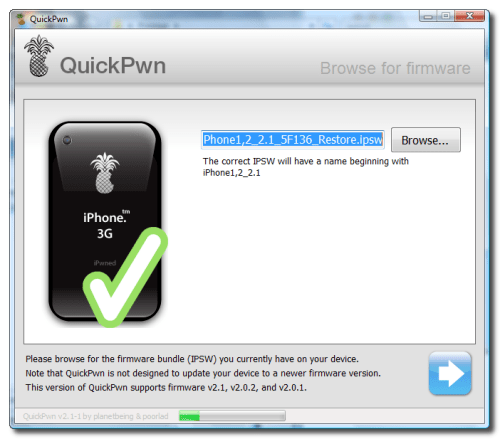
Step Eight
You can now select whether to Add Cydia, Add Installer, or Replace Boot Logos. Select the ones you would like to perform then click the clue arrow button

Step Nine
QuickPwn will now ask you to confirm your iPhone is connected via USB before continuing. Click the blue arrow button to proceed.

This post has been edited by twinkles: Sep 20 2008, 12:27 PM
 Quote
Quote

 0.0173sec
 0.34
0.34
 5 queries
 GZIP Disabled