

 Aug 11 2008, 09:09 AM, updated 16y ago


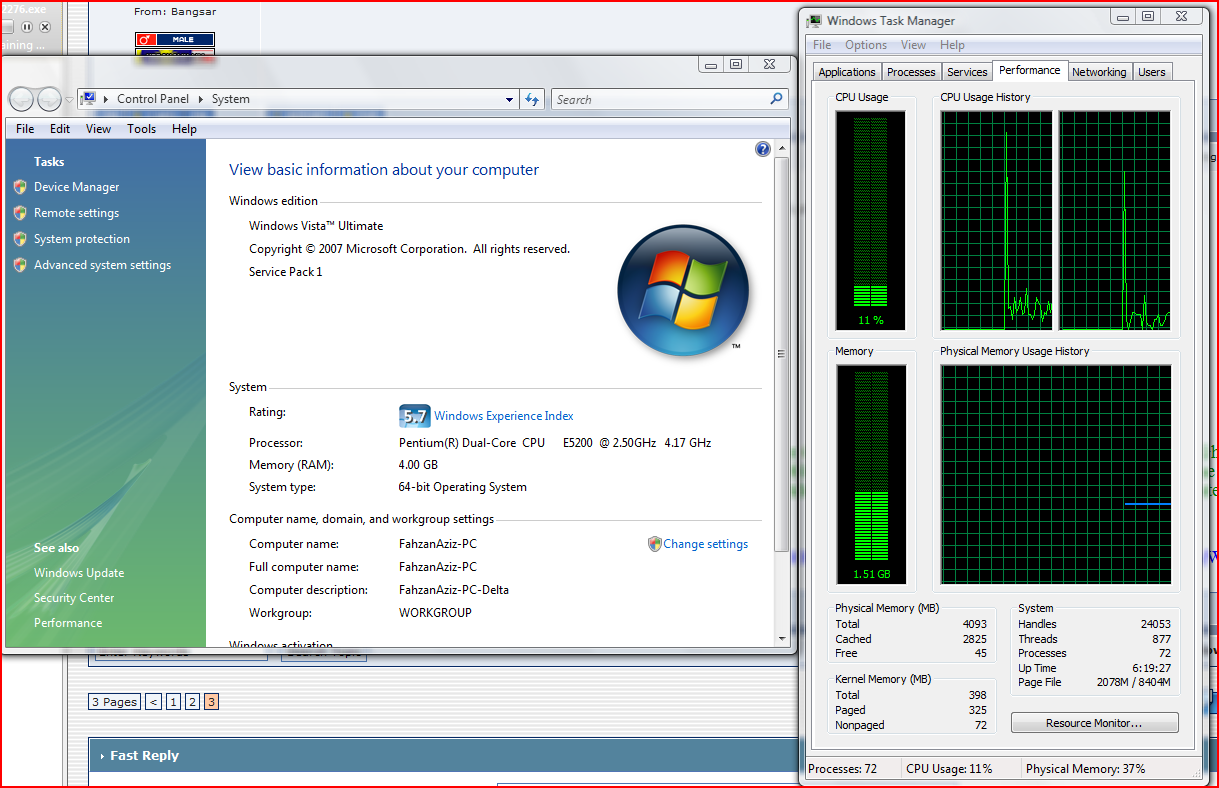
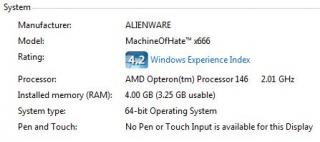
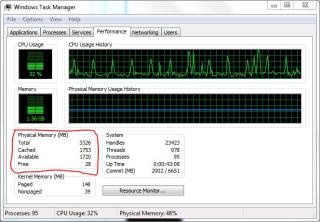
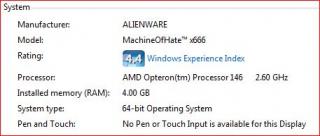
I just bought a system with 4GB of physical RAM in it. The BIOS posts 4GB, but Windows tells me that I have anywhere from 2.75 - 3.5GB of RAM. Where is the rest of my RAM?
Summary:
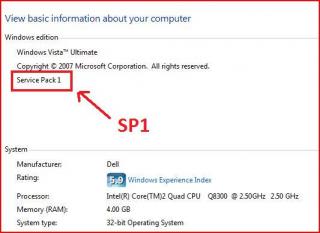
If you are running 32-bit Windows, you must live with it. You will not ever see all 4GB of RAM you've paid for.
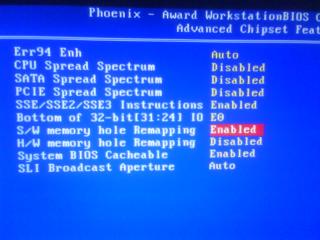
If you are running 64-bit Windows, you may have to live with it. Depending on your motherboard's chipset, your system may support memory remapping. If so, you will be able to use all 4GB of RAM.
Detailed:
Due to an architectural decision made long ago, if you have 4GB of physical RAM installed, Windows is only able to report a portion of the physical 4GB of RAM (ranges from ~2.75GB to 3.5GB depending on the devices installed, motherboard's chipset & BIOS).
This behavior is due to "memory mapped IO reservations". Those reservations overlay the physical address space and mask out those physical addresses so that they cannot be used for working memory. This is independent of the OS running on the machine.
Significant chunks of address space below 4GB (the highest address accessible via 32-bit) get reserved for use by system hardware:
- BIOS – including ACPI and legacy video support
- PCI bus including bridges etc.
- PCI Express support will reserve at least 256MB, up to 768MB depending on graphics card installed memory
This post has been edited by fariz: Aug 11 2008, 09:10 AM
 Quote
Quote





 This is not within my expectation


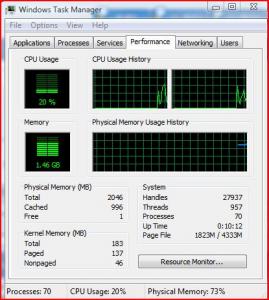


 Because of this , I have to install Vista Ultimate x64 in order to utilize the 8GB memory


 |||
|||
































 0.1457sec
 0.42
0.42
 6 queries
 GZIP Disabled