


And, is there a place where I can audition this PJ? Thanks bros.
Home Theatre Optoma HD65 Kakis, technical, tweaking, screenshot.........
|
|
 Nov 26 2008, 02:27 PM Nov 26 2008, 02:27 PM
Return to original view | Post
#1
|
 
VIP
1,764 posts Joined: Jan 2003 From: Helghan 
|
I'm still contemplating whether to get this PJ or upgrade to 40" Full HD LCD (currently using 32").
And, is there a place where I can audition this PJ? Thanks bros. |
|
|
|
|
|
Dec 25 2008, 08:35 PM
Return to original view | Post
#2
|
|
VIP
1,764 posts Joined: Jan 2003 From: Helghan
|
Just join the club.
Thanks to bro htkaki, and also bro hackwire for the audition last week.  Currently using normal white wall; no screen yet. At the moment, projected at 70" diagonal screen.  Some screenies with default settings (no calibration): (Uncharted PS3 Game)  (Dark Knight Blu-Ray)   Can't wait to get a proper screen. |
|
|
Dec 25 2008, 11:37 PM
Return to original view | Post
#3
|
|
VIP
1,764 posts Joined: Jan 2003 From: Helghan
|
Yeah, DIY screen. No budget for Draper, etc.
 |
|
|
Dec 25 2008, 11:58 PM
Return to original view | Post
#4
|
|
VIP
1,764 posts Joined: Jan 2003 From: Helghan
|
QUOTE(htkaki @ Dec 25 2008, 11:47 PM) Buying the screen cloth online like rx330? Send to photo frame maker to do it. Save a lot of moolah Yeah, he already gave me the ebay link last August.    Now only bought the PJ. Now only bought the PJ.This post has been edited by Ninja: Dec 25 2008, 11:58 PM |
|
|
Dec 29 2008, 11:05 PM
Return to original view | Post
#5
|
|
VIP
1,764 posts Joined: Jan 2003 From: Helghan
|
Just wondering about something; normally you guyz left your PJ in 'Standby' mode, or completely off after viewing?
A few more screenies. Finally, got the time to do some tweaking today with the display settings.  Display mode : Cinema Contrast : 4 Brightness : -5 Degamma : Video BC : 1 TV : 0 Color temp : Medium RG : 3 GG : 0 BG : 4 RB : 0 GB : -1 BB : -1 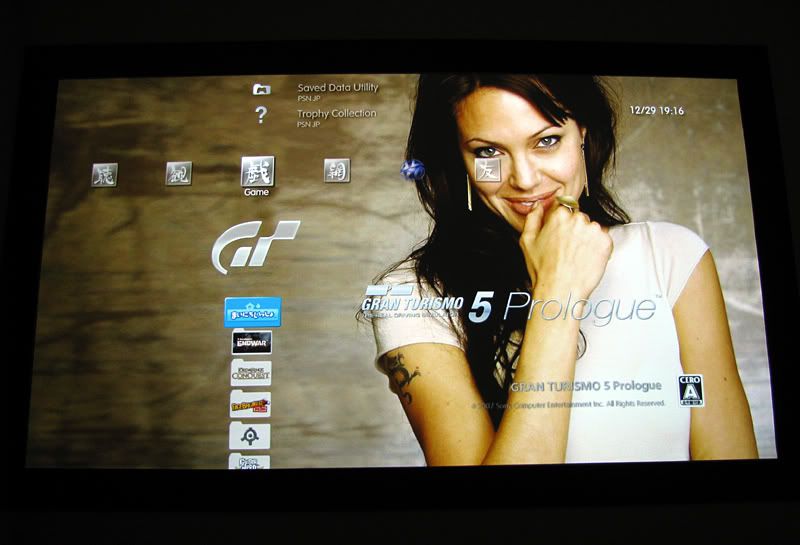 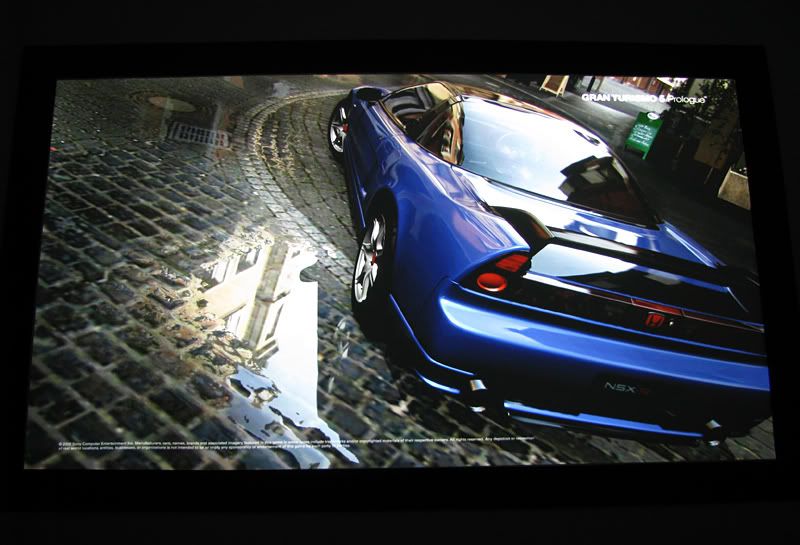 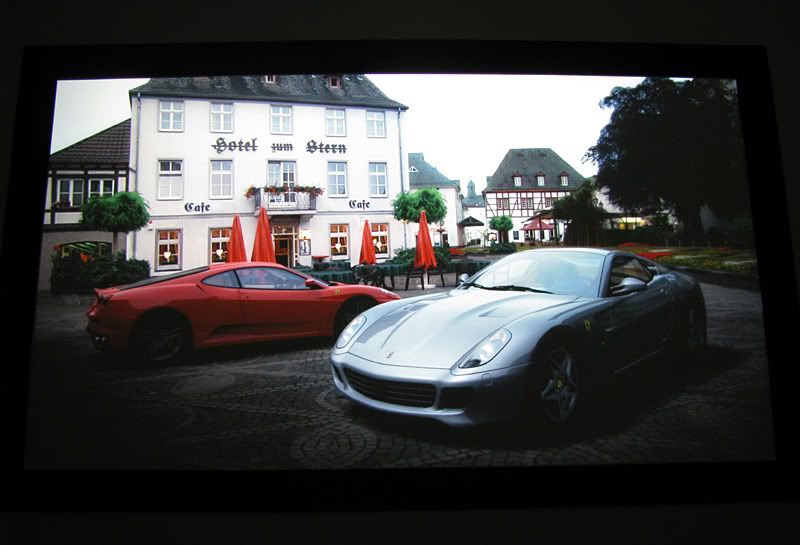 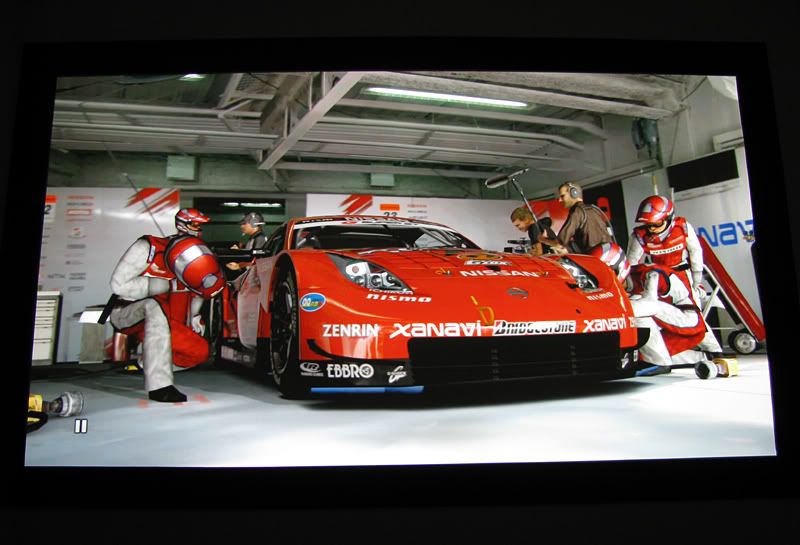 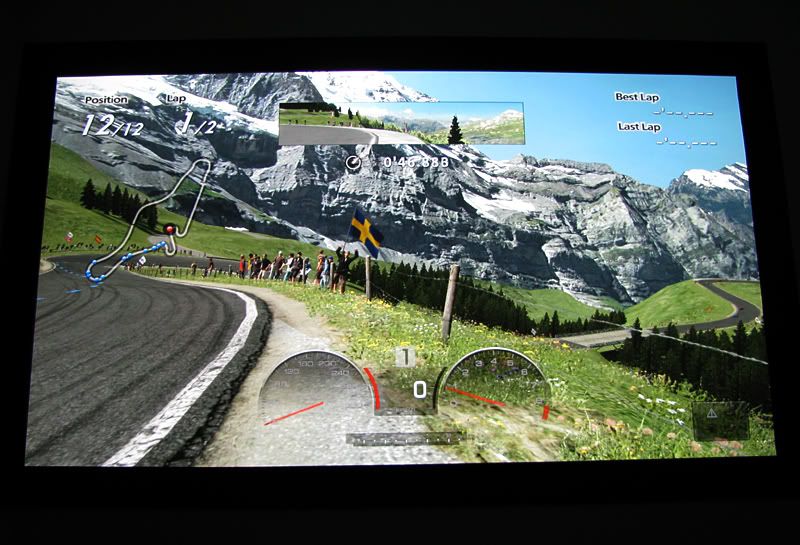 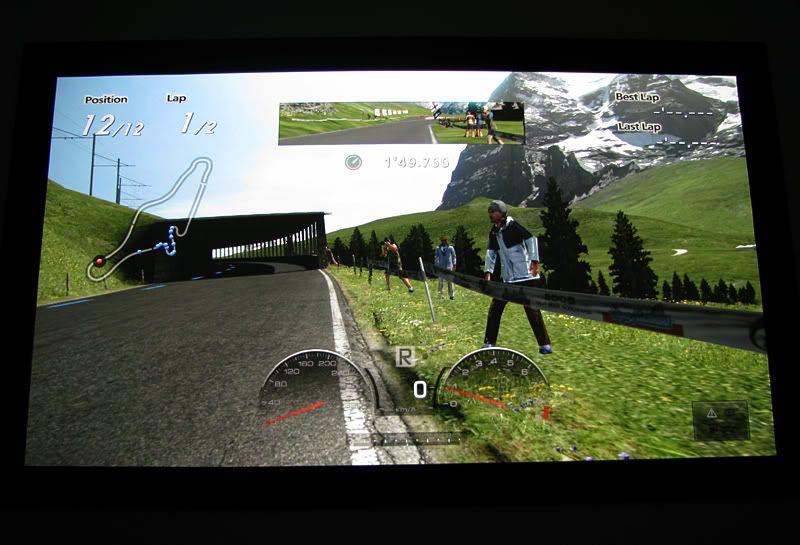 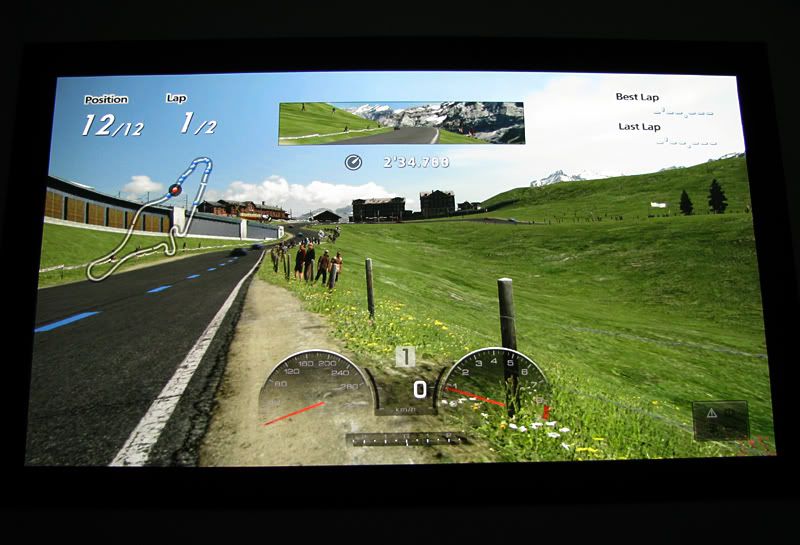 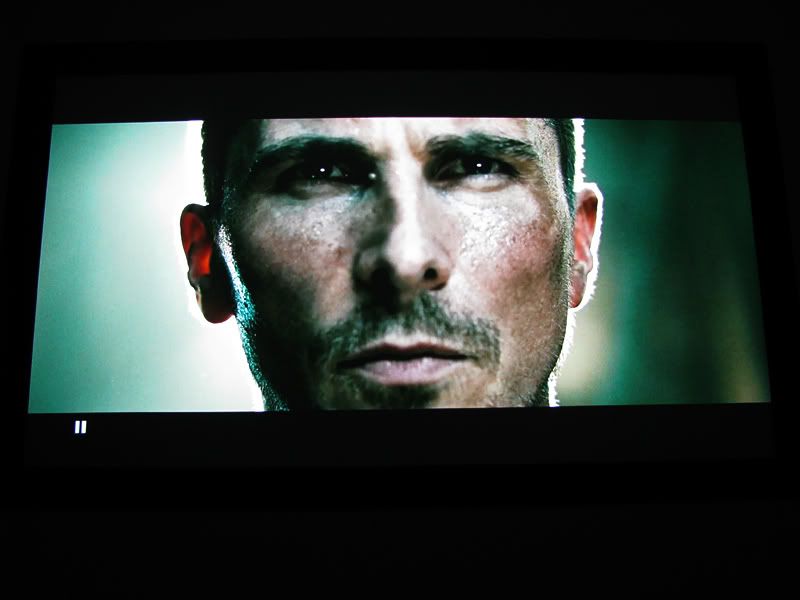 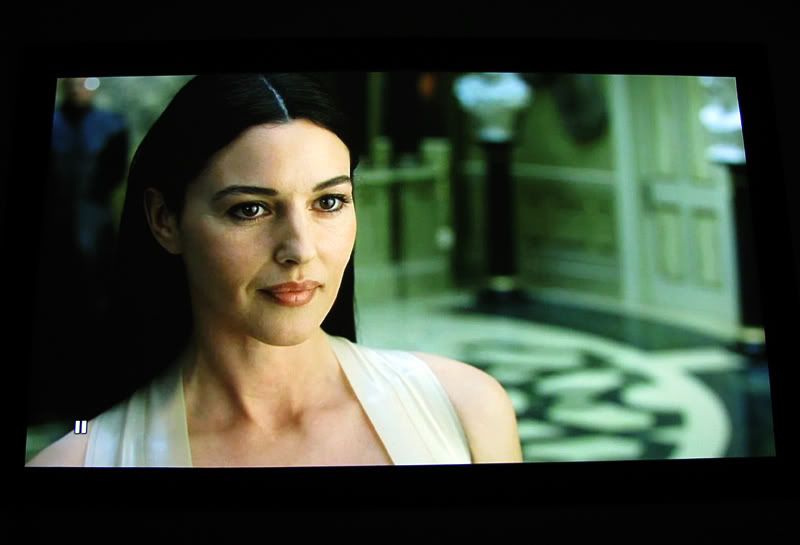 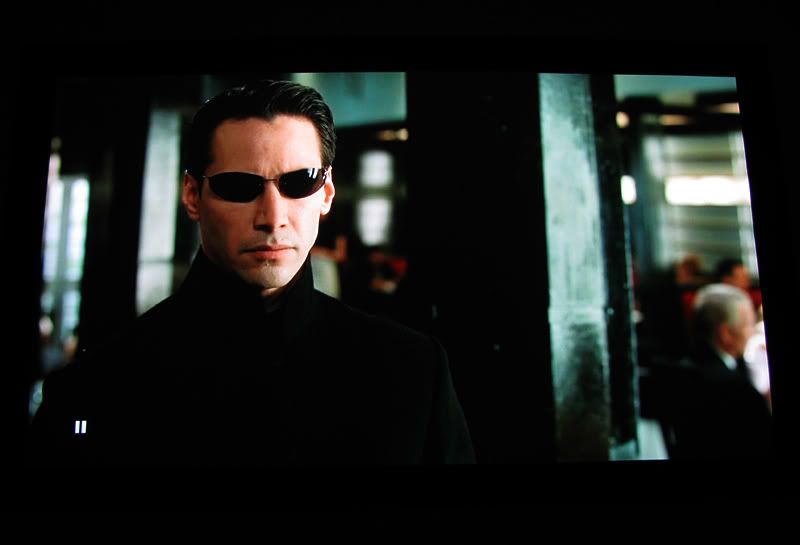 This post has been edited by Ninja: Dec 29 2008, 11:08 PM |
|
|
Jan 4 2009, 01:38 AM
Return to original view | Post
#6
|
|
VIP
1,764 posts Joined: Jan 2003 From: Helghan
|
Welcome, welcome mr.tepet..
 |
|
|
|
|
|
Jan 4 2009, 12:42 PM
Return to original view | Post
#7
|
|
VIP
1,764 posts Joined: Jan 2003 From: Helghan
|
QUOTE(edvpc @ Jan 4 2009, 03:06 AM) bro no small gath for PBN ke? Next week after Youth 09 gathering, stop by ler my house..  |
|
|
Jan 14 2009, 10:22 AM
Return to original view | Post
#8
|
|
VIP
1,764 posts Joined: Jan 2003 From: Helghan
|
As requested by htkaki, I'm posting my HD65 setup pics here.
Still using white wall, but I put black border to increase image contrast.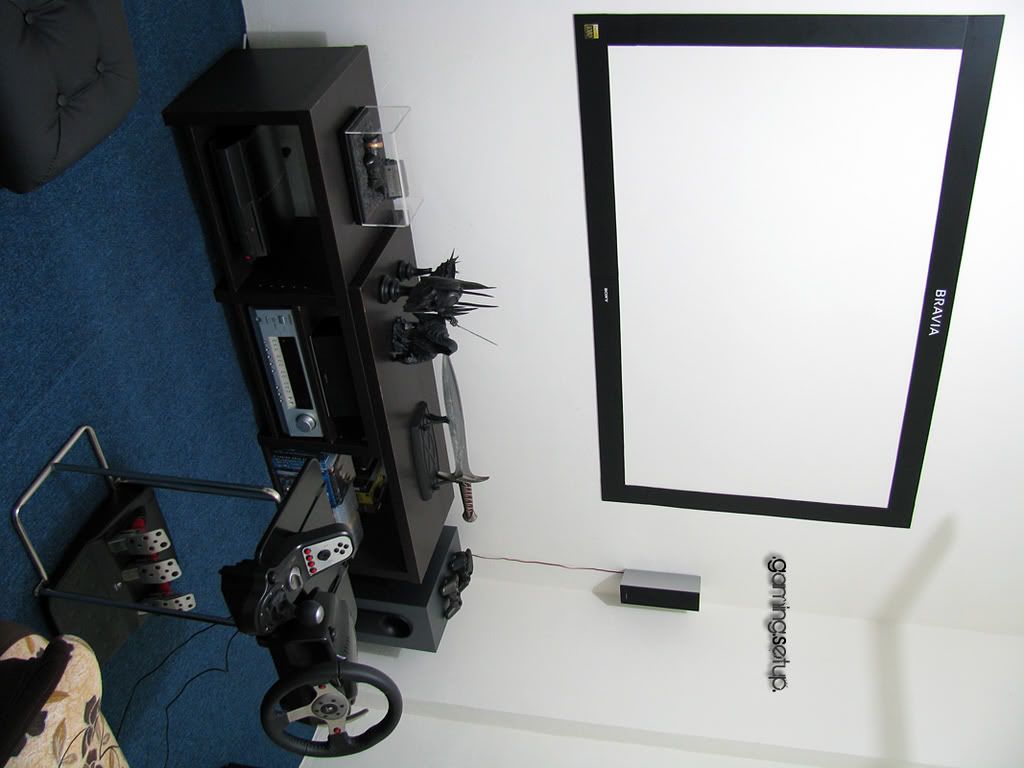 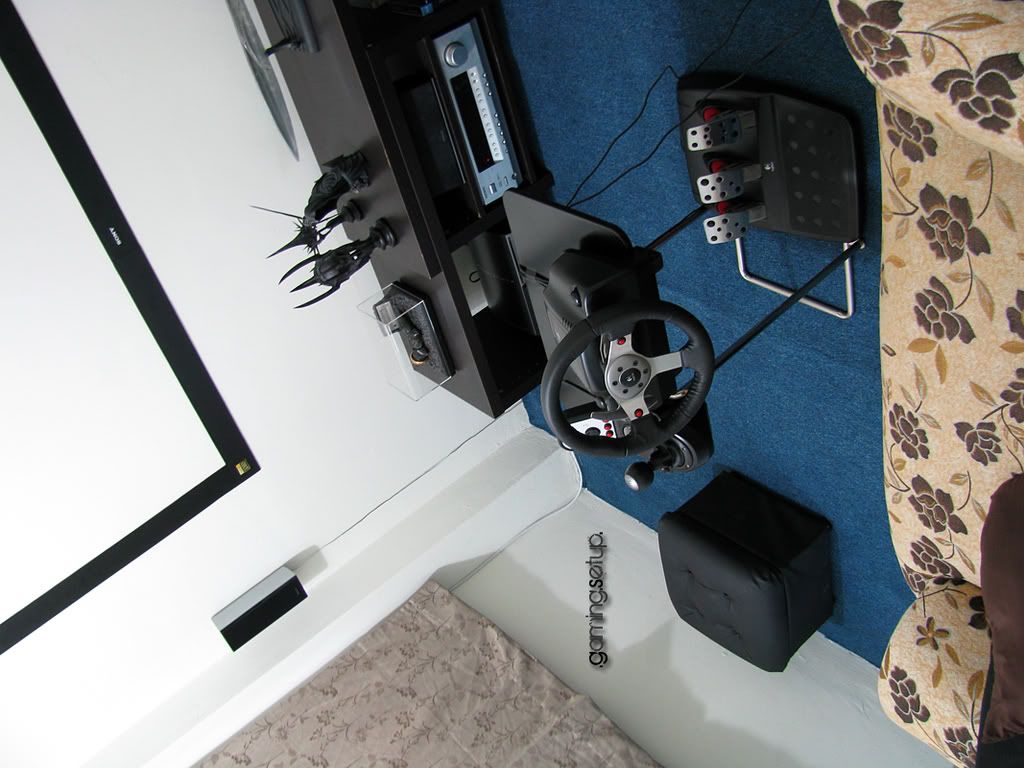 Took a few more snapshots last nite. Scenes from King Kong, Resident Evil, Transformers, Ice Age and Beowulf. 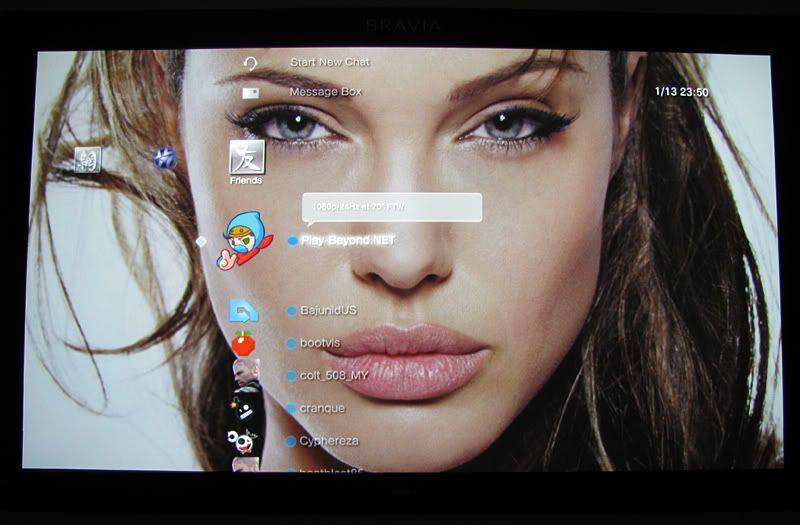 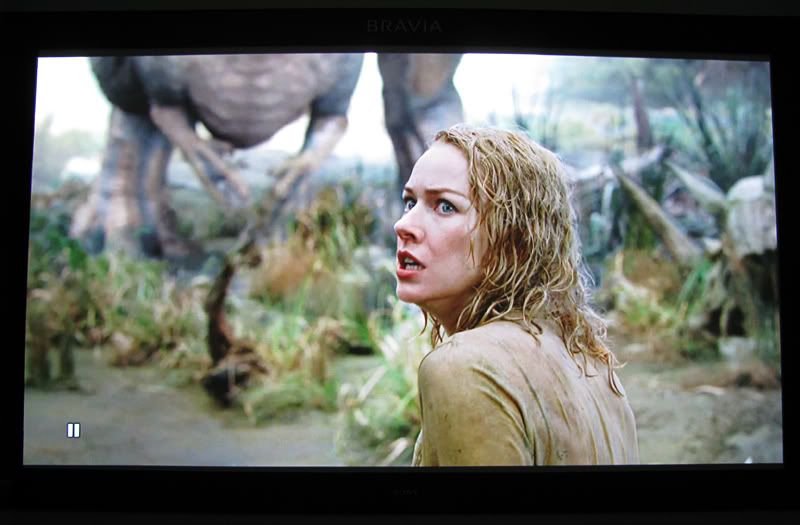 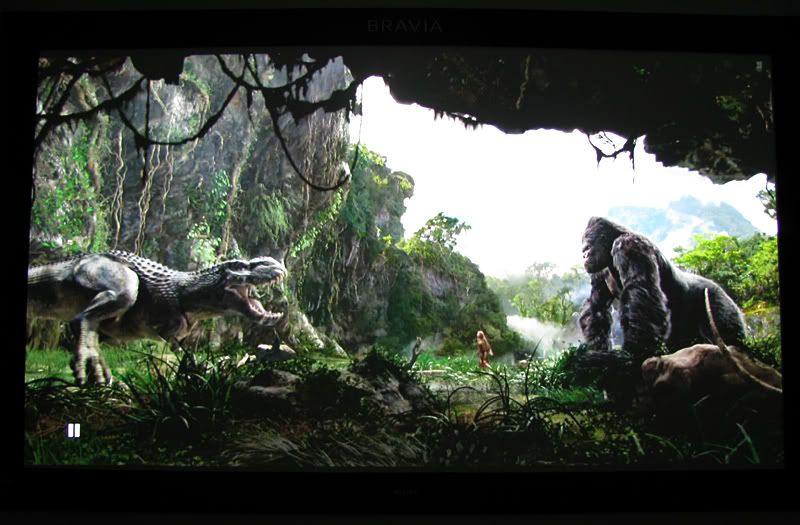 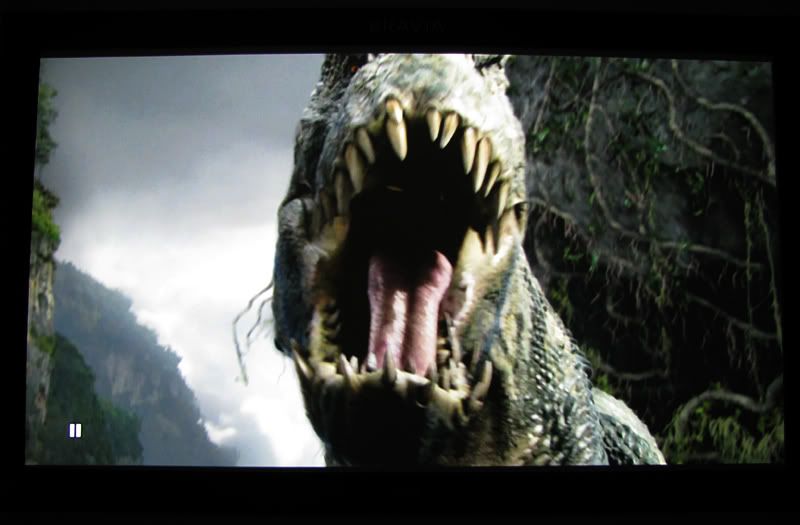 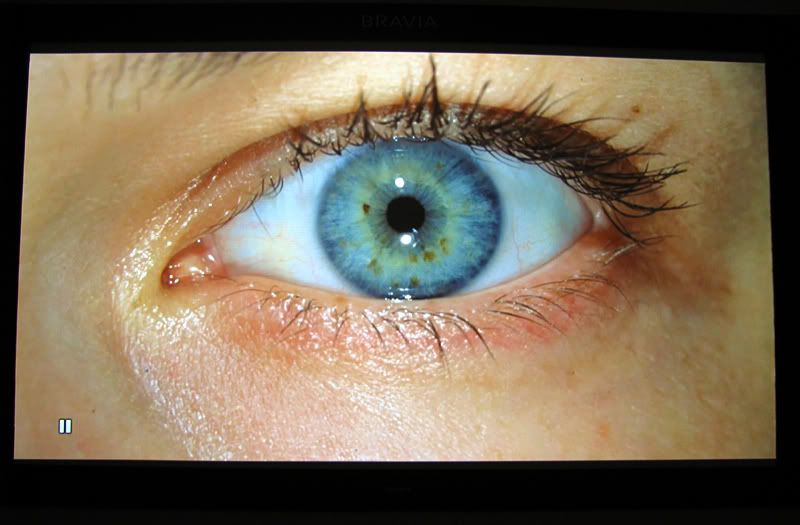 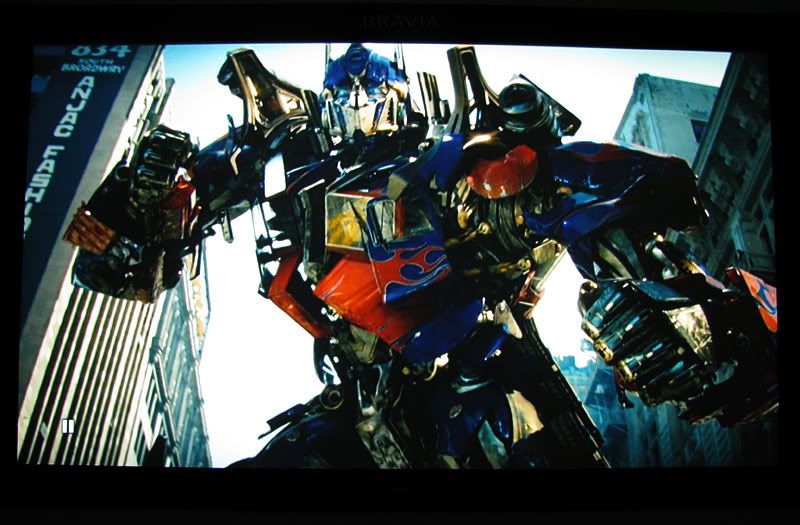 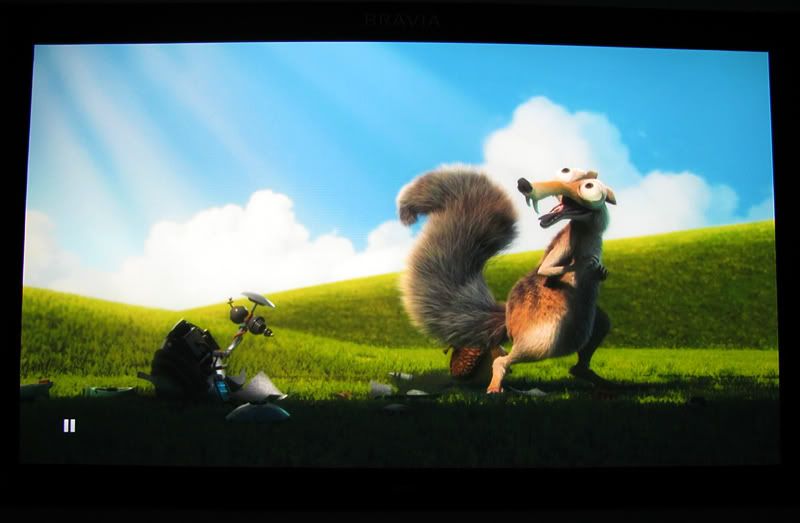 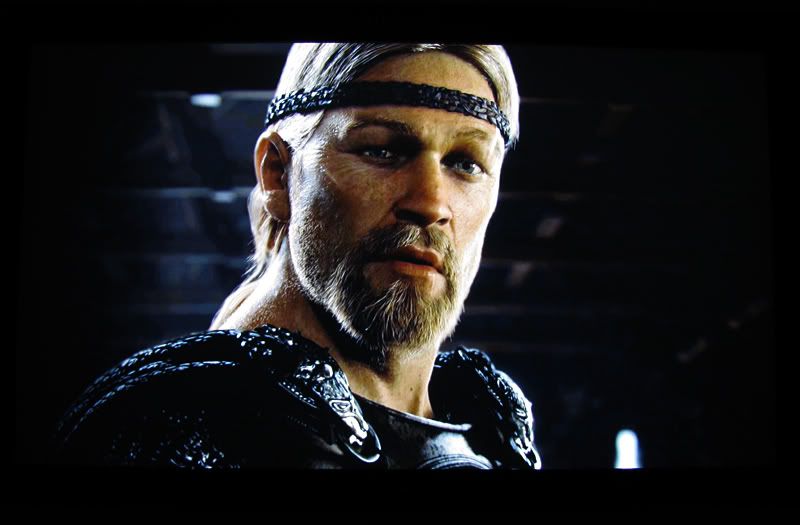 |
|
|
Jan 14 2009, 11:23 AM
Return to original view | Post
#9
|
|
VIP
1,764 posts Joined: Jan 2003 From: Helghan
|
QUOTE(megatron007 @ Jan 14 2009, 10:25 AM) put black border to increase image contrast?? Yeah, black masking to increase contrast and focus point. can ar?? interesting! QUOTE(piscesguy @ Jan 14 2009, 10:46 AM) Where did u get the black border huh? bought from Sony? Prototype model. Not for sale. Khehe.. no'lah. That one DIY only using black thick cardboard. QUOTE(kerollowyat @ Jan 14 2009, 10:57 AM) I'm dumping my plan to get a Full HD TV. Aiming for a projector from now on. So mad at you Ninja In process cleaning up my room. Throwing out all the racks and cabinets. Make some space. Can I have a projector, and pay it monthly. My current budget only allow to buy a Yamaha 663. Even have to hold plan to buy a handycam. I dont know what I'm doing..... It's madness "You see, madness, as you know, is like gravity. All it takes is a little push" - Joker This is the first thing comes out my head when I saw Ninja setup. Madness!  QUOTE(rx330 @ Jan 14 2009, 11:06 AM) fuiyoh... ninja punya bravia My setup was inspired from yours.  Gonna order the eBay screen soon. Gonna order the eBay screen soon.QUOTE(tepetlah @ Jan 14 2009, 11:17 AM) i think hv to use tripod taking the pic.. Yeah, I also use tripod and use timer. Set ISO to 100. |
|
|
Jan 15 2009, 06:05 PM
Return to original view | Post
#10
|
|
VIP
1,764 posts Joined: Jan 2003 From: Helghan
|
QUOTE(aiman04 @ Jan 15 2009, 05:29 PM) Wow, Ninja really went all out for the screen. Very nice! Yeah, got neck strain after a while; I think need to lower down the bookshelf behind where I put the PJ.  But I'd make it as "Pioneer Kuro" than the "Sony Bravia". However, isn't the screen to high? I imagined myself sitting there driving, felt like I have to look up too much, which we don't do during normal driving. |
|
|
Jan 16 2009, 10:10 AM
Return to original view | Post
#11
|
|
VIP
1,764 posts Joined: Jan 2003 From: Helghan
|
How to measure the gain?
 |
|
|
Jan 20 2009, 12:35 AM
Return to original view | Post
#12
|
|
VIP
1,764 posts Joined: Jan 2003 From: Helghan
|
Watched Speed Racer just now with HD65. File streamed as M2TS format from PC to PS3 through media server.
Very nice mixture of colors. A few snapshots taken just now: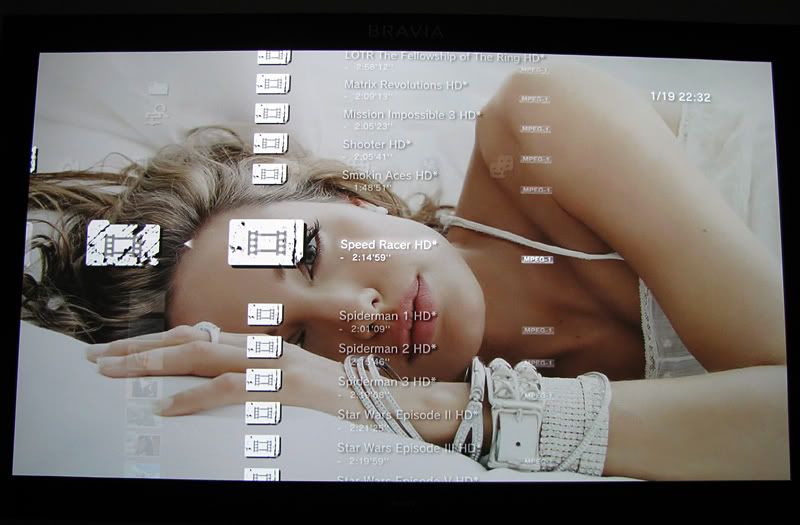         |
|
|
Jan 20 2009, 10:13 AM
Return to original view | Post
#13
|
|
VIP
1,764 posts Joined: Jan 2003 From: Helghan
|
Yeah, only 720p.
But, when I took the above snapshots, I zoomed in. If you guyz, noticed, there's no black borders on top and bottom. Maybe that's why not sharp enough.I took a video also last nite, showing Speed Racer movie and KILLZONE 2 game clip projected from HD65. For high quality: http://www.youtube.com/watch?v=ahAnyGeC1o8&fmt=18 |
|
|
|
|
|
Jan 20 2009, 12:08 PM
Return to original view | Post
#14
|
|
VIP
1,764 posts Joined: Jan 2003 From: Helghan
|
QUOTE(gocitygo @ Jan 20 2009, 11:57 AM) Ninja, nice screenshot. How do you stream the video? Wire or wireless? Since my PC/router located at ground floor, thinking of buying homeplug to link up with PS3 @ upper floor. But the price for 200Mbps homeplug is not cheap, can buy a wireless N router. In dilemma now. I use wired connection to stream. Initially I used wireless,but got some jerking/freezing issues, so change to wired, no more problems. Video plays smoothly; can fast forward; scene search.QUOTE(ronnt88 @ Jan 20 2009, 11:58 AM) Ninja... can teach me how to get the Angelina Jolie background for GT5? Thanks.  You mean how do I get the wallpaper? You mean how do I get the wallpaper? |
|
|
Jan 20 2009, 12:11 PM
Return to original view | Post
#15
|
|
VIP
1,764 posts Joined: Jan 2003 From: Helghan
|
QUOTE(ronnt88 @ Jan 20 2009, 12:09 PM) yup... the wallpaper(s) Can't remember where I downloaded them. But, if you want I can upload it for you. Got one batch of Angelina Jolie's wallpaper on my PS3. |
|
|
Jan 20 2009, 12:17 PM
Return to original view | Post
#16
|
|
VIP
1,764 posts Joined: Jan 2003 From: Helghan
|
okay, will upload it tonite and give you the link to download. |
|
|
Jan 20 2009, 12:25 PM
Return to original view | Post
#17
|
|
VIP
1,764 posts Joined: Jan 2003 From: Helghan
|
QUOTE(htkaki @ Jan 20 2009, 12:00 PM) It was mentioned '(including HDMI 1.3 with Deep Color support)' How to enable it? So far I know that PS3 supports this feature. But, i think the source (i.e. Blu-Ray movie) must support it)?Added on January 20, 2009, 12:27 pm QUOTE(tepetlah @ Jan 20 2009, 12:21 PM)  Added on January 20, 2009, 12:22 pm have to enable media sharing on media player(pc)..then all movie should pun on my document/my video folder.. http://tversity.com/  This post has been edited by Ninja: Jan 20 2009, 12:27 PM |
|
|
Jan 21 2009, 12:22 PM
Return to original view | Post
#18
|
|
VIP
1,764 posts Joined: Jan 2003 From: Helghan
|
QUOTE(rx330 @ Jan 21 2009, 10:55 AM) my bad, ninja's m2ts isnt raw from blu ray, its converted Yeah, all from MKVs. Change video container to M2TS. |
|
|
Jan 21 2009, 11:31 PM
Return to original view | Post
#19
|
|
VIP
1,764 posts Joined: Jan 2003 From: Helghan
|
QUOTE(ar188 @ Jan 21 2009, 05:50 PM) was wondering how long to convert a 720 mkv (say 4.3GB) to m2ts? and which program is most efficient? I used 'tsmuxer' program. Conversion normally takes less than 5 minutes for 8GB 720p.What the program do actually is extract the video and audio from MKV and mux it back into m2ts video container. No re-encoding required. Download: tsMuxeR |
|
|
Jun 30 2009, 05:11 PM
Return to original view | Post
#20
|
|
VIP
1,764 posts Joined: Jan 2003 From: Helghan
|
Long time no enter this thread.
What is this 'White Snake' you guyz talking about? |
| Change to: |  0.0381sec 0.0381sec
 0.41 0.41
 7 queries 7 queries
 GZIP Disabled GZIP Disabled
Time is now: 12th December 2025 - 12:57 AM |
 Quote
Quote