Welcome Guest ( Log In | Register )

Outline · [ Standard ] · Linear+

Home Theatre Optoma HD65 Kakis, technical, tweaking, screenshot.........

views
     
anfieldude
post Jul 19 2009, 09:27 AM

Look at all my stars!!
*******
Senior Member
3,858 posts

Joined: Jan 2008
QUOTE(ycs @ Jul 18 2009, 06:41 PM)
bro, can translate that into layman language?  hmm.gif
*
Will try again.

I calibrated the set in 2 modes.

The mode that looks best is Cinema mode. It gives out enough light output but it must be in a light controlled room. For a set that is a budget set, the picture post calibration gives a very good image. This is because the greyscale calibration yielded good results with low errors and the gamma (which is important for pop and shadow detail) was very good.

In Bright mode, the picture was double the brightness of the Cinema mode. This mode can be used in a less light controlled room. However, the accuracy of the greyscale is not too correct. This will yield a not so accurate image in the bright images but not too bad in the dark areas of the films.

The drawback to this projector is that its colour accuracy is not too good. There is no colour control and the 2 options called True Vivid and some weird Colour control are really not something you want to touch to get a good image.

Overall, I believe for the price, it is very good.
anfieldude
post Jan 22 2010, 04:40 PM

Look at all my stars!!
*******
Senior Member
3,858 posts

Joined: Jan 2008
QUOTE(mys_terious @ Jan 22 2010, 03:38 PM)
Where should i post if i wanna sell my optomo hd65..  i dont see any section for projectors in trade zone
*
Bro, never get a chance to calibrate sell already...getting full hd pj?
anfieldude
post Jul 5 2010, 02:42 PM

Look at all my stars!!
*******
Senior Member
3,858 posts

Joined: Jan 2008
QUOTE(Ninja @ Jul 5 2010, 02:38 PM)
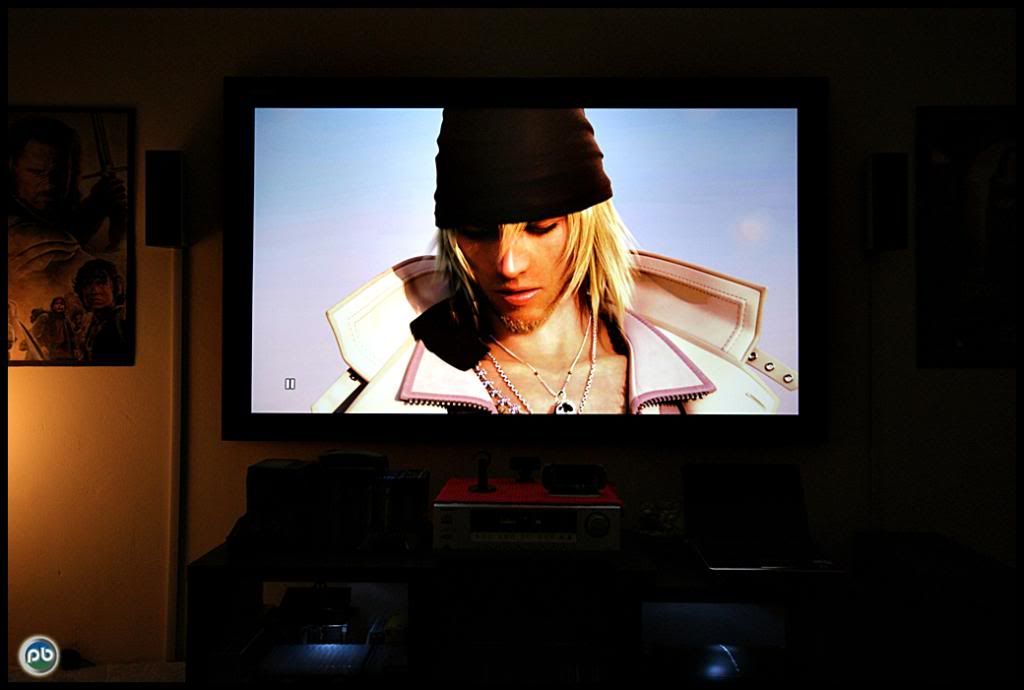
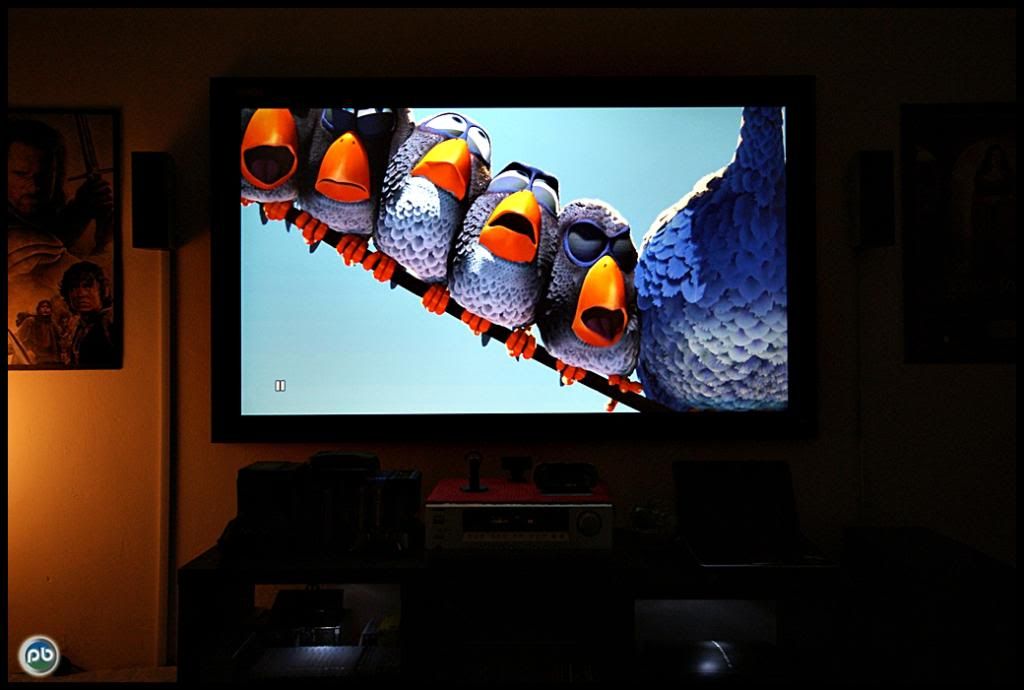
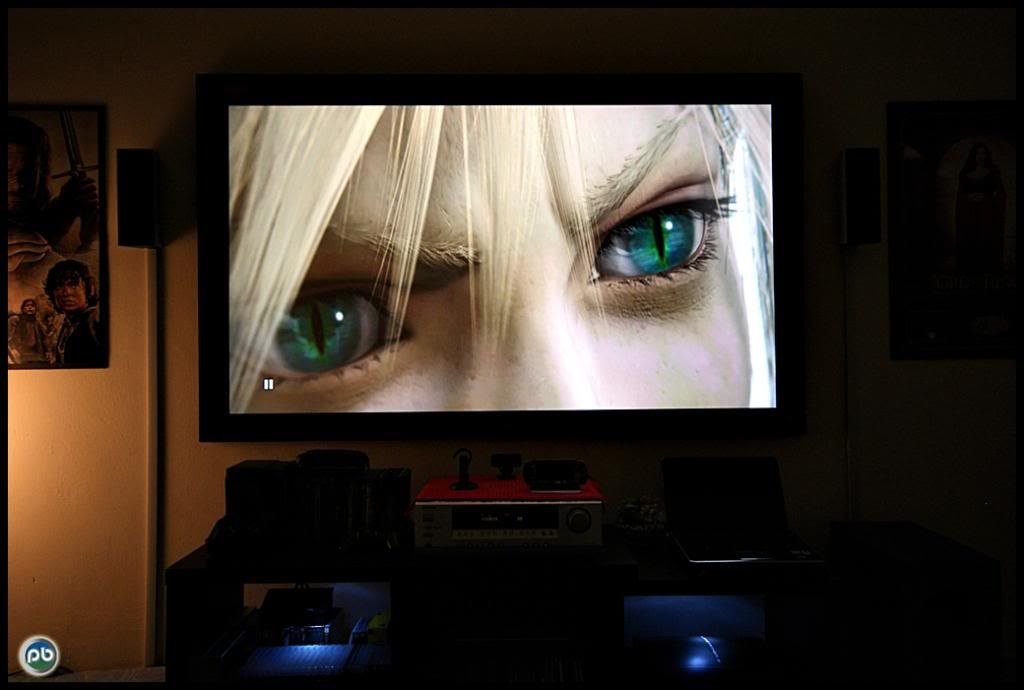
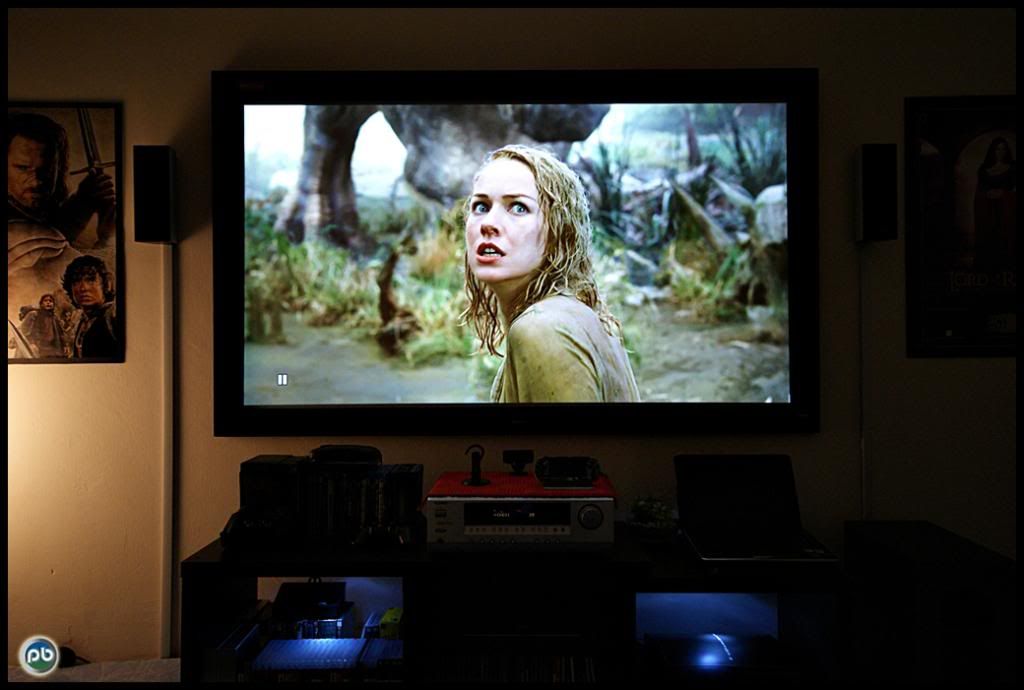
Some new snapshots of my new screen. tongue.gif


» Click to show Spoiler - click again to hide... «

*
ninja,

How big is the screen?
anfieldude
post Jul 5 2010, 02:45 PM

Look at all my stars!!
*******
Senior Member
3,858 posts

Joined: Jan 2008
QUOTE(Ninja @ Jul 5 2010, 02:43 PM)
73inch only.  sweat.gif
*
Nice....

Also ur photography skills are top notch....
anfieldude
post Jul 6 2010, 08:10 AM

Look at all my stars!!
*******
Senior Member
3,858 posts

Joined: Jan 2008
QUOTE(Kiding @ Jul 6 2010, 12:19 AM)
Is your Unic projection screen fiberglass material? is it fix screen? what is the gain and viewing angle?

I may get the Unic 90" HC gray fix screen, but not sure what kind of screen material it use, from the screenshot that you taken,
no offend, the color doesn't looks natural. you can try to turn off all light, and take the screenshot again, the contrast will be better under full dark environment.
*
Judging screenshots would require 2 things to be right. Ur display having been calibrated to D65 and the display that the screenshot was taken calibrate to D65. Along the way, the correct white balance setting on the camera also needs to be selected.

So, I would hold back on making a decision based on a screen shot.

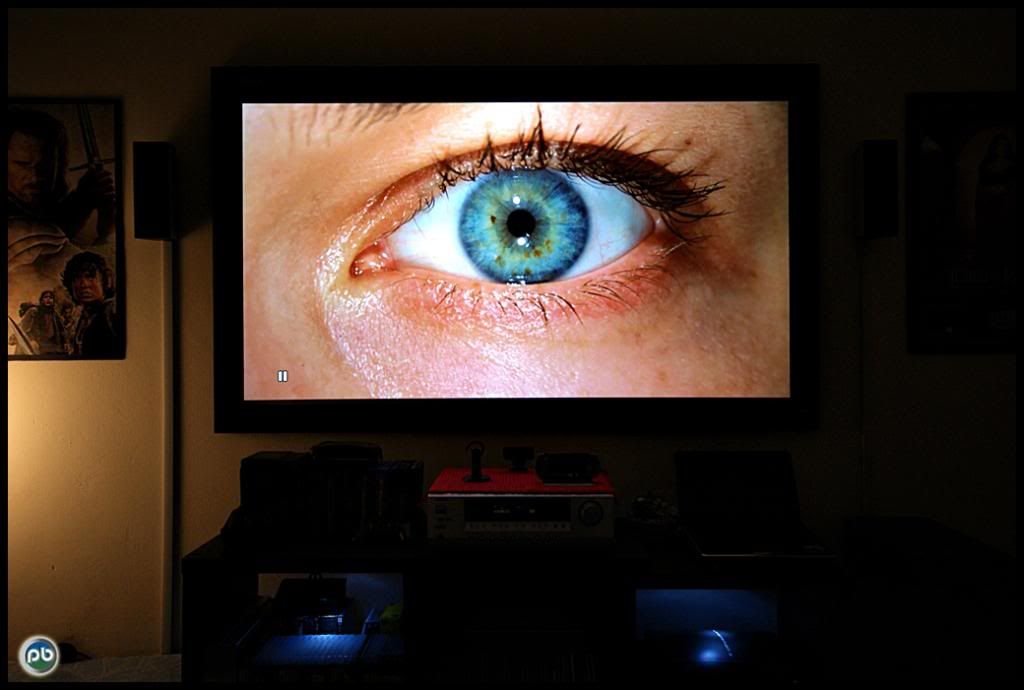
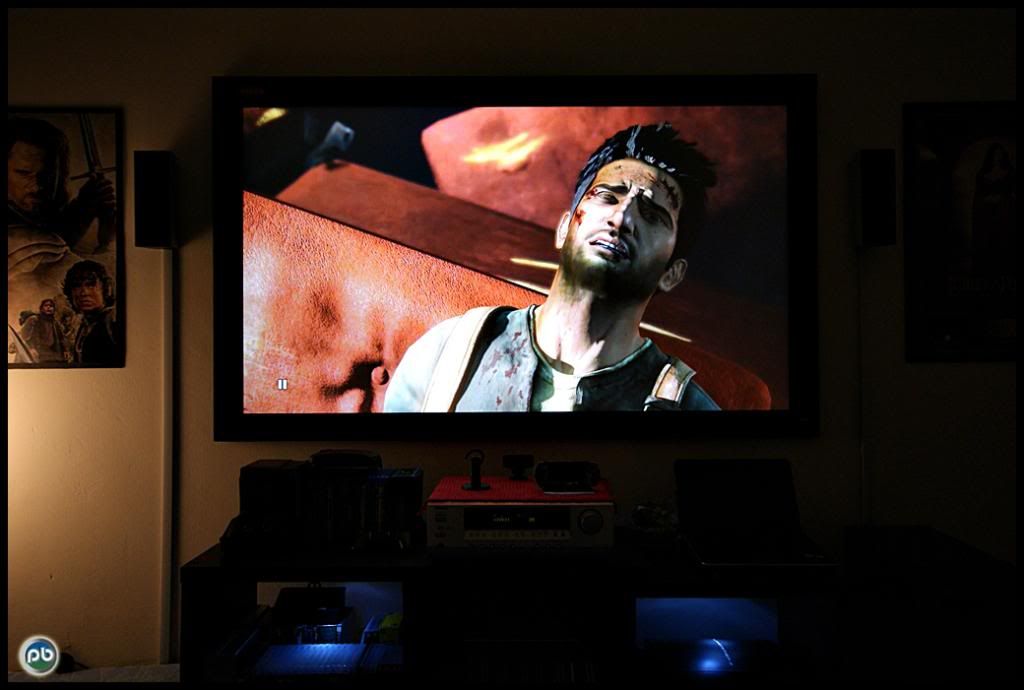
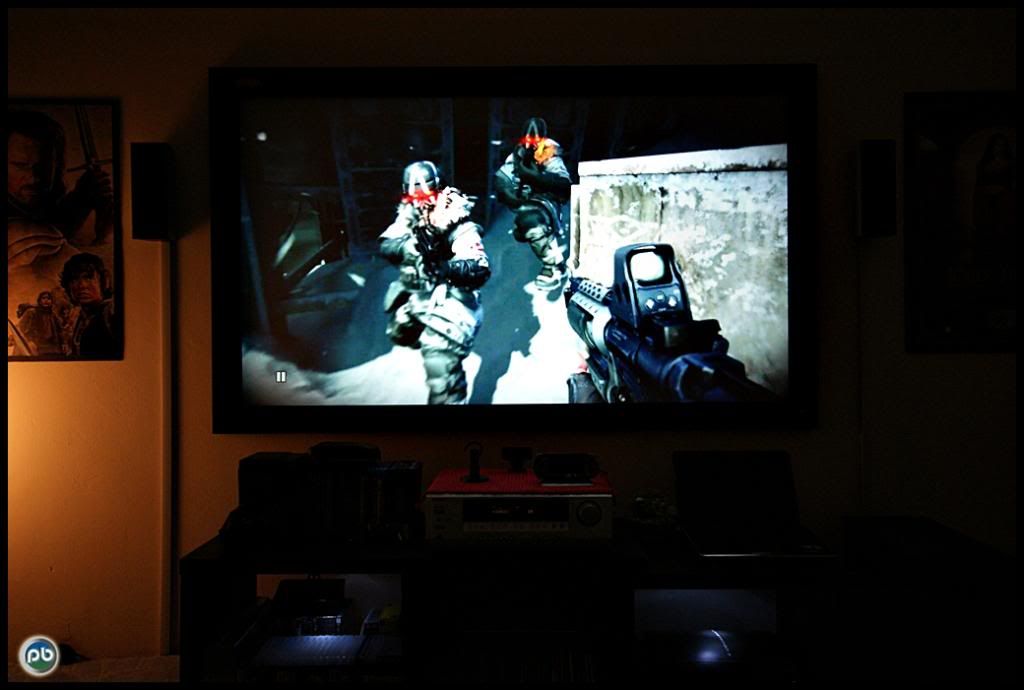
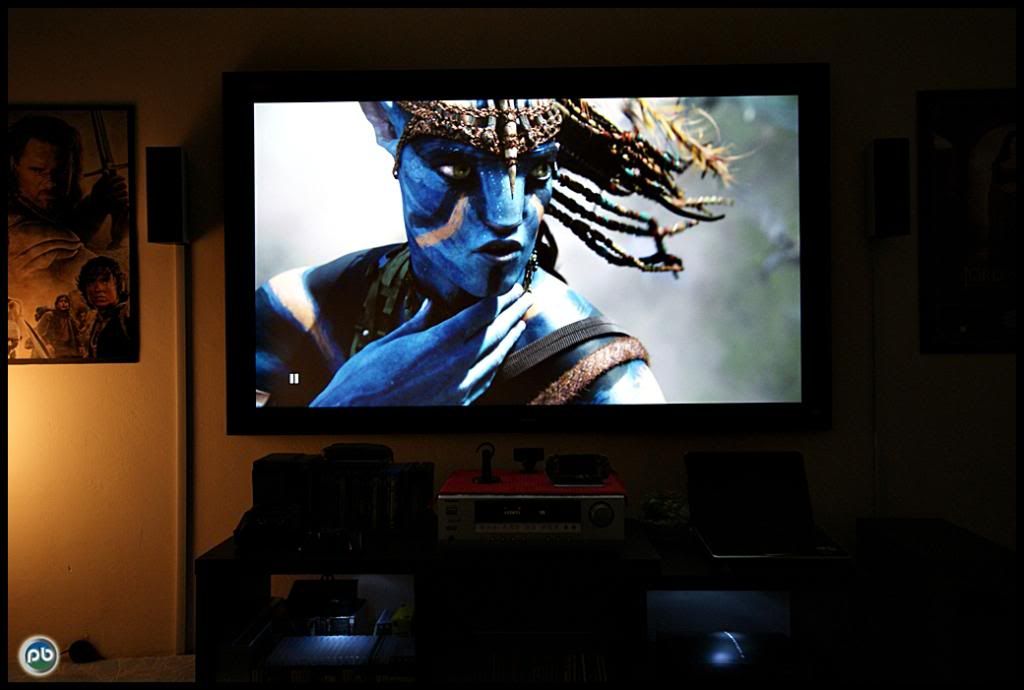
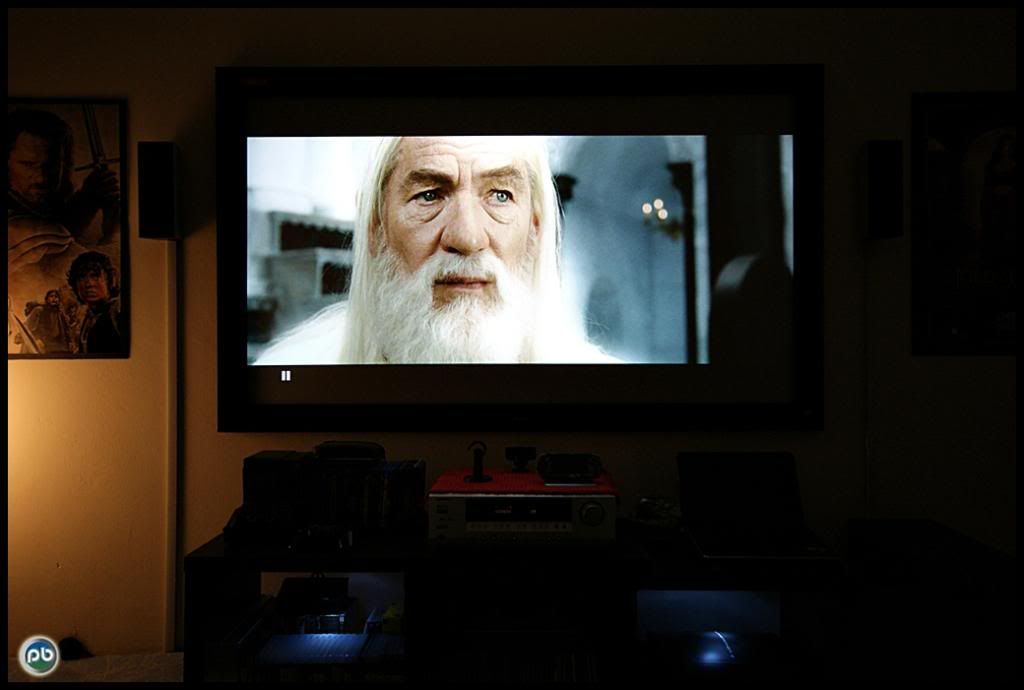
Also, the HD65 does not have a CMS to properly calibrate the colours. It has white balance controls to properly calibrate greyscale, but as I remember the colour points are not as accurate. The colour decoding is also not perfect. However, it is not too bad. Going by Gandalf's image on the LOTR screenshot viewed from my LCD it looks fairly ok as the skin tones are not pushing red.

However, my LCD that I am viewing this with is also not calibrated, so its just hearsay.

Screen material will shift the white and colour points at different angles depending on your seating position, however with the proper controls, you can calibrate it to the best based on your seating position.
anfieldude
post Sep 9 2010, 11:24 AM

Look at all my stars!!
*******
Senior Member
3,858 posts

Joined: Jan 2008
QUOTE(asciii @ Sep 9 2010, 10:57 AM)
anyone managed to watch astro via this projector..coz the image from astro that i see is all purple color
*
Colour space mismatch. Change at the projector. Astro b.yond box is YCbCr 4:4:4 8 bit thru hdmi.


Change to:
| Lo-Fi Version
0.0257sec    0.78    7 queries    GZIP Disabled
Time is now: 10th December 2025 - 04:16 AM