

 Feb 1 2008, 01:51 PM, updated 18y ago


This is to prevent the dreaded side scrolling.
- If your image is larger than 640x480 please make a thumbnail or text linking to your image.
- The thumbnail must not be larger than 640px wide, if your thumbnail is larger your post will be edited possibly deleted.
- if you are going to quote a topic please remove the image from within the quote.
- Moderators have the right to edit or remove any of the posts in this thread.
- Upload your image and thumbnail to your host
- Use the following tag below and replace "yourURL" with the location and name of your image. This will link the thumbnail to your full size image. You can use text instead of a thumbnail by replacing the img tag with your text.
- Also keep in mind that when using spaces in your url, replace the spaces with %20. Some images break when using spaces.
Example:CODE[URL=http://yourURL/screenshot.jpg][IMG]http://yourURL/thumbnail.jpg[/IMG][/URL] - In the interests of keeping the thread on topic it is strongly urged that you format your posts in the following order:
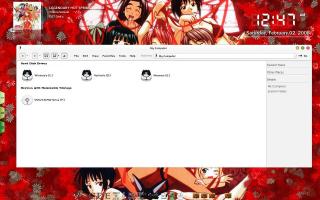
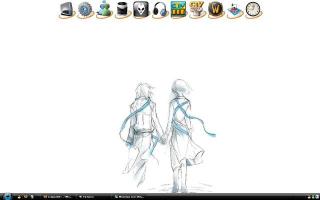
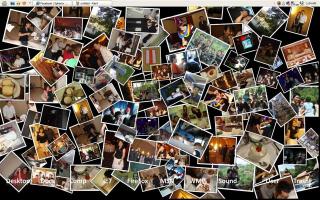
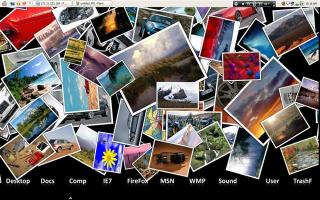
- Visual Style: Name/where you got it (with link would be nice).
- Wallpaper: Name/where you got it (with link would be nice).
- Icons: Name/where you got it (with link would be nice).
- Programs: Name/where you got it (with link would be nice).
This post has been edited by UnUsUaL: Feb 1 2008, 01:52 PM
 Quote
Quote


















 0.0258sec
 0.67
0.67
 6 queries
 GZIP Disabled