QUOTE(-=ProtozuaqS=- @ Jan 3 2008, 01:16 PM)
My mobo do not have a function for changing cpu multiplier.
Just using Auto OC from the bios and got 2.6Ghz max higher.
there's multiplier option in the oc menu. Make sure you go tru one by one
i use that mobo b4

QUOTE(dj.eRicZzz @ Jan 3 2008, 01:24 PM)
dont worry...i pump till 1.69 before

and my proc still nice....dare not go further though
Added on January 3, 2008, 1:25 pmbut sometimes we lower the multiplier to get higher speed
Added on January 3, 2008, 1:30 pmyour mobo is 7050 pv? i tried to google but nothing...issit 7050-m2?
he is using exactly the same mobo as yours. 7050 pv is the name of chipset, given by nvidia.
QUOTE(AoiNatsume @ Jan 3 2008, 02:04 PM)
its a D2 800mhz, havent really push it yet, after some quick test it is still unable to beat my old 10th anniversary.
So far, its running on the same settings as my crucial on a 24/7 clock (1066mhz/2.2v/5-5-5-15)
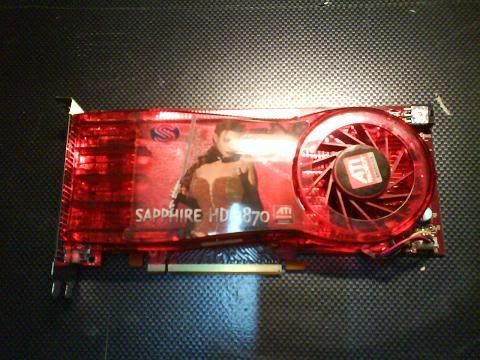
My new 3870 should be arriving today, next month upgrade would be phenom. Damm cant wait !!

btw, ive sold my tracers, will cod with another forumer here today for OCZ Reaper HPC edition.
icic...from what i've seen.
seems crucial 10th +/- Balistix > balistix tracer
but balistix tracer got bling bling LEDs
QUOTE(-=ProtozuaqS=- @ Jan 3 2008, 03:08 PM)

Yes...7050 m2 but i dont know why they put PV.u can see at this link.
http://www.biostar-usa.com/hayya bro,relax..
not X2 4000+ Barton,im using brisbane,just asking if i can change the multiplier 4 my brisbane.
i mean barton for AMD Athlon XP,some pencil trick must to do to unlock the multiplier.
but that is long story.
auto oc : im just using setting has provided by biostar/manufacture.Could find in the bios.
you can change to lower multiplier, but cannot change to higher multi unless u are using a black edition proc
If im not mistaken, minimum multiplier that u can set for your proc is 5. Lower than that won't work



 Jan 2 2008, 10:17 PM


 Quote
Quote




 0.0586sec
 0.29
0.29
 7 queries
 GZIP Disabled