

 Jun 28 2024, 01:54 AM, updated 2y ago


What I've done:
- Manually assign a static local IP and DNS via Windows 10
- Add NAT Port Forwarding rule in the router (see the attached image)
My local IP: 192.168.1.111
My public IP: 180.x.x.x (edited: 180.75.235.241)
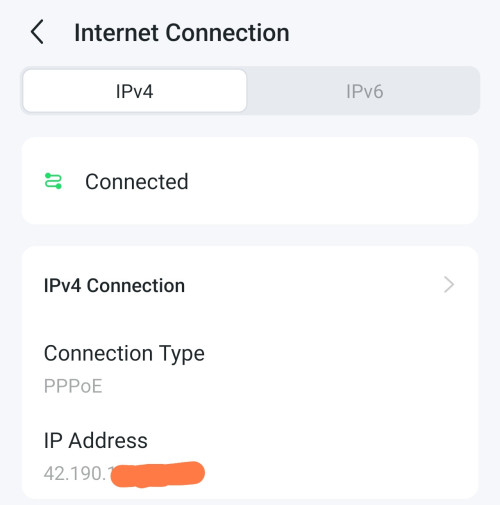
(Edited: My WAN IP IPv4 Address: 100.105.194.126)
But when I go to https://www.yougetsignal.com/tools/open-ports/, it tells that the port is still closed.
Also my public IP is not the same with my WAN IPv4 Address. I read somewhere that those IPs need to be the same in order for port forwarding to work.
Any idea how to resolve this issue? Is there something with the NAT Port Forwarding rule?
This post has been edited by nik91: Jun 28 2024, 11:29 AM
Attached thumbnail(s)

 Quote
Quote


 0.0183sec
 0.96
0.96
 6 queries
 GZIP Disabled