


 Jun 19 2024, 11:49 PM, updated 4 months ago


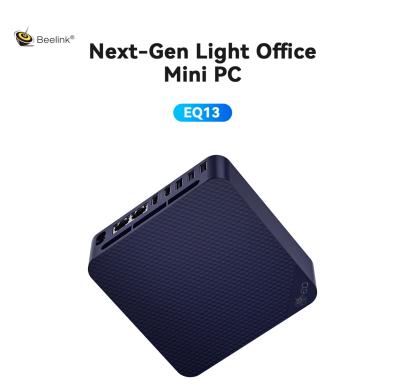
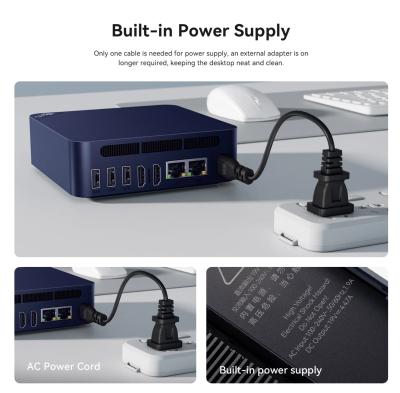
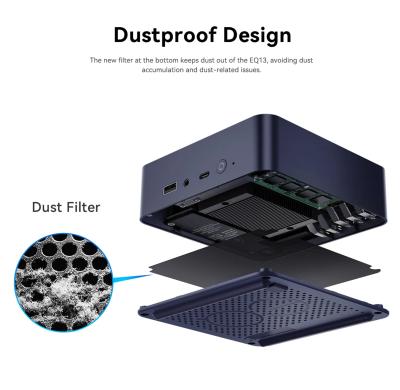
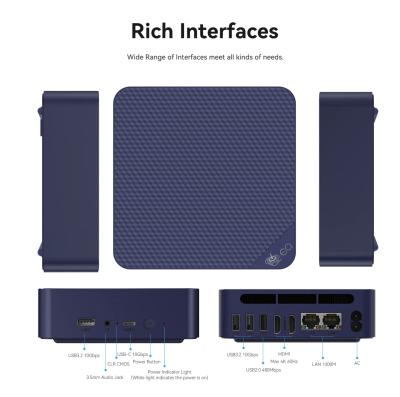
So why should you consider this particular Mini PC? Well for starters, the price, its low power usage (more about this below), and the design. IIRC, this is the first time Beelink's pulled off a dustproof design (dust filter present just above the air intake vents on the bottom) and an inbuilt traditional power supply. This means, only a single power cable required, no adapter needed. Although, there's a 10Gbps USB-C port on the front, appears its purely for data transfer as it doesn't power the device or sends video signal to my monitor... not unlike the Beelink's SER6 Pro's 40Gbps USB4 Port which allows one to completely ditch the power adapter & HDMI/DP cable.. And if you haven't seen that review...Here you go..
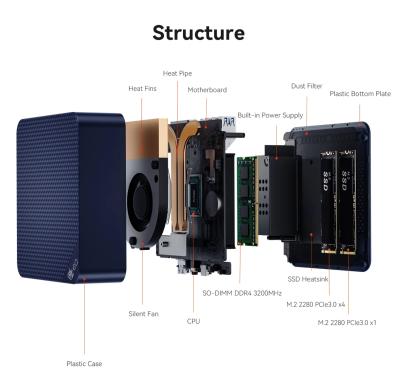
The Beelink EQ13 appears well built, sporting a laser faceted top panel & a unibody chassis. I would like to credit its near silent operation to the improved airflow design. That air intake placed on the bottom coupled with a silent fan, heat fins, sink, & pipe does seem to do its job. Heard no sound from the Mini PC even during heavy benchmarking and the top surface remained just slightly warm...definitely can touch and leave your hand there...
Okay enough fluff and let's get down to the specifications sheet.
*Dimension: 126*126*39mm (Without rubber feet)
*Color: Navy Blue Only
*CPU: Intel Alder Lake N200 Processor, Max Turbo Frequency 3.7GHz (4C/4T) 6MB Cache
*GPU: Intel UHD Graphics 32EUs @ up to 750 MHz; TDP: 6W (Configurable up to 25W TDP according to Beelink)
*SSD Slot 1: 500GB M.2 2280 PCIe3.0 x4 (upgradeable up to 2TB)
*SSD Slot 2: M.2 2280 PCIe3.0 x1
*RAM: 16GB SO-DIMM DDR4 32MHz Slot*1
*Network: WiFi 6 (Intel AX101); Bluetooth 5.2
*1x Power LED & button up front
*Operating Environment: -10°C-45°C, Humidity: 30%-85%
*Storage Environment: -20°C-60°C, Humidity: 10%-90%
*Built-In Power Supply
***Input: 100-240V,50/60Hz,19A
***Output: 19V/4.47A
*Ports
***1x AC Jack
***1x USB-C (10Gbps)
***3x USB3.2 Gen2(10Gbps Data Only)
***1x USB2.0 (480Mbps)
***2x LAN 1000Mbps
***1x 3.5mm Audio Jack
***2x HDMI (Max 4K@60Hz)
*Box Contents/Accesories
***1x HDMI
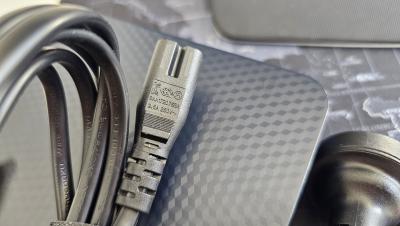
***1x AC Cable
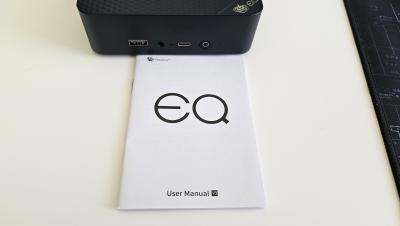
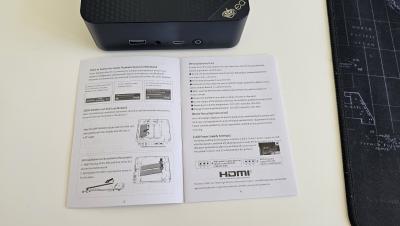
***1x User Manual
*Additional Functions
***Wake On LAN
***Auto Power On
Box & Hardware Images
» Click to show Spoiler - click again to hide... «
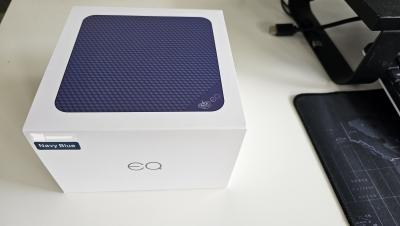
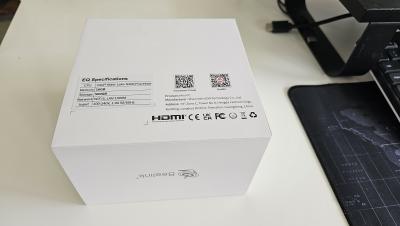
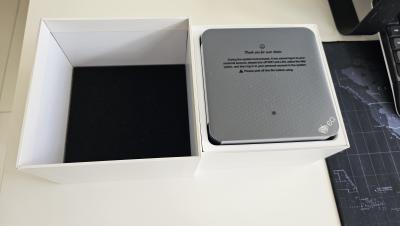
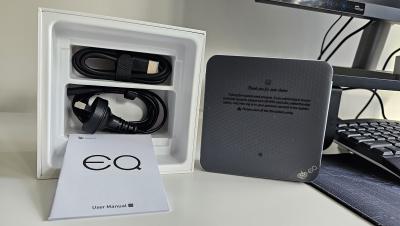
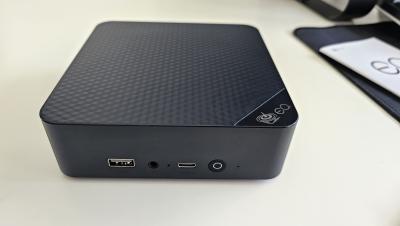
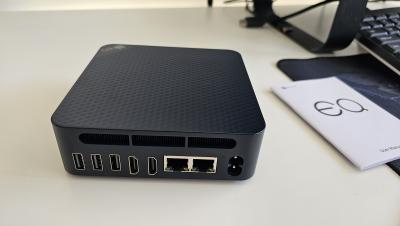
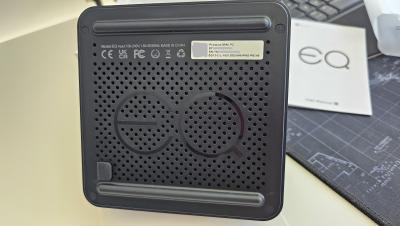
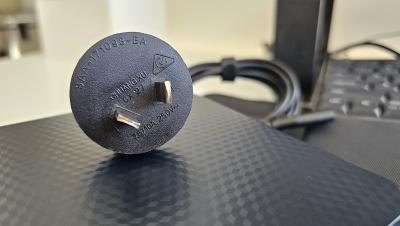
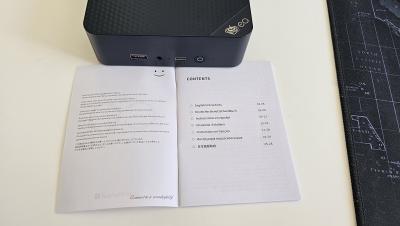
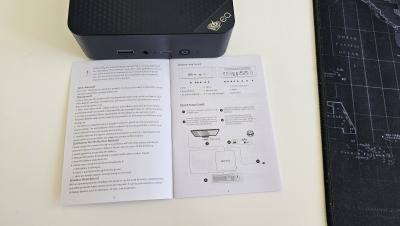
English Manual
» Click to show Spoiler - click again to hide... «
Before we move on to some benchmark scores, here are the System default information, some installed updates, and build information. The last image is where I'm fully updated.
System Default, Updates, & Build Information
» Click to show Spoiler - click again to hide... «
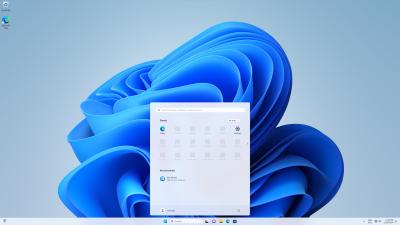
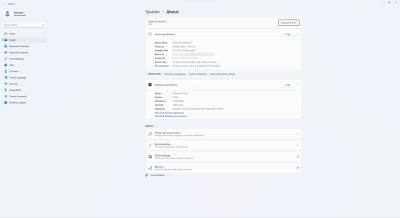
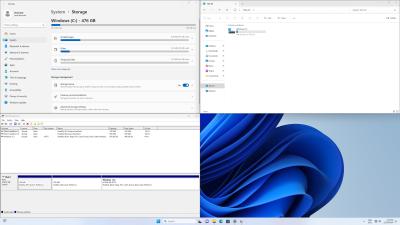
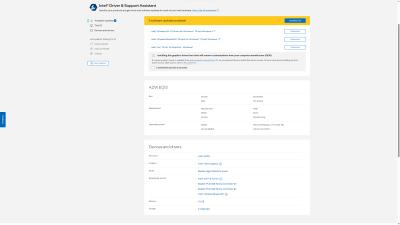
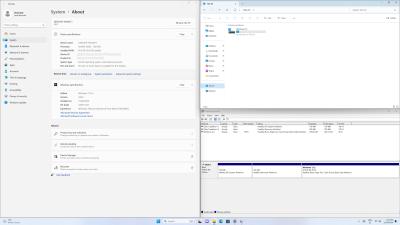
Basically, it shipped with Windows 11 Pro V22H2, Build 22621.2715 and later updated to V23H2 Build 22631.3737. OOTB, we had 446GB of usable SSD storage which got reduced to 429GB after all Windows updates and some key software are installed. No games.
Some default BIOS Settings [Tweak with caution]
» Click to show Spoiler - click again to hide... «
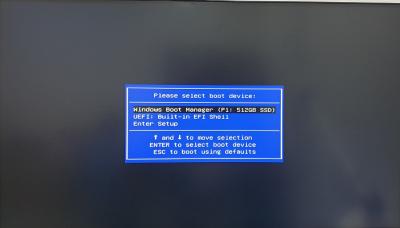
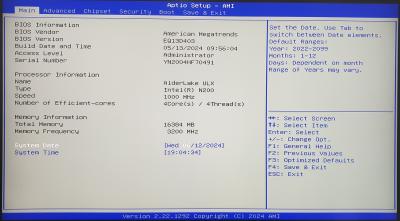
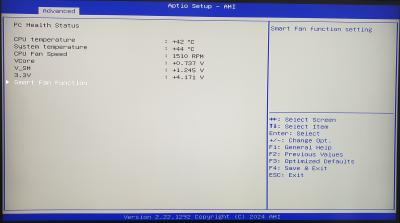
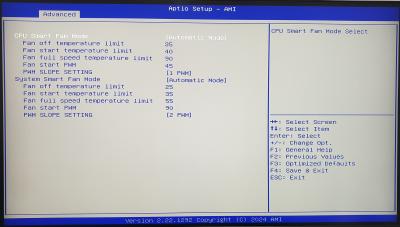
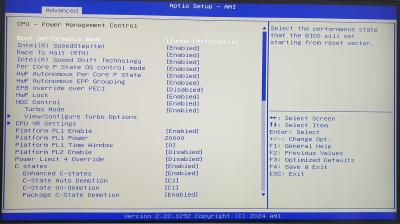
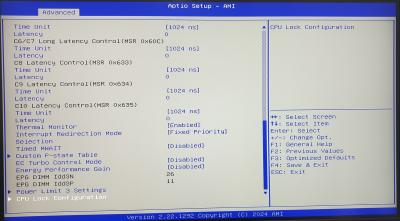
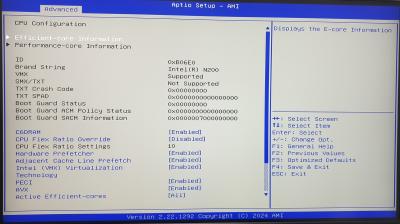
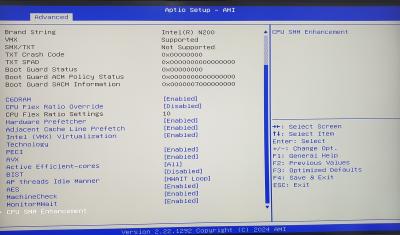
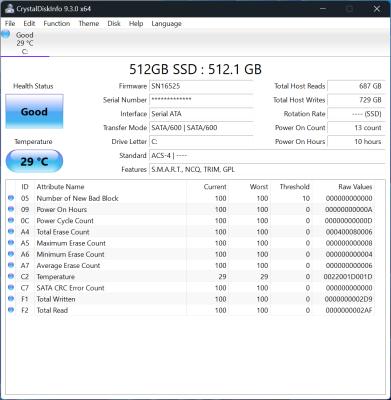
Now some Benchmarking numbers; SSD Information, R/W Speeds. All this time the EQ13 N200 was connected via HDMI to a single Lenovo L32p-30 4K Monitor running at 4K@60Hz resolution. I'm all about real-world experience and so left the Power Mode set to "Balanced" which is the typical setting most users would run it on as opposed to the benchmark-loving "High Performance" mode. So if you like what you see, expect it to fare even better unshackled. I did switch it to "High Performance" to see max power usage.
Crystal Disk Info
» Click to show Spoiler - click again to hide... «
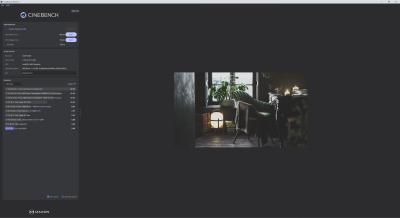
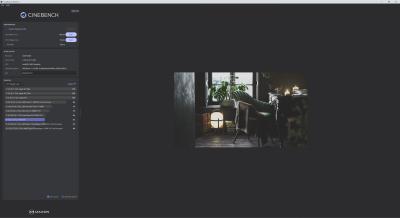
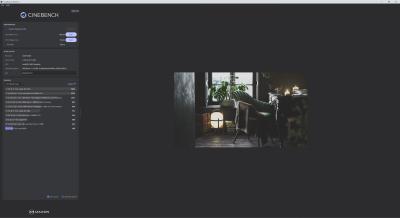
Cinebench 2024 (R23 Updated)
» Click to show Spoiler - click again to hide... «
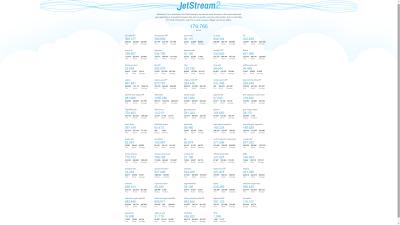
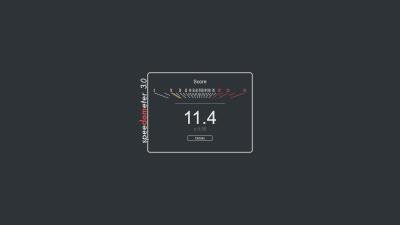
Web Browser Performance (Brave)
» Click to show Spoiler - click again to hide... «

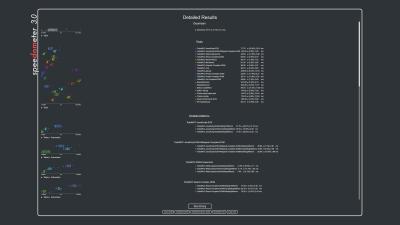
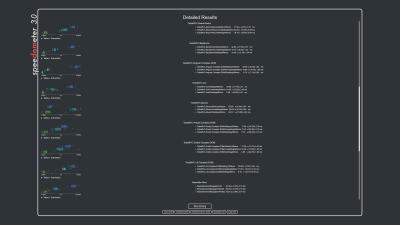
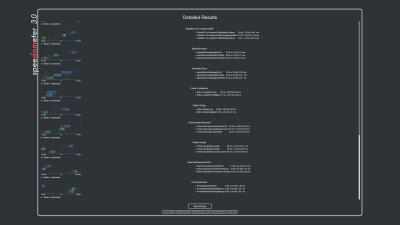
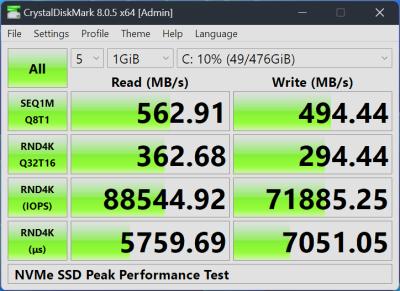
SSD Speeds
Crystal Disk Mark Software; Image 1 is NVMe SSD Test Peak Performance, the second image tests NVMe Real World Performance, while the 3rd tests my Sammy USB3.0 thumb drive.
» Click to show Spoiler - click again to hide... «
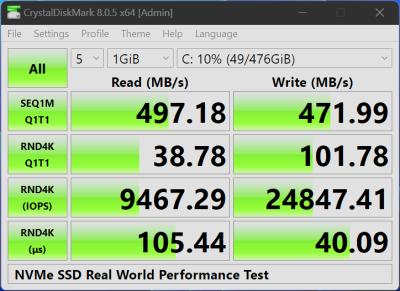
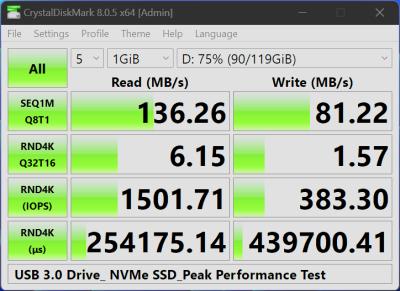
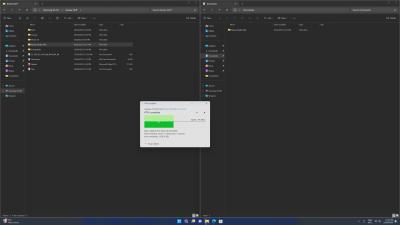
File Transfer Speeds (Samsung Fit USB3.0 Flash Drive Connected)
» Click to show Spoiler - click again to hide... «
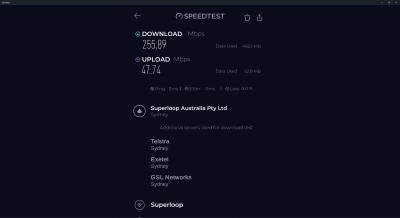
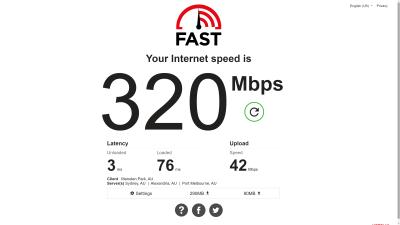
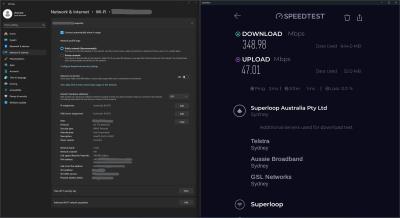
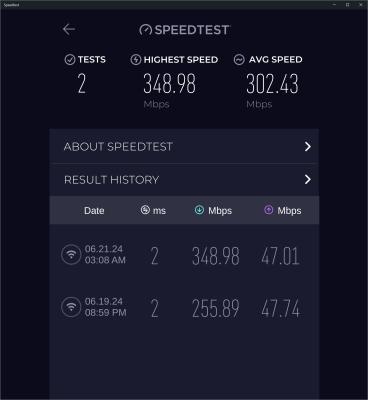
LAN & Internet Speed Test
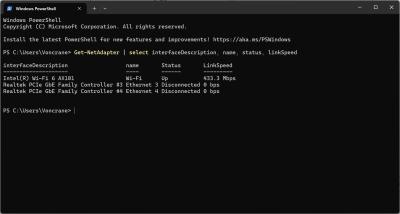
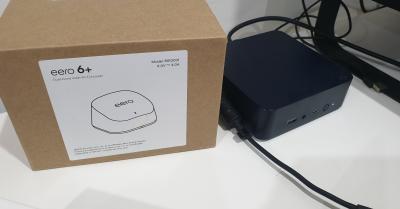
The Beelink Mini EQ13 N200 is rated for up to 1Gbps via each Ethernet port and is Wi-Fi 6 capable. You'll get lag-free steaming & downloading. Recently moved homes & I'm yet to setup my Eero 6+ mesh WiFi 6 router. So these tests are from a WiFi 5 connection a distance away from the router. I'll update the WiFi 6 speeds in a few days after its setup. Perhaps even a brief review of that router too. So watch this space.
 Edit: See post #3 below.. Wi-Fi 6 speeds updated.
» Click to show Spoiler - click again to hide... «
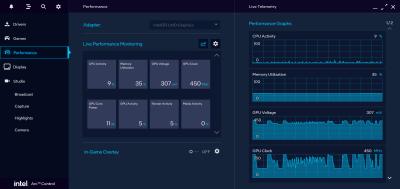
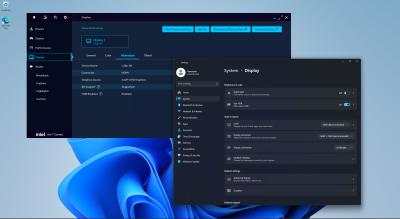
Intel Arc Control
» Click to show Spoiler - click again to hide... «
Media Playback
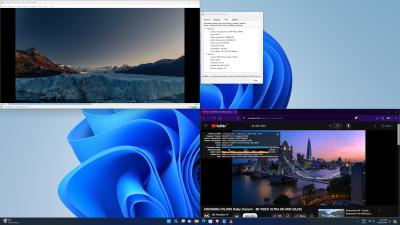
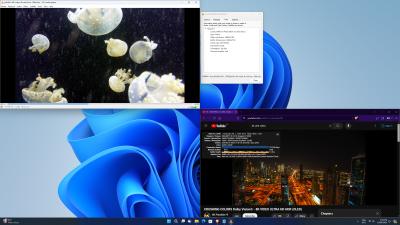
Handled all my test files with ease, right up to the 1.4GB 4K UHD 400Mbps Level 6.1 Main10 HEVC Jellyfish video bitrate test file. Smooth playback whilst simultaneously playing a 4K video off YouTube. Switching fine between the windowed and Fullscreen modes.
» Click to show Spoiler - click again to hide... «


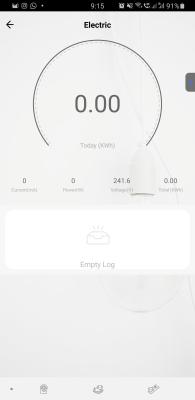
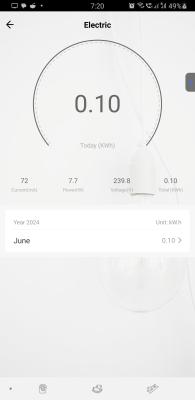
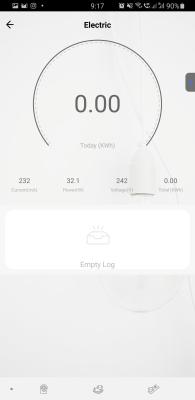
Power Consumption
Image 1: Sleep Mode; Image 2: Lowest recorded power draw during active normal use; Image 3: Highest recorded power draw during intensive benchmarking
» Click to show Spoiler - click again to hide... «
Conclusion
IMHO most quad-core Alder Lake-N processors have similar performance. What will typically set em apart is power consumption, SSD performance, active & passive cooling tech, as well as bundled ports threshold. Personally, this EQ13 N200 does meet my expectations as a home/small office PC. The built-in power supply, MSC 2.0 cooling system, and its dust-proof design is game changer in this form factor. A Cold Boot takes 15 seconds, full reboot takes 48 seconds, while a full shutdown only takes 6 seconds. Time measured after all Windows updates done and typical home/office software installed. This entire review was completely done using the EQ13.
Purchase Links
Official Beelink Website (Ships Worldwide)
Beelink Official Store on Aliexpress
SocMed URLs
For more information, please pay attention to this space. I'd like to thank Beelink for providing this review unit. They are viewing the results at the same time as you are. As usual, fellow forummers, do feel free to comment below should you require further specific information or a test done on this Beelink EQ13 N200 Mini PC. I'll be glad to assist.

This post has been edited by voncrane: Dec 18 2024, 05:46 PM
 Quote
Quote





 0.0270sec
 0.19
0.19
 6 queries
 GZIP Disabled