

 Nov 17 2022, 12:32 PM, updated 4y ago


The new Android Auto UI has started appearing for those running the public beta version of the app. Since the beta registration limit is currently full, you won’t be able to install this version of the app if you are not already on the public beta list. Moreover, Google hasn’t revealed when it plans to release this new version of Android Auto to everyone else.
QUOTE
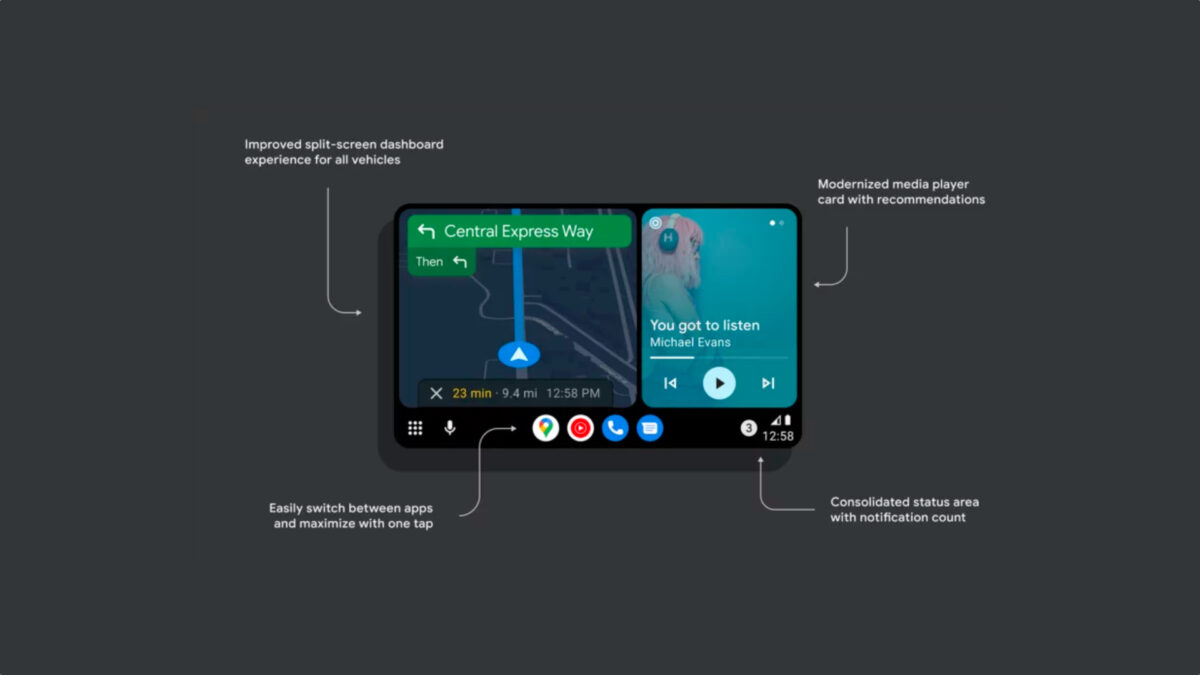
As mentioned earlier, the new version of Android Auto has an adaptive UI layout featuring multiple columns. The UI design is cleaner, richer, and easier to use. It adapts to all types of screens—portrait, landscape, and ultrawide—as it uses a split-screen UI that shows multiple widgets based on the screen size and aspect ratio.
The new version of Android Auto also brings maps nearer to the driver for better reachability based on the car model. The multimedia playback card shrinks or grows dynamically and has a newer look. There’s also an option to open maps in full-screen view. The app dock is now persistent and offers an easier way to switch between apps, similar to Android 12L’s taskbar.
The whole UI now uses Google’s new Material You design language. The status icons and notifications are now grouped in a single spot and can be accessed by tapping on the clock area. Music and media recommendations from Google Assistant can be accessed via a single swipe.
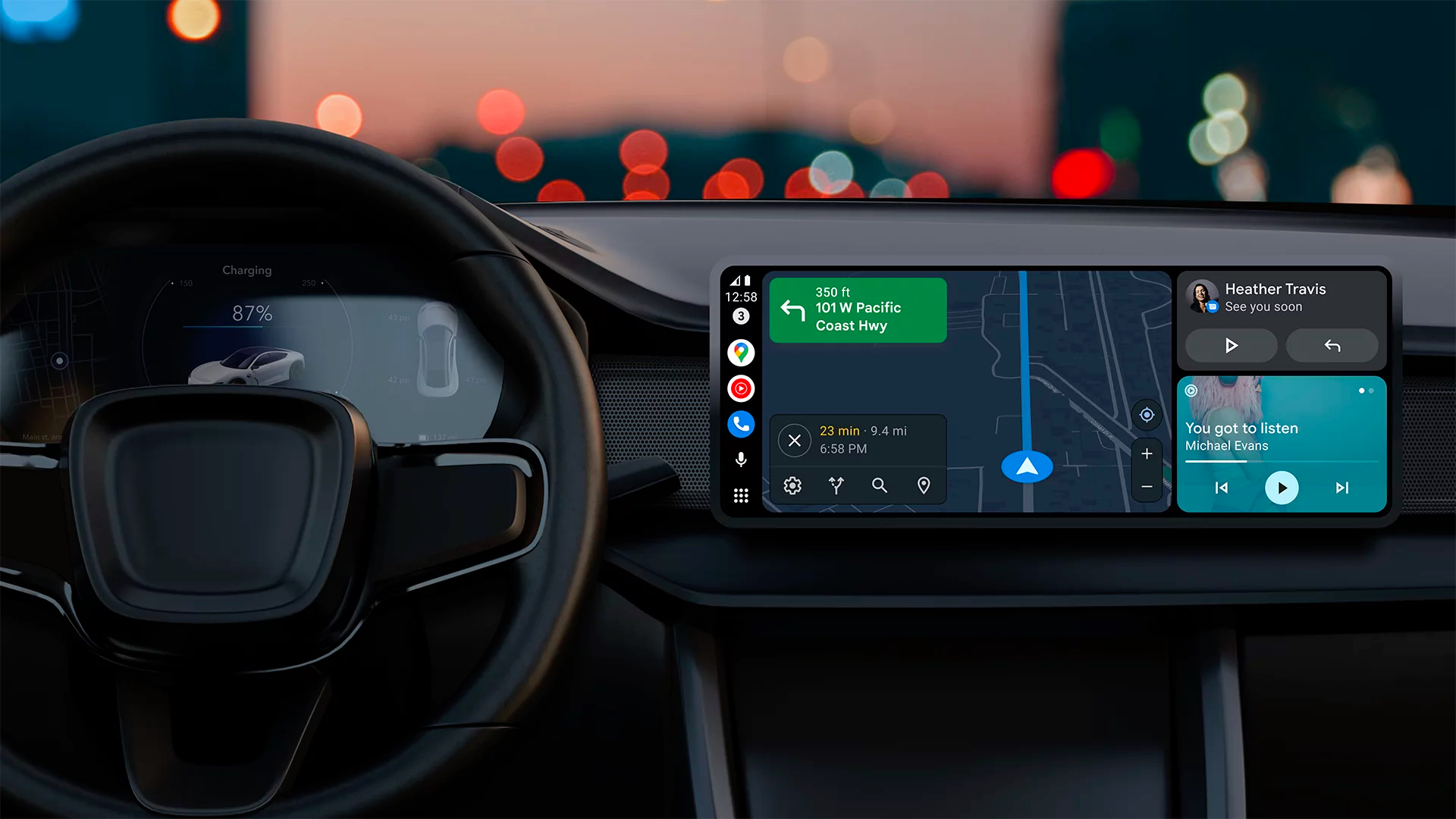
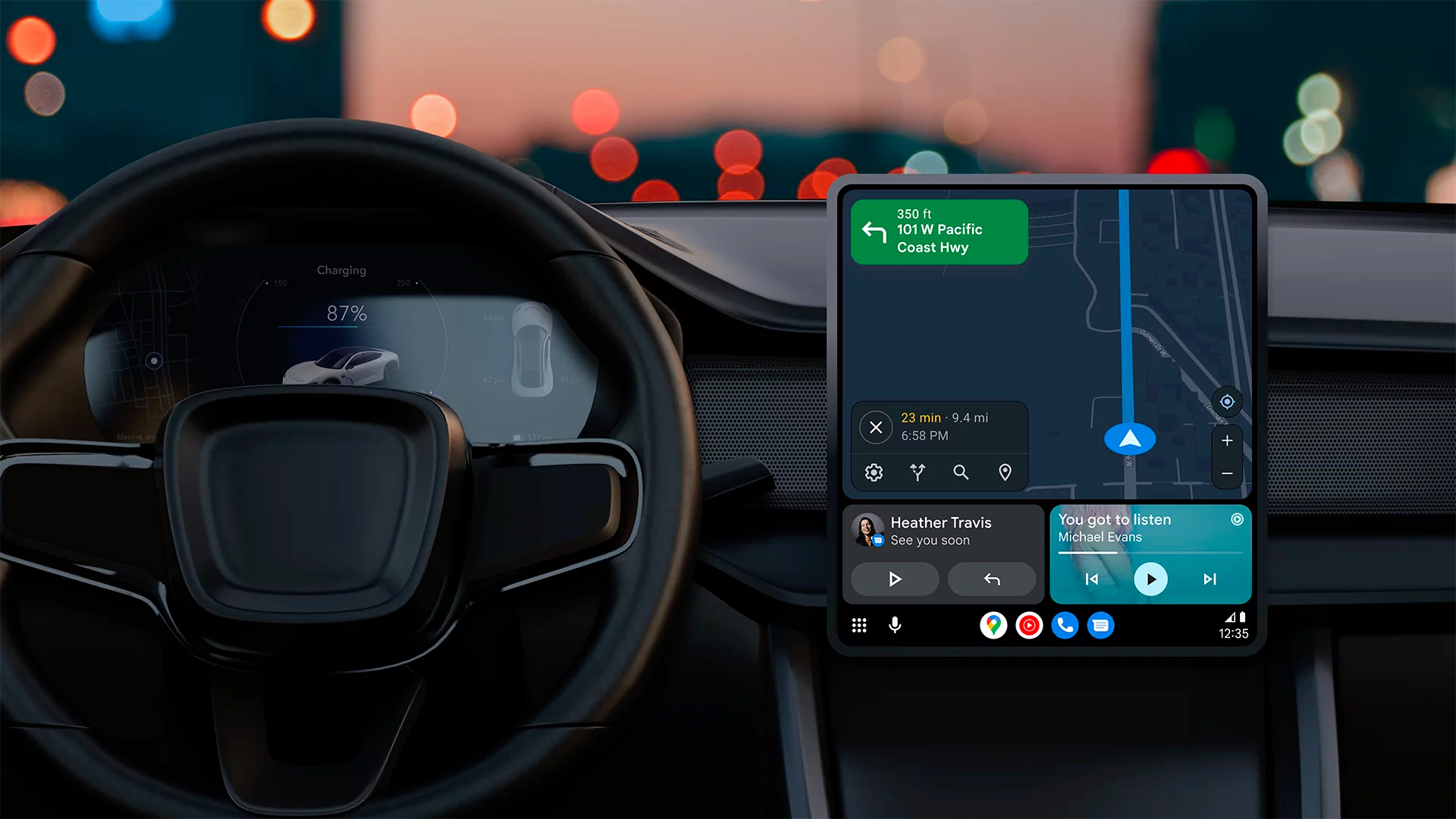
The new version of Android Auto also brings maps nearer to the driver for better reachability based on the car model. The multimedia playback card shrinks or grows dynamically and has a newer look. There’s also an option to open maps in full-screen view. The app dock is now persistent and offers an easier way to switch between apps, similar to Android 12L’s taskbar.
The whole UI now uses Google’s new Material You design language. The status icons and notifications are now grouped in a single spot and can be accessed by tapping on the clock area. Music and media recommendations from Google Assistant can be accessed via a single swipe.
 Quote
Quote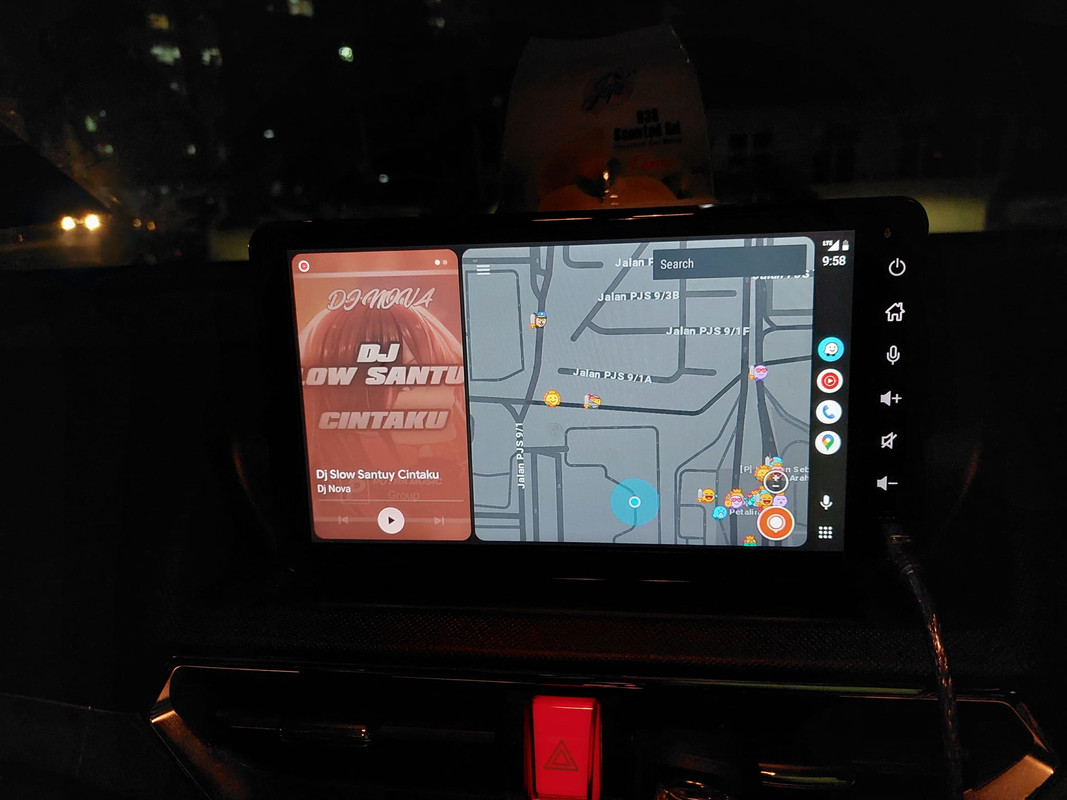

 0.0144sec
 1.86
1.86
 5 queries
 GZIP Disabled