

 Oct 20 2022, 05:05 PM, updated 3y ago


Hi community,
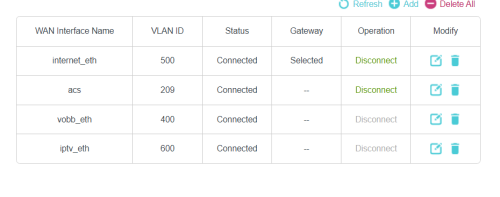
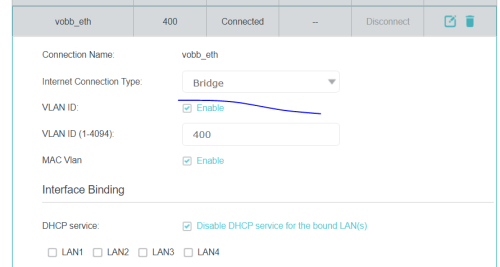
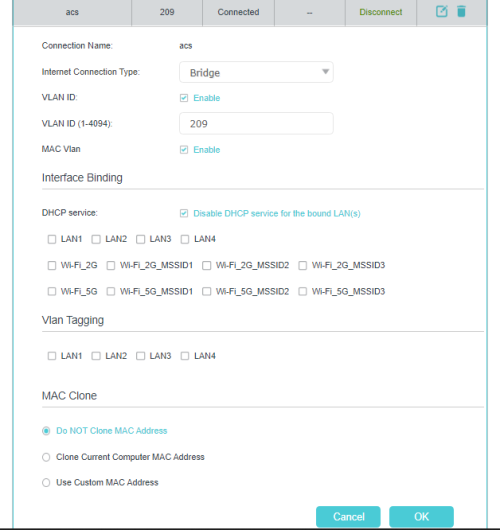
I have made some progress on opening up and tagging VLAN209 and VLAN400. DHCP Server is available in both of this VLAN. I also able to setup Unifi vocie services as one of the trunk in my FreePBX server.
Next, I do the below
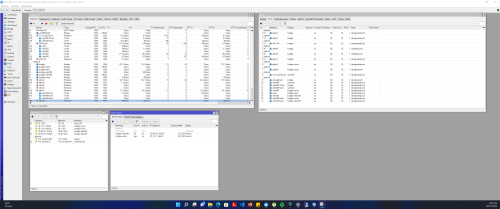
1. Tagging VLAN400 and VLAN209 on other empty ports in the router (Mikrotik)
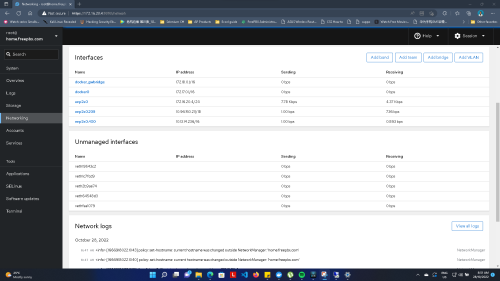
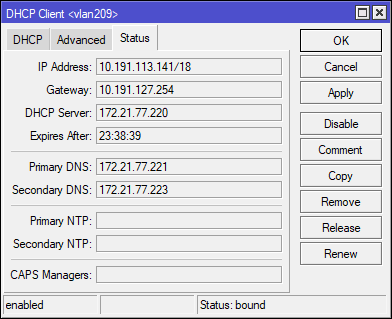
2. Craete DHCP Client and bind on VLAN400-bridge and VLAN209-bridge. Retreive the IP Address [A]
3. Plugin a PC (not connected to internet) to the empty port set in step 1. Your PC should be able to retreive the IP from DHCP server [B]
4. As of this stage, there is no internet connection yet.
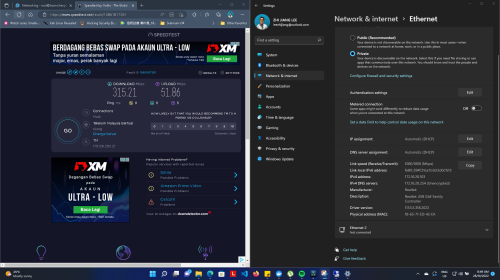
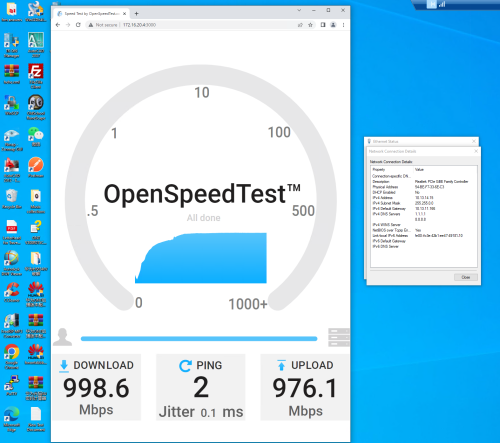
5. At the PC set static ip using the same ip retreived from Step 3 [B]. Change the Gateway IP to the value obtained in Step 2 [A] . Dns server can use your fav 1.1.1.1 8.8.8.8
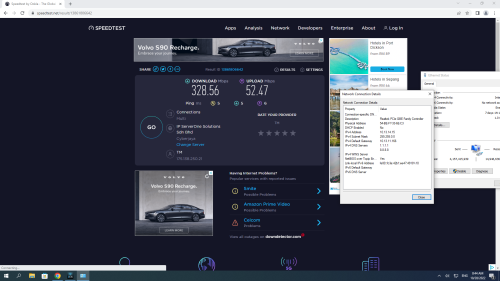
6. Voila, there is internet connection now.
The exact steps of setting up VLAN can be digged online
Hence, from the test above, this is the analysis
1. There will be multiple customers will be under the same gateway for the IP retreived from 2 [A] and 3 [B], hence by doing so, there are able to utilize someone else internet connection by specifying the IP address obtained in Step 2 [A]
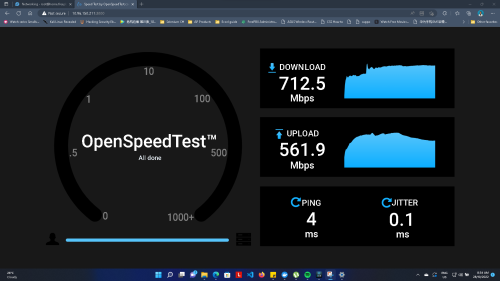
Hence, "neighbourhoring internet sharing" will be made possible whereby your neighbour/friend can pay for 30 mbps speed but can utilize your 800 Mbps internet connection.
Internet connection can be shared with each other for Load Balancing purpose.
2. Can expereince LAN gaming with ultra low latency.
3. Community files / video sharing / movie streaming with neighbours
.. and many other benefits
Device Used: Mikrotik RB4011GS
Not sure if anyone tested and tried this yet.
This post has been edited by leezhijiang: Oct 20 2022, 05:07 PM
Home Networking Some Discovery on Unifi VLAN
 Quote
Quote






 0.1032sec
 0.89
0.89
 5 queries
 GZIP Disabled