QUOTE(PeeEl @ Oct 15 2022, 10:39 AM)
Long shot but hopefully someone can help. When I installed the Starbucks App I was using an Android phone.
Now that I have switched back to an iPhone, I am in a dilemma. When I registered my Apple ID ages ago I used an US address and thus am on US App Store. Starbucks App that I installed is a Malaysia one and US App Store does not have that, only US’s.
Are there others who share this issue? If so, any solution to circumvent this problem? Any input is appreciated.
Either:
1. Switch the country from US to MY on your current Apple ID (I am not sure if this is still possible now. I recalled it was allowed back then)
2. Register a new Apple ID as MY account
I also have the same problem like you where my 1st Apple ID is registered as US account. However since I use the US account very little I opted to create a 2nd Apple ID registered as MY account. I now use/subscribe using that MY account. If I really need to get something in US account, I will just log out MY account (in App Store, not Settings there), login to US account, download the app I want and logout-login back to MY account.
I only have a couple of app I link to US account (due to subscription and I have Apple credit in USD that I want to clear it off)


 Sep 24 2022, 04:50 PM


 Quote
Quote

 (still waiting for that 3rd batch fulfilment date which is unknown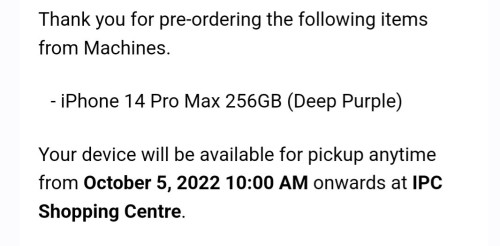


 0.1879sec
 0.52
0.52
 7 queries
 GZIP Disabled