Welcome Guest ( Log In | Register )

Bump Topic Topic Closed RSS Feed

Outline · [ Standard ] · Linear+

 How to access Library in Epic Games Launcher ?, pls teach n00b gamer,..

views
     
SUSCincai lar
post Apr 9 2022, 02:42 PM, updated 4y ago

Getting Started
**
Junior Member
113 posts

Joined: Apr 2019


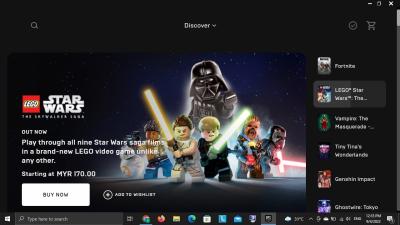
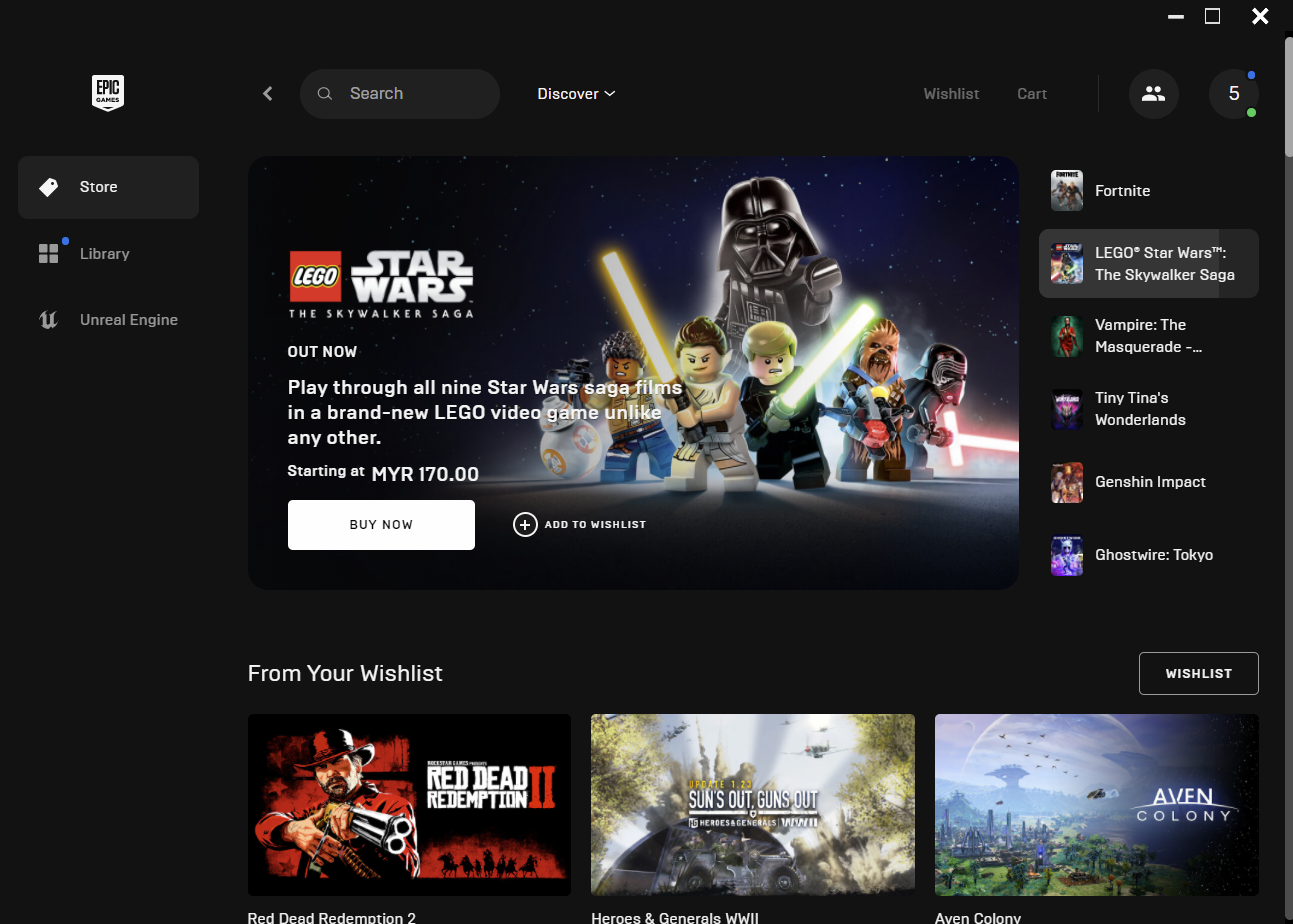
i wanna install games from my library,.. everytime i open Epic Games launcher it give me this,..

Attached Image

no button choice for library,.. so i ask uncle google,.. and get this,..

https://www.epicgames.com/help/en-US/epic-g...y-library-a7463

but from the picture above,.. i can't get to setting at all,.. so i ask uncle google again,..

https://www.google.com/search?rlz=1C1CHBD_e...ih=366&dpr=1.45

no answer also,...

anyone know how to get to setting and let me view my library ???...

----------

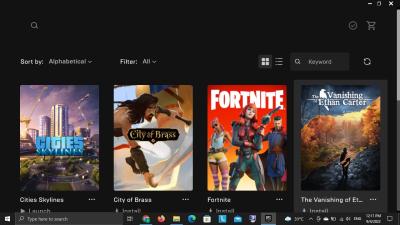
current i can only access it this way,..

search available game in my library,..
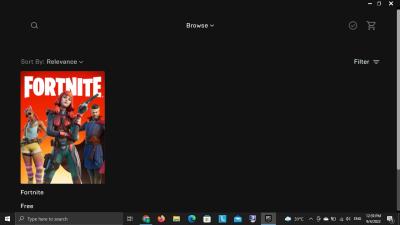
Attached Image

then click on the game ,.there's a "in the library",.. yellow button,..
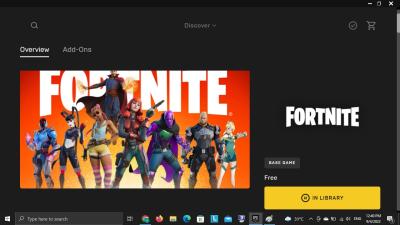
Attached Image

Attached Image


-----


and also how to delete duplicate apps,...???


Attached thumbnail(s)
Attached Image
SUSCincai lar
post Apr 9 2022, 02:48 PM

Getting Started
**
Junior Member
113 posts

Joined: Apr 2019


QUOTE(Ukeke @ Apr 9 2022, 02:44 PM)
Uninstall launcher and install latest version
*
try liao,.. same UI,.. i even try to clear cache,..


SUSCincai lar
post Apr 9 2022, 02:53 PM

Getting Started
**
Junior Member
113 posts

Joined: Apr 2019


QUOTE(Ukeke @ Apr 9 2022, 02:53 PM)
Dont use vpn
*
not using VPN,..
SUSCincai lar
post Apr 9 2022, 02:54 PM

Getting Started
**
Junior Member
113 posts

Joined: Apr 2019


QUOTE(LamboSama @ Apr 9 2022, 02:51 PM)
There's an install button there......
*
mana ??..

user posted image

i'm looking for library,.. and setting,... not install button,..
SUSCincai lar
post Apr 9 2022, 02:56 PM

Getting Started
**
Junior Member
113 posts

Joined: Apr 2019


QUOTE(Clea @ Apr 9 2022, 02:54 PM)
at the top got one button discover, click liao get what?
*
i get drop down

discover
browse
news

thats all,..
SUSCincai lar
post Apr 9 2022, 02:59 PM

Getting Started
**
Junior Member
113 posts

Joined: Apr 2019


QUOTE(LamboSama @ Apr 9 2022, 02:57 PM)
Your first 4 words...

...... you alright mate?
*
can't access to library,.. how to install games ??
SUSCincai lar
post Apr 9 2022, 03:01 PM

Getting Started
**
Junior Member
113 posts

Joined: Apr 2019


QUOTE(Clea @ Apr 9 2022, 03:00 PM)
what about the tick mark on the top right?
*
that's wishlist,... nothing inside,..
SUSCincai lar
post Apr 9 2022, 03:09 PM

Getting Started
**
Junior Member
113 posts

Joined: Apr 2019


QUOTE(LamboSama @ Apr 9 2022, 03:04 PM)
This one not your library?
user posted image

I think your resolution got issue.
There should be more space on the left for "Store" "Library" "Unreal Engine" "Quick Launch"  "Downloads".
*
this i had to search for a game already have in the library,.. it's tedious,.. i want the library function in UI,... so i can have easy access,..
SUSCincai lar
post Apr 9 2022, 03:18 PM

Getting Started
**
Junior Member
113 posts

Joined: Apr 2019


QUOTE(PJng @ Apr 9 2022, 03:11 PM)
Look like ts screen too small, see he taskbar so small
Less that 1366×768, maybe item not fit to screen
i only got steam, cannot test

Just see ts screenshot, only 1280×720
*
okay tried liao,.. u are right... my PC display set on 1280x720,.. now i set to 1920x1080 liao,.. now can see the setting,..

thanks ,.. problem solved,..
SUSCincai lar
post Apr 9 2022, 03:19 PM

Getting Started
**
Junior Member
113 posts

Joined: Apr 2019


QUOTE(drpsyko @ Apr 9 2022, 03:12 PM)
Yea, that launcher is not designed for lower than 900p.
*
QUOTE(-H20- @ Apr 9 2022, 03:12 PM)
user posted image
*
okay,... now i know,... thanks,.. kolosing,..

Topic ClosedOptions
 

Change to:
| Lo-Fi Version
0.0169sec    0.36    7 queries    GZIP Disabled
Time is now: 13th December 2025 - 04:12 AM