

QUOTE(bonline @ Mar 16 2008, 10:11 AM)
i just got a new macbook .... coming from a windows user.. it's quite puzzling... where's the ctr C and ctr V function.. ie cut and paste...

COMMAND + C (Copy)COMMAND + V (Paste)
Enjoy your Mac!
Hardware The New MacBook/MacBook Pro Users Thread, Share your joy and your pain here
|
|
 Mar 16 2008, 10:16 AM Mar 16 2008, 10:16 AM
Return to original view | Post
#1
|
 
Senior Member
2,570 posts Joined: Jun 2006  
|
QUOTE(bonline @ Mar 16 2008, 10:11 AM) i just got a new macbook .... coming from a windows user.. it's quite puzzling... where's the ctr C and ctr V function.. ie cut and paste... COMMAND + C (Copy)COMMAND + V (Paste) Enjoy your Mac! |
|
|
|
|
|
Oct 7 2008, 01:55 PM
Return to original view | Post
#2
|
|
Senior Member
2,570 posts Joined: Jun 2006
|
QUOTE(kretederas @ Oct 7 2008, 11:24 AM) Why I cannot send files/pics thru BT between my MB n my HP even I already paired it U need to enable bluetooth file sharing (cant remember exactly the name) in SECURITY inside SETTINGS. |
|
|
Nov 6 2008, 10:40 PM
Return to original view | Post
#3
|
|
Senior Member
2,570 posts Joined: Jun 2006
|
Still waiting for MBP stock availability at Machines...dunno why Machines is taking so long to get the stock
 |
|
|
Nov 21 2008, 08:12 PM
Return to original view | Post
#4
|
|
Senior Member
2,570 posts Joined: Jun 2006
|
For the new Macbook Pro owners, try this:
1. Go to "System Preferences" and click on "Energy Saver." 2. Near the top you will see a tab called "Higher Performance". Click to this setting. (system will require a logout if you're on "better battery life.") 3. CRUCIAL: Once you have logged back in under the the "higher performance" setting, **UNPLUG YOUR POWER CORD** and make sure you are running on the battery. 4. Now take a screenshot (doesn't matter what you actually have on the screen) by hitting: command + shift + 3 If you're experiencing the bug, your computer should freeze for about 1 minute. You will be able to move the cursor around, but you won't be able to click on anything or open any applications. Again, you MUST be on battery power. For some reason the bug does not show when using the power cord under higher performance. I tested on mine and it shows the same results. Looks like Apple needs some fixing to do  This post has been edited by neekun: Nov 21 2008, 08:14 PM |
|
|
Nov 21 2008, 11:26 PM
Return to original view | Post
#5
|
|
Senior Member
2,570 posts Joined: Jun 2006
|
For those with the new MBP with 9C84 display (Sys Preferences | Display | Color| With color LCD selected, OPEN PROFILE and look at line 13 under Model), check out the attached calibrated color profile done by some forumer using x-rite eye one 2 hardware calibrator and Coloreyes Display Pro software.
Just copy both files to Mac HD | Library | ColorSync | Profiles | Displays. Frm there back to Sys Preferences | Display | Color to activate the new color profile. I am using MBP200815 Native, the color looks nicer compared with the default Color LCD profile  Attached File(s)  MBP15_9C84_Profiles.zip ( 291.88k )
Number of downloads: 18
MBP15_9C84_Profiles.zip ( 291.88k )
Number of downloads: 18 |
|
|
Nov 22 2008, 08:33 AM
Return to original view | Post
#6
|
|
Senior Member
2,570 posts Joined: Jun 2006
|
Ever since I got my MBP, I did not use mouse and wanna master the trackpad with my fingers
 "It is now well-known the four finger gesture to change apps. You swipe four fingers, right or left, and a bezel with open apps appears, as with Command-Tab. Then if you swipe with two fingers, you will select a different app, which can be switched to by tapping with four fingers. One thing I saw today is that you don't have to release all your fingers after the four-finger swipe and the two-finger swipe. Simply make the first swipe and only release two fingers; the system will recognize correctly the new gesture, and you save a bit of time. " |
|
|
Dec 4 2008, 03:29 PM
Return to original view | Post
#7
|
|
Senior Member
2,570 posts Joined: Jun 2006
|
QUOTE(myxery @ Dec 4 2008, 03:05 PM) it's becoz of oxidation. Sure will change color, later on the shiny look will changed to dull color. Our atmosphere full of oxigen gas, when metal such copper, aluminium, silver, gold etc direct expose to oxigen for a long period, the oxidation will happen. It is natural process for metal. Maybe can buy some polishing products to polish it. Not sure IKlear is good or not.4Al (aluminium) + 3O2 (oxigen in our atmosphere) --> 2Al2 O3 (oxidation layer formed) 2Al2 O3 is the oxidation layer which will look dull n not shiny |
|
|
Dec 9 2008, 03:51 PM
Return to original view | Post
#8
|
|
Senior Member
2,570 posts Joined: Jun 2006
|
QUOTE(rx330 @ Dec 9 2008, 03:12 PM) crazy, currently using it with my vaio, not bad Wah u got tshirt issit?chingwooi, tat one not my pic, its bro hapa one, i just re up it only guys i got my apple shirt.... nice...  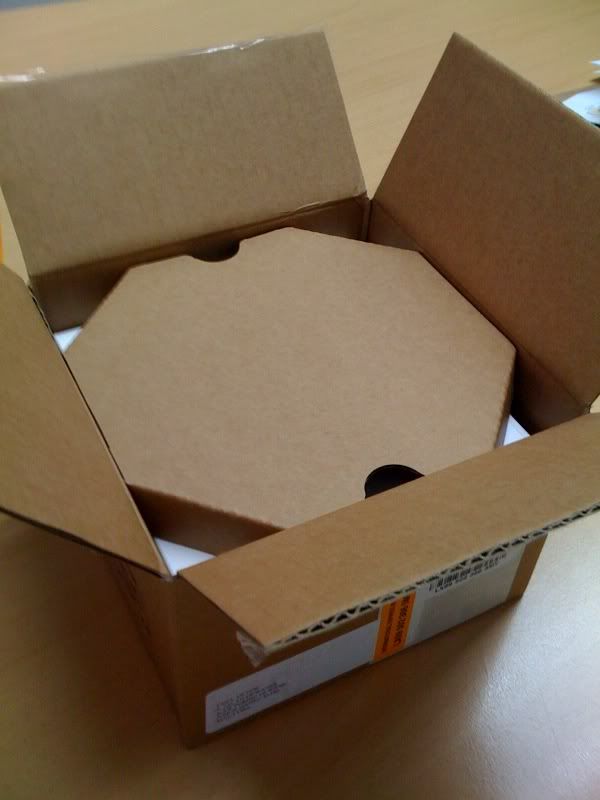 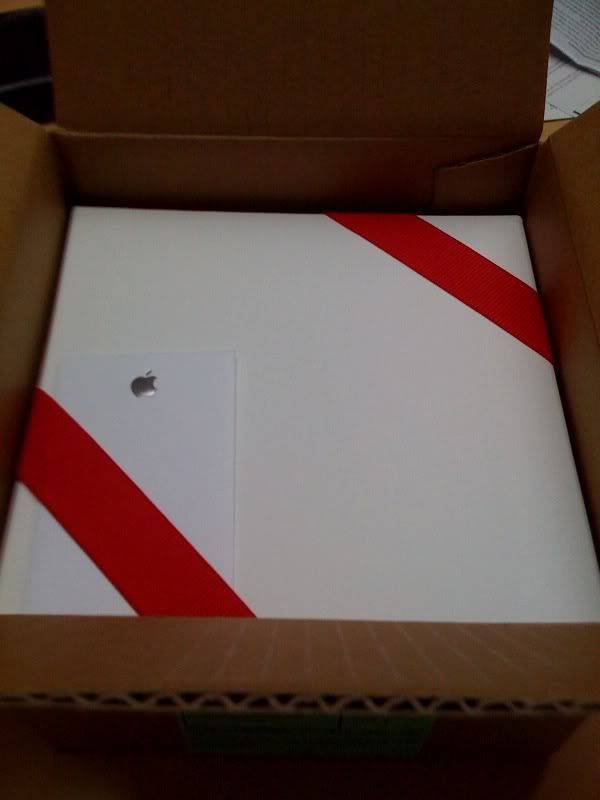 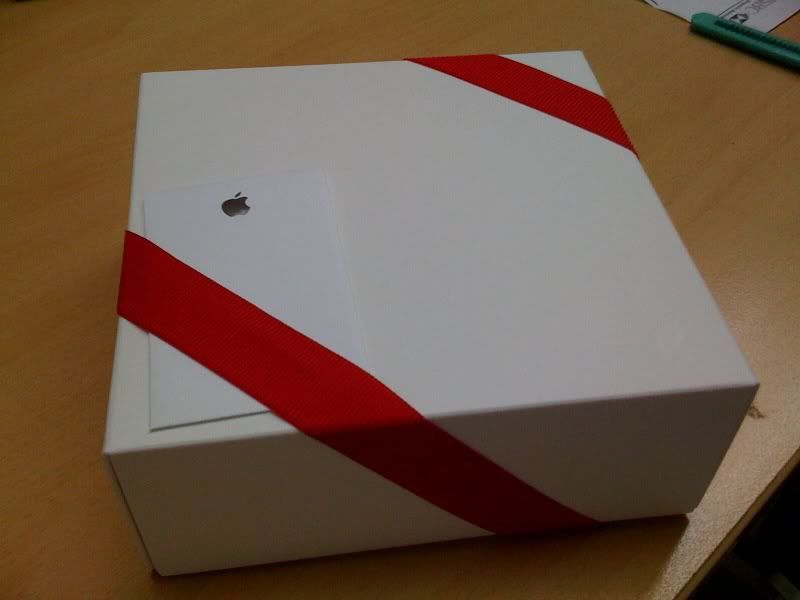 the packing dem solid.... until now i still can bear to open it up  Hmmm mine still not yet  |
|
Topic ClosedOptions
|
| Change to: |  0.0454sec 0.0454sec
 0.36 0.36
 7 queries 7 queries
 GZIP Disabled GZIP Disabled
Time is now: 13th December 2025 - 09:39 AM |
 Quote
Quote