QUOTE(melvin91motorola @ Feb 3 2021, 01:04 PM)
Check background app usage that mybe cause your phone burning, so far so good here
Did check the apps usage, nothing abnormal.
I put most of the apps to sleeping and I think it help a bit.
QUOTE(yayiyu99 @ Feb 3 2021, 01:10 PM)
Yes it is hotter due to the higher refresh rate at 120Hz and also higher resolution at 2K. Please test it at 60hz refresh rate & Full HD if it cooler.
haha, tried use FHD and 60hz, and already used to 120 hz so hard go back to 60hz mode.
Thanks for advice and I felt it cooler bit in 60hz FHD.
QUOTE(bennedict82 @ Feb 3 2021, 01:12 PM)
Dont tell me this .... I plan to buy s21u now ... This is bad news if it is getting hot.. I hate my n20u always warm or hot ..........
So far no much ppl complaining the phone getting hot in normal use, except gaming and using camera.
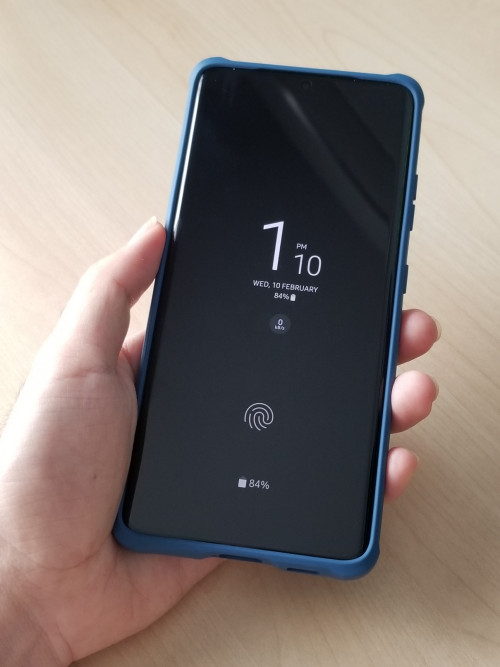
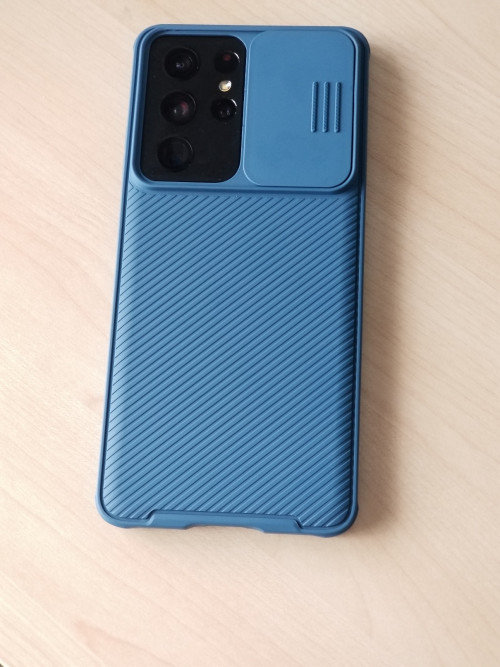
Probably using a phone case better, now I didn't use phone case so my hand direct contact on phone ,can felt the heat on metal phone frame quite warm.
QUOTE(Sasaki_Touka @ Feb 3 2021, 01:33 PM)
Mine reached 40+ c during gaming. I still hold the phone like normal while gaming with no case. Tahan only the heat. Sometimes while I extreme gaming I feel like my phone giving out steam from behind, very hot. My Ultra still handles the heat better than my S10 plus, so far very impressed with the performance I am getting.
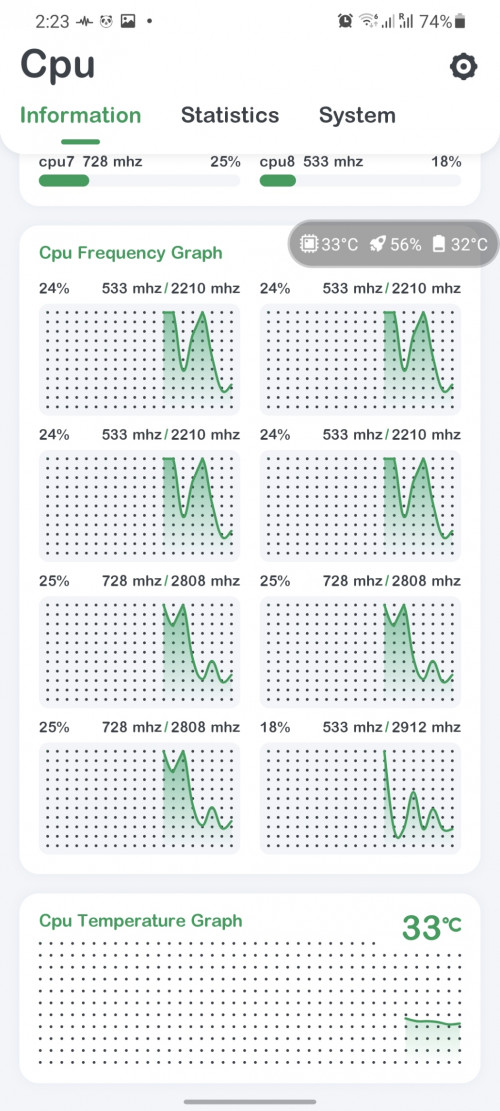
I use CPU monitor app to check temperature, normal usage CPU about 36-40'c, battery around 35-37'c.
No yet check the temperature while gaming/taking photo, but i guess can go up to 45 easily
QUOTE(skylinelover @ Feb 3 2021, 03:05 PM)
Its an exynos thing haha
If you try snapdragon cool as ice at every tasks

I don't like malaysia samsung exynos also.

My Note8 is HK set with snapdragon, quite cooling for normal use.
But this time SD888 overheating issue is really bad, performance exynos 2100 not too far from SD888 so I just give it a try.


 Feb 3 2021, 12:29 PM


 Quote
Quote


 that interesting, got my phone on 30th Jan, but I just did a factory reset and wipe cache partition, have to go through the battery learning pattern again.






 0.0769sec
 0.53
0.53
 7 queries
 GZIP Disabled