QUOTE(deadman8836 @ Dec 28 2020, 01:24 PM)
I have two accounts too: 1 MY and 1 US account. I just logged out at App Store and switch to US account, download whatever apps I want and then switch back to MY account. I don't log out at iCloud's setting.
Noted. Now I know I can do it at App Store.
QUOTE(ahlin @ Dec 28 2020, 01:34 PM)
It will automatically sync back once you login back your MY account. It will take some time if you have plenty to sync. The last time I switch to China iCloud account, it took me a week to sync back all my 30k+ photo inside iCloud.
Thanks for the heads up, then I don’t logout anything related to iCloud.
QUOTE(yvliew @ Dec 28 2020, 02:32 PM)
Just go to appstore and signout current id and login your US id.. it won't affect your icloud... icloud still current ID.. just appstore only. After download then switch back to your current id.
Noted. Now I know I can do it at App Store.


 Dec 19 2020, 02:41 AM


 Quote
Quote





 Back in PJ as well.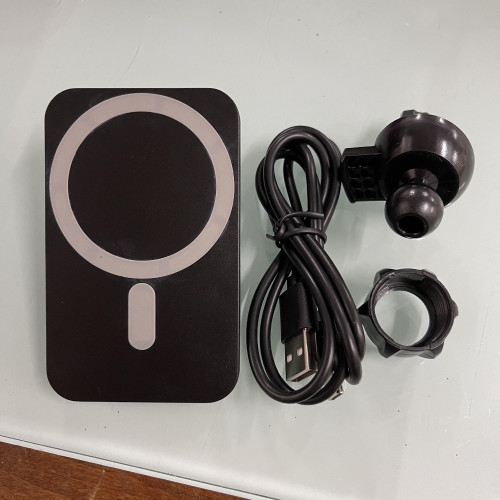
 Thanks for telling though, I will only use it to charge when really necessary.


 0.2055sec
 0.24
0.24
 7 queries
 GZIP Disabled