

 Aug 16 2007, 02:35 PM, updated 19y ago


http://www.cluboverclocker.com/reviews/inp...Saver/index.asp
These days everyone wants a good wireless mouse. Even with so many options to choose from, it is hard to find a quality wireless mouse that combines performance with dependable battery life. A4 Tech has recently introduced the R7 Power Saver Mouse designed to appeal to the mouse user unwilling to compromise performance for battery life. But does the R7 really perform as well as a good wired mouse? We put the R7 to the test right here at the Club!
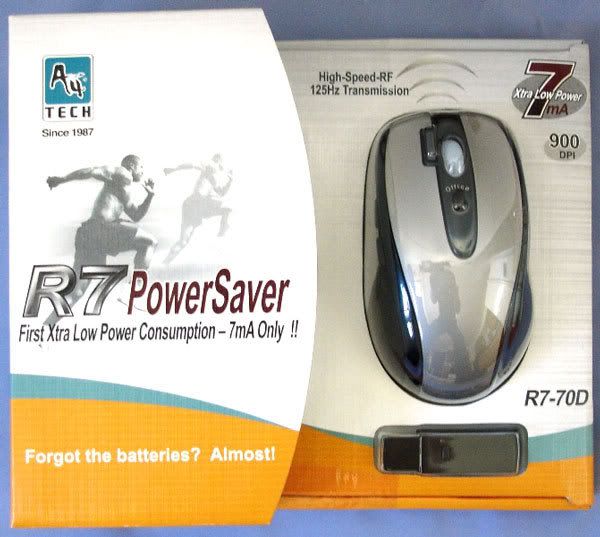
The R7 packaging combines a traditional box with a blister pack like front panel. This allows you to get a feel for the size and fit of the R7 without even opening the box. with over 25 million units sold, A4Tech knows how to give you everything you need up front.
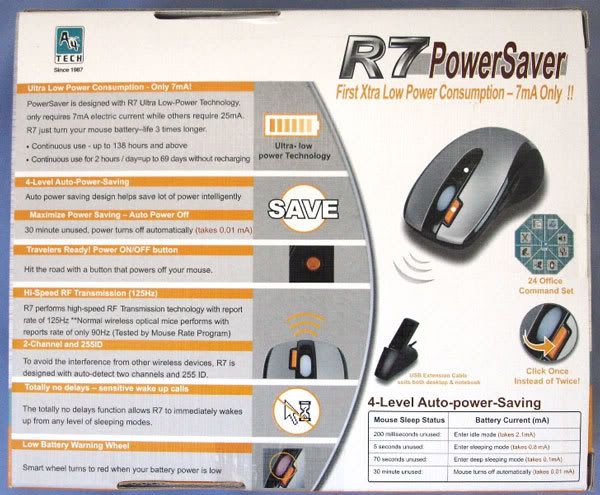
The R7 Power Saver Mouse is loaded with features that help extend the battery life. The box does a nice job of describing these features and more. Even the name R7 is derived from the "R" in Radio frequency and the "7" from the 7mA power consumption.
Features:
Ultra Low Power Consumption - 7mA Only!!
4-Level Auto-power-Saving
Maximize Power Saving - Auto Power Off
Travelers Ready! Power ON/OFF button
High Speed 125 Hz RF Technology
2-Channel and 255ID
Totally no delays
Low Battery Warning Wheel
Quick access Office-jump Menu
2X Button - Click Once Instead of Twice
Power ON/OFF button
No any tag
Four Levels of Auto Power Saving:
Auto-Power-Saving design helps save lot of power intelligently Mouse sleep status Battery currents mA.
200 milliseconds unused Enter idle mode (takes 2.1mA)
5 seconds unused Enter sleeping mode (takes 0.8 mA)
70 seconds unused Enter deep sleeping mode (takes 0.1mA)
30 minute unused Mouse turns off automatically (takes 0.01 mA)
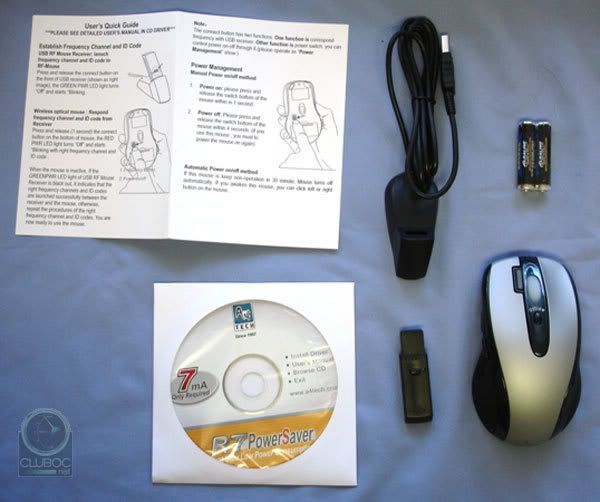
Package Contents
A4tech R7-70D Mouse
USB Extension Cable
USB RF Receiver
2X-Office Driver(CD)
2AAA Alkaline Batteries
System requirements
IBM or Compatible PC
Hard Disk Drive
Windows(R)98,2000,ME,XP,2003,X64
USB Port
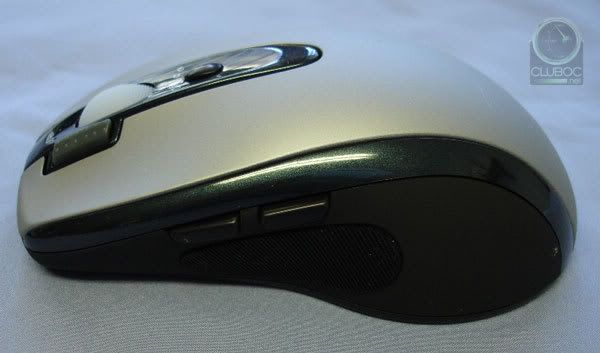
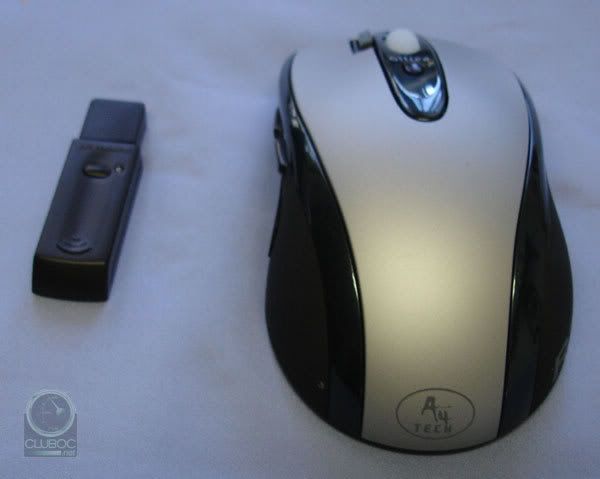
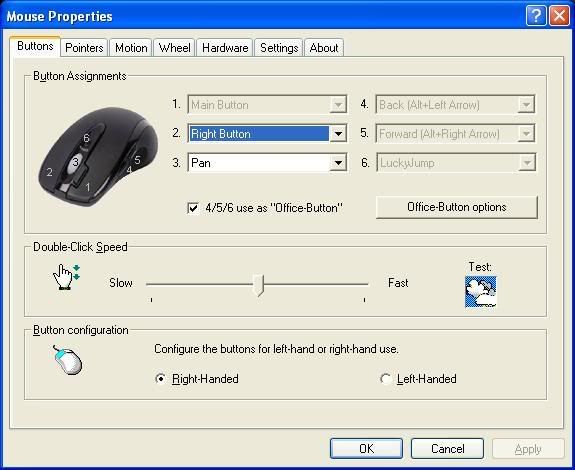
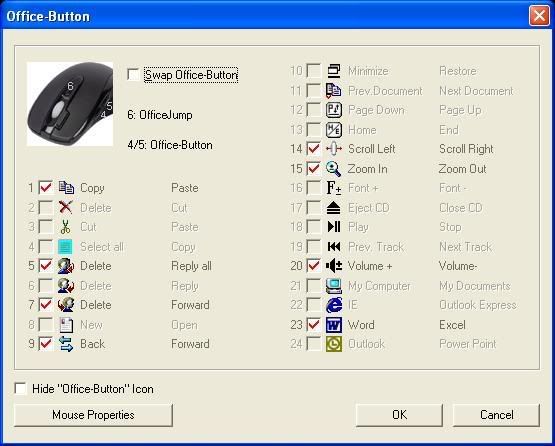
The ergometric design of the R7 integrates 6 buttons and a traditional wheel. The two buttons on the side can be programmed on the fly as we will see later.
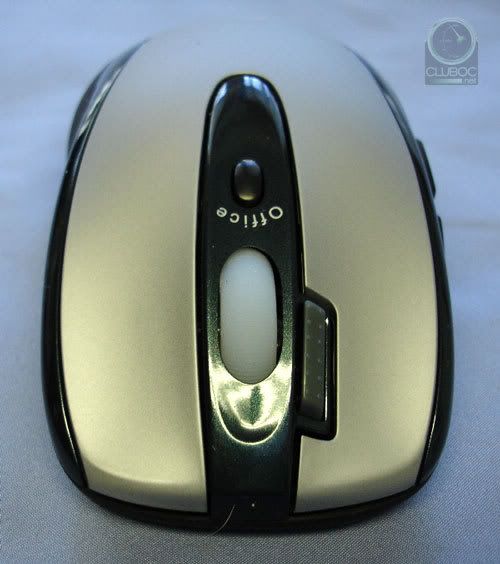
A closer look at the front shows off the unique office button as well as the 2X button. Clicking the 2X button performs a double click in a single stroke. This comes in handy for some of my FPS games and applications as well.
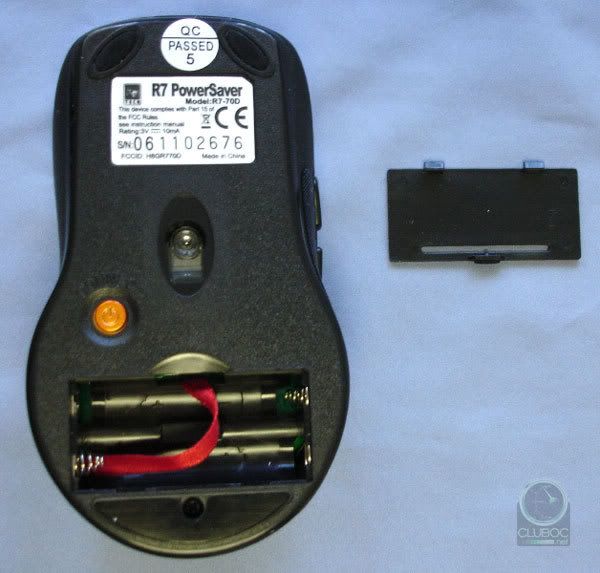
The R7 is powered by 2 AAA batteries (included) that are easily installed in the base. The mouse is surprisingly light weight for a battery based unit coming in at about a third less than my Logitech G7's by my guess. It is important to note the R7 is a 900 DPI mouse and had some difficulty reading my favorite mouse pad; the glass CorePad Magna.
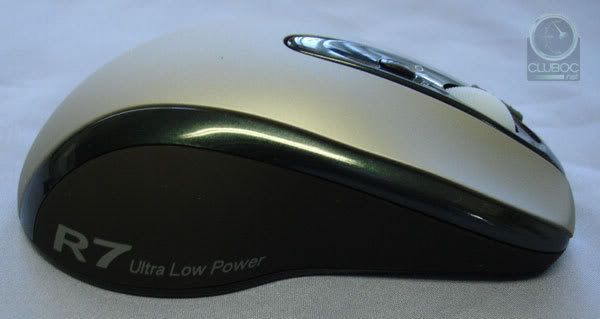
Our R7 is finished in a very common grey and black but the green striping and logos give a sporty feel to the look.
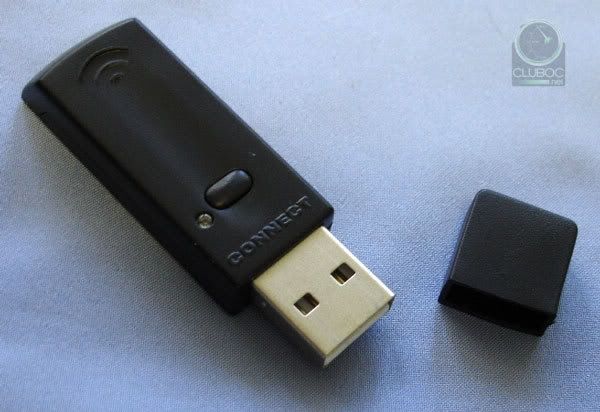
The USB controller is actually a radio frequency based unit that can be used alone or with the included USB extension dock. the button is used to force a re-sync with the mouse but during testing we never had the need to use it.
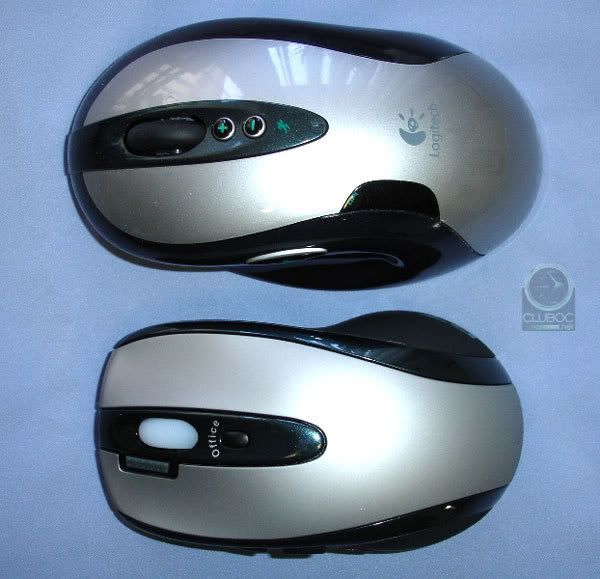
The R7 does remind me of the Logitech G7 in more than just name. In fact, the R7 is much smaller and more light weight. And the R7 still has two thumb buttons too! It is clear from the emphasis on power savings and the smaller lighter design the R7 Power Saver is a terrific choice for a traveling laptop user.
This post has been edited by yoyo38: Aug 16 2007, 02:43 PM
 Quote
Quote



 0.0141sec
 0.36
0.36
 6 queries
 GZIP Disabled