QUOTE(Kyogezsho @ Aug 1 2007, 03:40 AM)
mind to tell me how did u write that one the RAM lol
haaaaaaaaaaaaaaaaaaaaaaaaaaaaaaaaaaaaaaaaaaaaaaa.... thats trade secret!!!!

MUAHAHAHHAHAHAHAHAHAHAHAHAHHAHAHAAH
QUOTE(mfcm @ Aug 1 2007, 12:03 PM)
think he write it with uv pen

WRONG!!!!! MUAHAHAHHAHAHAHAHAHAHAHAHAHAHHAHAHAHAHAAH
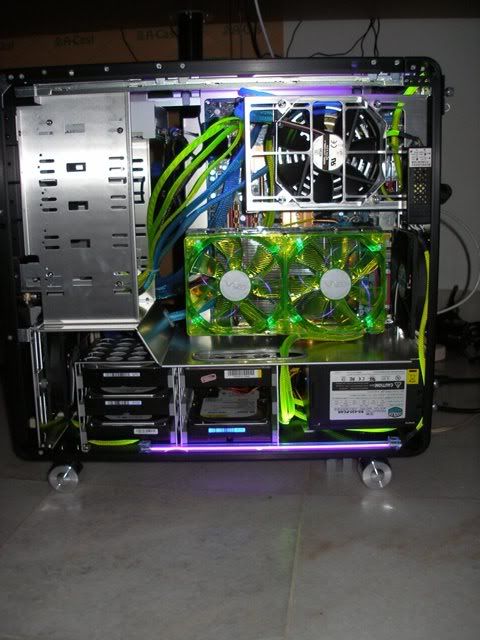
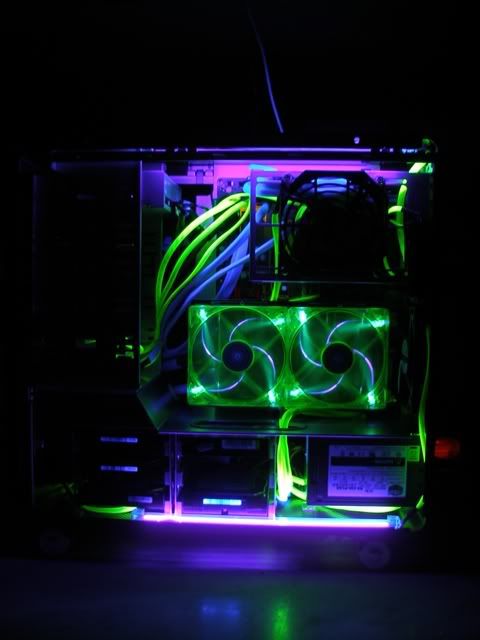
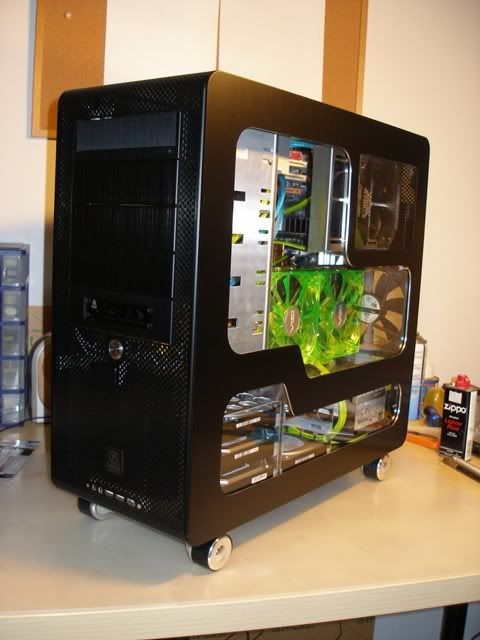
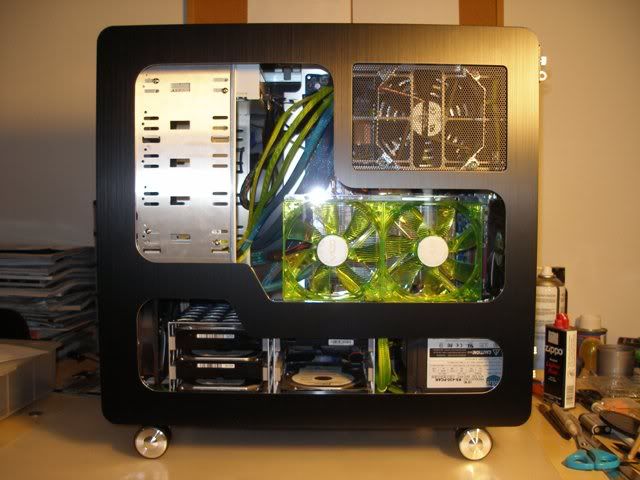
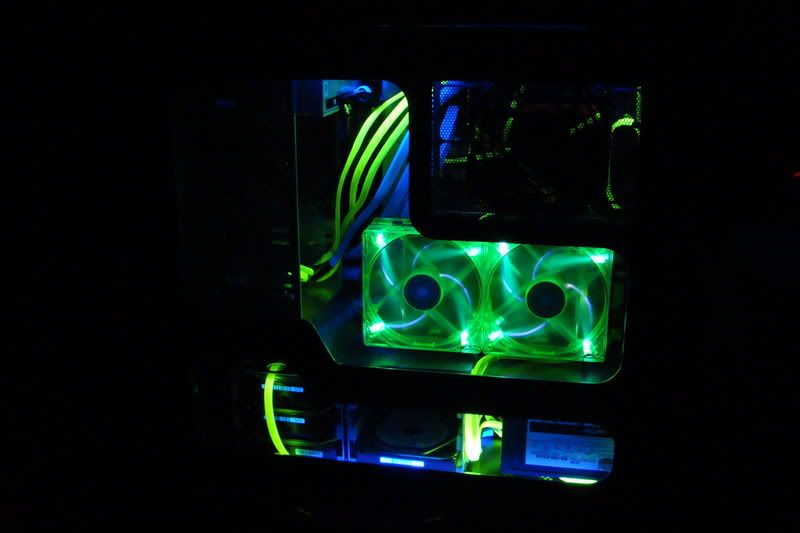
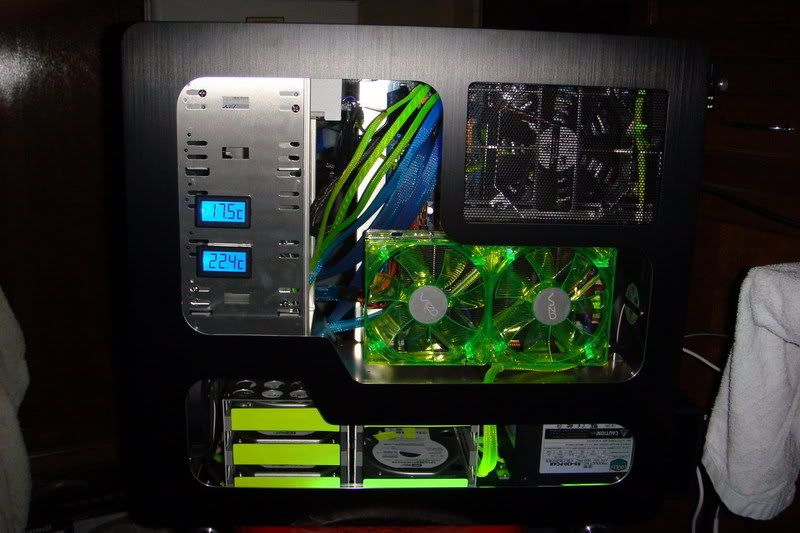
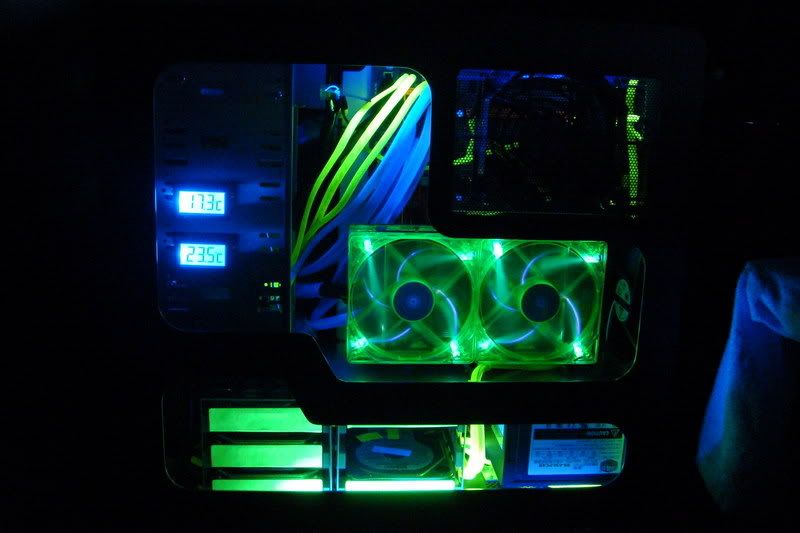
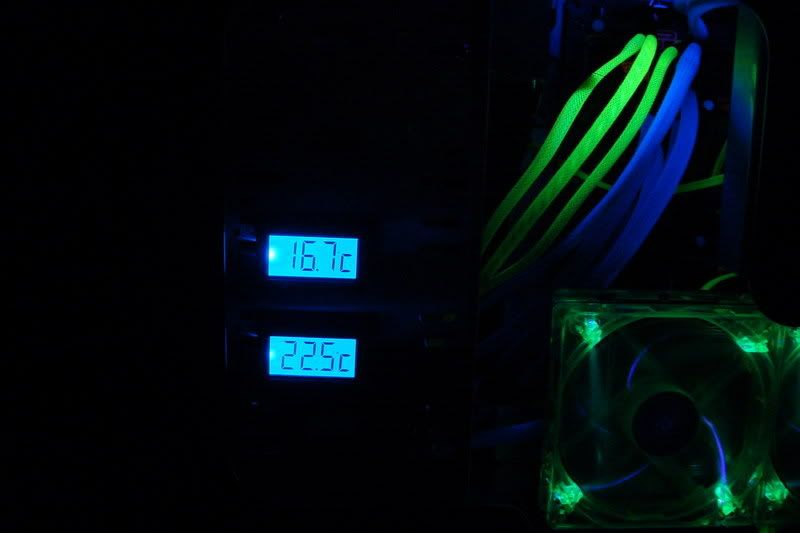
heres some more teasers for u guys... nyahahhhhahaha


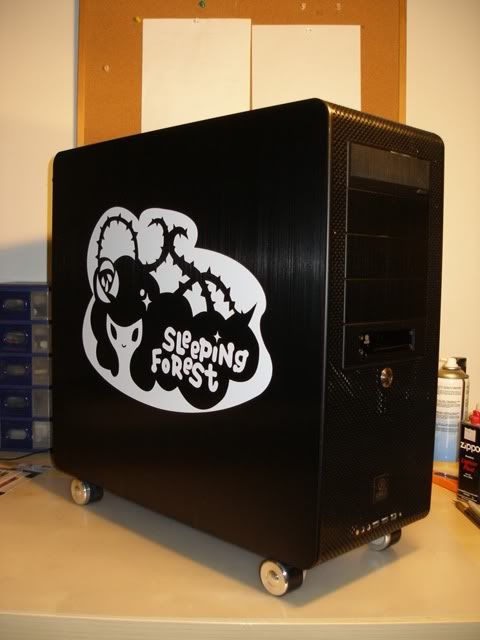
and my favourite! this was my avatar for quite some time

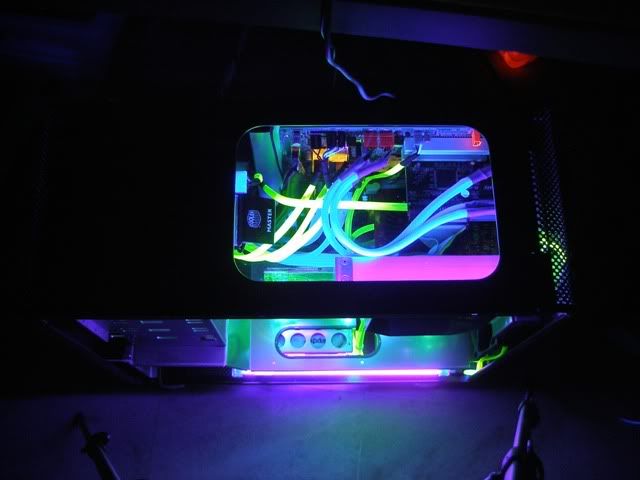
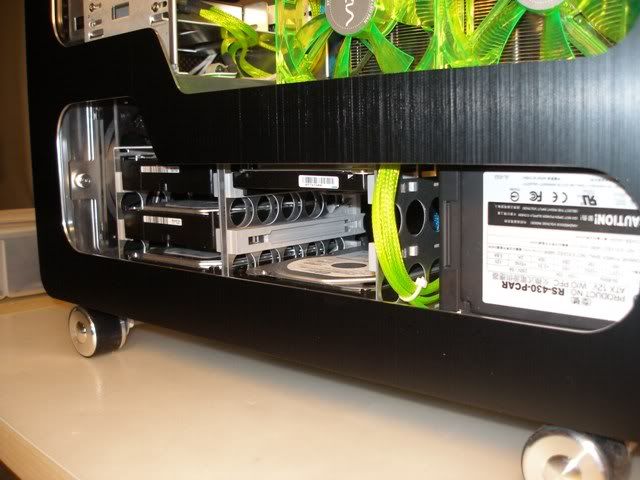
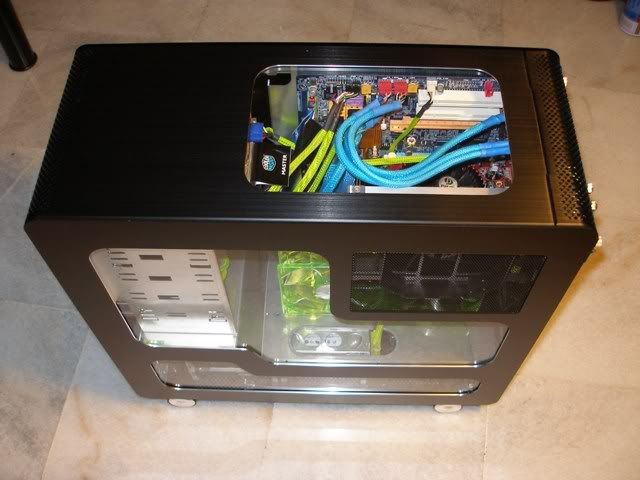
this was located at the top of muh PSU. this view is through the top window.

enjoy the teasers first...then click on the spoiler..

if ur interested to see more of my old UV setup, its on the first page of the UV League thread
» Click to show Spoiler - click again to hide... «
for the images, find some images online where the background is black and the image itself is white. paste the images into powerpoint and resize them to the size u want. when u print, select pure black and white then print. put fluorescent paper into the printer la of course. can find A4 size fluorescent paper in stationary shops. before cutting out the image..stick double sided tape to it first. then only cut.
same thing for torment and agony, use a text box... make the background black and the font white.
**IMPORTANT NOTE! i tried to 2 different type of printers**
1/ Laser printer - normal black and white laser printer
the black background was crap...didnt fully black out the fluorescent paper so under UV can still glow a little bit..just a little...and i wasnt too happy with the results so i threw it away.
2/ Laser printer - COLOUR laser printer (the RM4k+ kind)
superb black..totally blacks out the fluorescent paper so it didnt spoil the UV effect. problem is...EXPENSIVE!! lucky my office has one
dunno about the effects on other kinda printers though



 Jul 27 2007, 03:20 AM, updated 19y ago



 Quote
Quote


























 0.0318sec
 1.44
1.44
 5 queries
 GZIP Disabled