

 Feb 15 2020, 07:52 AM


QUOTE(junclj @ Feb 15 2020, 12:43 AM)
First you need to know your Unifi pppoe user and password. Then follow the steps below
Go to Dial-up and setup new connection
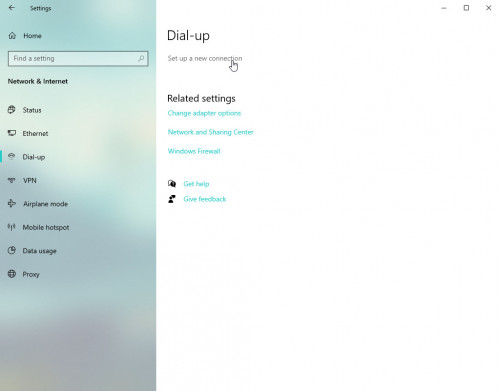
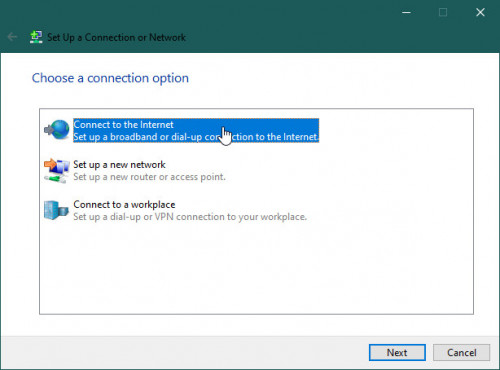
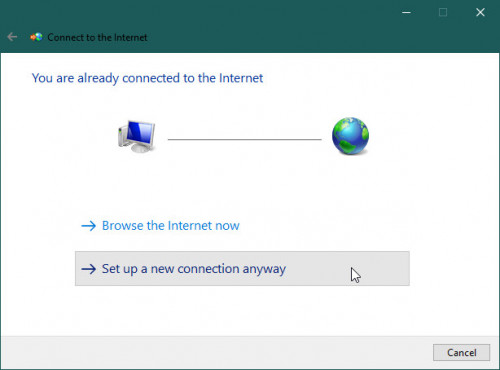
Choose Broadband (PPPOE)
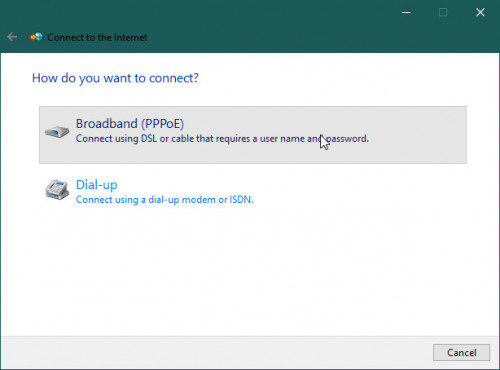
Login your router, go to the WAN settings in your router. Then copy your PPPOE username and password into here.
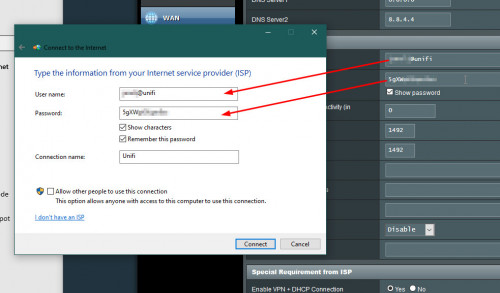
Now you can unplug your router, then connect the Unifi modem (BTU) directly to your PC. Then click "Connect".
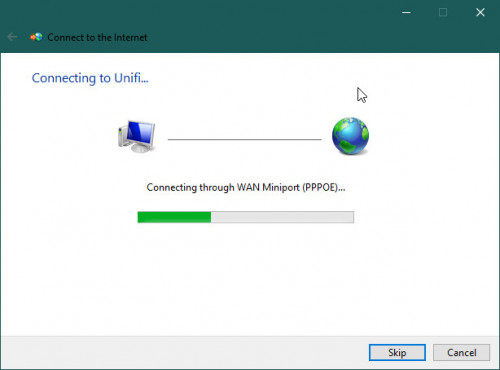

What about vlan? Unifi uses VlanGo to Dial-up and setup new connection
Choose Broadband (PPPOE)
Login your router, go to the WAN settings in your router. Then copy your PPPOE username and password into here.
Now you can unplug your router, then connect the Unifi modem (BTU) directly to your PC. Then click "Connect".
Only streamyx, time fiber doesn’t use Vlan
This post has been edited by yongtjunkit: Feb 15 2020, 07:55 AM
 Quote
Quote
 0.0128sec
 0.46
0.46
 6 queries
 GZIP Disabled