Outline ·
[ Standard ] ·
Linear+
[2019] Macbook Pro 16-inch Discussion Thread | V1, The best for the brightest
|
MasBoleh!
|
 Mar 29 2020, 08:46 PM Mar 29 2020, 08:46 PM
|

|
Hi all,
I know this is not a question about 16-inch macbook, but i hope someone here can help me a bit.
I am using macOS Catalina version 10.15.3
I would like to know..
1. How can I make the top bar (dunno what it is called, i am very new to Mac OS) the bar that shown the battery with its percentages together with time to permanently shown instead of it will slide off the screen when my mouse do not hover over it?
2. I know that I can split the browsers of 2 different windows from the minimize and maximize button but it is kinda hassle. Is it possible for me to set the configuration to make it like Windows where I just need to drag the browser window to either side of the screen and it will auto split screen to the side that I drag the browser window to?
Thank you
|
|
|
|
|
|
MasBoleh!
|
Apr 5 2020, 02:38 AM
|
|
|
QUOTE(shockk @ Apr 1 2020, 11:16 AM) Nope, didn't experience that on my MacBook Pro 16". Even my previous MacBook Pro 13"/15" notebooks from year 2016, 2017, 2018 and early-2019 - did not exhibit such issues. Probably the MacBook in your video is defective, and should be sent for repair. For your first question, To show those battery details on your status bar permanently, you need to install a third-party app. I'm using iStat Menus, and I highly recommend it. Full of various diagnostics for the MacBook Pro including all temperature sensors, etc. Refer to my picture below. 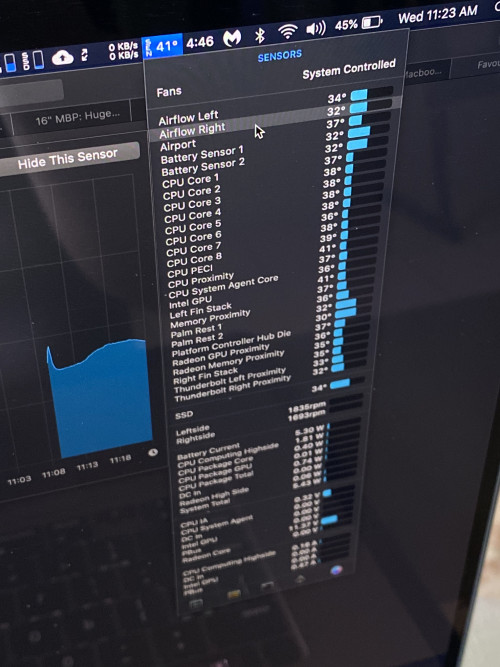 I checked , istat menus, need to pay. Erm..is there any freeware for this? No need to have so much function just want the status bar to be shown permanently even when I am surfing...except watch movie 😆 Thank you |
|
|
|
|
|
MasBoleh!
|
Oct 6 2020, 03:50 AM
|
|
|
QUOTE(Lego Warfare @ Jul 29 2020, 08:02 PM) Just received my 16”! Immediately installed Windows 10 lol Will start installing games once my Samsung T5 arrives... 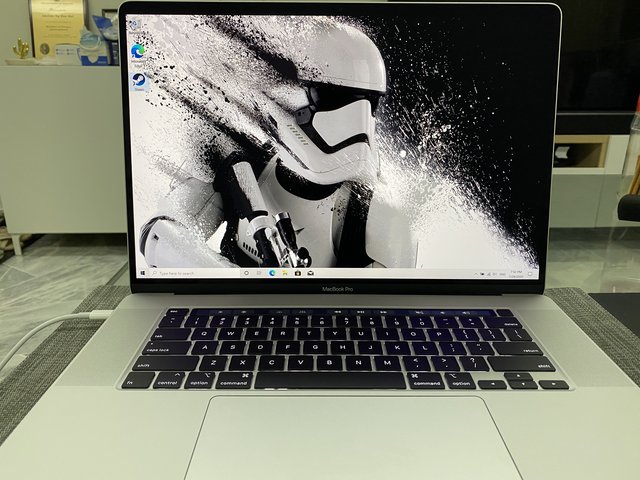 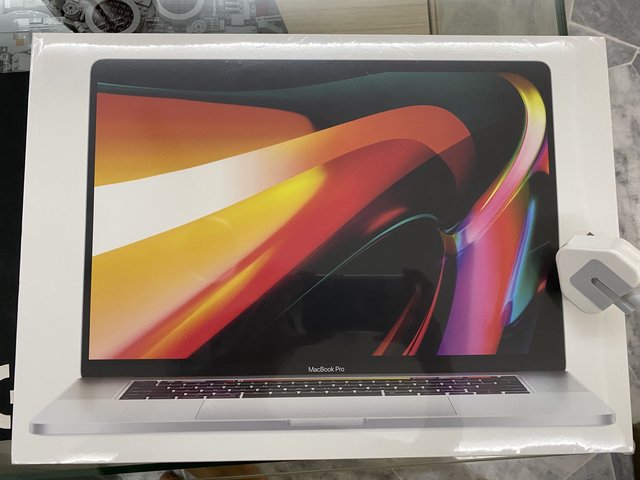 Erm I am very new on this, why not install the games in the MacBook ssd but an external ssd? And you installed windows with boot camp? |
|
|
|
|
|
MasBoleh!
|
Oct 6 2020, 02:51 PM
|
|
|
QUOTE(Lego Warfare @ Oct 6 2020, 09:30 AM) If you have a 4tb MBP then sure. Mine is only 1tb so I need all the space I can save. Yes boot camp Windows. I see I see. I got to learn a few things from you.  |
|
|
|
|
|
MasBoleh!
|
Oct 7 2020, 02:21 AM
|
|
|
QUOTE(Lego Warfare @ Oct 6 2020, 09:31 PM) Nah, all also learn by googling lol At least now I got an idea on what to google. I am not contemplating to go for parallel or boot camp, I also wanna occasionally gaming |
|
|
|
|




 Quote
Quote

 0.0558sec
 1.10
1.10
 9 queries
 GZIP Disabled