QUOTE(kazexx @ Apr 17 2020, 12:01 PM)
received the antenna,
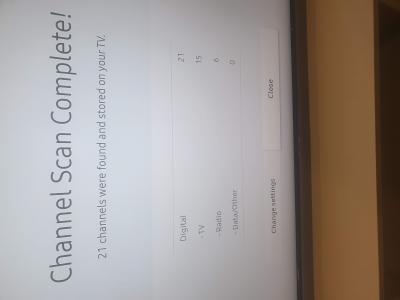
managed to get signal now, not sure if i get all the signal or not.
but with all the cables hanging, wife will not approve when she sees this hahaha

thanks for the help LYN.
On your Samsung TV remote control, Press SETTINGS>Support>Self Diagnosis>Signal Information
There, you can check the signal readings.
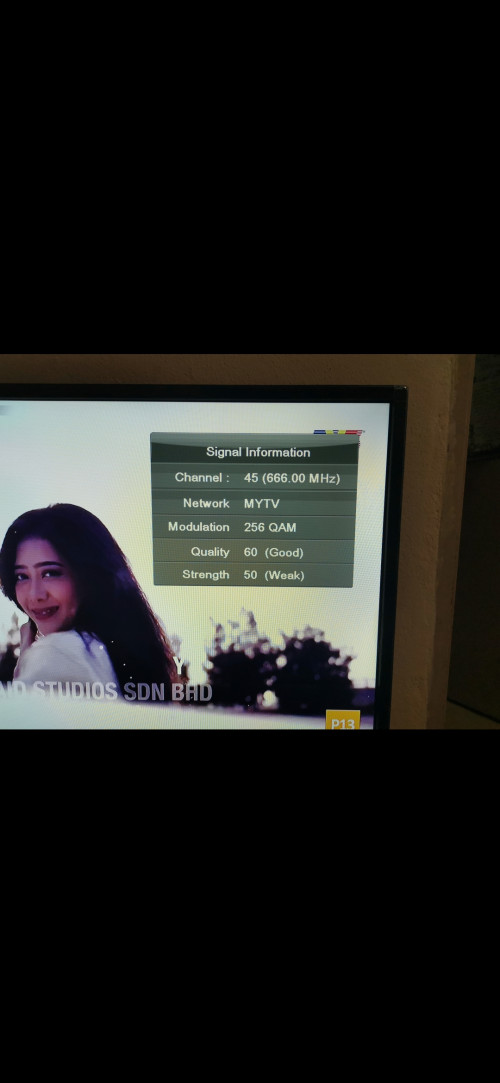
Below is some example of how low would the signal readings look like, especially if you just blindly and randomly place the antenna yet you can still get video and audio without interruption.
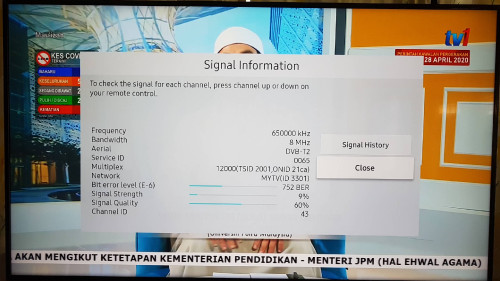
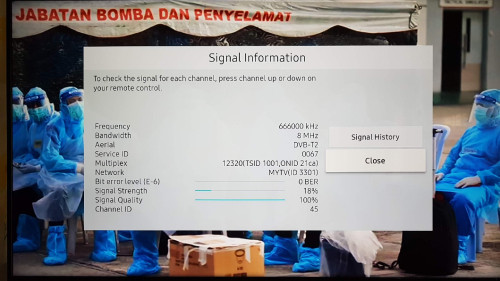
On this Signal Information page, you reposition/readjust your antenna until you get the highest Strength % readings possible.
The higher the Strength % reading, it means your signal is more robust/stable and you could say that the signal won't easily get disrupted by any means.
If you get 100% Quality, that means your TV receives the signal completely without data errors. If the Quality reading is not 100% (maybe like 50-60%), that means your TV is actually "correcting" the data errors for you automatically in the background, so that you will still get video and audio without interruption/pixelation.
In layman terms, let say you turn on music on speakers.
Strength % is just like audio volume (loud or soft volume).
Quality % is how clear can you hear the audio played from the speaker. If 100% means you can hear the music from the speaker clearly.
If it's not 100%, means there's something disturbing you listen to music, e.g. your friends talking beside you while you listen to music, and you find it kinda disturbing but still acceptable (which makes the Quality reading 50-60%).
If it's even lower, like Quality 20-40% or way lower, that is like your friends shouting/yelling at you while you listen to music, making you unable to listen the music properly or even at all, regardless of how high or low is the audio volume (Strength reading).
That is how digital TV signal works. Correct me if I'm wrong,
dayojah.
Keep that in mind that stronger signal does not mean the picture and audio quality becomes "sharper, clearer and more HD".
If you hear those technician/installer say higher signal means better picture, that's bulls**t. Don't believe that. That's fake news.
---
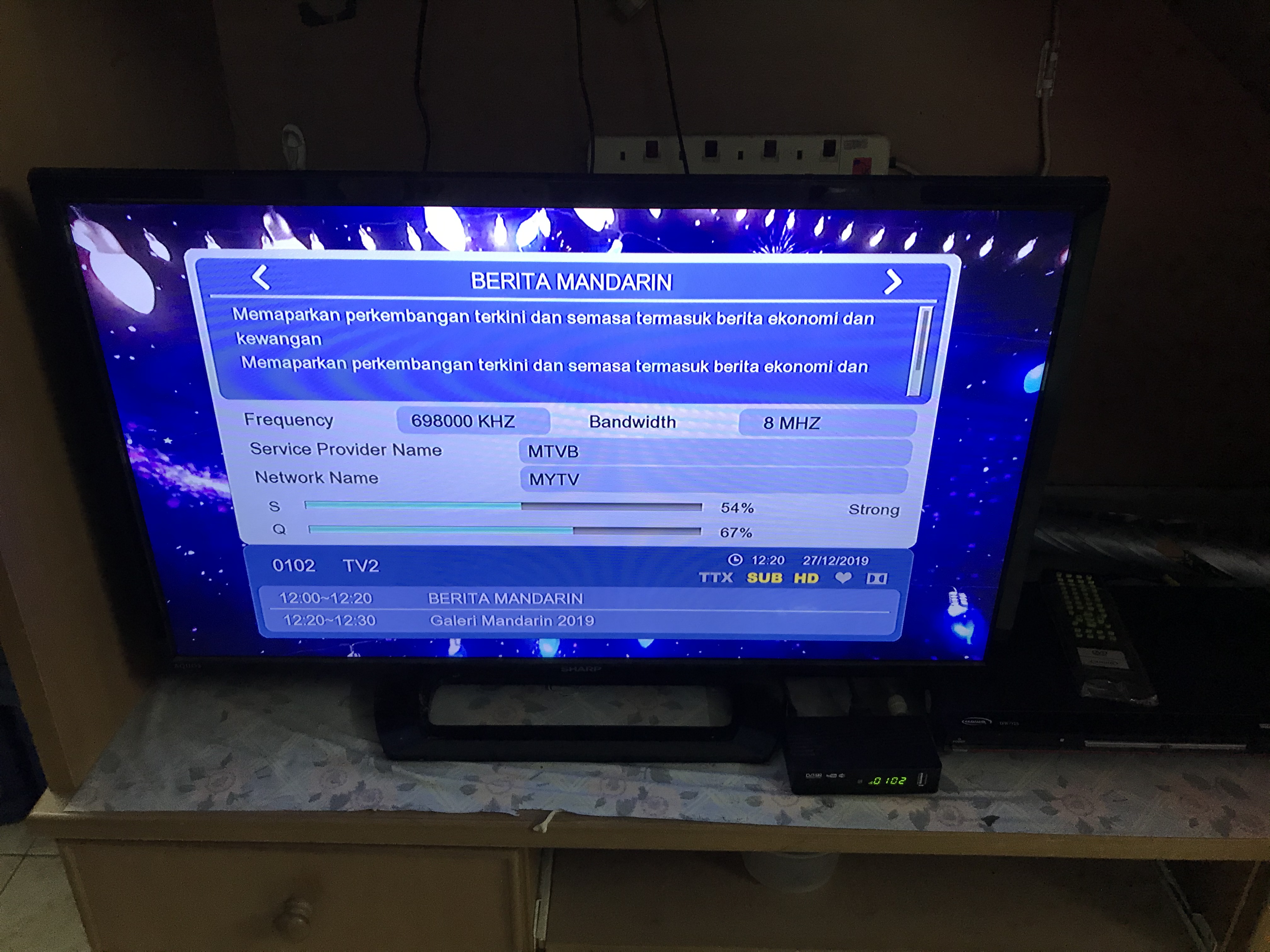
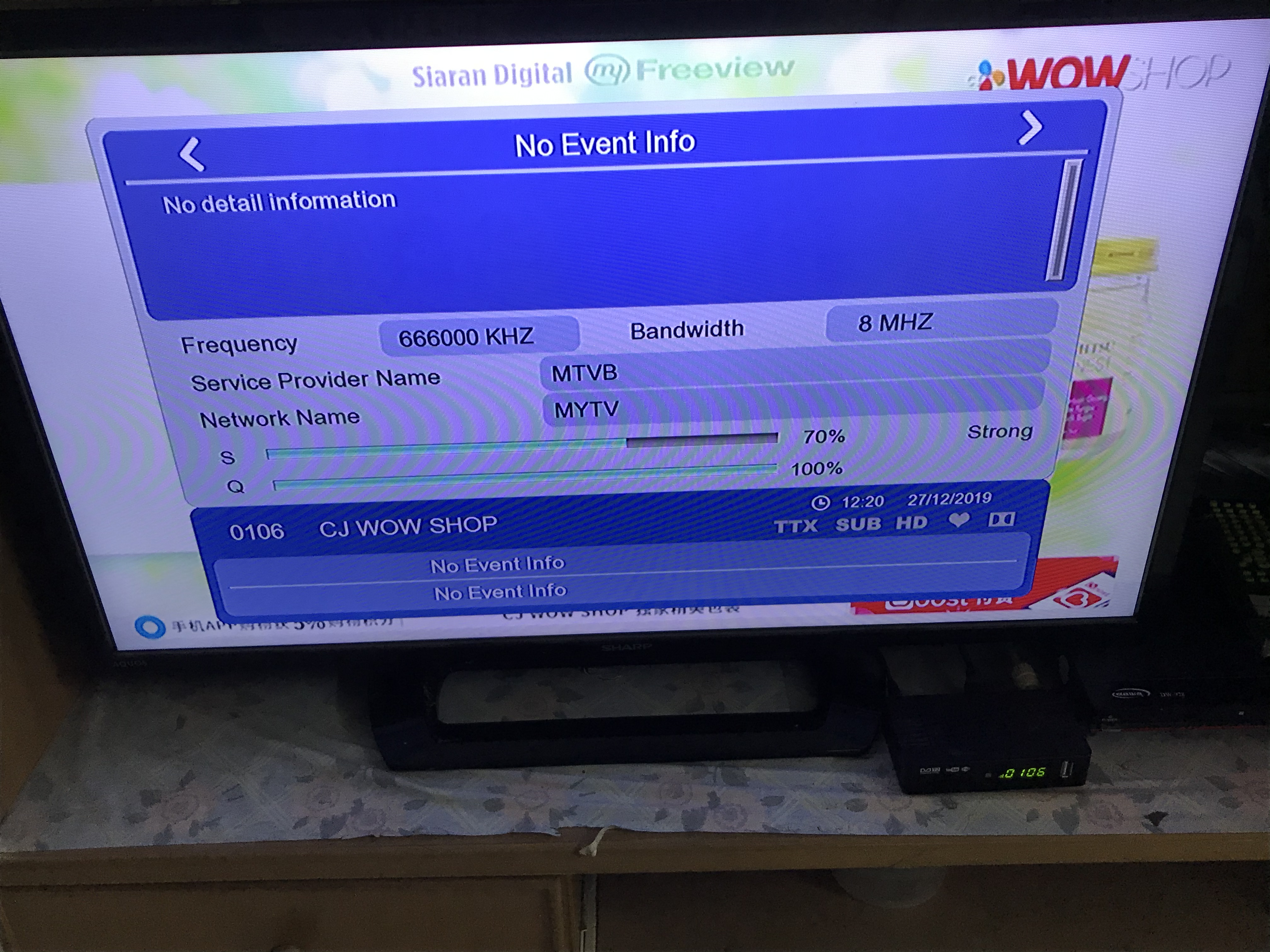
Right now, Malaysia uses 2 frequencies, so if you can get good signal on Mux 1 (e.g. 666MHz CH45), that means you'll get the same signal reading on all channels in that frequency.
For instance:
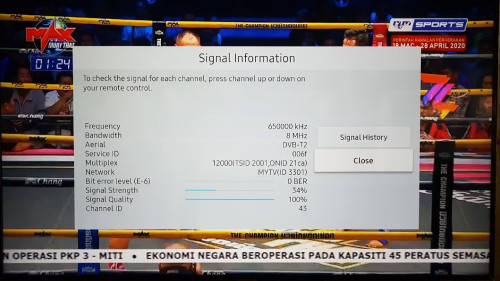
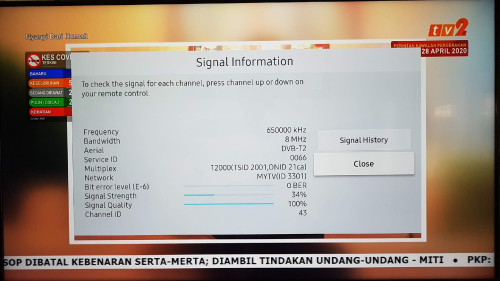
I didn't properly align my antenna la, so the Strength is not high, but as long there's no disruption in reception, then I'll leave it as it is.
So that means, if you get good signal on 650MHz, then move on to 666MHz to check for signal readings. No need to waste time go through every single channel to check reception like analogue TV broadcasts.


 Apr 15 2020, 04:52 PM


 Quote
Quote


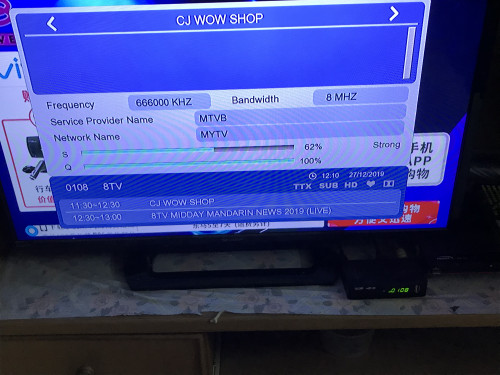
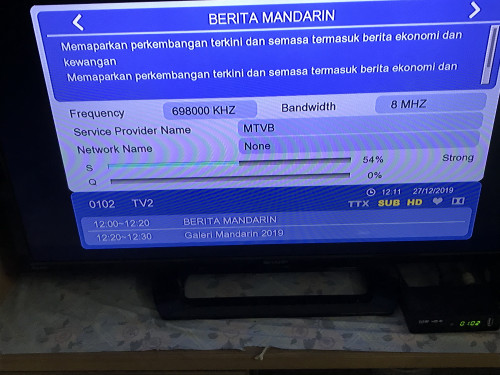
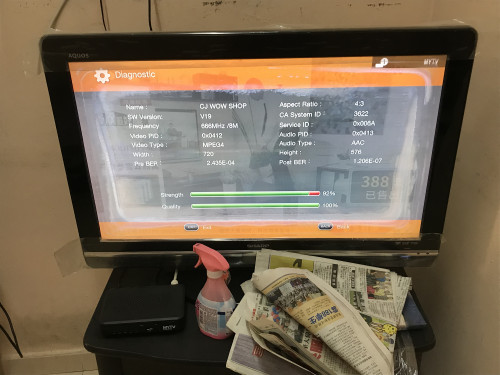
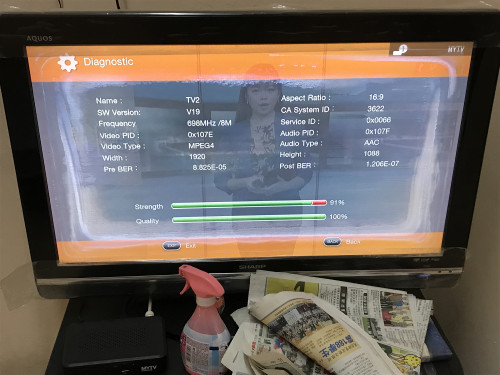

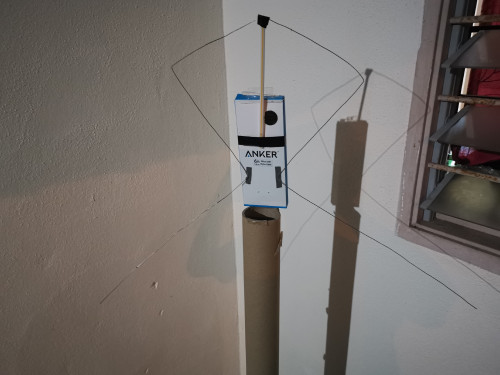
 Previously made one stealth hawk antenna using dawai that can only get signal outdoor.
  . Unfortunately the wire that I have right now is not long enough so cannot permanently park this antenna outside to see the true performance.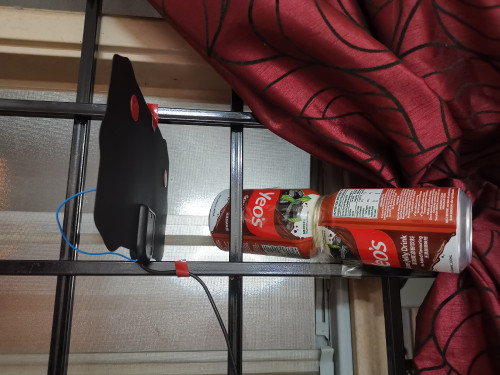





 0.0215sec
 0.44
0.44
 6 queries
 GZIP Disabled