Welcome Guest ( Log In | Register )

Outline · [ Standard ] · Linear+

Virus/Malware Virus /Rootkits Thread, Work In Progress

views
     
sI Taufu
post Mar 13 2012, 07:33 PM

getting higher and higher
******
Senior Member
1,597 posts

Joined: Aug 2010
From: Taufu Kingdom


QUOTE(Romarus90 @ Dec 9 2011, 08:32 PM)
sorry for not giving the details..
this pendrive is from my staff which his using win xp pro sp3 infected with this virus..
i have installed 2 antivirus and 1 anti malware in my pc:

avast! free antivirus 6.0.1367
microsoft security essential beta 4.0.1111.0 (real time shield disable)
malwarebytes anti malware 1.51.2.1300

none of the above could detect any virus.. i try to compress using winrar to virustotal to check but
it gave this error.. 
» Click to show Spoiler - click again to hide... «
sorry to said but those file with weird symbols indicate they are corrupted, maybe the pendrive had been unplugged WHEN file transfer is in process.
sI Taufu
post Apr 2 2012, 11:20 PM

getting higher and higher
******
Senior Member
1,597 posts

Joined: Aug 2010
From: Taufu Kingdom


QUOTE(acid_head @ Apr 1 2012, 11:53 PM)
hello sifus here... I have encountered a stubborn trojan which my Nod32 5 could get rid of this win64/sirefef.g. Basically my NOD32 detected it and clean it, but the trojan seems tried to create every 15mins, although it doesn't affected my cpu performance so far, but i wish to clear it before it getting worse, but So far I still cant manage to find the best way to clear it off. Personally i suspected this trojan was accidentally rooted by the Babylon toolbar, and when i had formatted my pc it still come back again but being blocked by NOD32. Can anyone help me?
*
Simple google search lead me to this page:

virus removal


sI Taufu
post Sep 9 2012, 09:46 PM

getting higher and higher
******
Senior Member
1,597 posts

Joined: Aug 2010
From: Taufu Kingdom


Something to share:

Some of the pendrive virus will not do anything on folder with "special" name like this:

QUOTE
(C70) (同人音楽) (杧方) [SOUND HOLIC] SOUND HOLIC MEETS TOHO ~杧方的幻想四撃蹴~


if want to prevent your folders in the pendrive from being turned into shortcut, just create a new folder in your pendrive root directory (example>> G:\) and name it with the "phrase" above, then put anything inside that folder.

The directory should be similar as below:

G:\ (C70) (同人音楽) (杧方) [SOUND HOLIC] SOUND HOLIC MEETS TOHO ~杧方的幻想四撃蹴~

Then, put watever you want into that 'weird' folder.

I found out such condition in past few month in my campus, as all of the folder inside my pendrive had been infected and turned into shortcuts except a single folder with the above "weird name". I think it is due to the virus cannot recognize the folder name properly, thus failed to 'transformed' it into super hidden and create a shortcut link with its name.

This post has been edited by sI Taufu: Sep 24 2012, 02:08 AM
sI Taufu
post Feb 8 2013, 07:44 PM

getting higher and higher
******
Senior Member
1,597 posts

Joined: Aug 2010
From: Taufu Kingdom


QUOTE(The Red Giant Warrior @ Feb 8 2013, 04:25 AM)
Anybody please help me...my problem is any USB drives that got inserted into my laptop will be infected with Shortcut Virus. I've try many antivirus/anti spyware/anti malware but none of it works  sad.gif  Before, I'm able to clean the virus from the USB by using attrib -h -r -s /s /d g:\*.* and malware protection.

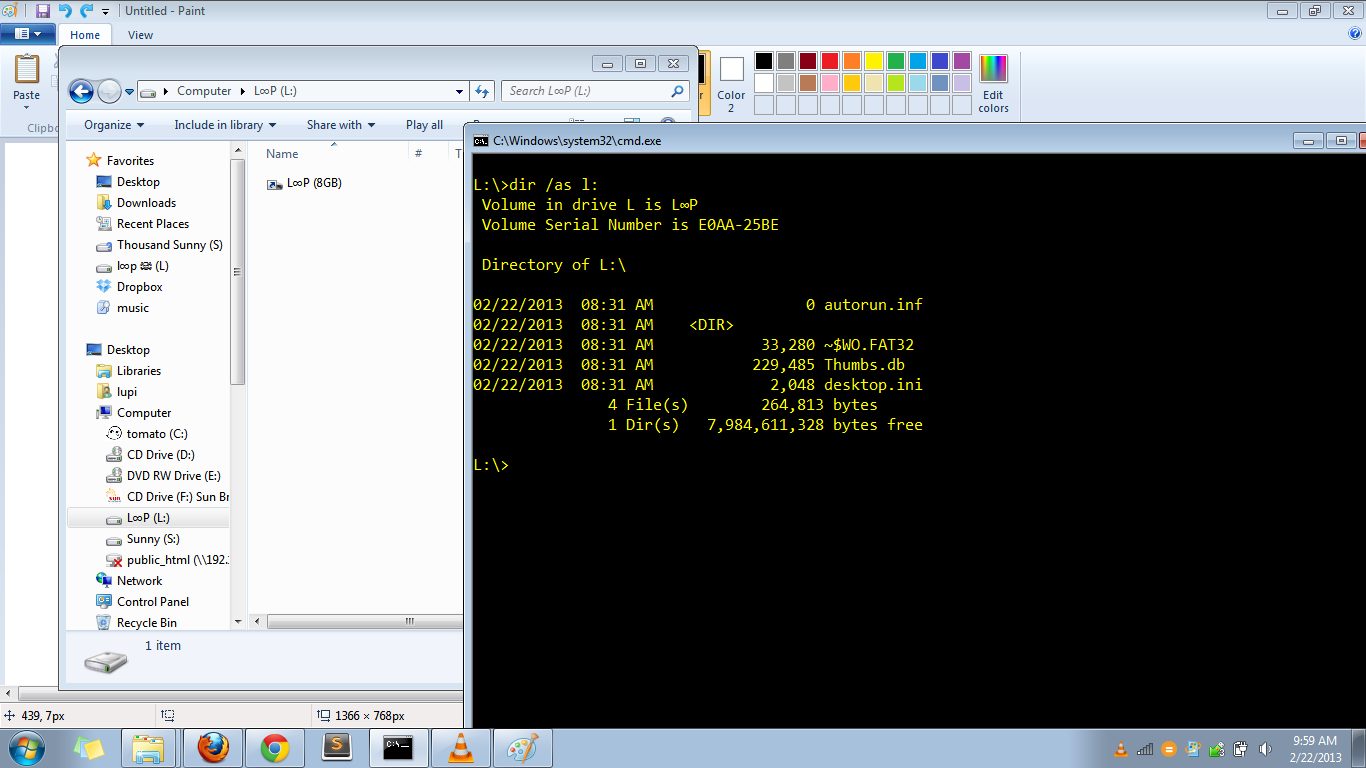
But now the problem become worsen. After being infected with virus at Cyber cafe, I can no longer using the same method as I stated above. The virus still exist even after I'm using many anti virus/malware/spyware...So I guess the problem now lies on my laptop.  But NONE of my files on laptop (videos, pictures, etc) were changed into shortcut, not even on my external hard disk and SD card got infected by the virus. The virus only infect the USB. So what should I do to solve this problem?  sad.gif  I've try formating the USB but when I copy something into USB, the virus will appear. But it didn't happen on my External hard disk
*
try my tutorial:
http://forum.lowyat.net/index.php?showtopic=2591662&hl=

Put the unhidden.bat into your pendrive and external HDD as well. I hope my batch file can at least reveal the hidden malware/virus files.
sI Taufu
post Apr 8 2013, 02:42 AM

getting higher and higher
******
Senior Member
1,597 posts

Joined: Aug 2010
From: Taufu Kingdom


QUOTE(davidliew21 @ Apr 8 2013, 12:54 AM)
Hi, I wish i had post my problem on the right thread
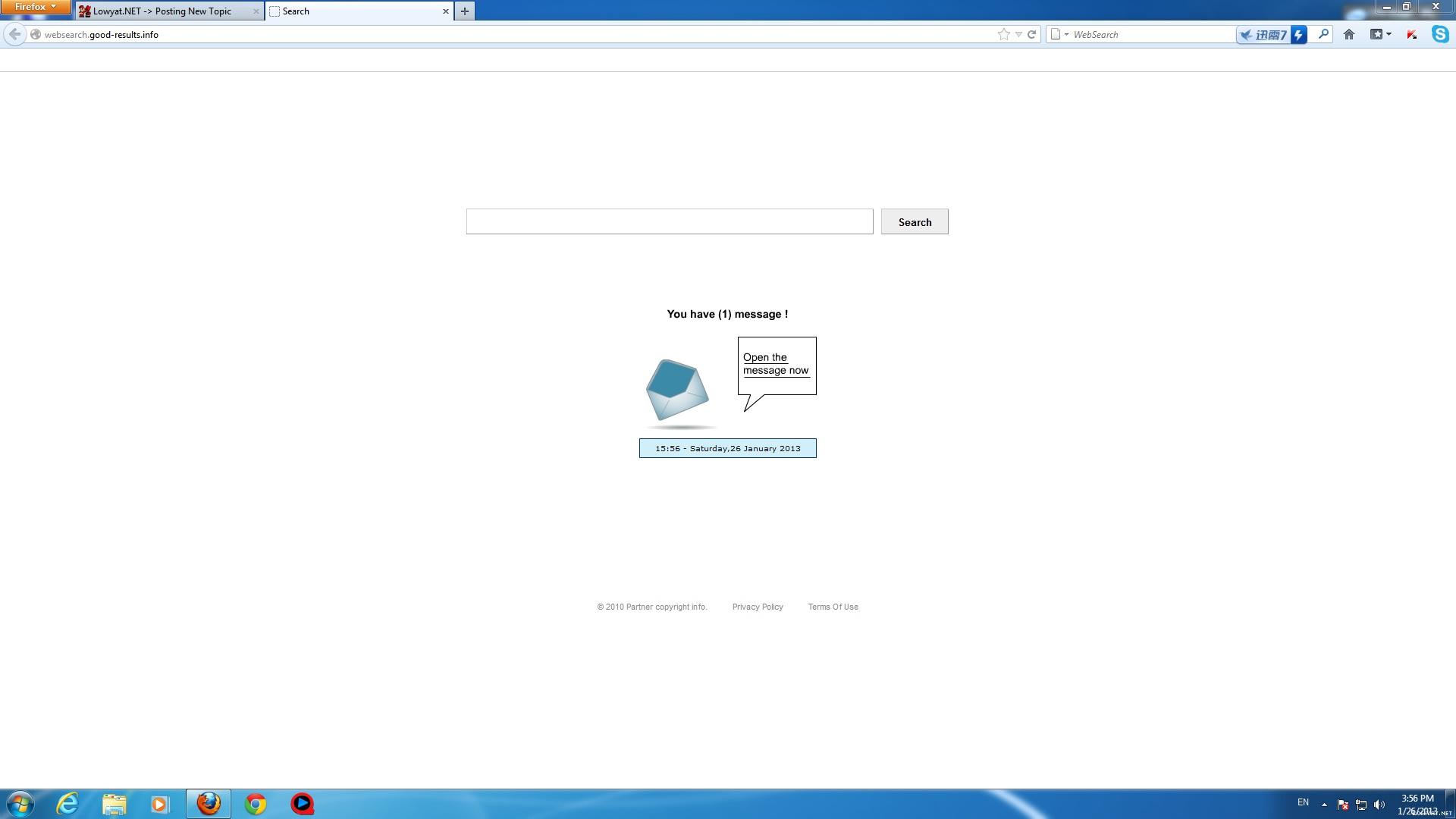
yesterday I discovered my browser homepage had been change to www.qv06.com.
I search thru google and found that that is a hijacker.the solution provided such as spyhunter require payment.
I wonder is there any way to remove it manually.
thanks for the very appreciate help.
*
a bit tedious and risky but if you want to:

Before try the following method make sure you quit Google Chrome and Internet Explorer 1st.

1 - First search for "regedit" via RUN or START SEARCH
2 - From regedit, find with the keyword "qv06.com" then CHANGE the keyword to "google.com.my"
3 -go to <C: \ Users \ xxxxx \ AppData \ LocalLow \ Microsoft \ Internet Explorer \ Services>. Once you reach there, DELETE THOSE FILES which
come from address "qv06"

unless it got registry with other key string, i think it can tapao your case oledi.
sI Taufu
post Apr 8 2013, 06:30 PM

getting higher and higher
******
Senior Member
1,597 posts

Joined: Aug 2010
From: Taufu Kingdom


QUOTE(davidliew21 @ Apr 8 2013, 06:10 PM)
basically i use chrome and firefox browser only. and currently it affects both of it
*
your internet browser still showing hijacked homepage after those instructions?
sI Taufu
post Apr 9 2013, 12:43 AM

getting higher and higher
******
Senior Member
1,597 posts

Joined: Aug 2010
From: Taufu Kingdom


QUOTE(davidliew21 @ Apr 9 2013, 12:03 AM)
no, I cant even found the qv06.com keyword in the regedit
Step 3 also cant found the file in the internet explorer folder. cry.gif
*
qvo6.com doh.gif doh.gif doh.gif doh.gif doh.gif
keyword wrong edi, no wonder cannot dig it out doh.gif
sI Taufu
post Apr 18 2013, 01:11 PM

getting higher and higher
******
Senior Member
1,597 posts

Joined: Aug 2010
From: Taufu Kingdom


If your pendrive suddenly got strange shortcut like this and nothing else:
user posted image

Here is the complete solution which i found from this website:
http://blog.piratelufi.com/2013/02/usb-fla...ingle-shortcut/

This post has been edited by sI Taufu: May 1 2013, 04:00 PM
sI Taufu
post Apr 23 2013, 06:32 PM

getting higher and higher
******
Senior Member
1,597 posts

Joined: Aug 2010
From: Taufu Kingdom


QUOTE(syawal286 @ Apr 23 2013, 12:24 AM)
yes.. tried the adw n jrt severaltimes..
still cant remove that search conduit thing..
tried doing full scan of my laptop with avast n also KIS..
tried malwarebyte n some other thing that involved editing something in my firefox..
it still there..
*
for firefox, try the reset add-on:
https://addons.mozilla.org/en-US/firefox/addon/searchreset/

If still cant help, then try the VERY-TEDIOUS manual delete:
» Click to show Spoiler - click again to hide... «


Change to:
| Lo-Fi Version
0.0225sec    0.48    7 queries    GZIP Disabled
Time is now: 13th December 2025 - 03:32 PM