

 Tutorial:Enabling smooth YT 4K playback in Chrome.
  Mar 1 2019, 08:27 PM, updated 7y ago


Today I would like share info on enabling smooth 4K Youtube Playback on Chrome browsers, I know most of you have high-speed internet connection but when you try to play 4K videos in youtube using the Chrome browsers the video stutters or lags a lot. The solution to this problem is to enable the GPU video decoding in your Chrome browser.
Steps:
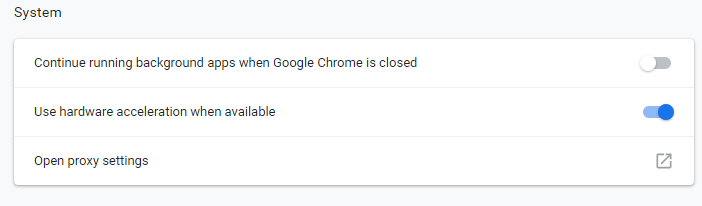
1. First, go to advanced settings of your chrome browser and enable hardware acceleration. After that exit and reopen your chrome browser.
2. After that to verify whether are your chrome browser is using GPU video decoding or not, type chrome://gpu in the address bar of your chrome browser and you should see like shown in the pictures below.
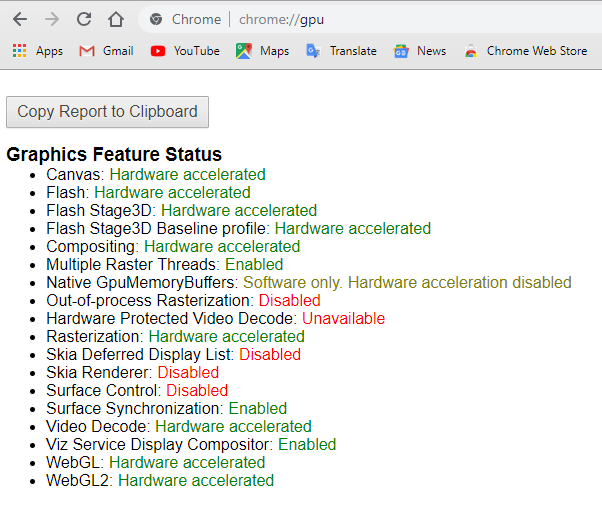
And in the video acceleration information section you should see this:

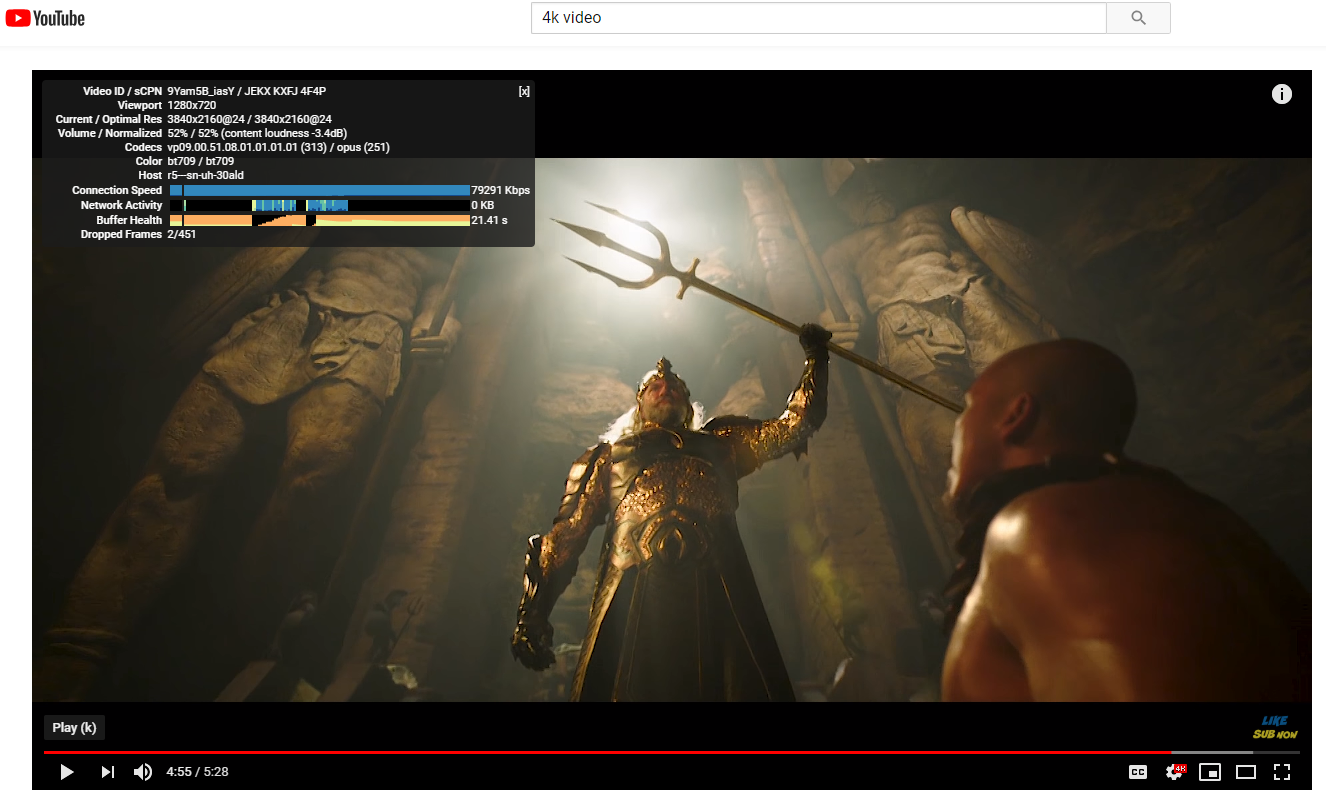
3. And now try playing 4K youtube videos and you should get smooth playback without stutters or lags.
Thank you.
 Quote
Quote





 )
)










 0.0404sec
 0.35
0.35
 5 queries
 GZIP Disabled