QUOTE(wasipro @ May 31 2019, 11:11 AM)
thanks for explain, another question.
After follow the guide of doing the vlan on the switch, do we still need to connect lan cable from router output port( usually got 4) to the switch port 3-7 in order for the rest port 3-7 have internet connection?
or just port 2 to router( router setup the PPPOE connection succesfully) then the port 3-7 automatically have the internet connection and will auto assign IP (DHCP) same domain from router? and mean that I will have 4ports out from router and 5 ports out from switch to connect to any PC/AP/TV&etc.
I take this post as reference.
https://ahot.home.blog/2019/03/04/tm-unifi-...any-router-1-2/1. Yes, you need to connect a lan cable from your router output LAN port back to the switch (port 3) in order for the rest of the switch ports (port 4 to 7) to have internet. Port 8 will have Hypptv independent from router because you split the VLAN 600 before the router.
If you connect 1 of the router LAN port back to port 3 of the switch, and follow the my switch settings, Yes, 4 ports of router and and 5 ports of switch are having same network, 1 dhcp from router. You can use that for AP, PC, gadgets, NAS etc.
2. If you are using Unifi certified router, there is no point to use the switch. It is because the work of splitting is done at router, and the router usually will assign one of its output LAN for IPTV ( that's hypptv).
3. If u never connect one of the router LAN port back to port 3 (in my example blog post), port 4 to 7 of the switch will have no internet connection at all.
4. The main reason of my posts are, to use any router that does not have VLAN support. The VLAN is split at the switch level in front.
This post has been edited by mhwee: May 31 2019, 06:55 PM 

 Dec 15 2018, 05:30 PM, updated 8y ago


 Quote
Quote

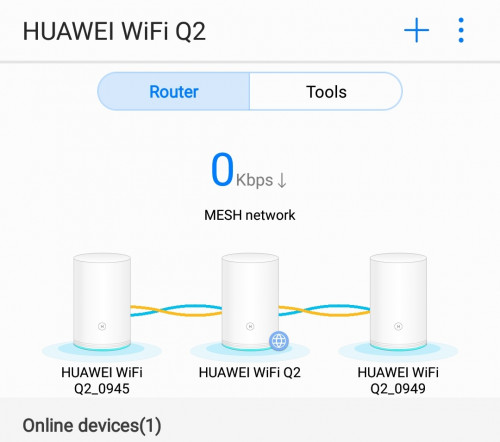





 , its spec can be read inside


 0.0253sec
 1.27
1.27
 6 queries
 GZIP Disabled