QUOTE(lvoonjian8888 @ Sep 22 2018, 10:36 PM)
For those wish to use Good Lock 2018. Just follow the below steps:
1) Took our your SIM card. Clear Data for Galaxy Apps.
2) Connect to Wifi / Other Mobile Hotspot
3) Switch your VPN to Singapore/UK/USA. (You can find bunch of VPN apps in PlayStore)
4) Open Galaxy Apps, voila~~~search for Good Lock 2018, then you can download from Galaxy Apps.
5) Download the others related apps. Then enjoy your Good Lock 2018.
6) If you wish to update the apps, just repeat step 1 to step 4.
QUOTE(lvoonjian8888 @ Sep 22 2018, 10:40 PM)
My Lock Screen : ClockFace from Good Lock 2018, Earth Wallpaper. Home Screen : Nova Launcher with Pixel Pie Icon, Google Live Wallpaper - Marvellous Marble
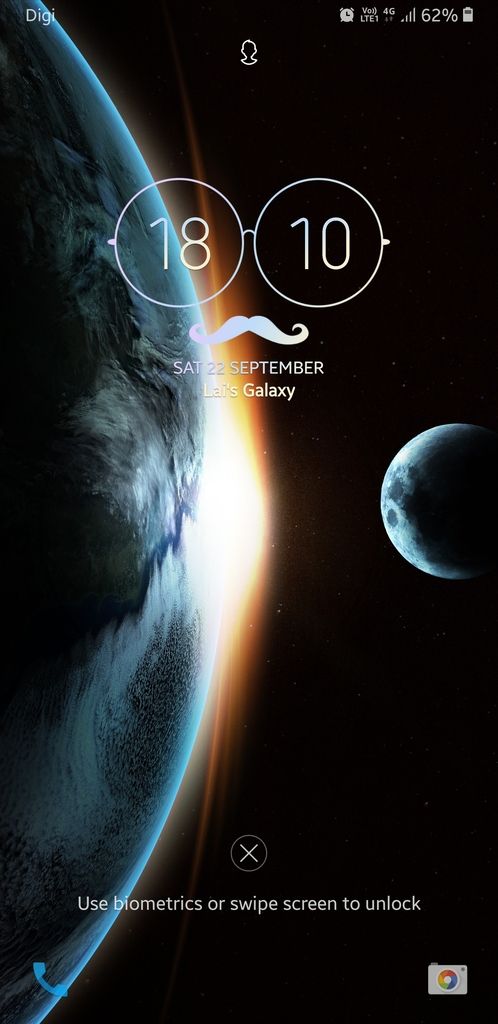

your wallpaper just look like iphone Xs..owai
anyway, mind to share what is good lock? i saw a lot of discussions here, but have totally no idea.


 Sep 15 2018, 02:22 PM


 Quote
Quote


 0.0886sec
 0.81
0.81
 7 queries
 GZIP Disabled