Outline ·
[ Standard ] ·
Linear+
Widescreen Thread V2.0, All widescreen discussions here
|
ronaldjoe
|
 Jun 27 2007, 09:05 PM Jun 27 2007, 09:05 PM
|

|
QUOTE(kianwee @ Jun 27 2007, 01:27 PM)  Samsung 2232WG. Should arrive around early August here. Bezel used same as the LCD TV series. 2ms, should be using the same panel as 226BW. Mind posting the link of the product specs?? QUOTE(dattebayo @ Jun 27 2007, 03:52 PM) definitely a good buy  the specs is better than Samsung 940BW, better looks and contrast ratio the offer lasts until next week only, so be quick to place an order. GRAB IT before offer ends  |
|
|
|
|
|
ronaldjoe
|
Aug 4 2007, 06:45 PM
|
|
|
QUOTE(jchong @ Aug 4 2007, 11:56 AM) I'm quite happy using Monitor Calibration Wizard. Free summore. Link: http://www.hex2bit.com/products/product_mcw.aspThanks for the valuable link. I have tried it and it's great. |
|
|
|
|
|
ronaldjoe
|
Aug 5 2007, 09:42 PM
|
|
|
QUOTE(kunamiya @ Aug 5 2007, 09:16 PM) I saw one of the product name "MATROX" they connected 3 LCD on 1 VGA output and the game play called surround game play Woot . what i can say is excellent   but the product is hard to find so .. i am wondering can i connect 2 lcd on my 8800gtx Dvi output so i can play like this Walaueh. These are running 3 LCD at once. If running on only 2 LCD, probably the above device is not required.
Added on August 5, 2007, 9:43 pmQUOTE(Sony Trinitron @ Aug 5 2007, 09:37 PM) i loled reading your post. 20" at 1680x1050 is perfectly clear, and those claims of font being too small is just so funny!!! As a matter of fact, that is the way it should be, 30" at 2560x1600, 24" at 1920x1200, 20" at 1680x1050, 19" at 1440x900 - And those 4 resolutions at their respective size has the same font size. 22" at the same resolution of 20" is just pure ugly, blurry and unsharp. I looked at the 22" dell at fair yesterday and i almost puke of the quality, viewing angle is terrible! I shifted to the right a little and the big color change is so obvious! It is nothing but a value product, nothing to be excited at all about the quality of the unit. At the end of the day, if it is not about the excellent dell warranty, dell 22" is just a big screen low quality product at a cheap price. it is popular not because of the quality, but because of being the cheapest 22" money can buy. And that's the FACT! To me, 226BW looks great. This post has been edited by ronaldjoe: Aug 5 2007, 09:43 PM |
|
|
|
|
|
ronaldjoe
|
Aug 6 2007, 10:48 PM
|
|
|
QUOTE(genkis3 @ Aug 6 2007, 07:59 PM) u need to unscrew the back plastic cover and open it, then open up another piece of metal cover(no screw) . got to check panel that way?  |
|
|
|
|
|
ronaldjoe
|
Sep 4 2007, 08:42 PM
|
|
|
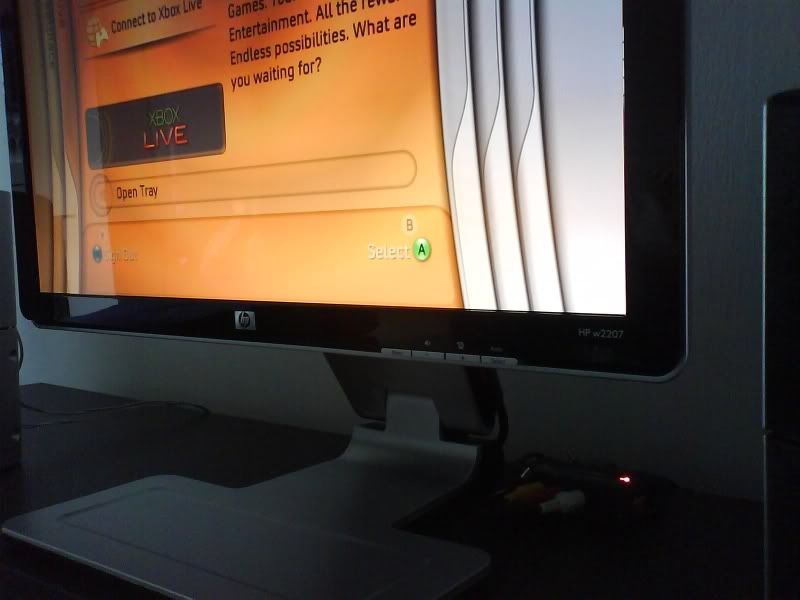
QUOTE(3AAA @ Sep 4 2007, 01:40 PM) I bought it at rm1199. That's the cheapest I can find after wondering around kl. Both support HD, but not full HD. Both support HDCP. What I mention earlier about the w2207 is base on my point of view. You should see it at shop yourself or try googling and see what others have to say. There are also websites that compare w2207 and 226bw side by side. Here's some pic I capture with Handphone camera(quality pic not so good): » Click to show Spoiler - click again to hide... « Nice post. I like the design of the LCD very much. Classy look  |
|
|
|
|
|
ronaldjoe
|
Sep 9 2007, 11:30 PM
|
|
|
Hi I need help.
Is Dell 2407WFPb = 2407WFP-HC??
Thanks in advance.
|
|
|
|
|
|
ronaldjoe
|
Sep 12 2007, 06:29 PM
|
|
|
QUOTE(Suk @ Sep 11 2007, 11:37 AM) i want to know 24" izzit too big for u guys ?? do we need 24" LCD with HD ? QUOTE(night killer @ Sep 12 2007, 11:39 AM) 24 is gam gam hou.... i mean is okie last time i use 2 x crt 17 inch to do work now using one 24 should be enough ... but human was greedy...... 27 will be better huhahahaha.....  Wahaha. 27 will be better. 24" is just alright for full 1080 HD  for watching TV. |
|
|
|
|
|
ronaldjoe
|
Sep 13 2007, 11:10 PM
|
|
|
QUOTE(SimonsayZ @ Sep 13 2007, 09:40 PM) Hey all.  Just bought a Dell E198WFP. I jumped from a 15" 4:3 LCD to a 19" wide. IMHO, its rather perfect size for me. Because I don't have a proper table for my pc so Im using it by sitting on the floor..  Btw, i find the screen rather bright. Running on DVI, the initial contrast and brightness was 75. Tried setting it low but it looks gloomy. Anyway I can get good setting without compromising the colors? Oh, heres the pic of my pc and Dell 19". I like the thin black bezel, compared to the silver one (SE198WFP). The black somehow made the screen look rather big.  » Click to show Spoiler - click again to hide... « No regrets getting this 19" at all. Nice set up. Cool |
|
|
|
|
|
ronaldjoe
|
Sep 14 2007, 10:39 PM
|
|
|
QUOTE(SimonsayZ @ Sep 14 2007, 09:25 AM) Thanks.  Btw looking at your siggy, you are using 24"? WOw, wanted to get it but was way too big for my setup. Sitting on the floor with a 24" is too tiresome for my already "4 eyed" eyes. LoL.. Yeah just got it recently size is just right  QUOTE(BeastX @ Sep 14 2007, 05:20 PM) What is the lowest price 3007wfp/HC or non-HC have even been from dell.com.my??? sales/festivals/fairs/coupons included... WOW super huge 2560 x 1600 |
|
|
|
|
|
ronaldjoe
|
Sep 15 2007, 08:48 AM
|
|
|
QUOTE(smokey @ Sep 15 2007, 12:12 AM) hi guys... how do u guys buy dell lcd without credit card? there is an 'interbank' option...but if after i transfered, hw do Dell confirm that i have paid? Call to order. Sales rep is pretty helpful |
|
|
|
|



 Quote
Quote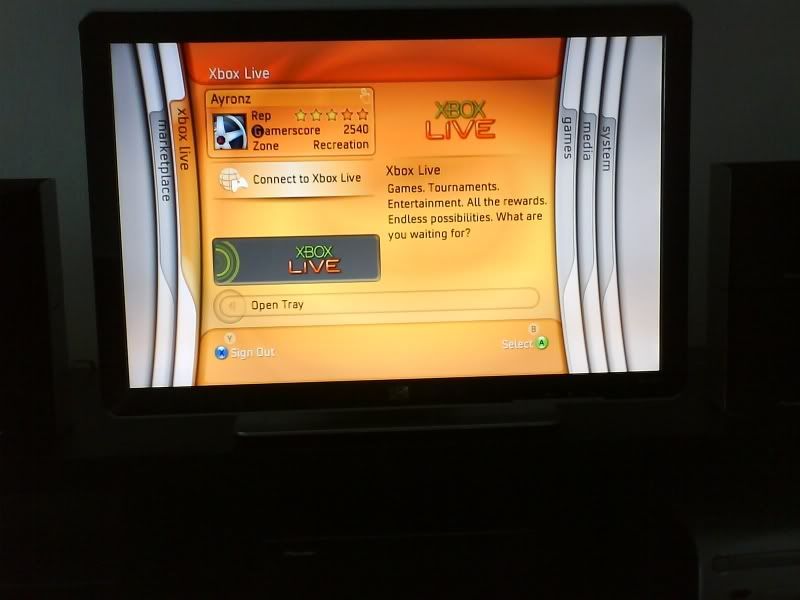


 0.0268sec
 0.55
0.55
 7 queries
 GZIP Disabled