Outline ·
[ Standard ] ·
Linear+
Widescreen Thread V2.0, All widescreen discussions here
|
night killer
|
 Sep 6 2007, 02:39 PM Sep 6 2007, 02:39 PM
|

|
QUOTE(dattebayo @ Sep 6 2007, 02:23 PM) 24" TN panel is actually a very good alternative to those who cant afford more than rm10k punye 1080p LCD/plasma tv  24 inch no need rm10 wat..... kakakak get the benq 24 was 1080 p no need 2 k also nice product i will say... only not all product was perfect...... ( not mapping 1:1 when input ps3 )  |
|
|
|
|
|
sniperwolf
|
Sep 6 2007, 04:05 PM
|
|
|
QUOTE(dattebayo @ Sep 6 2007, 02:23 PM) 24" TN panel is actually a very good alternative to those who cant afford more than rm10k punye 1080p LCD/plasma tv Better get a 28inch tn panel, wont cost alot also. Will try out one by this weekend |
|
|
|
|
|
dattebayo
|
Sep 6 2007, 04:43 PM
|
|
|
QUOTE(Dreamworks @ Sep 6 2007, 03:18 PM) My Dell LCD "hanged" for the first time... In fact, this is the first time I actually faced a "hanged" monitor  It didn't detect the signal when I turned it on, and later got stuck at "Entering Power Save Mode", when I tried to press the buttons on the unit, it didn't respond. Can't even turn it off until I unplug the power   huuhu.. time to call ur neighborhood Dell CS QUOTE(sniperwolf @ Sep 6 2007, 04:05 PM) Better get a 28inch tn panel, wont cost alot also. Will try out one by this weekend 28" TN panel?  can show some links on it? |
|
|
|
|
|
sniperwolf
|
Sep 6 2007, 05:37 PM
|
|
|
QUOTE(dattebayo @ Sep 6 2007, 04:43 PM) 28" TN panel? can show some links on it? |
|
|
|
|
|
sotong168
|
Sep 6 2007, 05:47 PM
|
|
|
» Click to show Spoiler - click again to hide... « QUOTE(badguy86 @ Sep 5 2007, 03:43 PM) Hey guys, check out this new 20" wide by Dell, Dell SP2008WFP.     Spec details: 20-inch display, 1680 x 1050 resolution 2ms, 300cd/m2 brightness, 2000:1 contrast ratio DVI with HDCP, VGA, (4) USB 2.0 2 megapixel still / VGA video webcam (fixed focus) with array microphone Optional soundbar September 12 release; sorry, we don't have a price Source: http://www.engadget.com/2007/09/03/dell-sp...ngs-the-webcam/dell webcam is quite good, look at : 1520 Webcam vs. Logitech |
|
|
|
|
|
Doggystyle
|
Sep 6 2007, 10:04 PM
|
|
|
QUOTE(night killer @ Sep 6 2007, 02:39 PM) 24 inch no need rm10 wat..... kakakak get the benq 24 was 1080 p no need 2 k also nice product i will say... only not all product was perfect...... ( not mapping 1:1 when input ps3 ) Supposedly, if you use a HDMI > DVI convertor for ps3, 360, it maps fine. And the new version has Overscan option. How does that help with anything, I'm unsure of. Not that I got a ps3 or 360 to try it out. Anyhow, if anybody wants to know the result of a PS2 plugged into a benq24"........the ratio is screwed (16 10). You will get black bars at the side. Unless you're actually crazy enough to play at 1:1. |
|
|
|
|
|
sniperwolf
|
Sep 7 2007, 10:50 PM
|
|
|
Do you guys think a 24incher looks like a kid use monitor when sitting next to a 27.5 incher?  |
|
|
|
|
|
LittleLinnet
|
Sep 7 2007, 11:22 PM
|
|
|
QUOTE(sniperwolf @ Sep 7 2007, 10:50 PM) Do you guys think a 24incher looks like a kid use monitor when sitting next to a 27.5 incher? how is the viewsonic compared to your dell ? |
|
|
|
|
|
The Scent LYN
|
Sep 8 2007, 03:40 AM
|
|
|
Is TN panel that bad?
|
|
|
|
|
|
choyster
|
Sep 8 2007, 03:50 AM
|
|
|
QUOTE(3AAA @ Sep 4 2007, 01:40 PM) I bought it at rm1199. That's the cheapest I can find after wondering around kl. Both support HD, but not full HD. Both support HDCP. What I mention earlier about the w2207 is base on my point of view. You should see it at shop yourself or try googling and see what others have to say. There are also websites that compare w2207 and 226bw side by side. Here's some pic I capture with Handphone camera(quality pic not so good): 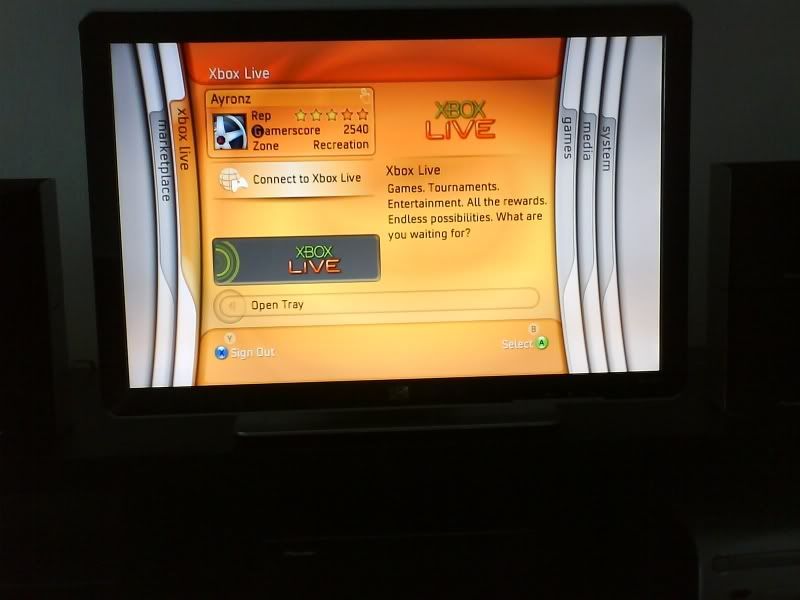 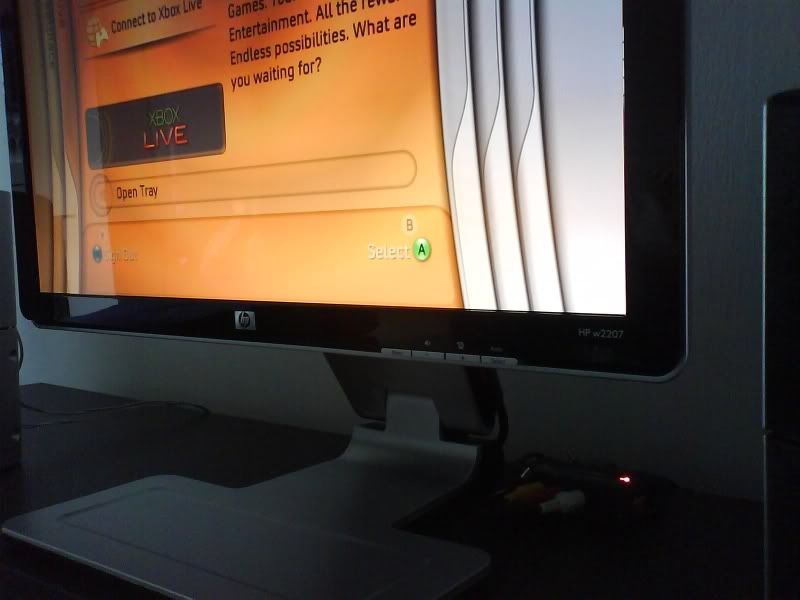 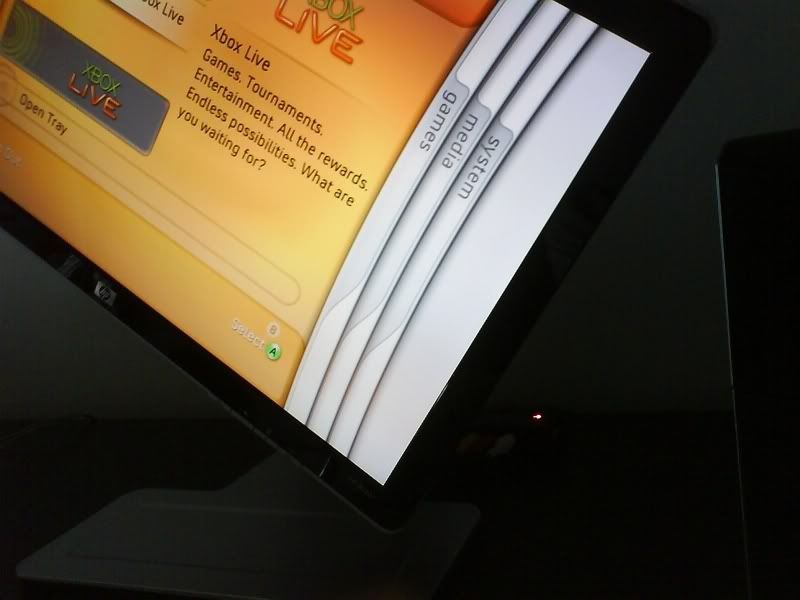 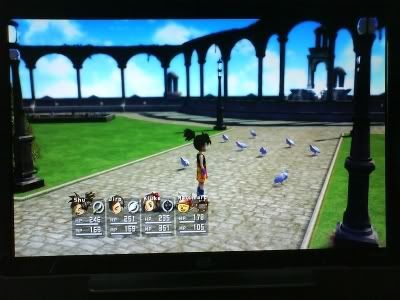 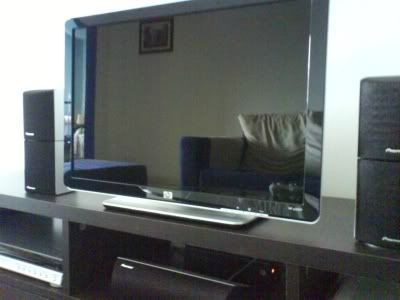 Wah u make me regret buying samsung XD |
|
|
|
|
|
Archaven
|
Sep 8 2007, 12:48 PM
|
|
|
Wow HP new LCD model? Very nice design  . Don't like the new Dell model with webcam. Fond with silver color now? Still like my Dell 2007FPW design though |
|
|
|
|
|
akachester
|
Sep 8 2007, 09:16 PM
|
|
|
QUOTE(The Scent LYN @ Sep 8 2007, 03:40 AM) Depending on the usage of the LCD and how high your expectation is.. |
|
|
|
|
|
slash
|
Sep 9 2007, 02:04 PM
|
|
|
Gaming at 22" WS native resolution would be comparable to what normal resolution (non-WS)? As in the power needed (what card).
Say Bioshock settings everything high with the game's default 4x AF @ 1024x768 vs 1680x1050. 22" would have lesser fps right? So should I change the WS resolution to get the 'smoothness' back? Or just stick with it and lower the graphics settings?
|
|
|
|
|
|
babymoli
|
Sep 9 2007, 03:20 PM
|
|
|
-Wrong Post- Sorry...  This post has been edited by babymoli: Sep 9 2007, 03:23 PM This post has been edited by babymoli: Sep 9 2007, 03:23 PM |
|
|
|
|
|
akachester
|
Sep 9 2007, 03:24 PM
|
|
|
QUOTE(slash @ Sep 9 2007, 02:04 PM) Gaming at 22" WS native resolution would be comparable to what normal resolution (non-WS)? As in the power needed (what card). Say Bioshock settings everything high with the game's default 4x AF @ 1024x768 vs 1680x1050. 22" would have lesser fps right? So should I change the WS resolution to get the 'smoothness' back? Or just stick with it and lower the graphics settings? Playing games at a higher resolution (with the same exact setting as the one on normal 17" native) would surely be causing more burden on your card, thus, less smooth. IF you wanted to run a game smoother, then you will need to lower the resolution but of course, it would not look nice.. Anyway, personally for me, if you wanted to run a game on native 22" resolution and play at a good/high setting, i guess 8800GTS 320MB would be the way to go right now. Anything lesser would either be 7900GS or 1950Pro.. |
|
|
|
|
|
slash
|
Sep 9 2007, 03:50 PM
|
|
|
8600gt would have trouble keeping framerates up?
Even now at 1024 I also feel sluggish. Since 19" same resolution as 22", so no point considering 19" too.
|
|
|
|
|
|
LittleLinnet
|
Sep 9 2007, 05:19 PM
|
|
|
QUOTE(slash @ Sep 9 2007, 03:50 PM) 8600gt would have trouble keeping framerates up? Even now at 1024 I also feel sluggish. Since 19" same resolution as 22", so no point considering 19" too. 19" is at 1440x900 only 20" is same as 22", which is 1680x1050 |
|
|
|
|
|
dattebayo
|
Sep 9 2007, 06:07 PM
|
|
|
QUOTE(slash @ Sep 9 2007, 02:04 PM) Gaming at 22" WS native resolution would be comparable to what normal resolution (non-WS)? As in the power needed (what card). Say Bioshock settings everything high with the game's default 4x AF @ 1024x768 vs 1680x1050. 22" would have lesser fps right? So should I change the WS resolution to get the 'smoothness' back? Or just stick with it and lower the graphics settings? bcoz higher reso will stress the memory / frame buffer bandwidth more disable AA or reduce it to 2x, reduce a little on texture filtering, should get some fps boost on higher reso |
|
|
|
|
|
slash
|
Sep 9 2007, 06:10 PM
|
|
|
or play at lower 16:10 resolutions.
|
|
|
|
|



 Quote
Quote





 0.0275sec
 0.55
0.55
 6 queries
 GZIP Disabled