Outline ·
[ Standard ] ·
Linear+
ILLEGEAR Onyx Discussion Thread V1, Illegear's first Bazel-less Notebook
|
James Teo
|
 Sep 2 2018, 12:20 AM Sep 2 2018, 12:20 AM
|
Getting Started


|
Well actually I wonder why most ppl prefer Onyx than Raven Elite (both 1060) tho, can share?
I bought an Acer Predator Helios 300 1060 16gb Ram last Sunday because Illegear was not opened on Sunday and now I freaking regret it. Wanna sell it off and buy Raven Elite asap.
Any owner of Raven Elite 1060 care to share experience? Thank you in advance.
|
|
|
|
|
|
James Teo
|
Sep 2 2018, 01:11 PM
|
Getting Started
|
QUOTE(jrlogger @ Sep 2 2018, 01:36 AM) Well performance of the two models may be similar but the main draw of the Onyx is that it is more sleeker and portable (lighter, smaller, thinner) and has thinner bezels. If considering only Illegear laptops, if just looking for more bang for your buck I would say the Raven Elite (or Laguna) may be right for you but if you value a aesthetics in a laptop with comparable performance at a slight premium you may find the Onyx a better choice. 8750H or 8300H? I heard 8750H is much hotter. This post has been edited by James Teo: Sep 2 2018, 02:46 PM |
|
|
|
|
|
James Teo
|
Sep 2 2018, 01:27 PM
|
Getting Started
|
QUOTE(Prince J @ Aug 14 2018, 01:00 AM) We will bring the CAP2 in together with the brown (silent) mechanical switch. And we don't just offer on new model, we are also trying to make it as an upgrade option for existing ONYX owner. What about Raven Elite? |
|
|
|
|
|
James Teo
|
Sep 8 2018, 12:22 PM
|
Getting Started
|
QUOTE(Prince J @ Sep 7 2018, 11:50 AM) The brown switch is very silent compared to the original blue switch KB, but still remain the tactility of the mechanical keyboard. The blue switch has better tactile feedback compared to brown because of the sound the blue makes, just my 2cent. Hi PrinceJ, can I have the new key cap on Blue switch? I have seen your Insta story, the new key cap is very cool! Anyway, brown or blue for you? And why? Thanks Prince! |
|
|
|
|
|
James Teo
|
Sep 8 2018, 06:15 PM
|
Getting Started
|
QUOTE(Prince J @ Sep 8 2018, 02:55 PM) Hi James, You mean you want to stick with blue switch, but change your keycap to Cap 2 design? The one in ILLEGEAR insta story is Cap 3, not the Cap 2 we use in ONYX. Yes, I want to stick with blue and change my cap to Cap3. Is that possible? Side question, Onyx has 1 hdmi port and 2 mini display port right? This post has been edited by James Teo: Sep 8 2018, 07:54 PM |
|
|
|
|
|
James Teo
|
Sep 29 2018, 08:12 PM
|
Getting Started
|
Hi guys, I wanna ask one thing, did anyone experience this situation with your Onyx?
Your display is turned off and it can't be turned on even if you type something or move the mouse or press the power button.
Any idea?
|
|
|
|
|
|
James Teo
|
Sep 30 2018, 04:56 PM
|
Getting Started
|
QUOTE(nyunyu @ Sep 30 2018, 05:08 AM) Happened to me few days ago. Display went black while I was using it. Had to force shutdown by long pressing the power button. Turn it on again and the fan cranked up then windows not responding. Had to force shut down again, restart and it kinda starts ok.. Checked event viewer and there are 12 warnings with this: The speed of processor (0-11) in group 0 is being limited by system firmware. The processor has been in this reduced performance state for 71 seconds since the last report. Illegear then sent me Oemsev.exe as according to them since I upgraded my power brick to 180w, need to update Oemsev as current bios not fully stable to use with it. So far the issue hasn't recurring. What is that Oemsev? |
|
|
|
|
|
James Teo
|
Oct 11 2018, 10:22 PM
|
Getting Started
|
Hey guys, how long can you battery lasts? Mine I think around 30mins, when Windows show 60+ percent then suddenly poofs it turns off.
|
|
|
|
|
|
James Teo
|
May 19 2019, 11:27 PM
|
Getting Started
|
QUOTE(Prince J @ May 19 2019, 10:25 PM) Hello James, You can send to our service center located at Oval Damansara, touchpad issue can be fixed within the same day / next business day. Our current address as below: ILLEGEAR SDN BHD (1091806-K) 9-3A, 9th Floor, Oval Damansara, Jalan Damansara, TTDI 60000, Kuala Lumpur, Malaysia. Tel: (+60) 3-28587399 Are you guys opening tomorrow? Tuesday? |
|
|
|
|
|
James Teo
|
Nov 20 2019, 12:12 AM
|
Getting Started
|
Hello guys, just asking if your Onyx screen remains blank after you close and open back the lid even you choose "Do Nothing" when close lid. I have tried to solve this issue for a long time and I could not resolve it. Any Onyx owner here experience the same thing I do?
It's very frustrating sometimes you just need to close the lid and reallocate for a while but instead you have to do a hard reset or make it goes to sleep and wake up to bring the screen back up.
|
|
|
|
|
|
James Teo
|
Nov 24 2019, 03:34 PM
|
Getting Started
|
QUOTE(AZIM@ILLEGEAR @ Nov 20 2019, 11:39 AM) Hi James Teo, may I know if you are referring to the behaviour of the Windows (have to press some keys after closing the lid to wake up the laptop) even when the machine is configured to 'Do Nothing' instead of 'Sleep' upon closing the lid? May I also know if you have notified our Support Team? In regards to this matter, I would recommend for you to consult our Support Line directly as well for easier communication regarding this matter by using the contact number below: 018-261 8599 (WhatsApp) I am not referring to that. The laptop is not in sleep mode or any mode, it is still running, just the screen is not waking up, pressing any keys won't work, you have to either hard reset or press the function key + sleep to sleep the PC, wake it up only the screen will come back up. I have notified, but there is no solution... On the net, some said it is because of the BIOS... https://answers.microsoft.com/en-us/windows...975c1b22?page=3 |
|
|
|
|
|
James Teo
|
Dec 18 2021, 11:19 PM
|
Getting Started
|
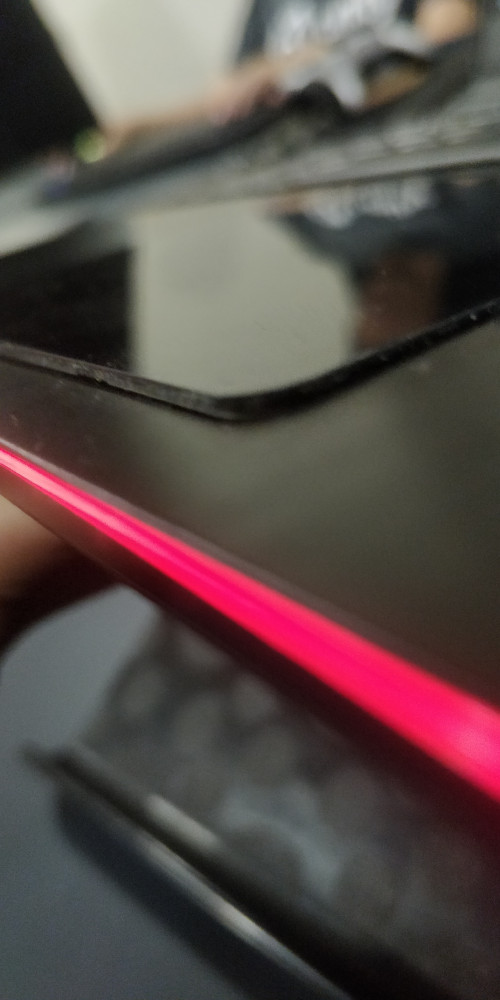
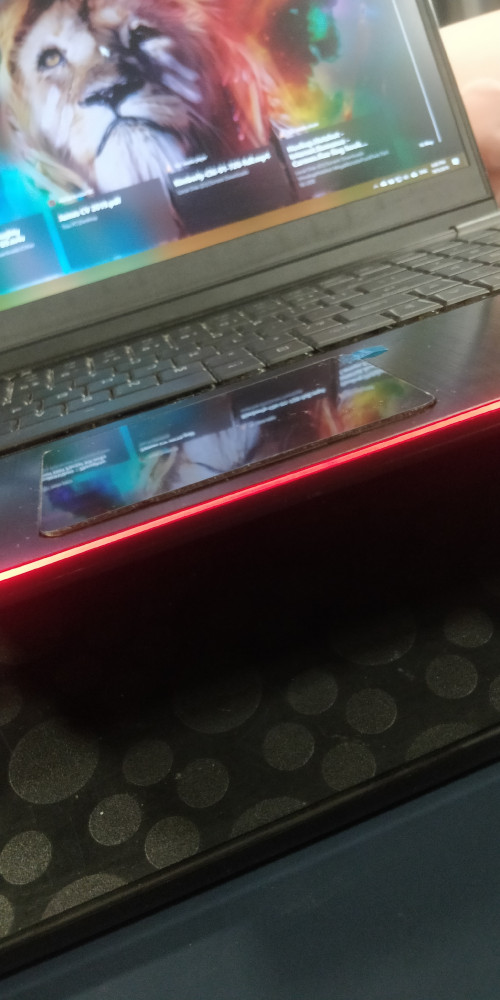
My Onyx GTX1060 battery swollen again, it is really a yearly thing and I am super frustrated about it. The last time they told me perhaps because my laptop is too hot. After the last replacement, I have made sure to undervolt my laptop, never go over 85, and clean the dust monthly, still same thing happened again, it is clearly the super bad quality of the battery itself and damn it costs a lot.
Anyone know where to buy the battery ourselves and fix it?
|
|
|
|
|



 Quote
Quote

 0.0492sec
 0.19
0.19
 7 queries
 GZIP Disabled