I just bought the TV... which does not come with pre install netflix... so I downloaded Netflix apk... installed in.... error pop up... 1st Your account cant use in this device.... later device not compatible.
so... what version of Netflix u are using or any idea how to run netflix?
You have tried the Android TV version ( which as white background in the logo ).
Oh boy looks like you have been short-changed already.
From this video, I see that they are installing the mobile phone version of netflix onto the TV, not the Android TV version ! That version of netflix, can be installed in almost all devices. All the best !
I guess this is where a Widevide L1 and Netflix certified TV box can rescue you !
This post has been edited by puchongite: Jul 17 2019, 04:07 PM
It seems that the solution does not work... I tried. I faced the same issue as in youtube comment. netflix app can run... but the movie wont play - either you get "your acct cant be used on this device" or "device not compatible"
Please post your link to the apk. The black background netflix apk should be installable on most devices.
able to run netflix now after install netflix version 4.4.2 .... but now the netflix icon doesn't show on the home screen. in order to play netflix, I've to go APPs list in system - run /open from there. very troublesome.
anybody can help on this? how to enable or create netflix shortcut icon on andriod Tv home... thanks
That is probably not your main problem.
If you try to use the 'search' function and type '4k' into it, and then click on one of the movies, do you '4k ultra UHD' on it ?
Mine 32e6... so netflix is not compatible... so ... back to help needed ... how to create app on adroid tv home page
I might have a possible answer to your problem, but you must do some tests as I suggested first.
The apk is not creating an ICON because in the manifest.xml (inside the apk) does not allow it to be started by a leanback launcher ( an Android TV launcher ). So the apk needs to be modified.
This post has been edited by puchongite: Jul 18 2019, 10:20 AM
Ok, that's another way of doing it, it actually create another apk which is a "proxy" to the original apk, and use it to launch the original apk. That will work too.
But still you want to check if you could get 4k from your original apk. That's the bigger problem. I heard that the original apk from netflix ( the phone version ) only allows resolution slightly better than 480 SD or slightly better.
Anyway your model, I just checked, it is only a FHD TV, so no issue. You can't get better than FHD anyway.
This post has been edited by puchongite: Jul 18 2019, 12:44 PM


 Jul 18 2018, 01:55 PM


 Quote
Quote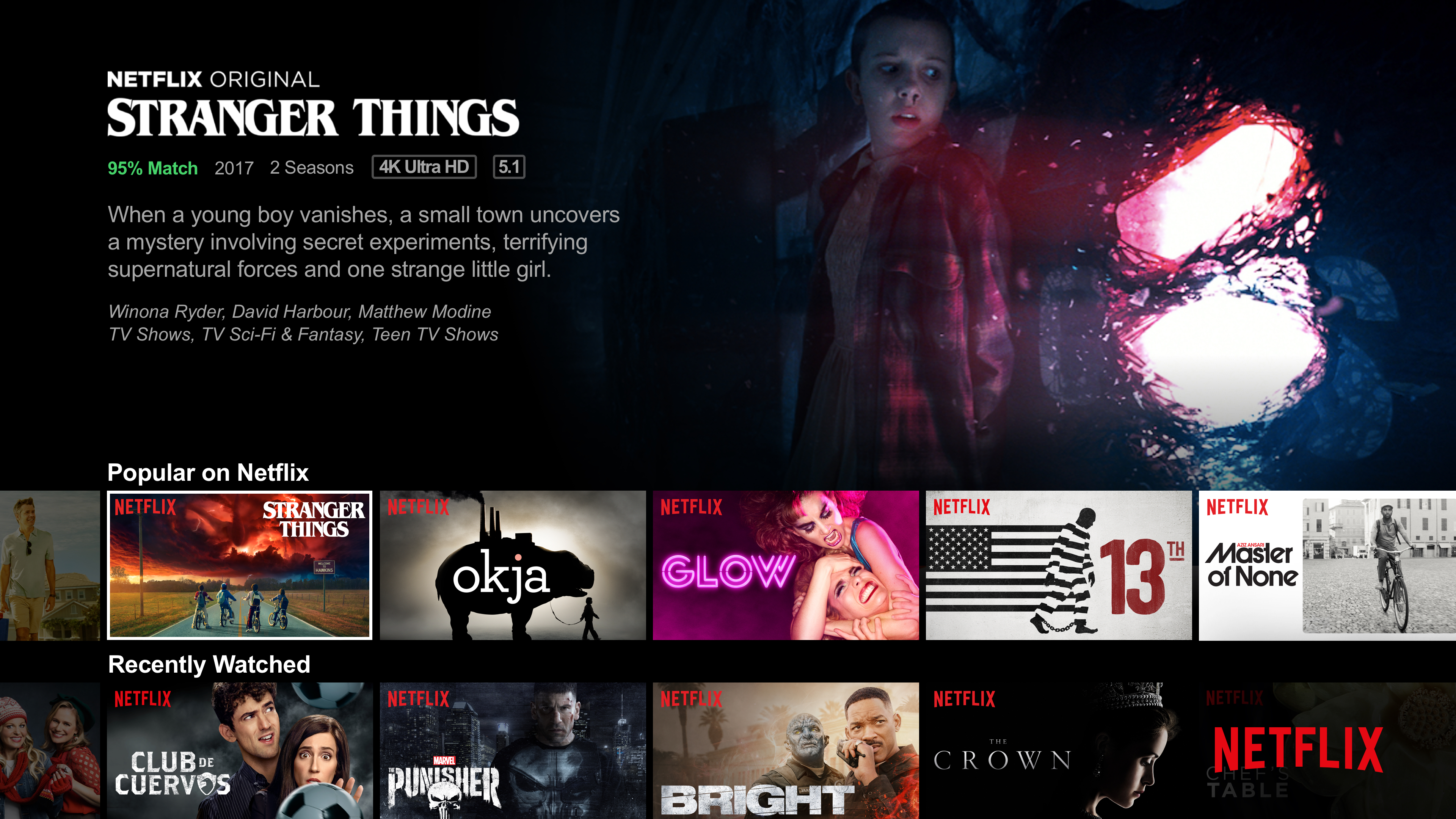

 0.0217sec
 0.63
0.63
 7 queries
 GZIP Disabled