Outline ·
[ Standard ] ·
Linear+
HDR, High Dynamic Range
|
joyyy
|
 Oct 28 2008, 08:18 PM Oct 28 2008, 08:18 PM
|

|
QUOTE(achew @ Oct 28 2008, 07:46 PM) guys..i was wondering...if i took a single file with +1 exposure..and i added another 2 by PS(increase2 n decrease2 using the base file)...when im adding file using photomatix...i shd put as +2 , 0 , -2? or +3 , 1 , -3 ?? An easier way is to use the automatic single file conversion in Photomatix. Automate > Single File Conversion > RAW file into .hdr After that just open that .hdr file and tone map it.  Anyways here's mine. Taken from inside a car window, so it has a slight bluish cast.  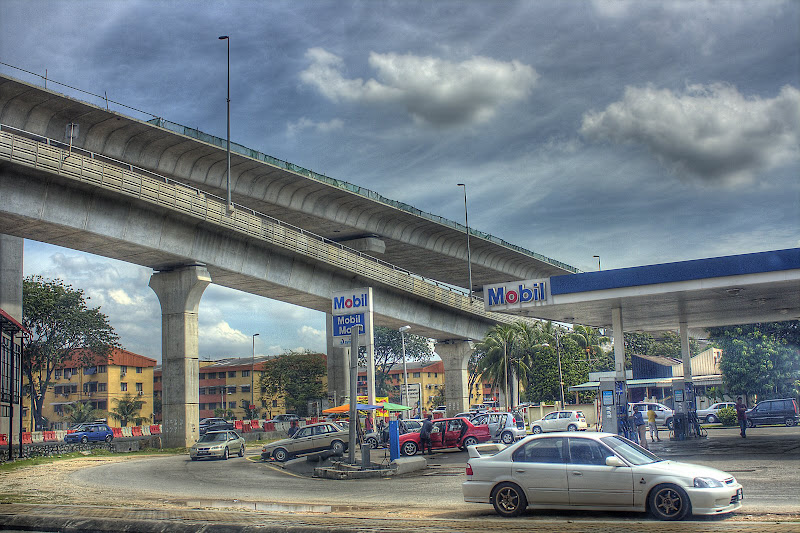 This post has been edited by joyyy: Oct 28 2008, 08:18 PM This post has been edited by joyyy: Oct 28 2008, 08:18 PM |
|
|
|
|
|
joyyy
|
Oct 28 2008, 09:17 PM
|
|
|
QUOTE(achew @ Oct 28 2008, 08:28 PM)  2nd time trying =) Normally HDR is used for pictures with more contrast to bring out the details. From your picture it's hard to see the "HDR-ness" of the picture. Also, you bumped the hues and saturation too high. The whole picture has a greenish cast around it But then again, nice try  QUOTE(avrilfreak87) Subang Jaya SS15 Roundabout! tongue.gif  |
|
|
|
|
|
joyyy
|
Oct 28 2008, 11:38 PM
|
|
|
QUOTE(Doomsday @ Oct 28 2008, 10:00 PM) wow, u took 1 raw shot then HDR it? looks sharp  Yea, was in a moving car  Somehow I just meant for it to be a normal random shot. It ended up looking kinda nice when converted to HDR.  QUOTE(avrilfreak87) Hey guys my first attempt at HDR.... Please comment! smile.gif
Taken using LX3 with single RAW file....
By the way.. HDR introduces more noise? how can I remove it? One way is to save 2 different HDR images then blend them together in PS. If you took the 3 shots instead of a single RAW conversion, I think the noise problem wouldnt be as bad.  I just tweak the sliders so that minimal noise comes out, then use CS3 to brush away the noise.  |
|
|
|
|
|
joyyy
|
Nov 10 2008, 10:39 AM
|
|
|
Here's mine. Has a painted abstract feel to it. 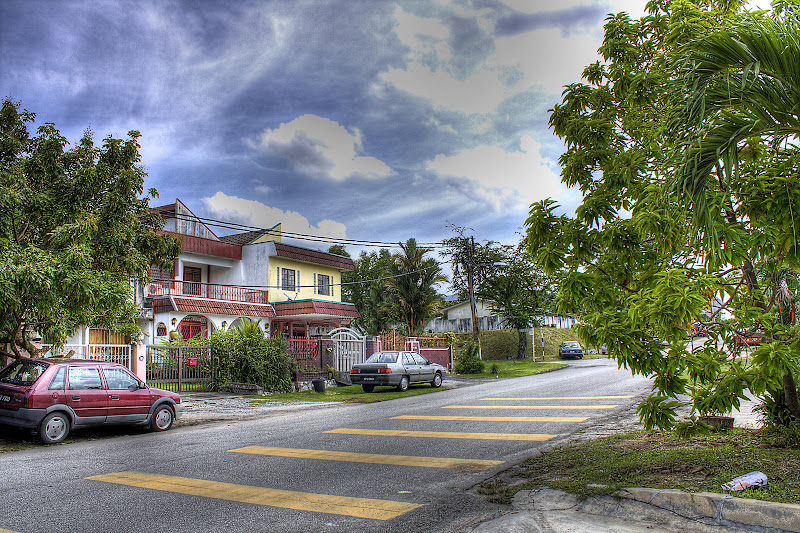 @-=Jay=- Personally I feel that your colors not saturated enough, makes the whole picture look dull. A little tweak in CS3 should do the job |
|
|
|
|
|
joyyy
|
Jan 8 2009, 11:01 AM
|
|
|
More stops = More dynamic range = more details  |
|
|
|
|
|
joyyy
|
Jan 9 2009, 11:38 AM
|
|
|
QUOTE(ocz @ Jan 9 2009, 12:38 AM) Well,basically it need 3 frames of different of exposure is enough to produce a good HDR right. Well,how about B&W HDR,still need 3 shots of different exposures to produce more details? You'd still need different exposures to get the best out of the HDR image. When we talk about the dynamic range of the picture, we do not mean the colour of the pixels, we only refer to the difference between the brightest and dimmest pixels aka the contrast of the picture. Therefore you'd still optimally need various exposures to give the maximum dynamic range. =D This post has been edited by joyyy: Jan 9 2009, 11:41 AM |
|
|
|
|
|
joyyy
|
Jan 9 2009, 10:41 PM
|
|
|
QUOTE(epito @ Jan 9 2009, 05:06 PM) » Click to show Spoiler - click again to hide... « nice HDR n CAR Saya pun ada car lauya =D 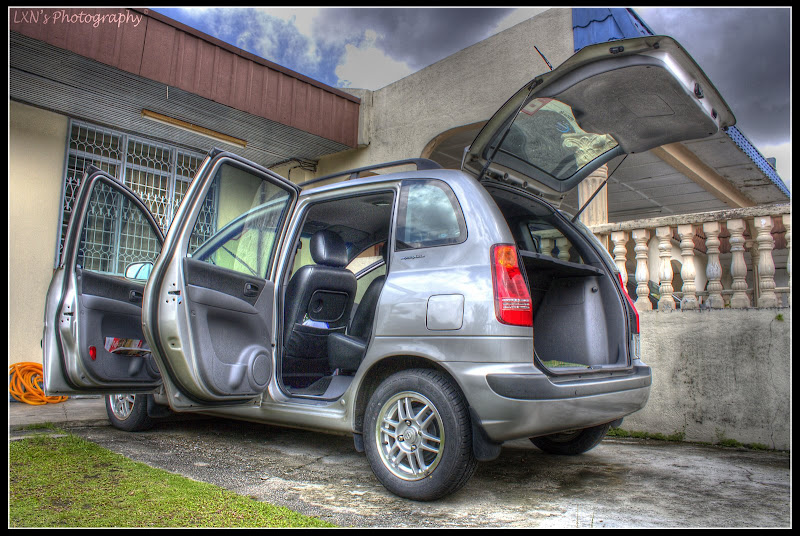 |
|
|
|
|



 Quote
Quote
 0.0167sec
 0.46
0.46
 7 queries
 GZIP Disabled