Hi,
Does anyone got free viewing with Iflix using i150 package?
Or got Digi promotion offering Iflix free viewing?
Digi Infinite Fan Club [V2], Infinite 150 and Infinite 80
Digi Infinite Fan Club [V2], Infinite 150 and Infinite 80
|
|
 Jun 2 2017, 03:25 PM Jun 2 2017, 03:25 PM
Return to original view | Post
#1
|
 
Junior Member
382 posts Joined: Jul 2006  
|
Hi,
Does anyone got free viewing with Iflix using i150 package? Or got Digi promotion offering Iflix free viewing? |
|
|
|
|
|
Jun 2 2017, 04:01 PM
Return to original view | Post
#2
|
|
Junior Member
382 posts Joined: Jul 2006
|
QUOTE(asellus @ Jun 2 2017, 04:00 PM) Free for two more months only. Ok, thanks. Gonna buy iflix promotion then if digi only last for 2 months. |
|
|
Jun 15 2017, 05:38 AM
Return to original view | Post
#3
|
|
Junior Member
382 posts Joined: Jul 2006
|
QUOTE(ajoi57 @ Jun 15 2017, 04:51 AM) pipul call it fake because the antenna claim to gain -88db And are there any real antenna for 4G? i want to combo with E5186.  it's obviously overclaim la -88db ceh. but for certain people and to me too, it's working. better if u can hang it outside towards to which side giving better signal. i try once before, hang it outside and put towards my wall, the speed drop almost half than usual and higher ping   straight go up and change again lol welcome to the club  50mbps not enough.... |
|
|
Jun 15 2017, 07:25 AM
Return to original view | Post
#4
|
|
Junior Member
382 posts Joined: Jul 2006
|
QUOTE(ajoi57 @ Jun 15 2017, 06:42 AM) 50mb also dun enough ha? I got one like that antenna, but used for e367 before for H. if u search around, u can find those antenna with high price tag. i jalan2 here, they discussing about those antenna, not the cheap antenna I cannot say those were real and these were fake because i know nothing, but the price differences is so high! i hope someone can buy and try these Poynting antenna   Andrewstore got sell that one? |
|
|
Jun 16 2017, 09:18 AM
Return to original view | Post
#5
|
|
Junior Member
382 posts Joined: Jul 2006
|
QUOTE(Turnip @ Jun 16 2017, 07:13 AM) coincidentally i was browsing the Poynting web also yesterday, anyone bringing them in? I wouldn't mind investing in it. Need to know where to buy it first. i think there are many people who interested. |
|
|
Jun 16 2017, 11:08 AM
Return to original view | Post
#6
|
|
Junior Member
382 posts Joined: Jul 2006
|
QUOTE(ajoi57 @ Jun 16 2017, 09:54 AM) yeah i second that. if it's really work wonder, i......might join too Here is the Link for their product. i shall look around again to find seller that provide shipping to malaysia i guess  there's link to diy 4g antenna also, but... meh http://poynting.tech/product-category/lte/ Can you advise which antenna could use with E5186? |
|
|
|
|
|
Jun 16 2017, 11:26 AM
Return to original view | Post
#7
|
|
Junior Member
382 posts Joined: Jul 2006
|
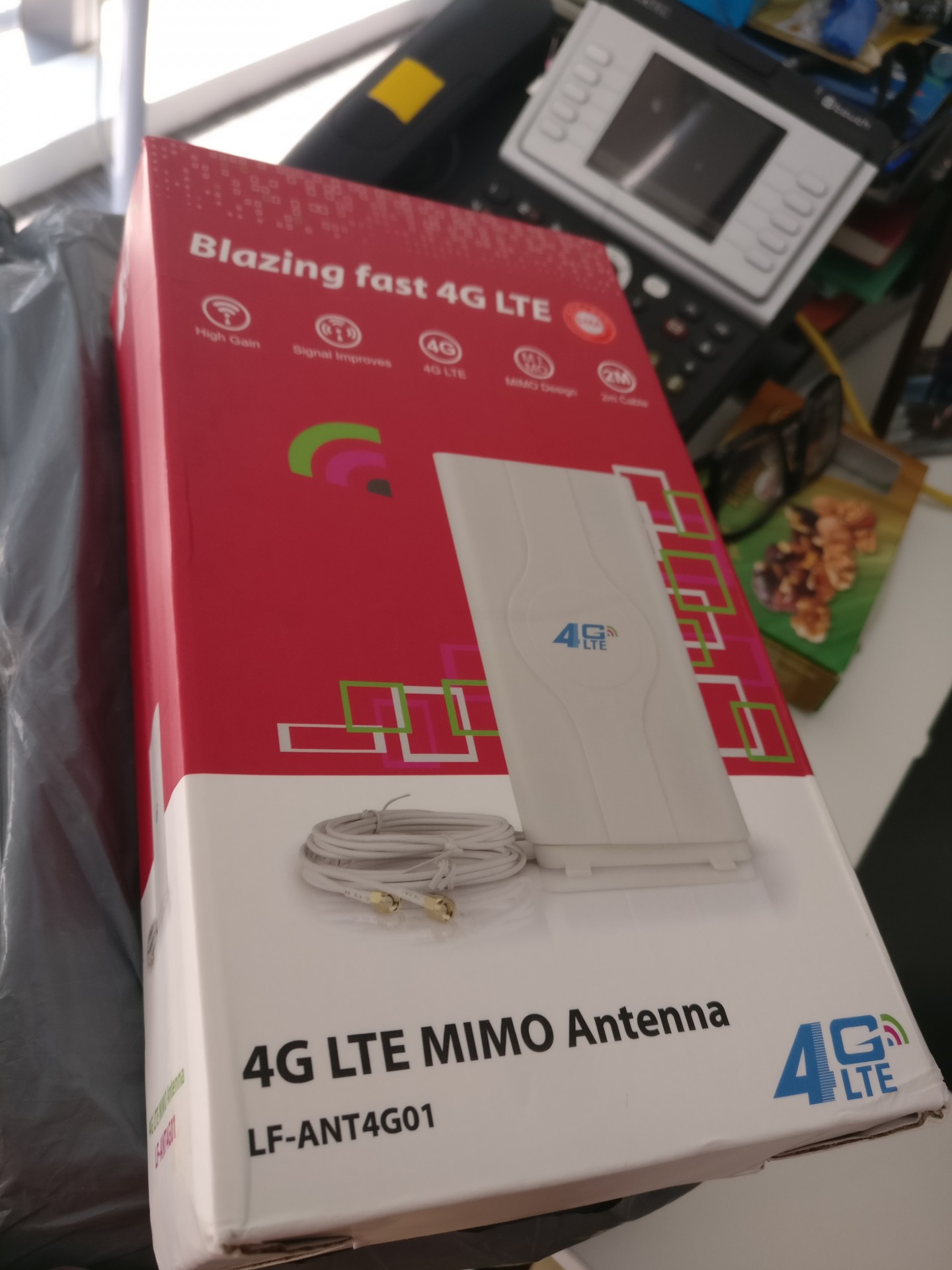
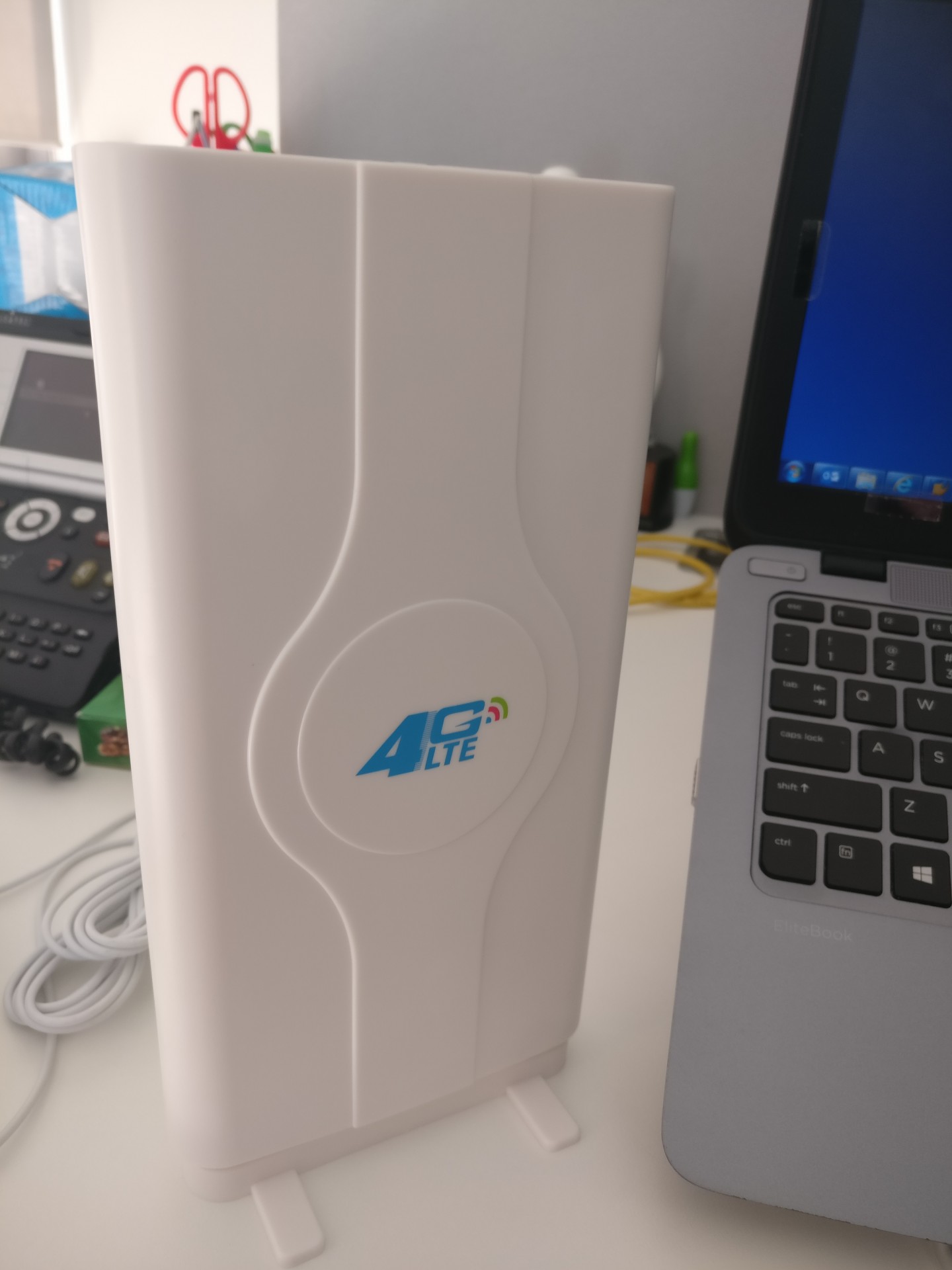
QUOTE(fruitie @ Jun 16 2017, 11:15 AM) Got my Mimo antenna shipped from China. Got picture sis? Pretty fast, sent out on Sunday's noon and reached my office on yesterday's morning.Let's see if mine helps or doesn't in increasing my speed. |
|
|
Jun 16 2017, 11:45 AM
Return to original view | Post
#8
|
|
Junior Member
382 posts Joined: Jul 2006
|
QUOTE(fruitie @ Jun 16 2017, 11:40 AM) Just like normal Mimo antenna. How much sis?» Click to show Spoiler - click again to hide... « Andrew sell this Rm120 |
|
|
Jun 16 2017, 12:23 PM
Return to original view | Post
#9
|
|
Junior Member
382 posts Joined: Jul 2006
|
QUOTE(fruitie @ Jun 16 2017, 12:13 PM) On my desk only, indoor. My current placement is too far from outdoor. Please give us your review.huhu |
|
|
Jun 16 2017, 02:55 PM
Return to original view | Post
#10
|
|
Junior Member
382 posts Joined: Jul 2006
|
|
|
|
Jun 16 2017, 03:12 PM
Return to original view | Post
#11
|
|
Junior Member
382 posts Joined: Jul 2006
|
QUOTE(alexchew_2020 @ Jun 16 2017, 03:03 PM) it's the same as taobao..fake antenna.... claim to have 88dBi haha hahaha, can anyone order for me? but it's usable.Taobao in chinese, scare made order while ordering.. |
|
|
Jun 23 2017, 07:11 AM
Return to original view | Post
#12
|
|
Junior Member
382 posts Joined: Jul 2006
|
Anyone got connection problem when try connecting to PSN?
Tried both with streamyx and Digi infinite, Digi infinite failed to connected as Streamyx succesed. The weird thing, i can download game files, but not the psn. |
|
|
Jun 24 2017, 07:45 AM
Return to original view | Post
#13
|
|
Junior Member
382 posts Joined: Jul 2006
|
QUOTE(gogo2 @ Jun 24 2017, 07:21 AM) I hope those got 1TB will be forever capped to 5mbps. We need to remove 1tb user.i hope fruitie will tell this to Digi. I dint know how people can use up to 1TB, Max i can reached only 500gb/per months with Netflix/iflix/youtube (Replacing astro) and some game update....It's my way of saying thanks to Digi and help Digi overcome congestion. |
|
|
Jun 27 2017, 08:29 AM
Return to original view | Post
#14
|
|
Junior Member
382 posts Joined: Jul 2006
|
QUOTE(gogo2 @ Jun 26 2017, 06:32 PM) I hope Digi start to cap data too while upgrading. Then you can enjoy Digi. I feel pain for you. Meh, you with your capping propaganda. No need here la, Infinite plan here. Willing seller, willing buyer No harm with that. |
|
|
Jul 5 2017, 06:21 AM
Return to original view | Post
#15
|
|
Junior Member
382 posts Joined: Jul 2006
|
QUOTE(blacktubi @ Jul 3 2017, 09:16 PM) E5186 Firmware Update Guide Thanks Blacktubi.My guide my how to flash firmware on Huawei E5186. Haven't got the time to create the image guide as I don't have a Windows machine with me currently. So you have to refer to my text instruction. 1. Configure the IP of your computer to 192.168.8.100 and the router IP to 192.168.8.1 at your LAN properties. Leave the Subnet Mask at 255.255.255.0 2. Connect your computer to LAN 1 of E5186. 3. Run Multicast Upgrade Tool. Set the Network Card to your Ethernet interface. Tick force upgrade and select your desired firmware. 4. Put E5186 into flashing mode. With the device off, hold the Wi-Fi and WPS button at the right side of the device. Turn on the the device while holding the Wi-Fi and WPS button. Release the Wi-Fi button immediately when you see the Wi-Fi LED flashes. Release the WPS 1 second after you release the Wi-Fi button. 5. Click Start on Multicast Upgrade Tool. It should start sending firmware to the E5186. If it doesn’t, start all over again. Getting into the firmware update mode is tricky. 6. Wait for at least 7 passes. Notice that the counter at the package file send time. 7. Stop Multicast Upgrade Tool and reboot your router. 8. Remember to set your IP back to auto and operate your router normally. 9. Your device should be updated, check the firmware version and webUI version. No warranty provided and you may brick your device.  Get the tools you need here https://mega.nz/#F!wvo3AAQL!DFTXF84VZCJ6CzuXbBD4Zg Here's the firmwares I tested 21.310.01.04.418 lmt branded. Best firmware as it is able to display the most amount of information at the interface. You can see the selected band and the CA status. 21.310.01.01.182 Telia branded. My second favourite firmware as it is able to select the band from the webUI itself without the need of a tool. Most of the firmwares have a telco branded UI and it doesn't matter. It will not lock your device. fruitie uhlaw |
|
Topic ClosedOptions
|
| Change to: |  0.0778sec 0.0778sec
 0.23 0.23
 7 queries 7 queries
 GZIP Disabled GZIP Disabled
Time is now: 1st December 2025 - 07:12 PM |
 Quote
Quote