QUOTE(TristanX @ Mar 29 2021, 08:36 PM)
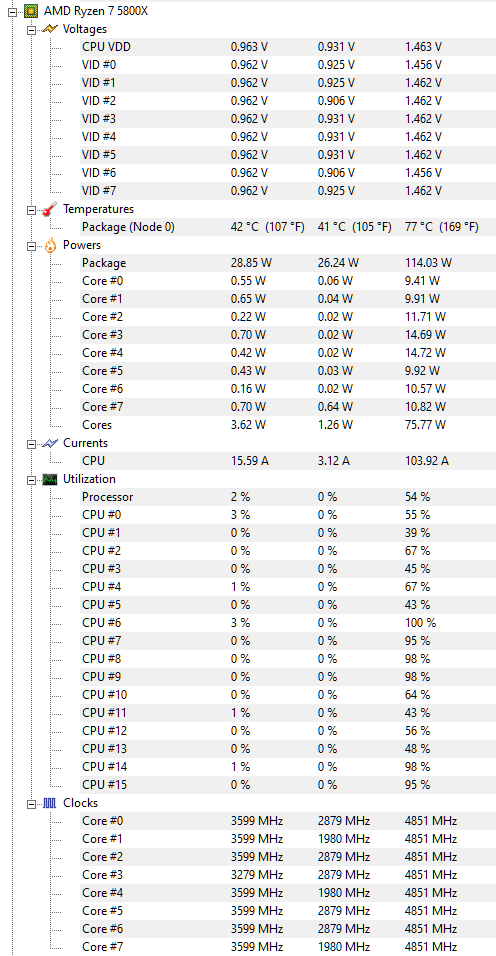
You can try this power plan as well. It makes turbo less aggressive.
[attachmentid=10825588]
Created by Verangry @computerbase.de
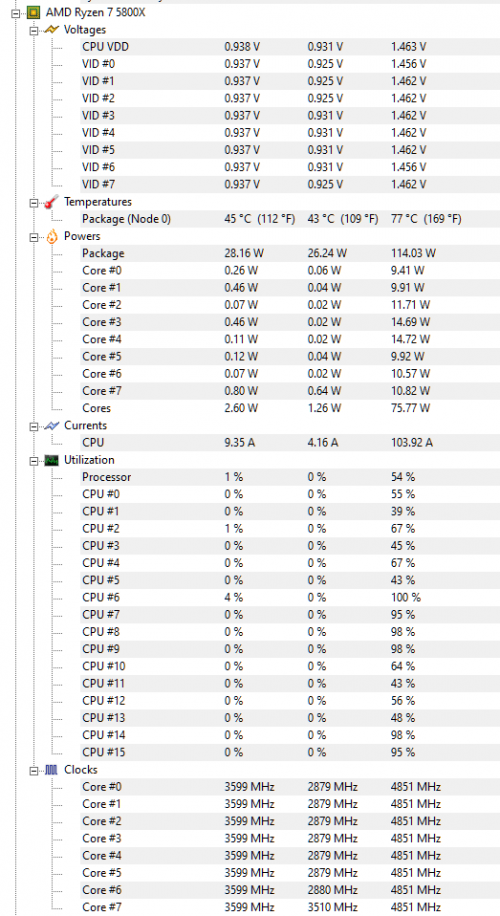
this power plan helps
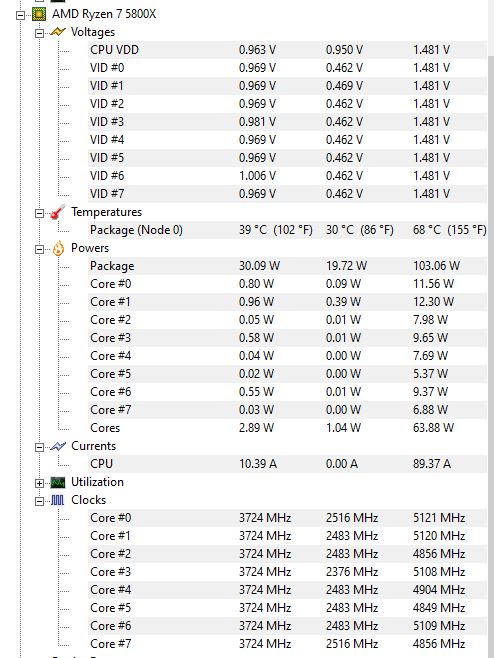
this is the temperature with Chrome and Messenger still running
» Click to show Spoiler - click again to hide... «
QUOTE(xxboxx @ Mar 29 2021, 09:19 PM)
At Advanced Power Settings, under Processor Power Management, check if System Cooling Policy is set to Active. Will slightly help to reduce the temperature.
If don't want the fans to ramp up and down too much, set smaller difference of fans speed between the temperature. Mine if not mistaken is set to 20% increase from 40c till 60c.
Even just idling my Chrome still take 3 to 4 % CPU processing. Sometimes spike to 5%.

checked it's active, issue is my Unifans having drivers issue so the pwm not working, now fixed at 1570rpm
QUOTE(Bonchi @ Mar 29 2021, 09:20 PM)
In your balanced power plan, what % is your min proc state? Try putting 99% heard it works better.
0%
the power plan tristan suggested set it at 1%


 Jan 30 2021, 04:24 PM


 Quote
Quote





 0.2400sec
 0.44
0.44
 7 queries
 GZIP Disabled