
Pixart 3360 optical sensor & 5 glide pads
Specifications- DPI: 500/1000 (default) /1500/ 2000/4000/8000/12000 (can be adjusted among DPI via software)
- Programming: Supported by software
- With driver: Yes
- Sensor: Pixart 3360
- Sensor Type: Optical
- Report rate: 500Hz
- Interface: USB
- Maximum acceleration: 50G
- Frame rate: 12000FPS
- Cable length: 1.8 m
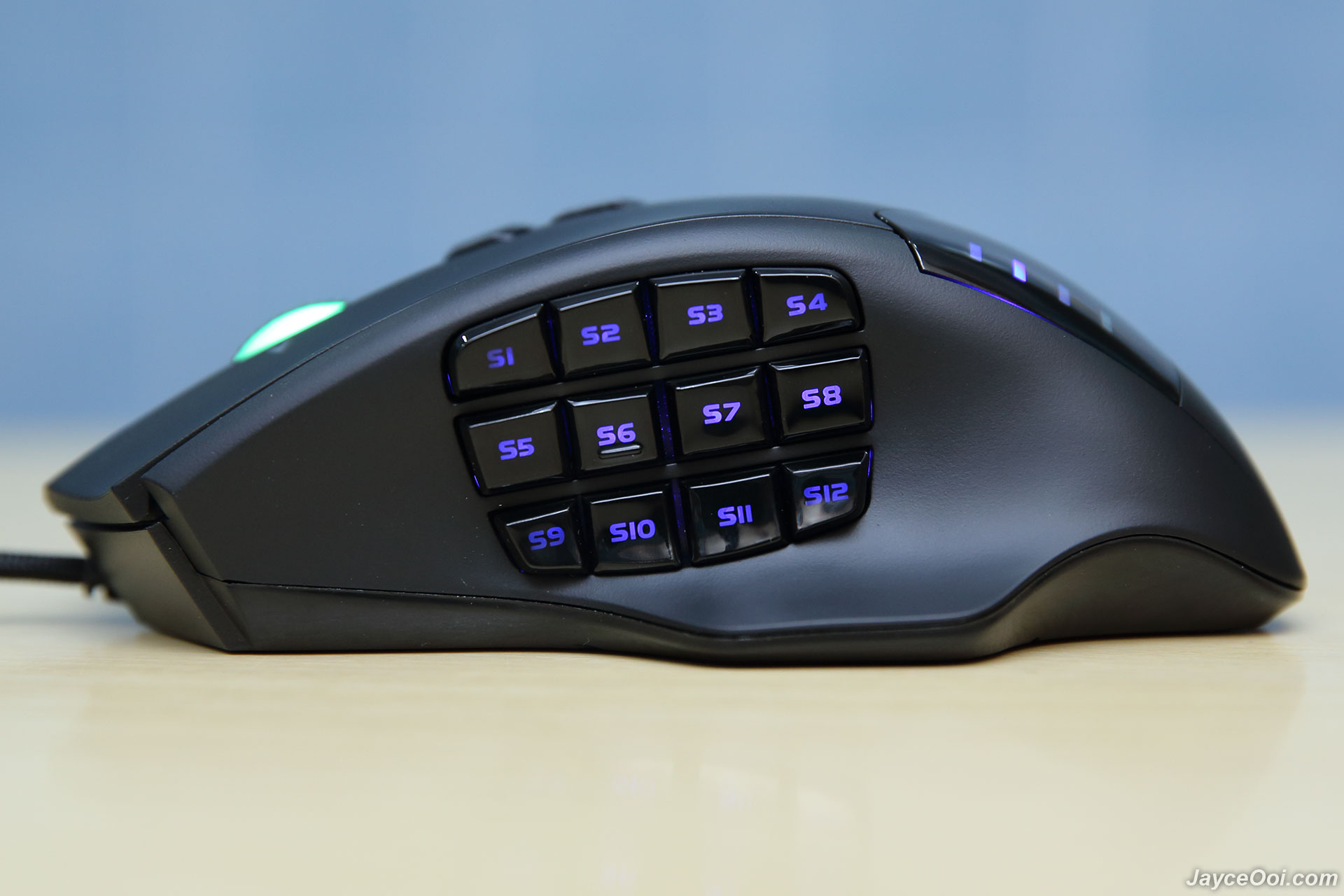
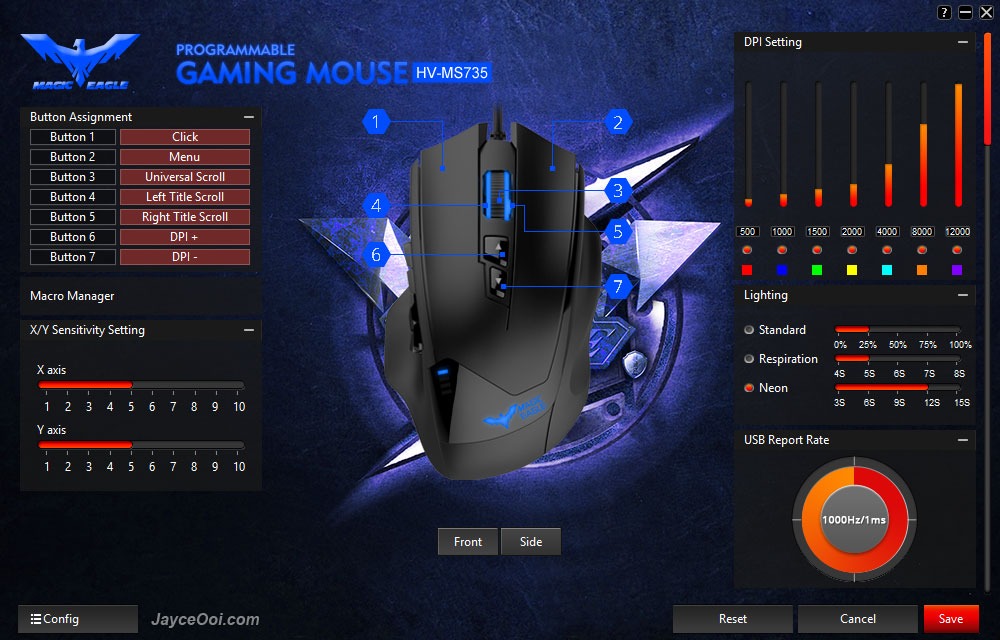
SoftwareYou can start using HAVIT HV-MS735 MMO Gaming Mouse without install any software or driver. Yes, plug and play will do. However, you are not getting the most out of it then because the most important 12 thumb buttons are disabled. And DPI values are set to 500, 1000, 1500, 2000, 4000, 8000 and 12000 DPI by default. Therefore, you need to install driver from the CD or download from Havit Website. You can configure lot of stuffs once installed.

Software settings
The very first thing that I did after install software and driver – adjust DPI setting. Yup, you can select from 100 DPI to 12000 DPI with 100 DPI each step. However, the selection is not so user friendly because you can’t input based on number value but need to adjust based on the bar. Not easy but luckily you only need to adjust them once in a while. After that, you can set the LED light colour to match to the DPI values. Example, red for 500 DPI, blue for 1000 DPI and so on. Just pick the colour that you prefer. Or set it go wild in neon mode which cycle through all the colours. As usual, I set the USB report rate to 1000Hz/1ms. Leave mouse, double click and scroll speed as default. By the way, you can turn on angle snap and use gesture correction features too. And of course, adjust X/Y sensitivity as well.

Lot of programmable buttons
Alright, it’s time to configure the buttons now. Yes, take your time as there are 19 programmable buttons to go through. As usual, you can set lot of shortcuts like copy, paste, multimedia functions like volume up/down, play/stop, or Windows functions like show desktop, bring up My Computer and combo keys. Of course, you can set complex key combination with built-in macro manager as well. Set all macro keys that can bring victory to all your games. Before I forget, it supports simple profiling and all the settings are stored in mouse memory. Therefore, you still have the same setting configuration when you plug it into another PC. Cool, right?

Macro Manager
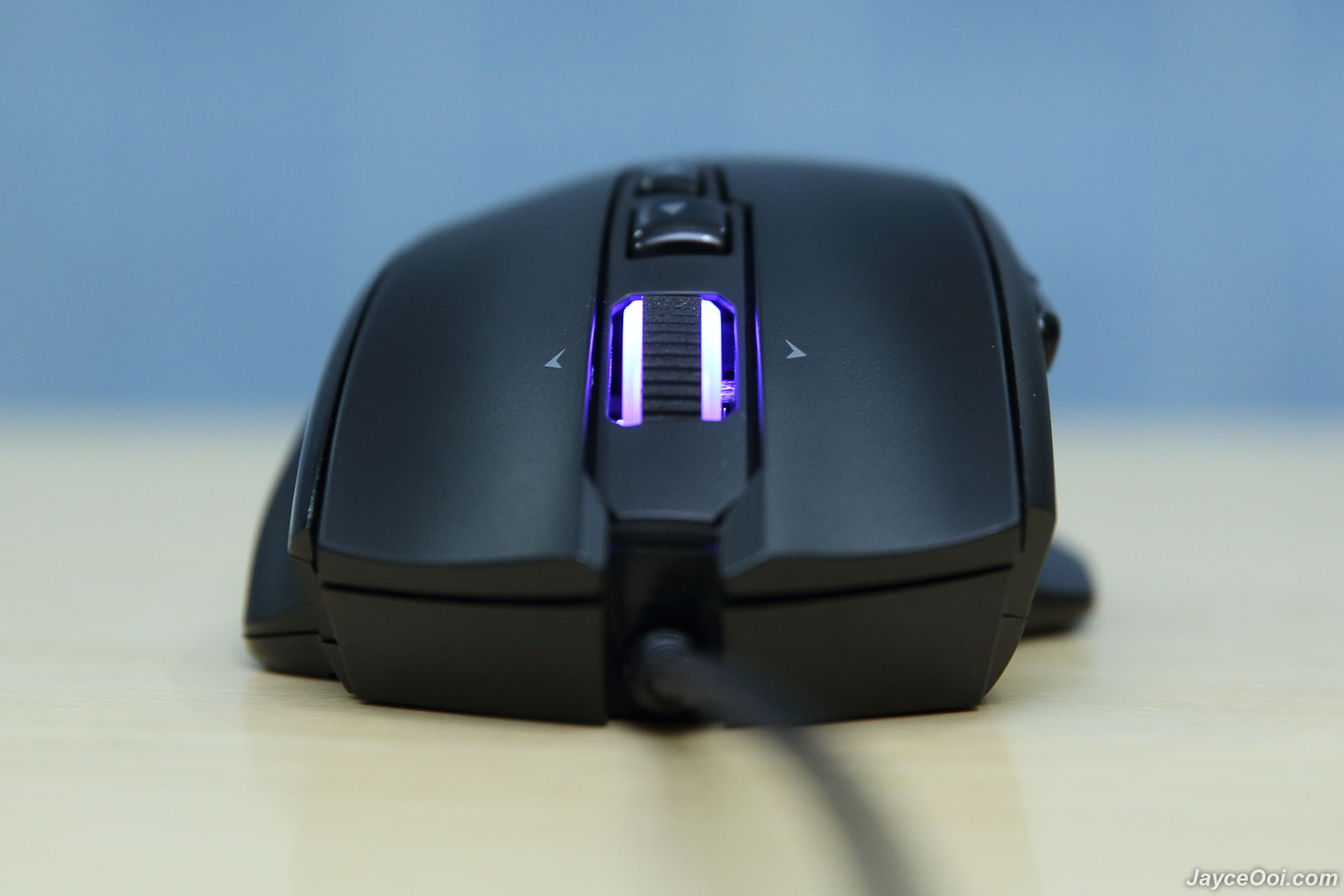
Performance ResultYes, the optical sensor is located at center of the mouse. This gives you the best usability and adapt to the mouse really fast. Every mouse should have this kind of design. And Pixart 3360 optical performance is great too. Works on multiple surfaces including slightly shinny and reflective ones. Great on gaming mousepad of course. Highly sensitive 12000 DPI mode is still usable. Personally, I don’t use DPI that high. 4000 DPI is good for me already. The liftoff distance is very low and that’s great. And of course, the mouse is very accurate no matter which DPI settings you set.

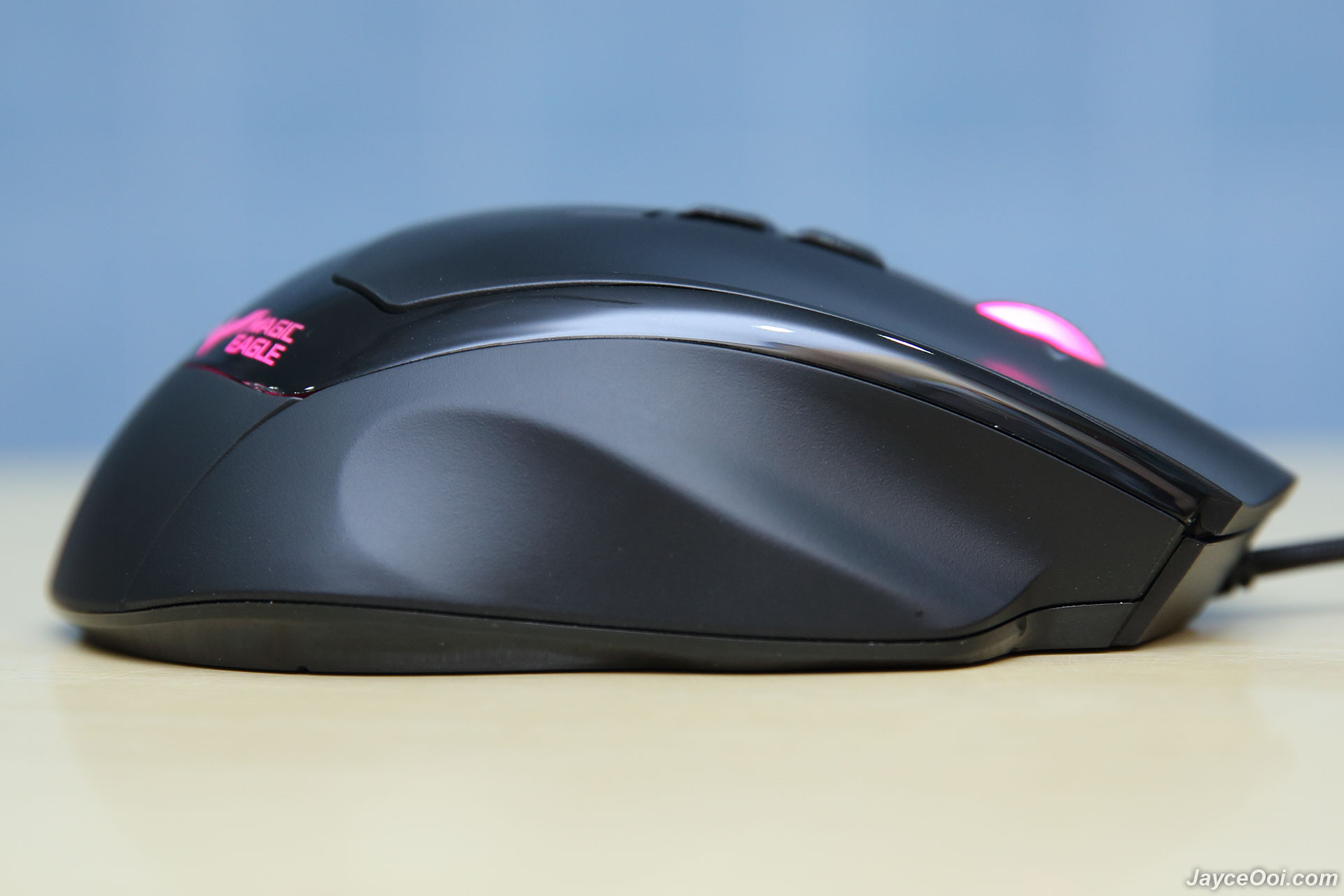
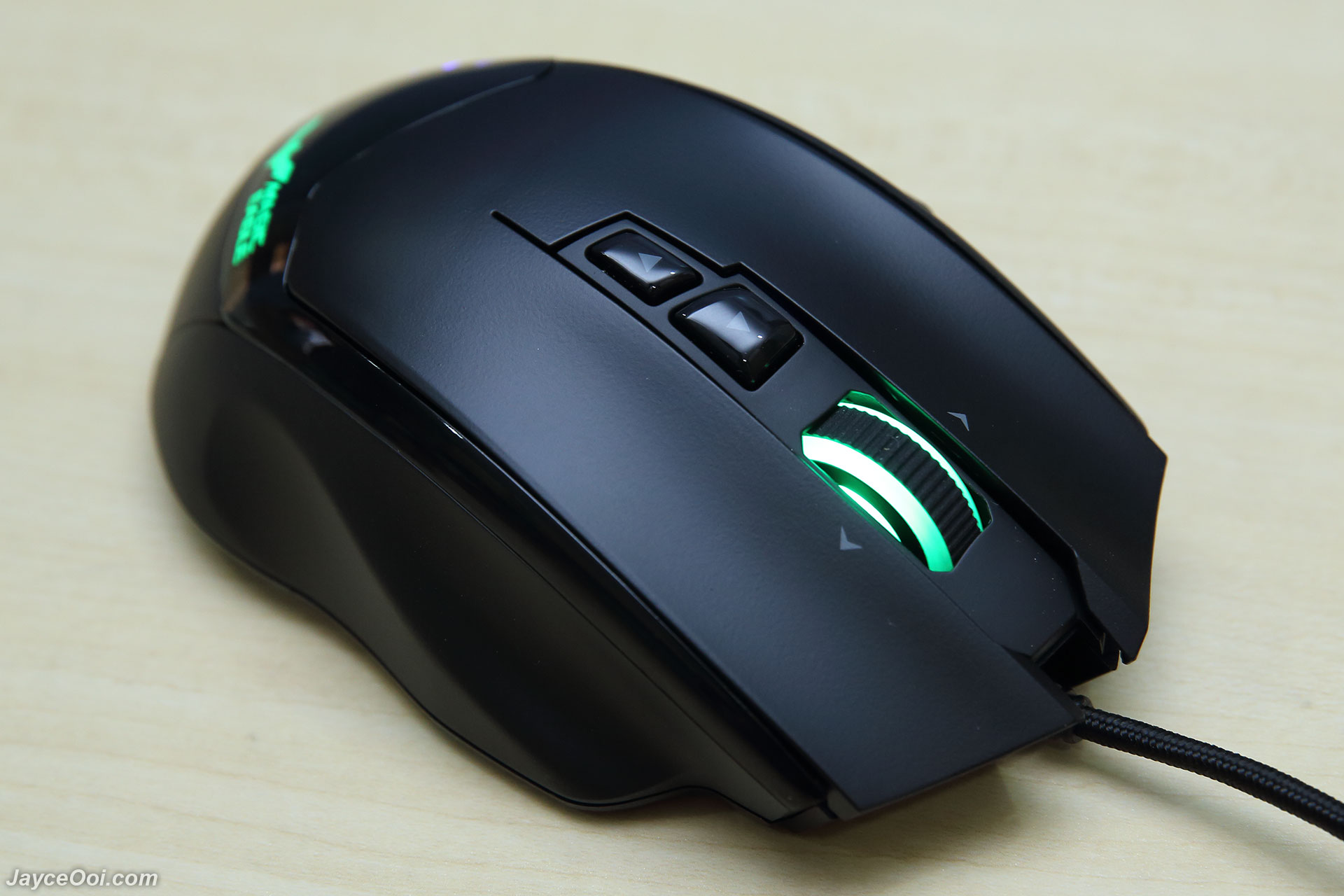
Great ergonomic
Advantages- Great optical performance
- 19 programmable buttons
- Good ergonomic for comfortable grip
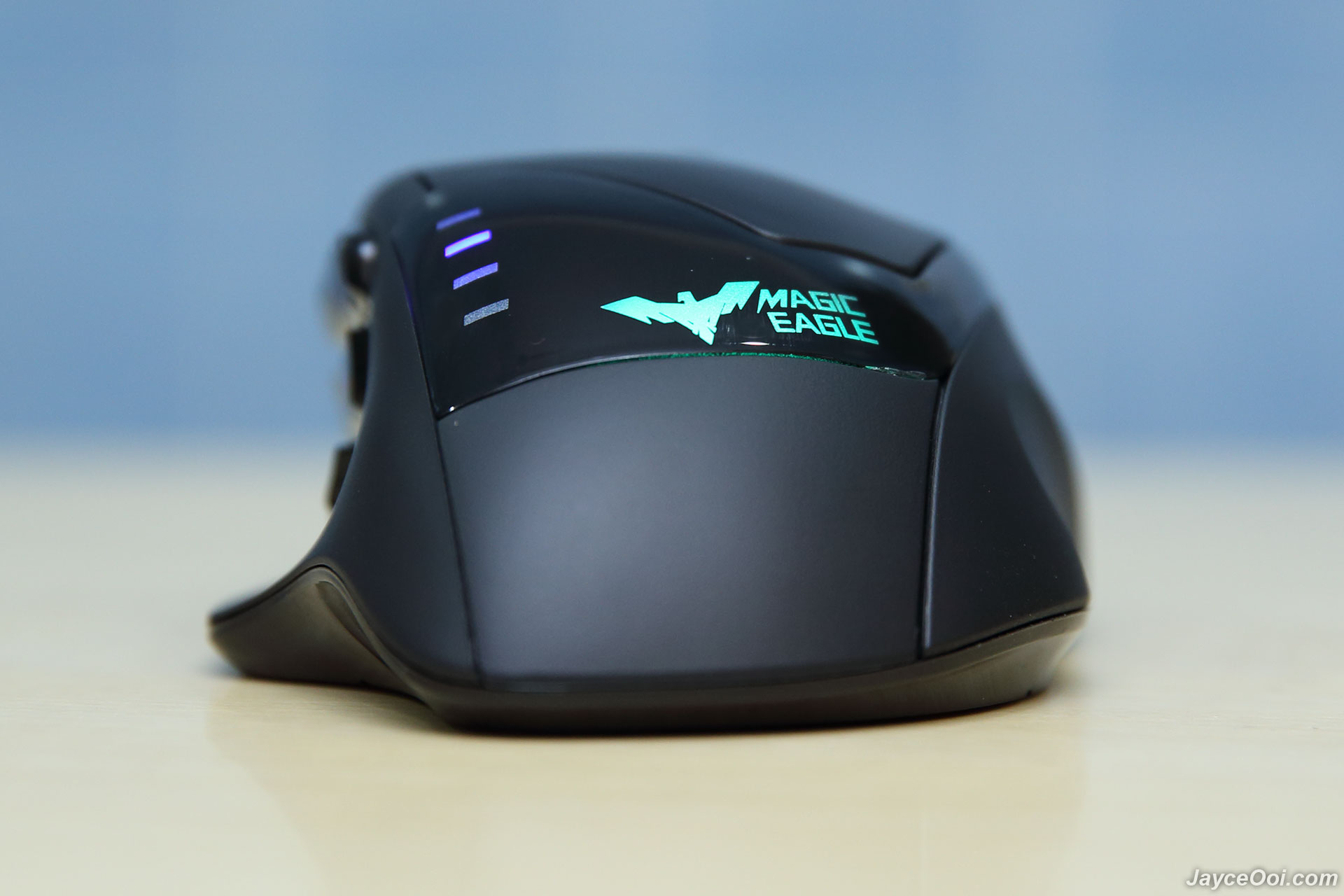
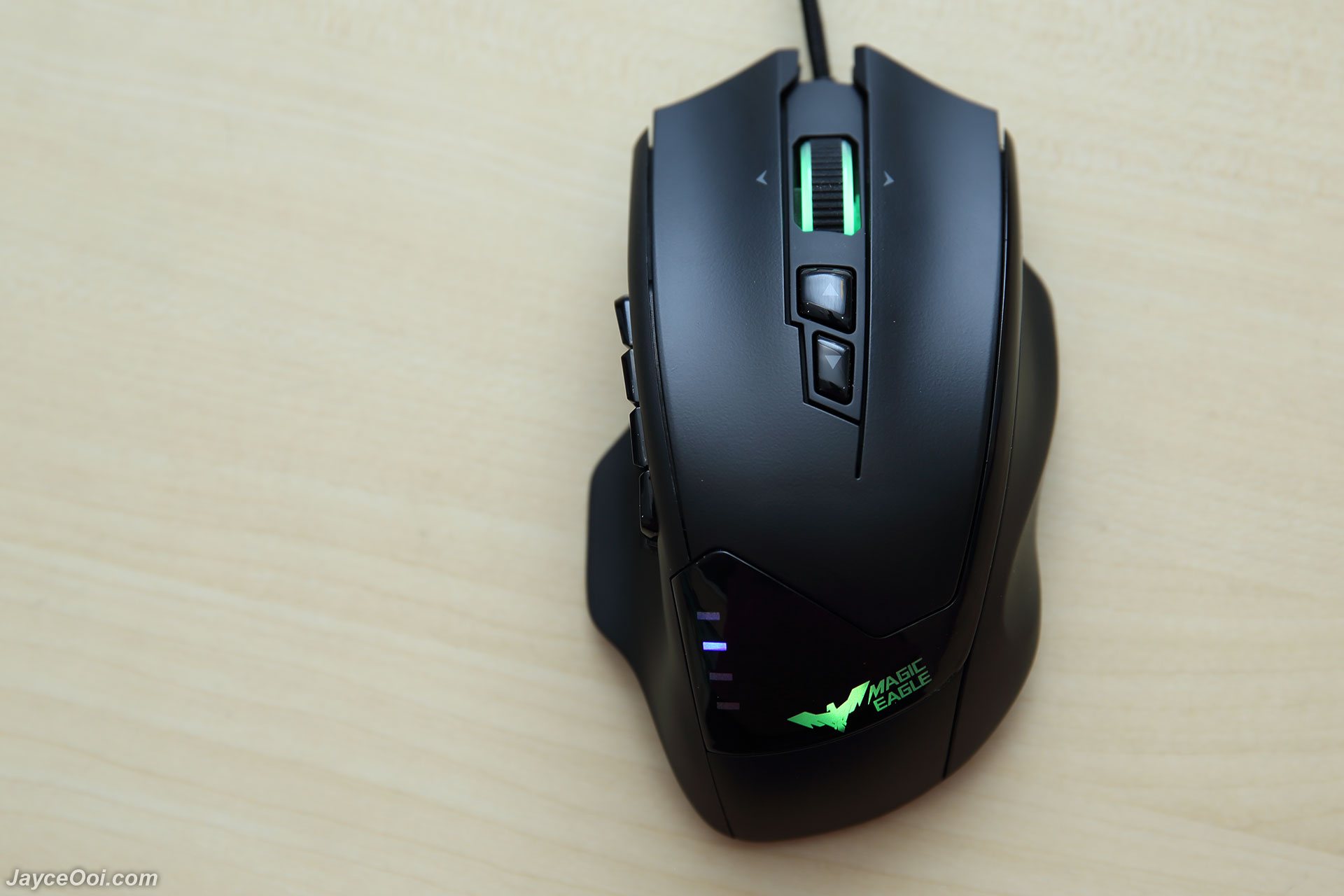
- Customizable lighting effect
- Onboard memory profile
- 18 months warranty
Limitations- Software can be improved

HAVIT HV-MS735 MMO Gaming Mouse
ConclusionLooking for a MMO gaming mouse? Look no further, give HAVIT HV-MS735 a try and you will like it as I do. Yup, enjoy all 19 programmable buttons and great optical performance from Pixart 3360 sensor. Don’t forget the cool yet useful LED lighting effects too. As usual, do check out more information at
Havit Website. And you can buy it there or at
AliExpress too.
This post has been edited by JayceOoi: Jan 24 2017, 11:14 AM 

 Oct 24 2016, 03:12 PM, updated 9y ago


 Quote
Quote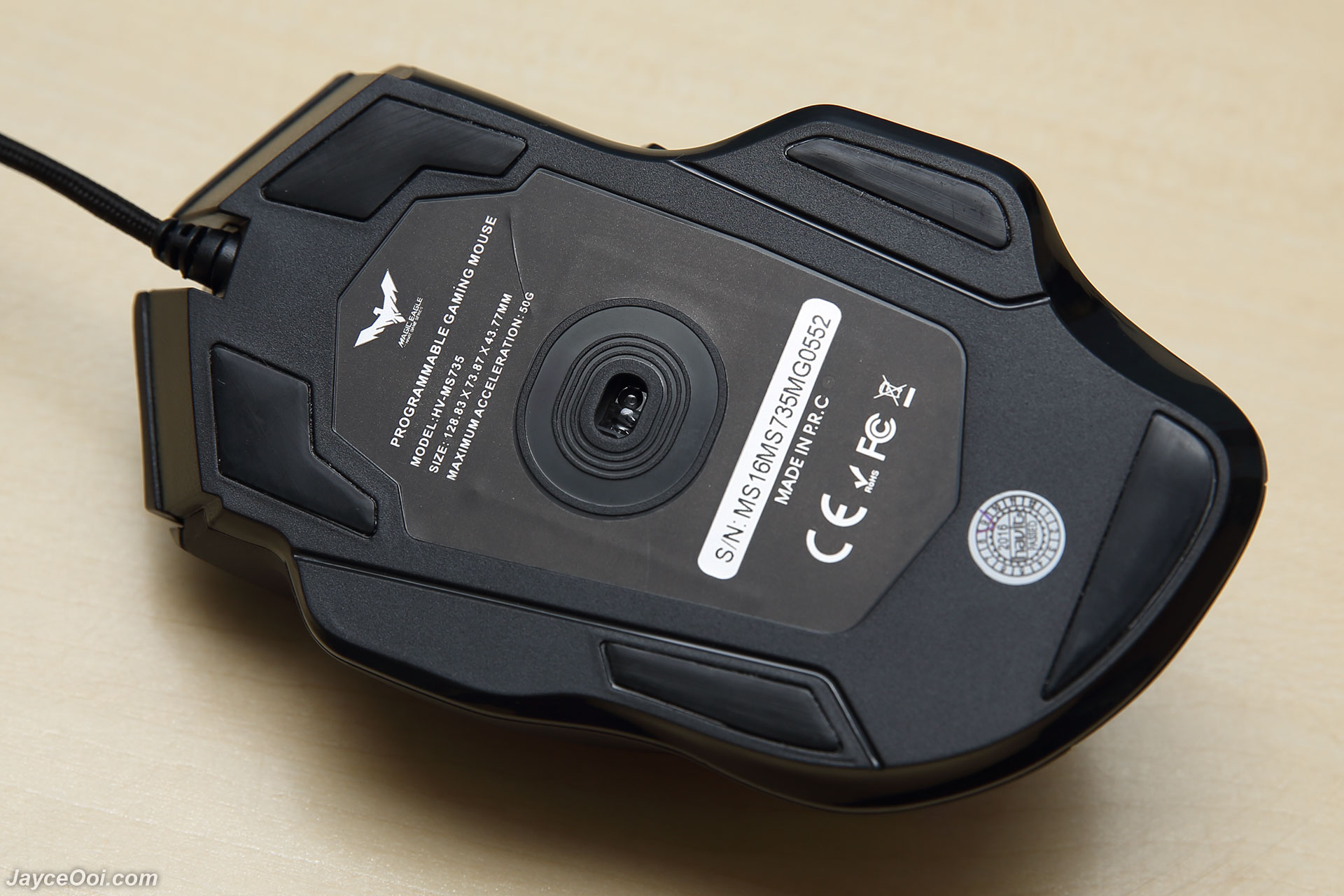


 0.0132sec
 0.93
0.93
 5 queries
 GZIP Disabled