Welcome Guest ( Log In | Register )

Outline · [ Standard ] · Linear+

 【QUICK UNBOXING】 MSI PE60 Laptop - Workstation(?)

views
     
TSzhen737
post Mar 11 2016, 09:13 PM, updated 10y ago

Getting Started
**
Junior Member
93 posts

Joined: Aug 2010
From: Near MidValley or TimeSquare


It's been a long time since last I posted an unboxing article, as I've been flying around for business trip.
I used to carry a gaming laptop when I was traveling for business, such as MSI GS60, unfortunately I always face a weird question when I brought my lappy to meeting room: What kind of laptop is that, it's so fancy *LOL*

But I still can't get over it, I need a strong "business" laptop that able let me work, design, and at least a basic of games in the same time. So I decided to get another lappy from MSI (Finally a not gaming relate laptop) , which is something I'm gonna show you below:


MSI PE60 PRESTIGE
user posted image

user posted image
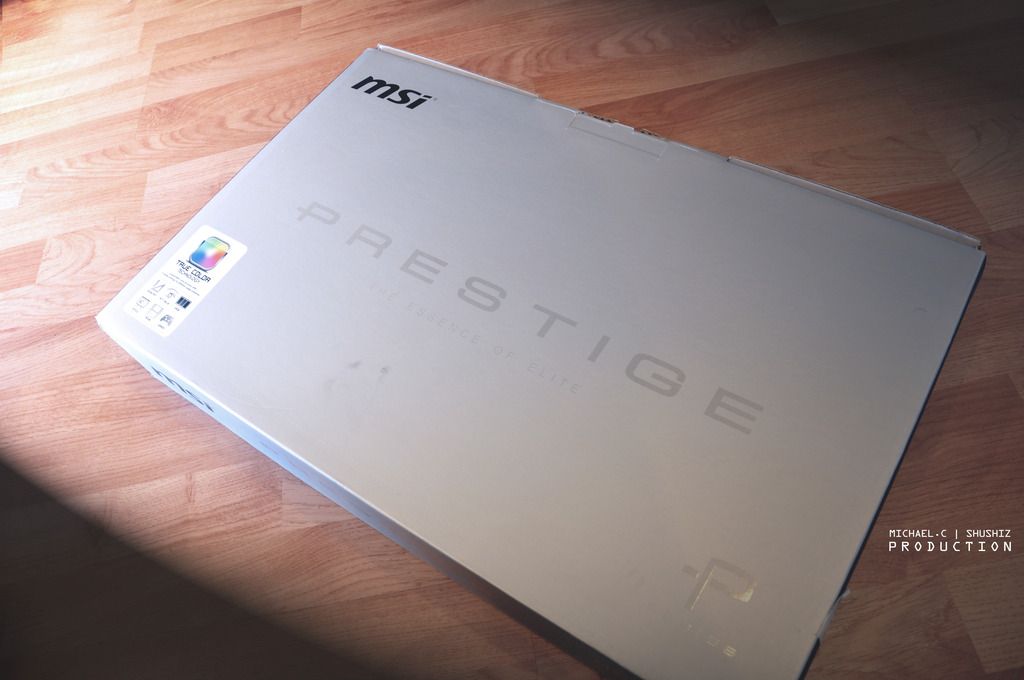
↑ Aite let's start with the packaging box, as this is an unboxing article, a.k.a non-professional review. innocent.gif

user posted image
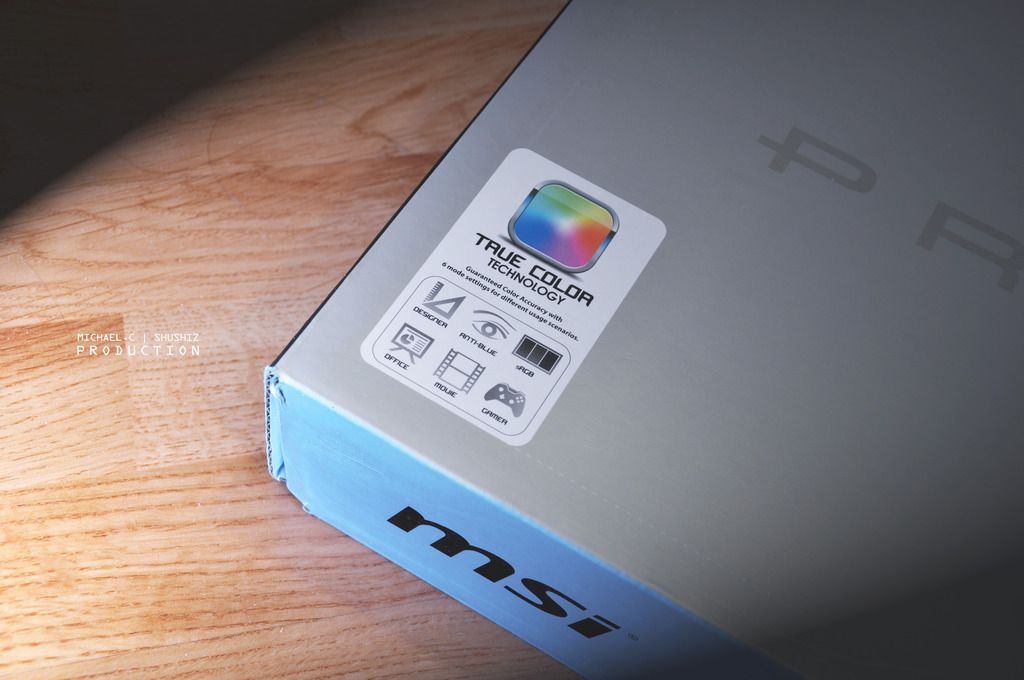
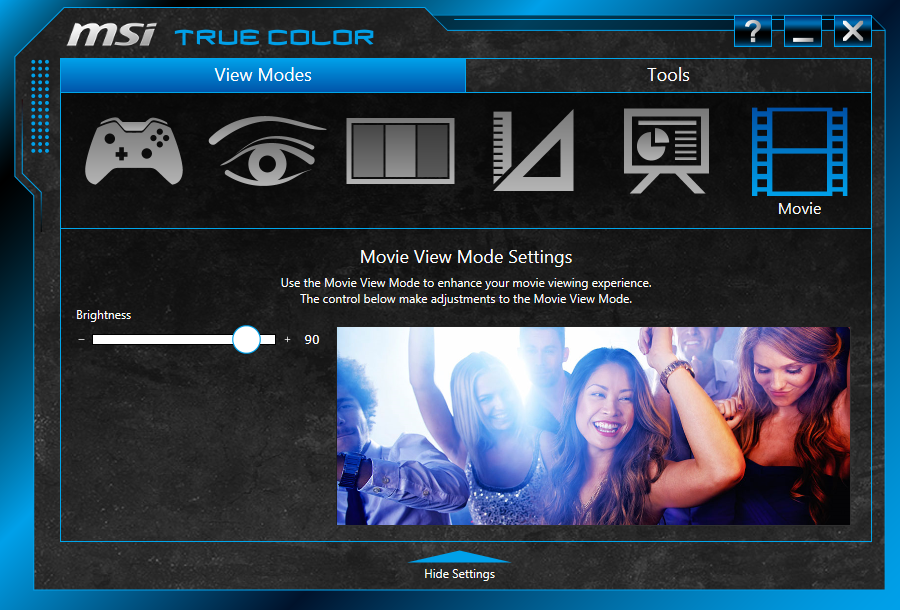
↑ True Color Technology 6 different type of modes for user to choose depending on the task.
user posted image
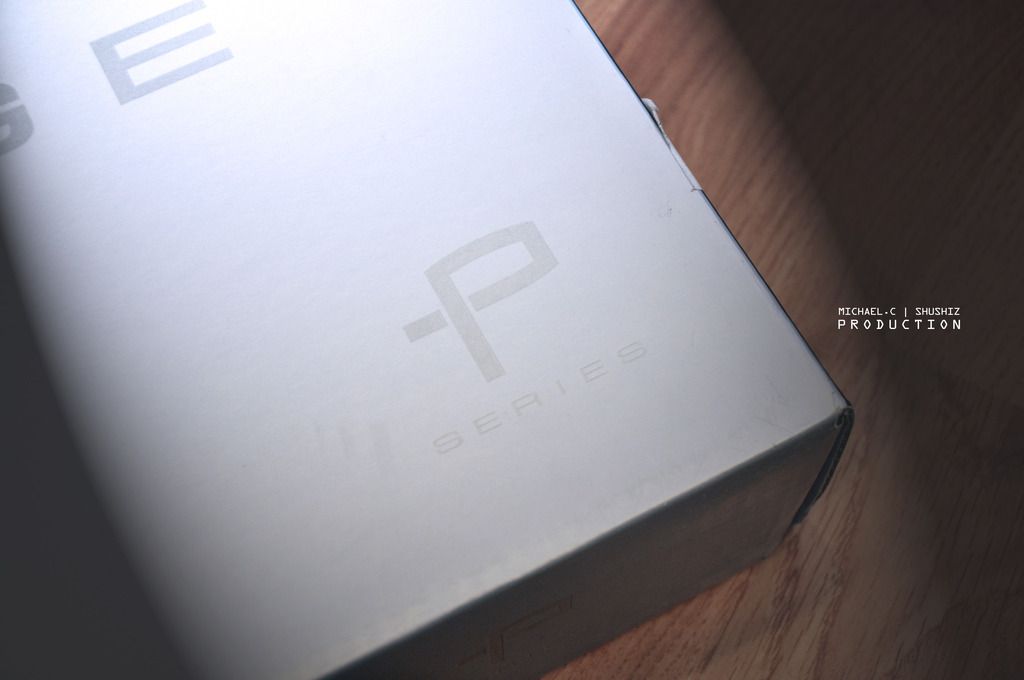
↑ My first non-Gaming series (G-), the P series.
user posted image
user posted image
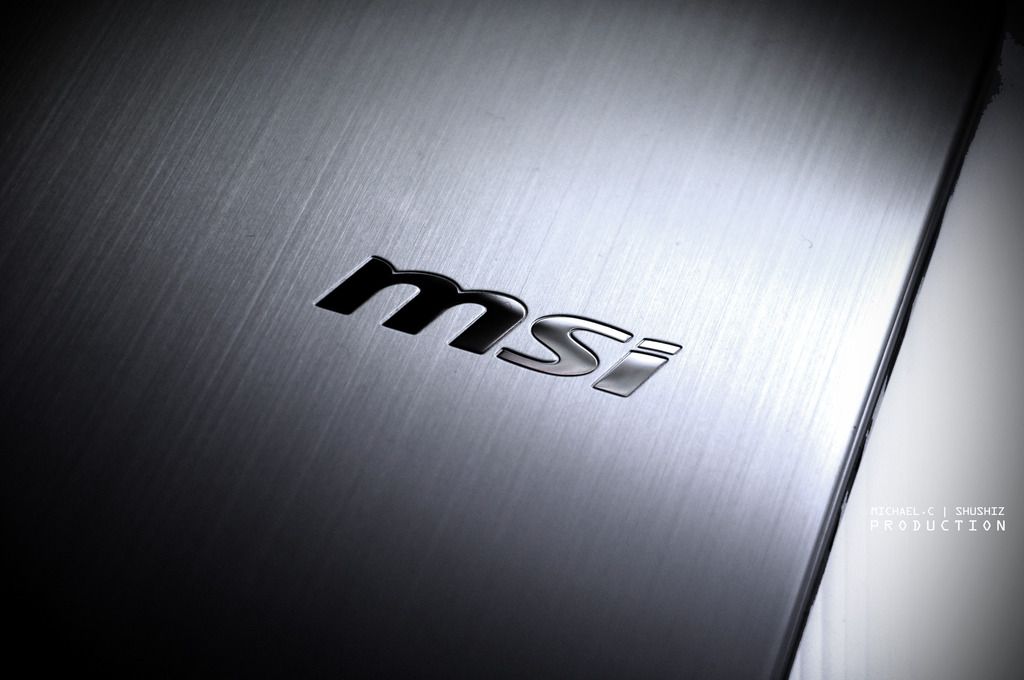
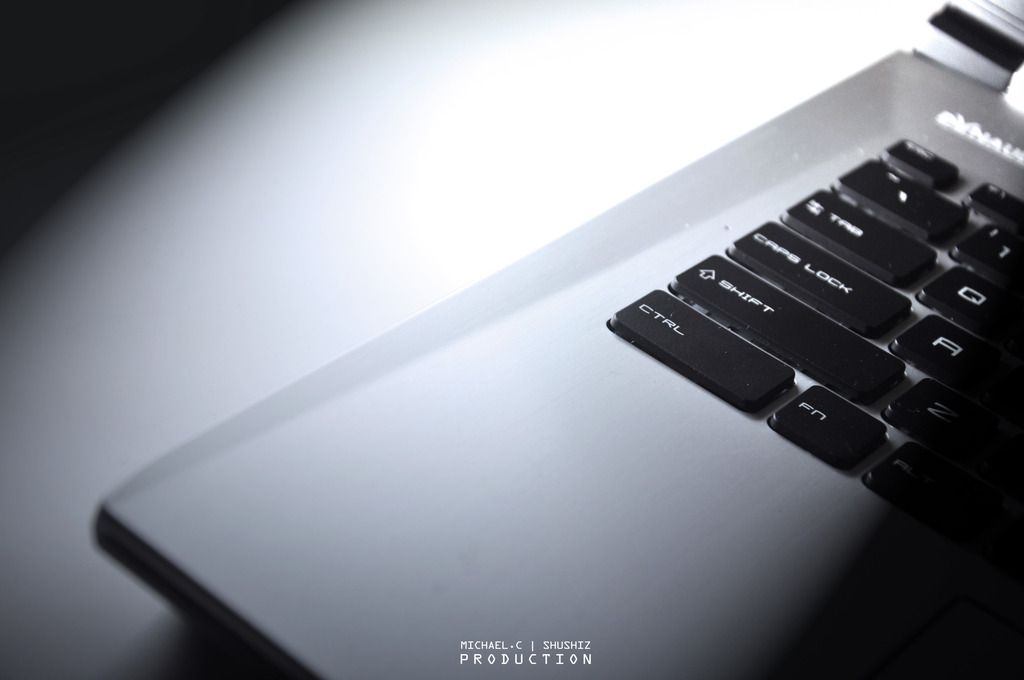
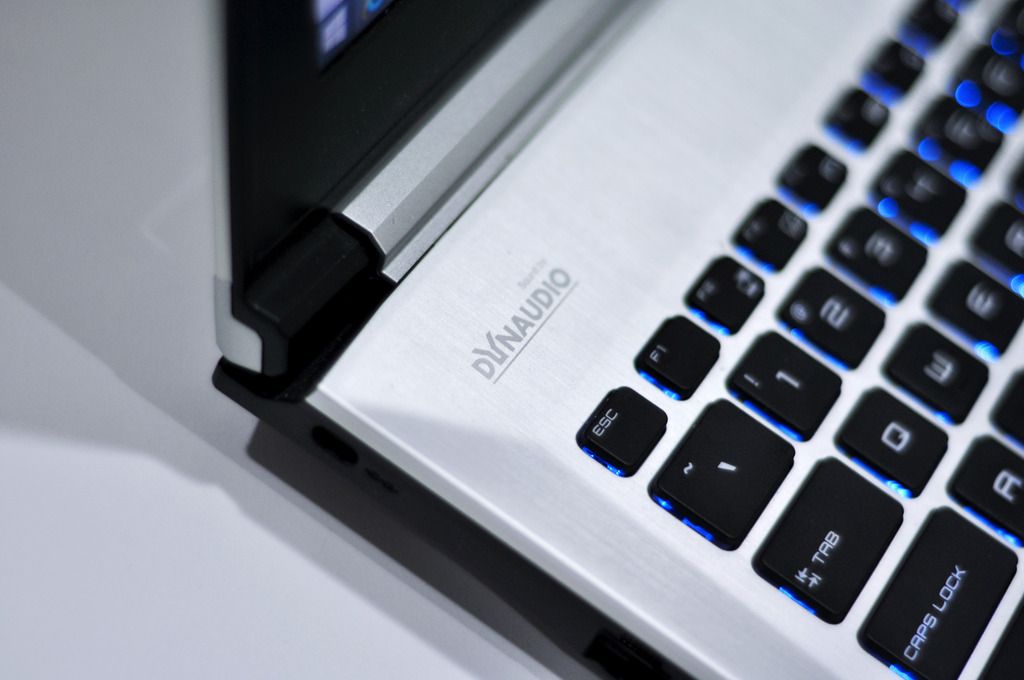
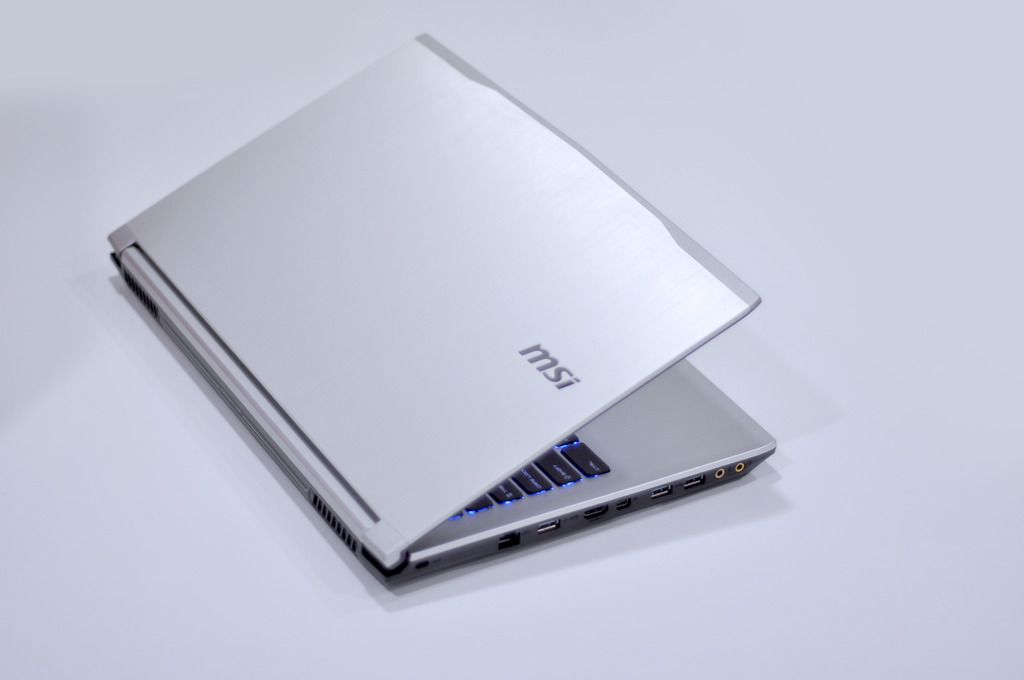
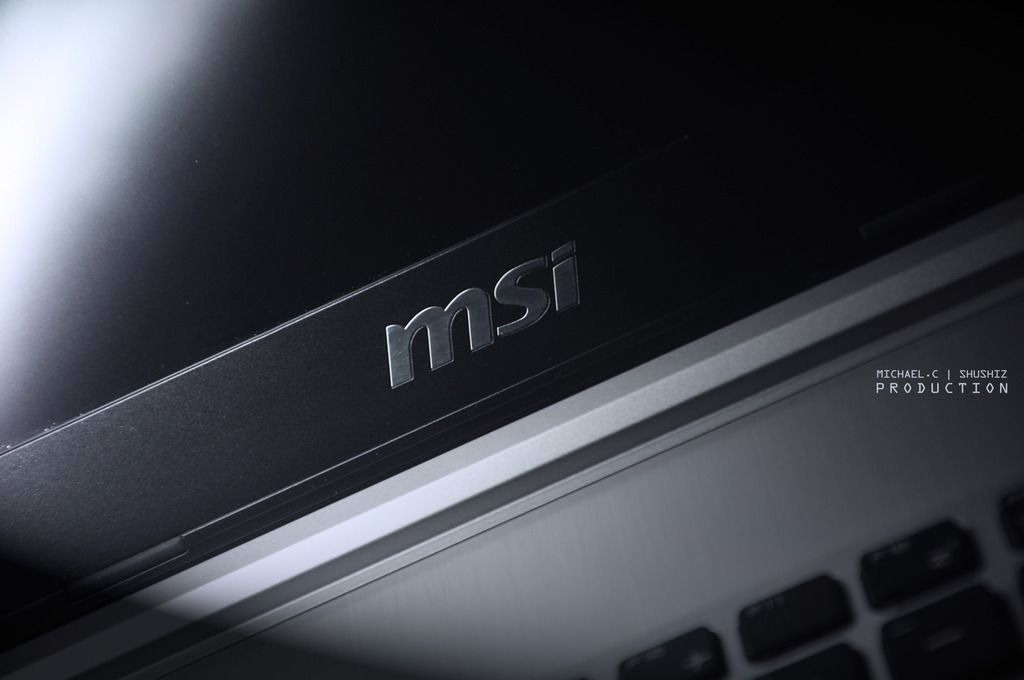
↑ There’s no more the eyes catchy glowing Dragon logo that showed in the gaming series on the laptop, replaced by the classic MSI wording Logo on its silky silver metallic exterior design.
user posted image
user posted image
user posted image
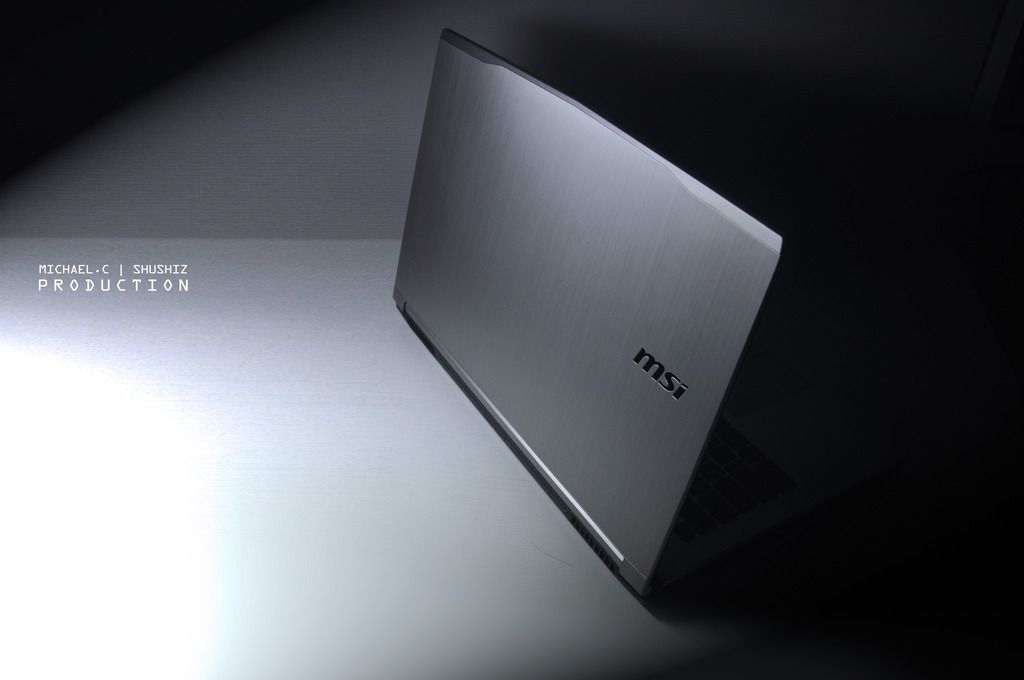
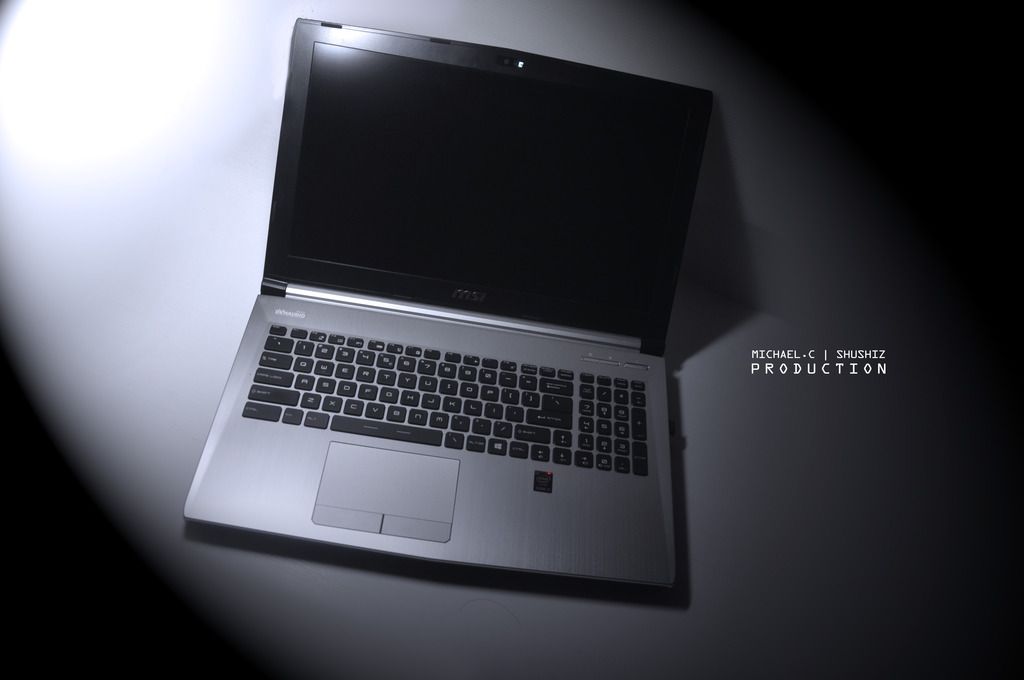
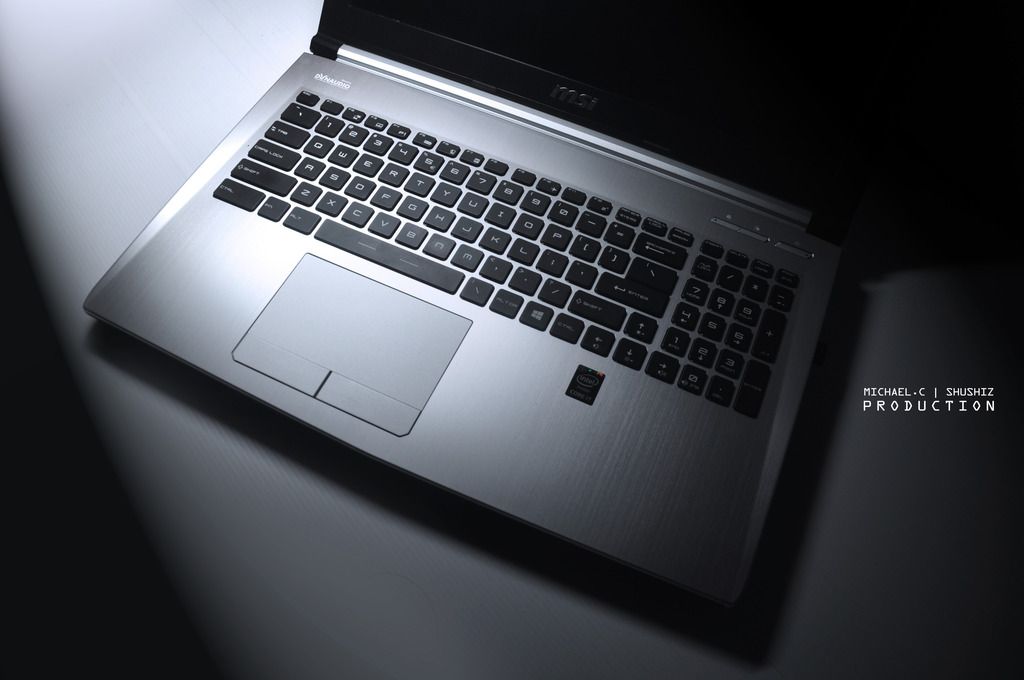
↑ So it's how she looks like, totally bae to bring into meeting room without doubts.

This post has been edited by zhen737: Mar 11 2016, 09:29 PM
TSzhen737
post Mar 11 2016, 09:14 PM

Getting Started
**
Junior Member
93 posts

Joined: Aug 2010
From: Near MidValley or TimeSquare


user posted image
user posted image
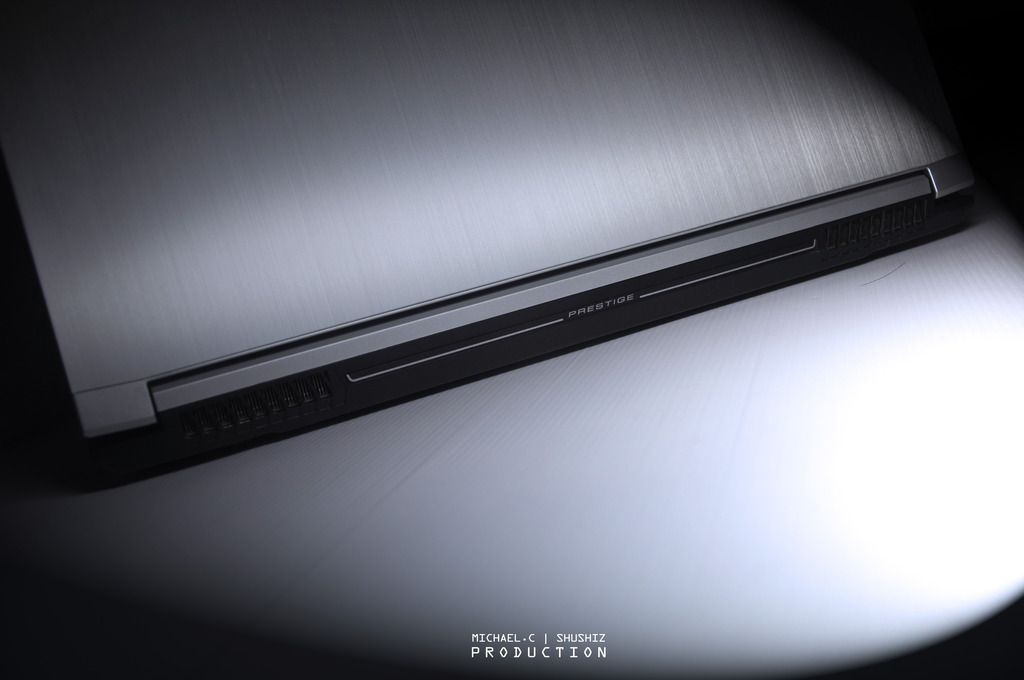
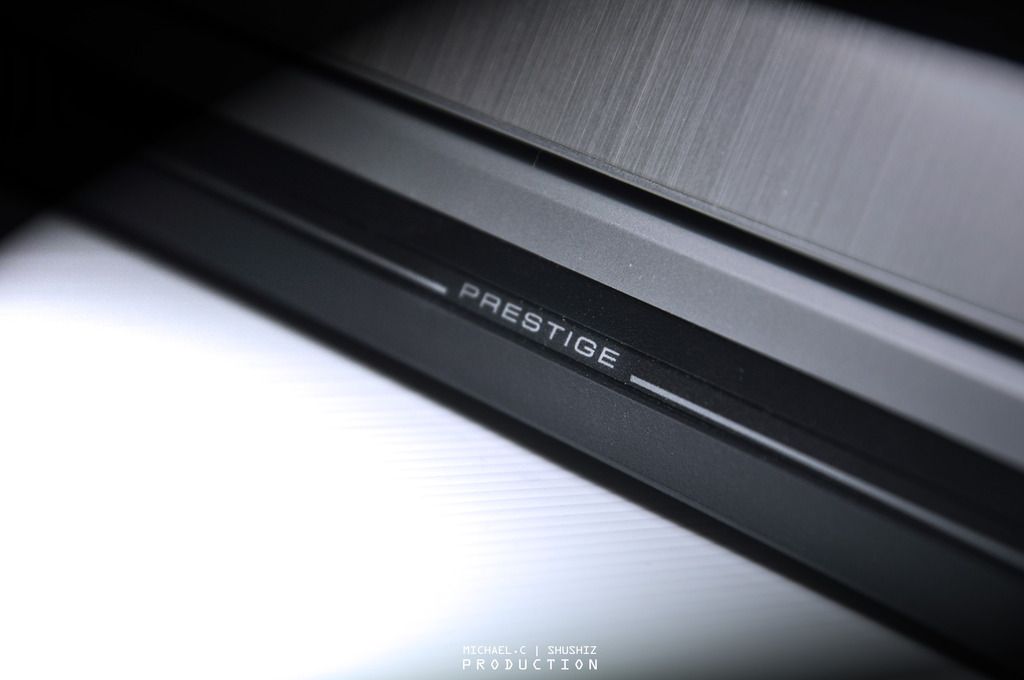
↑ Behind the PE60, besides the word of “PRESTIGE”, basically there is nothing else.

user posted image
user posted image
user posted image
user posted image
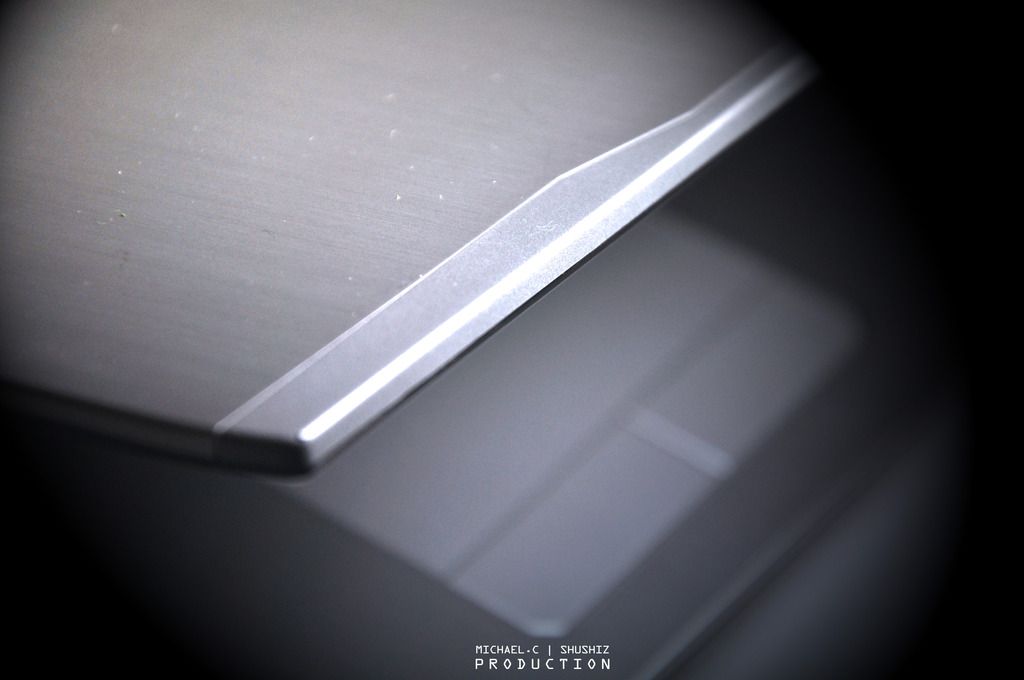
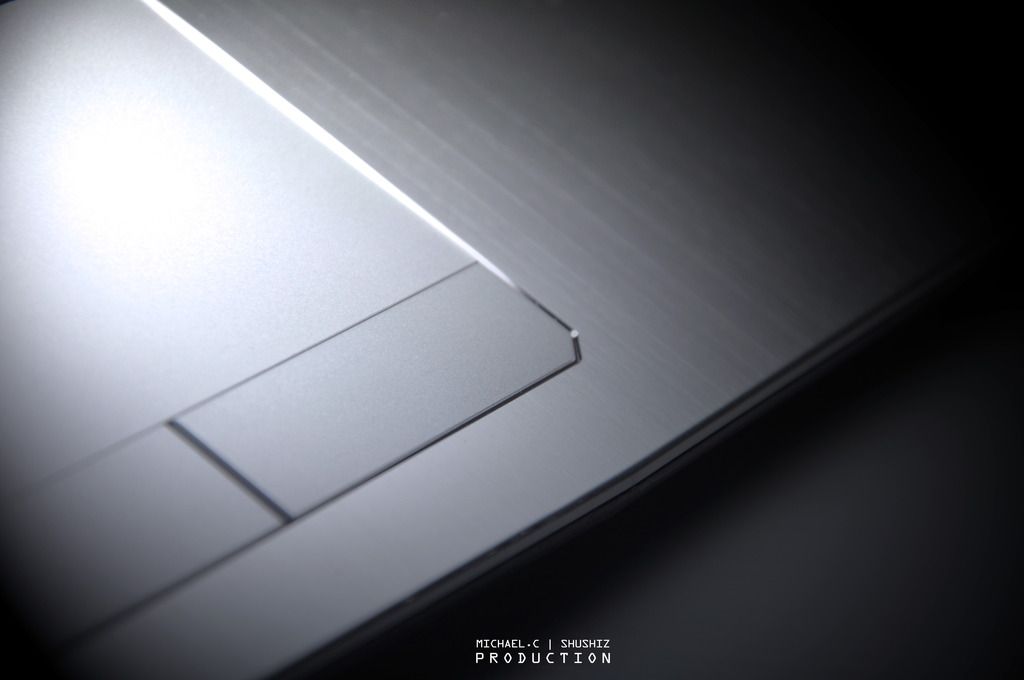
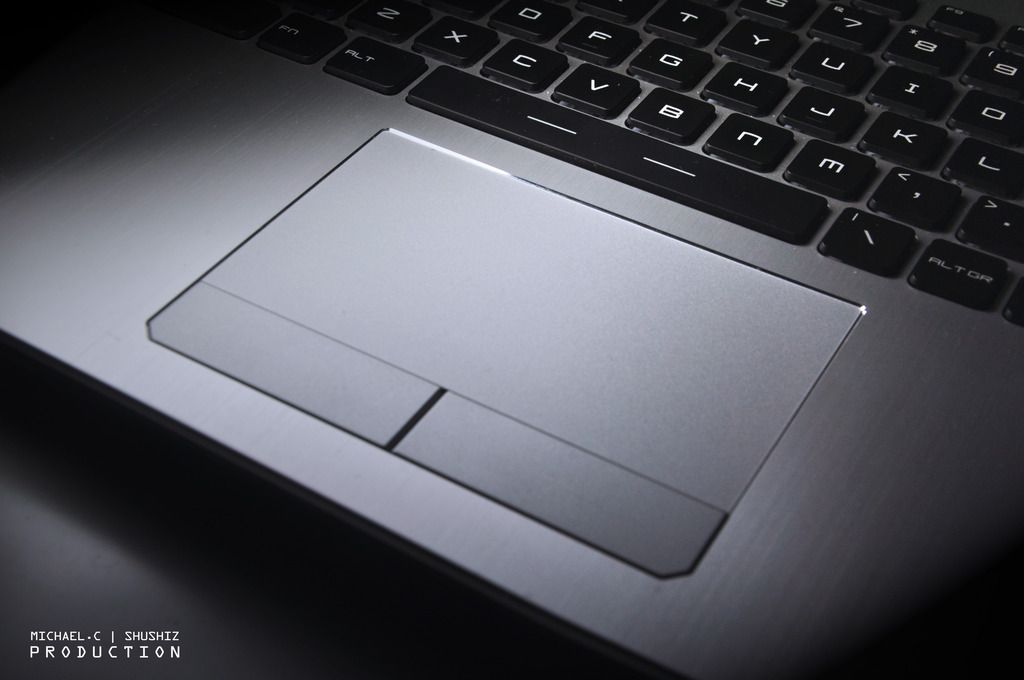
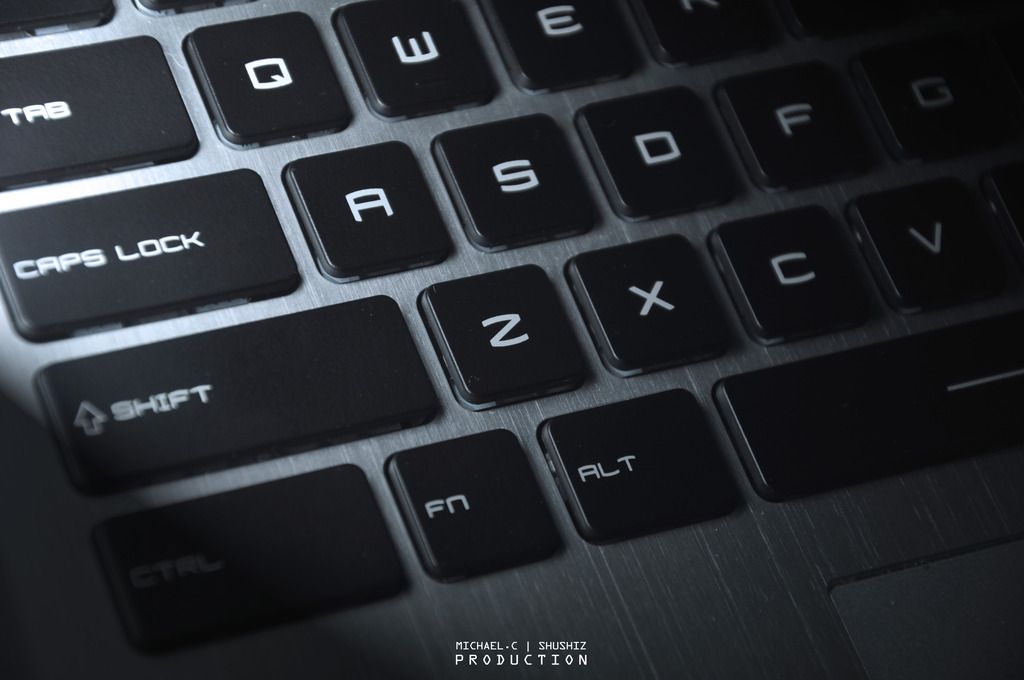
↑ The thickness, the curve, and the extremely beautiful finished on the edge of the trackpad, every tiny part looks so incredibly classy and gorgeous.

user posted image
user posted image
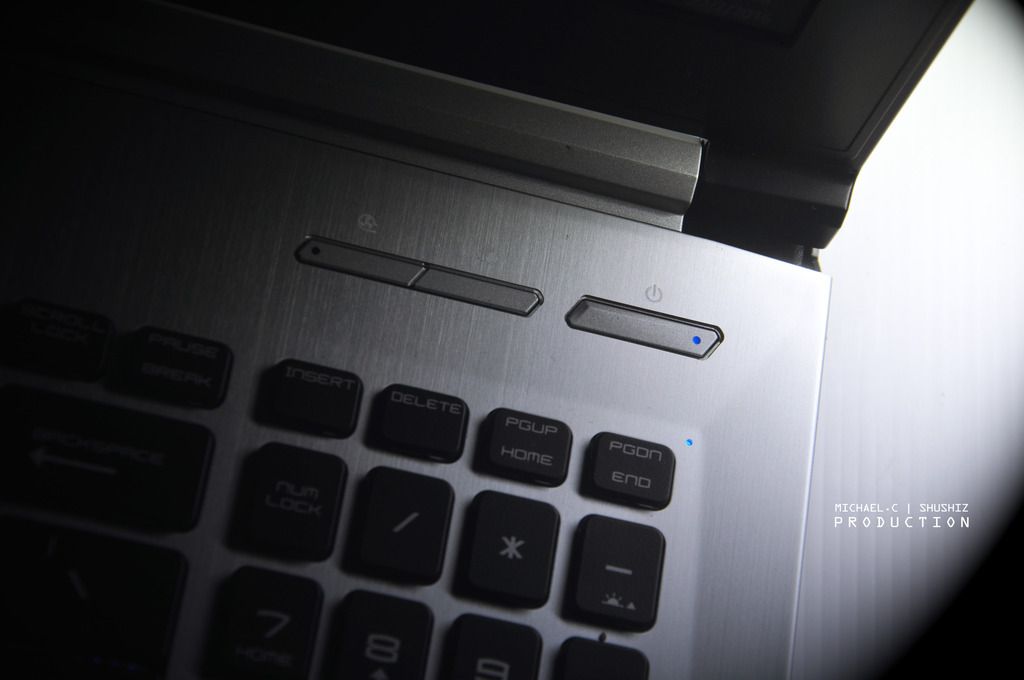
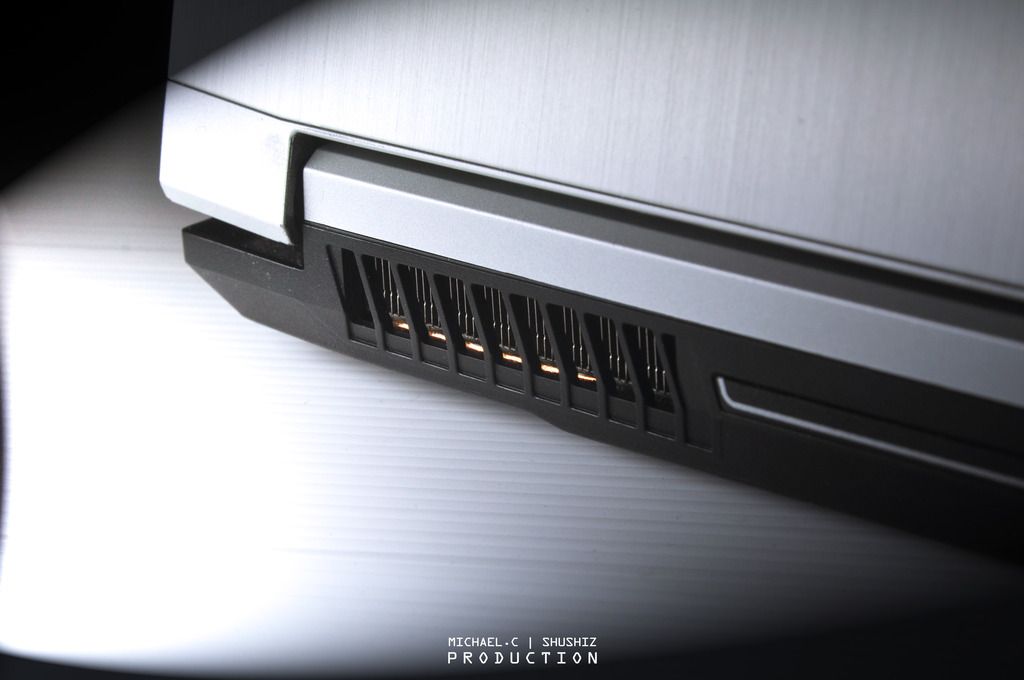
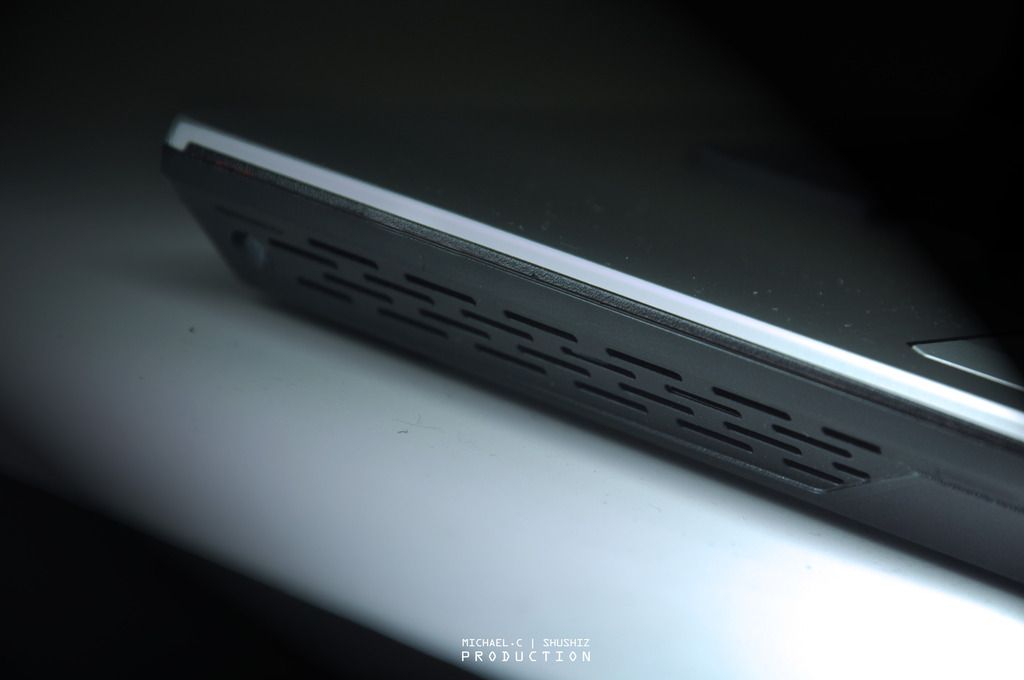
↑ MSI allow user to switch on the dual fans to the max by one click, which is on the left button, well known as the “Cooler Boost 3” technology. It maintains a stable and low temperature system even after long sessions of the highest loading. Even when I use it to play some games, such as Heroes of The Storm with maximized all the graphic setting, it still gives me a decent temperature which is somewhere around 75’ degree. (Razer Blade is around 85-90’)


TSzhen737
post Mar 11 2016, 09:15 PM

Getting Started
**
Junior Member
93 posts

Joined: Aug 2010
From: Near MidValley or TimeSquare


user posted image
user posted image
user posted image
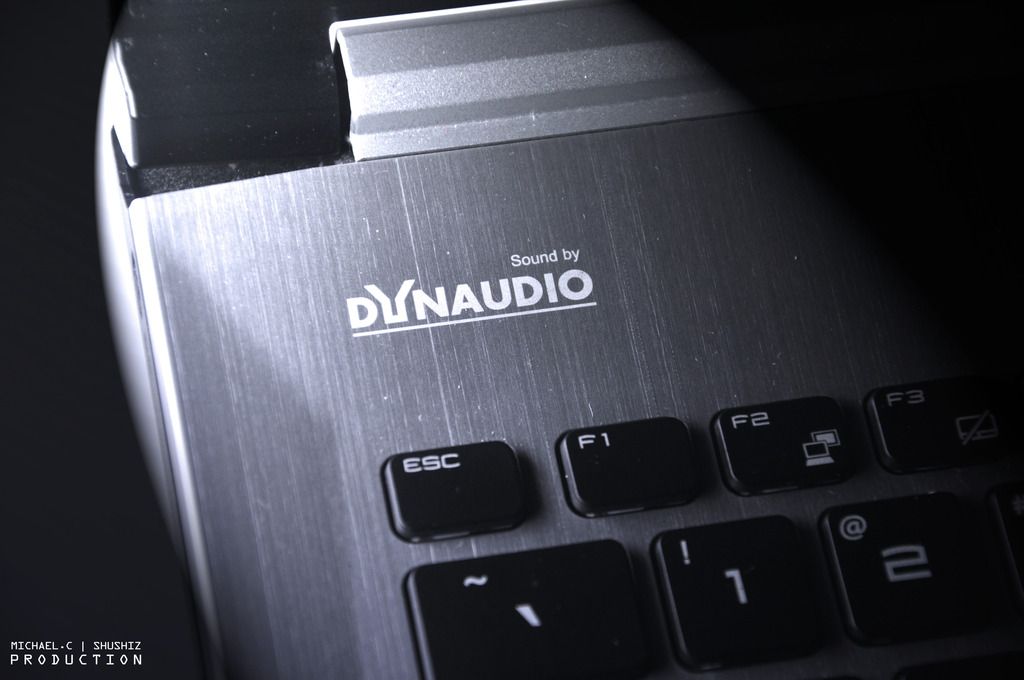
↑ Same as others laptop from MSI (Including the gaming series), it comes with the Dynaudio, which creating a realistic sounds and a high quality of stereo. Comparing the PE60 to others laptop, it has a pretty decent sounds audio volume with its 4 speakers, unfortunately the bass isn’t that on point.

user posted image
user posted image
user posted image
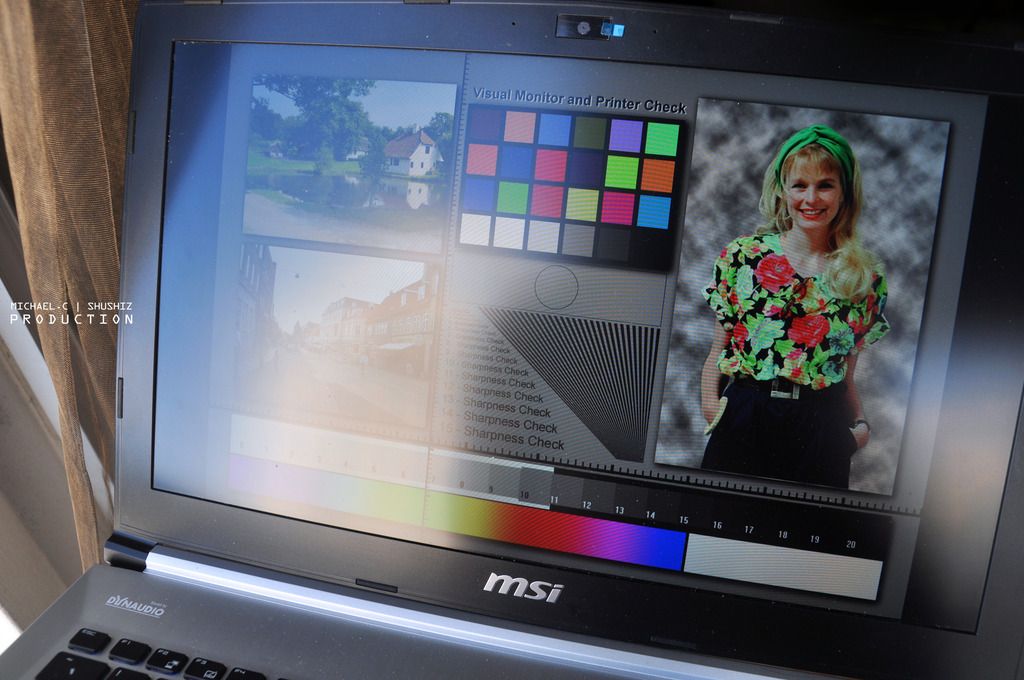
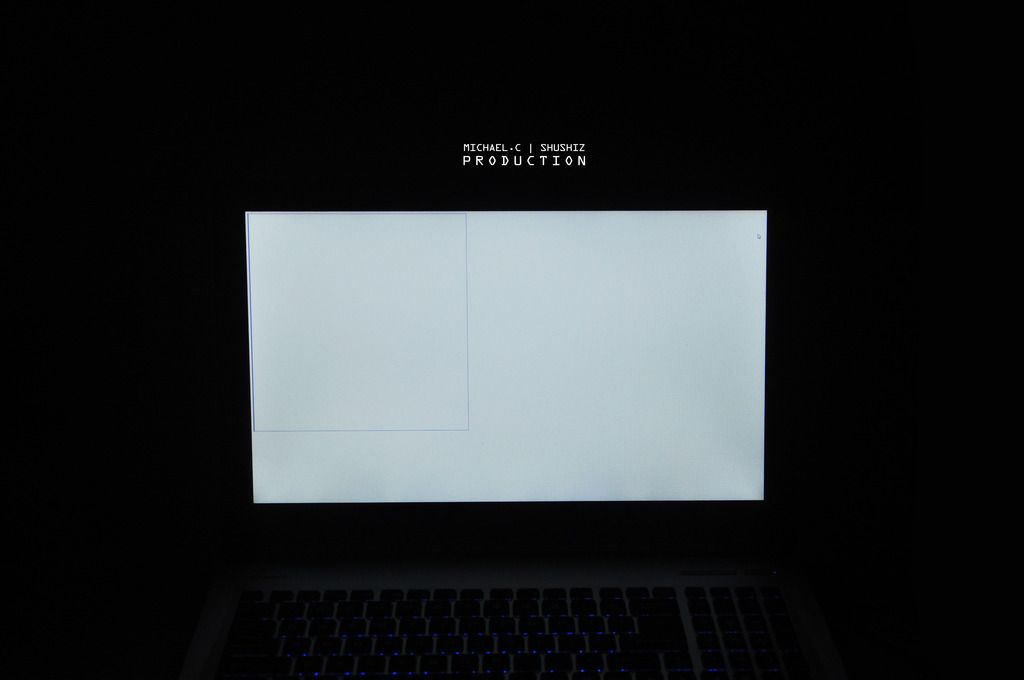
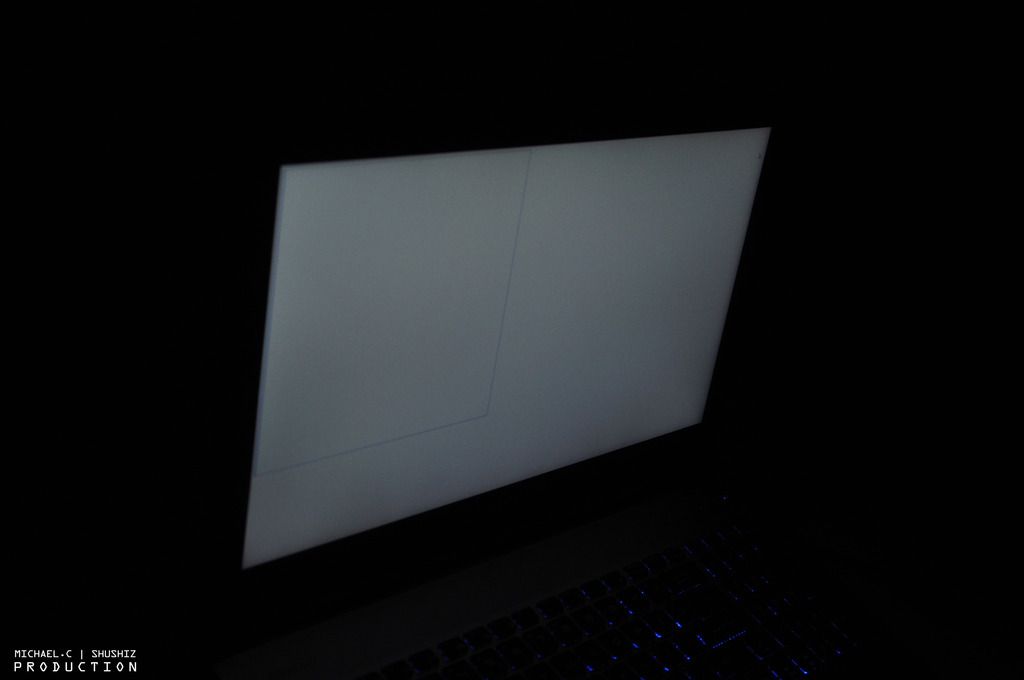
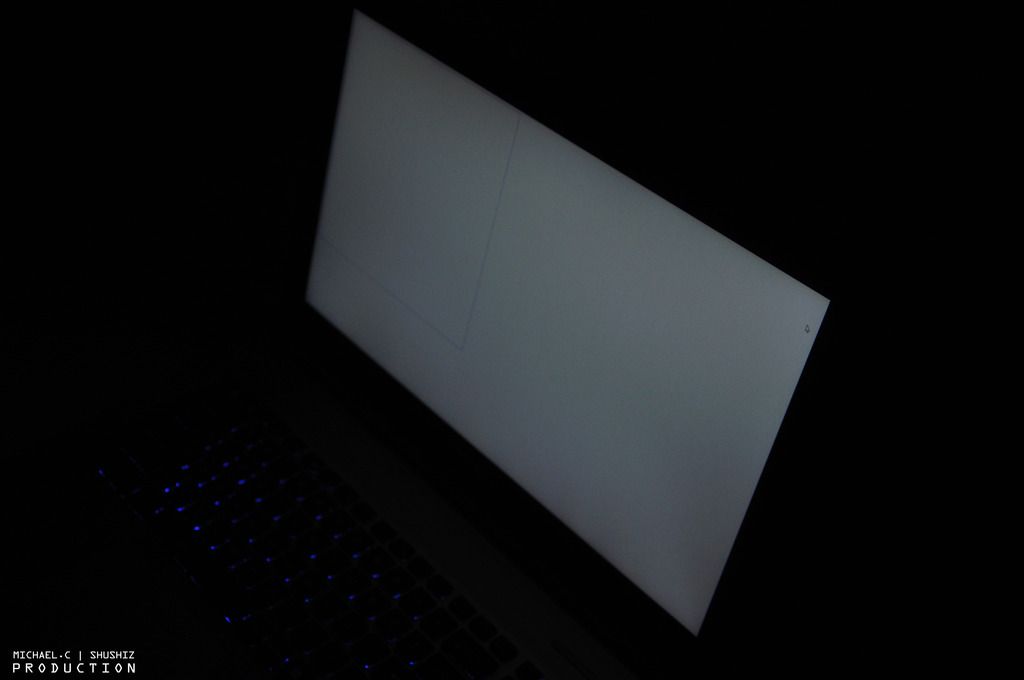
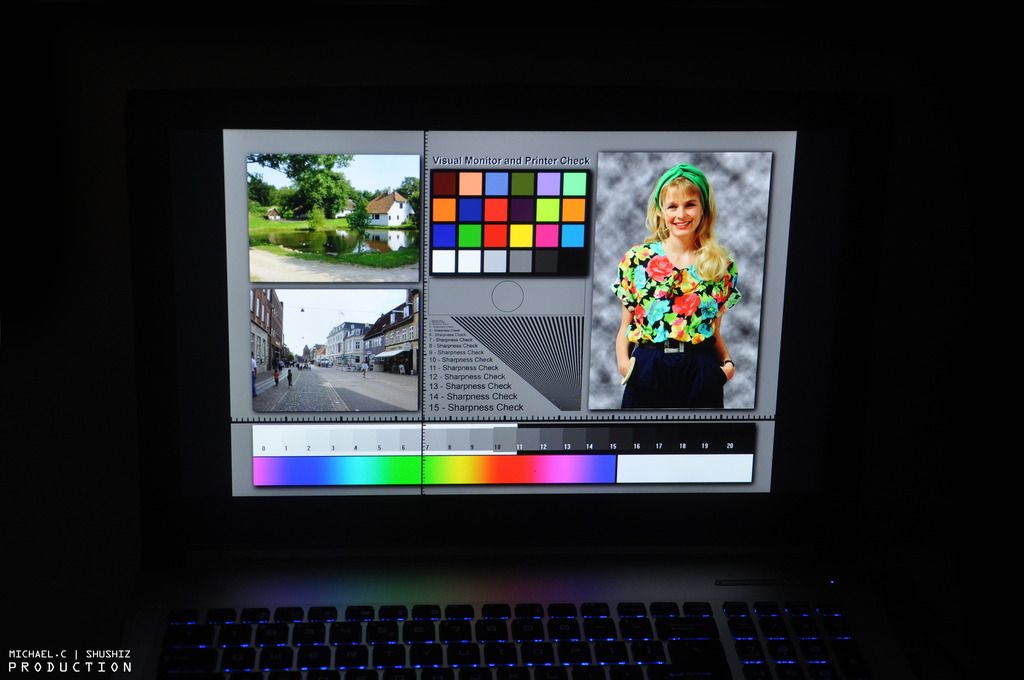
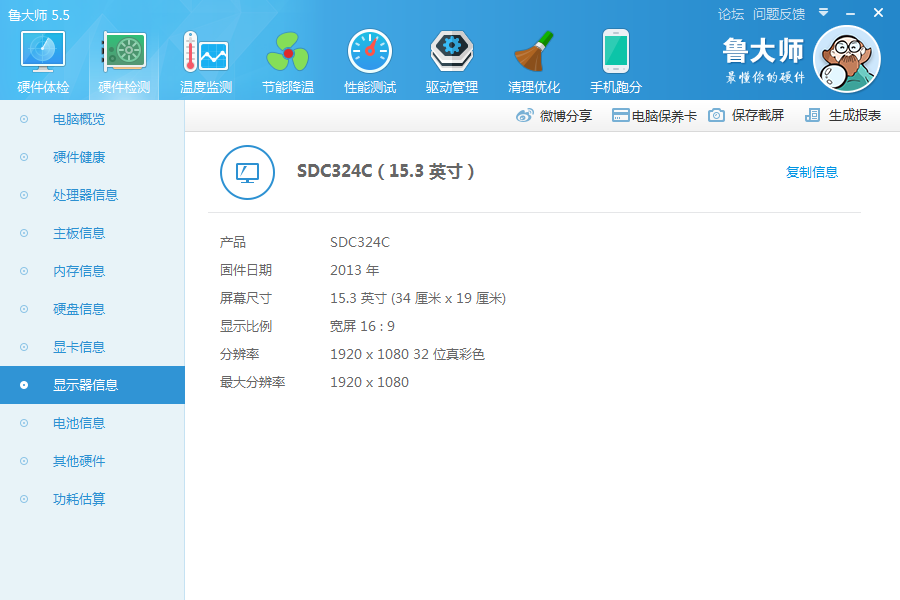
↑ Such laptop, use for a longtime of working, designing, and gaming, a non-glare 15.6" FHD (1920 x 1080) LCD display becomes extremely important, as it minimize the reflection and it gives a wider range of screen view.

user posted image
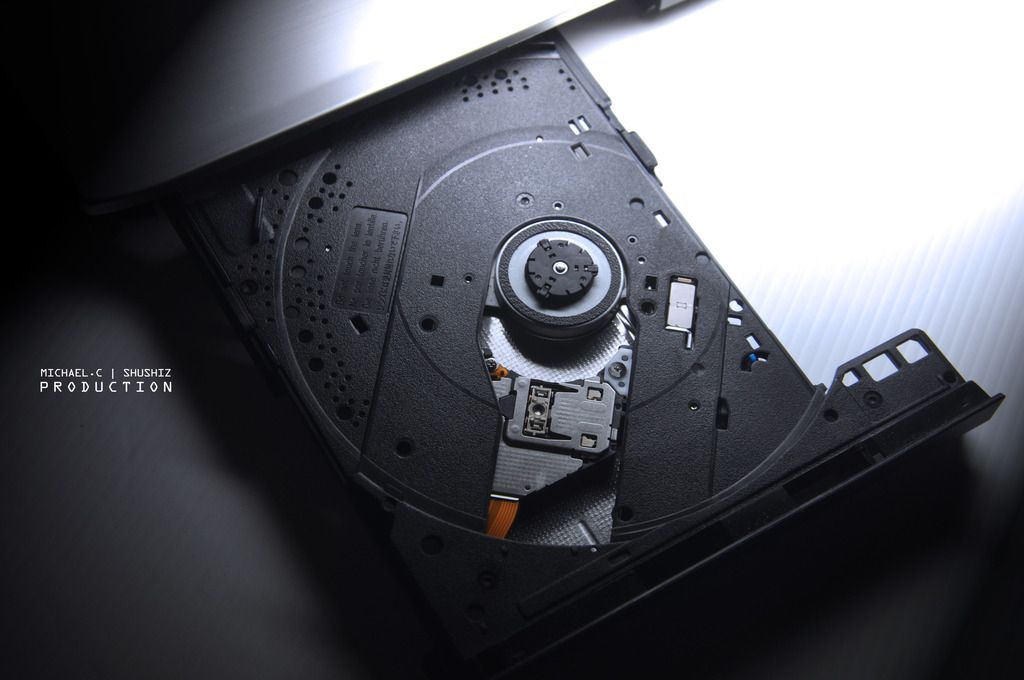
↑ Nowadays most of the laptop had skipped on the part of DVD, but PE60 still build with a DVD multi-burner, which is a plus.

user posted image
↑ Most of the ports are located on the left hand side of the laptop, which is:
- The Kensington Lock
- RJ45 Ethernet
- v1.4 HDMI port (Support 4K output)
- Mini-Display port (Support 4k 60Hz output, FHD 120Hz output)
- Three USB 3.0
- and of course the Mic-in/Headphone-out port with gold plated.


user posted image
user posted image
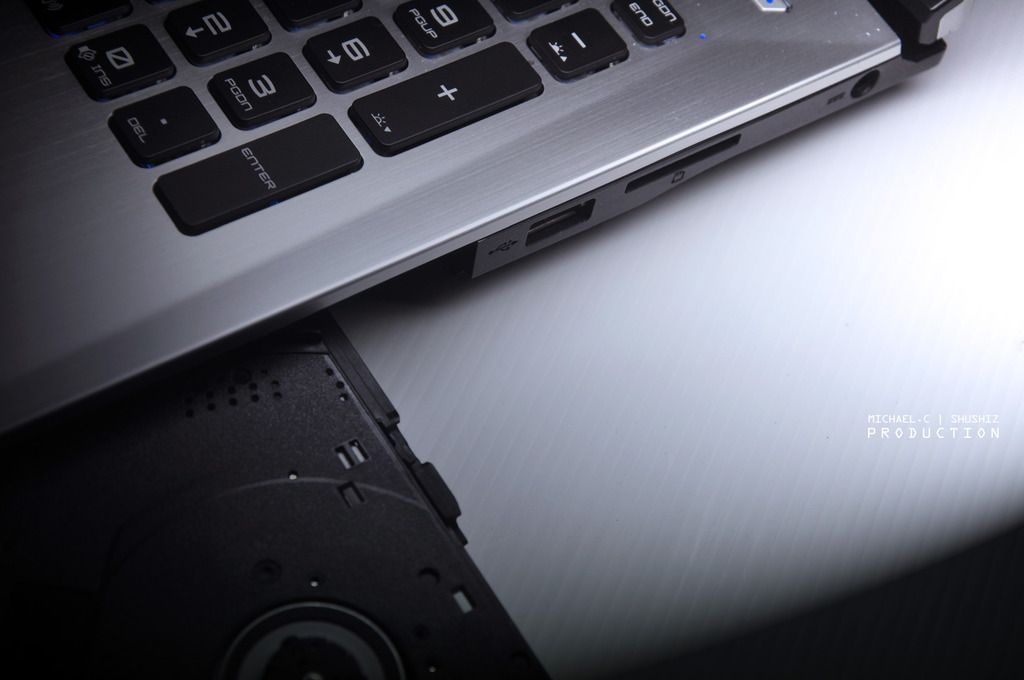
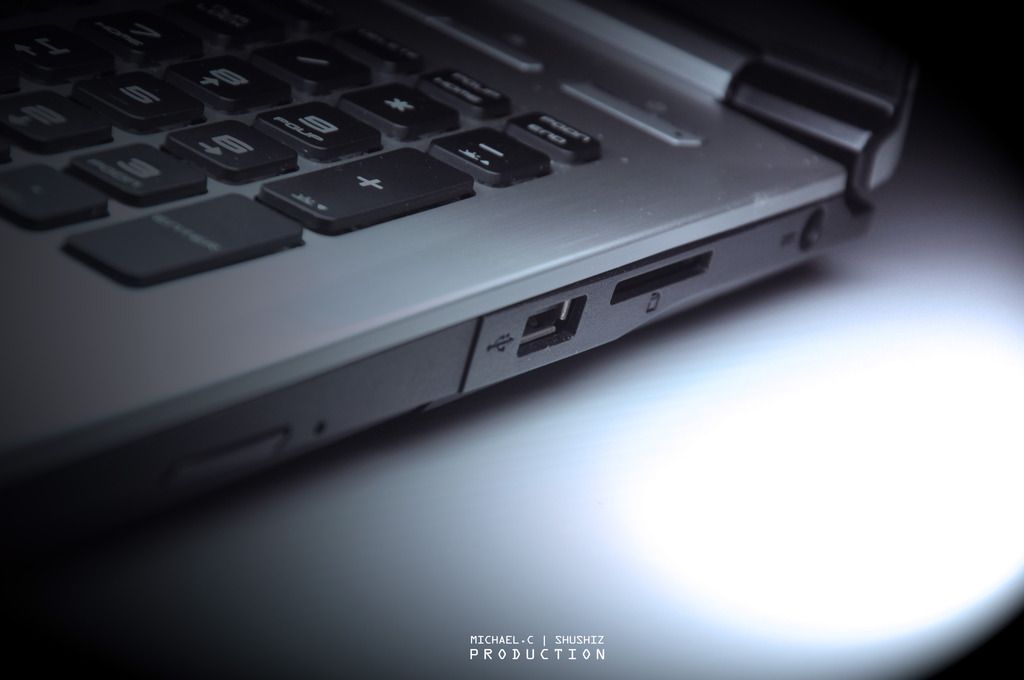
↑ And the right side comes with:
- A USB 2.0, 3-in-1 SD(XC/HC) card reader
- Power socket
- And the DVD burner we mentioned earlier.


This post has been edited by zhen737: Mar 11 2016, 09:27 PM
TSzhen737
post Mar 11 2016, 09:15 PM

Getting Started
**
Junior Member
93 posts

Joined: Aug 2010
From: Near MidValley or TimeSquare


user posted image
user posted image
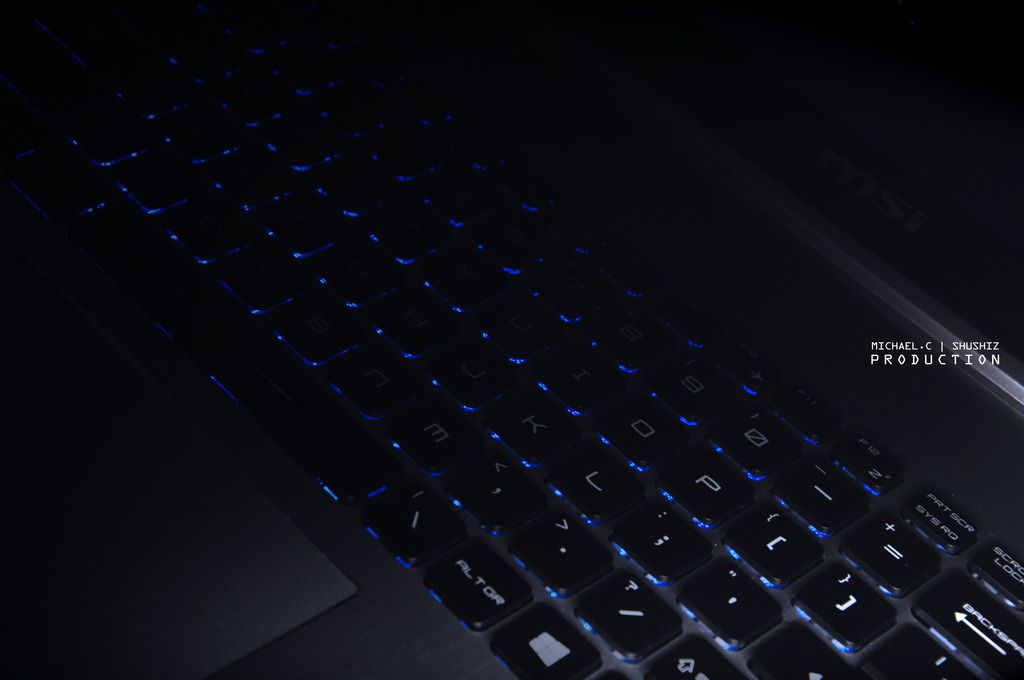
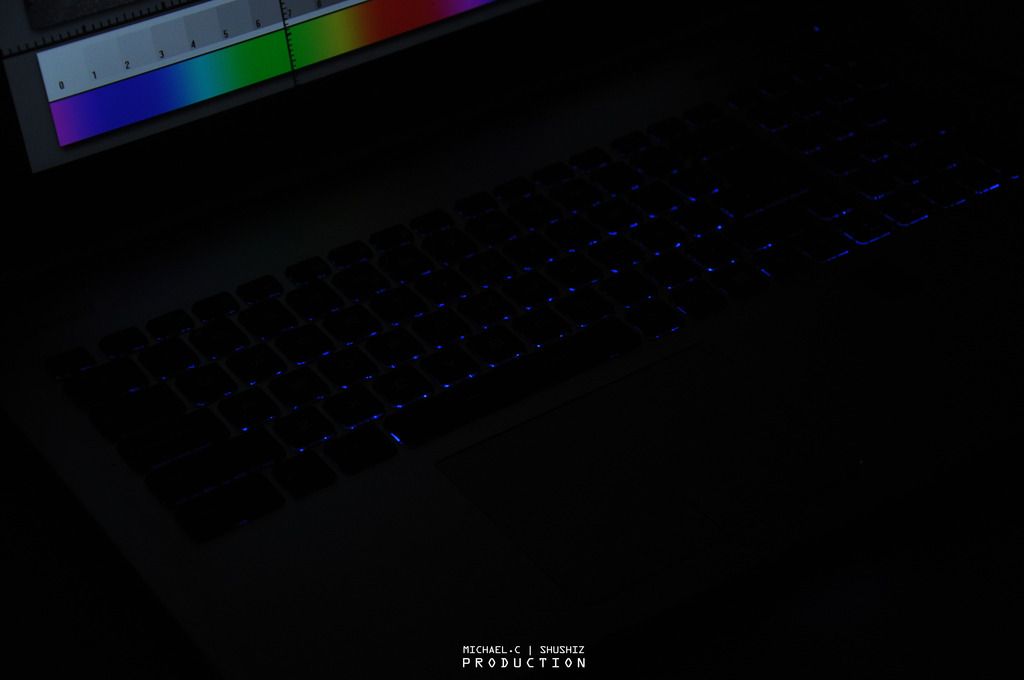
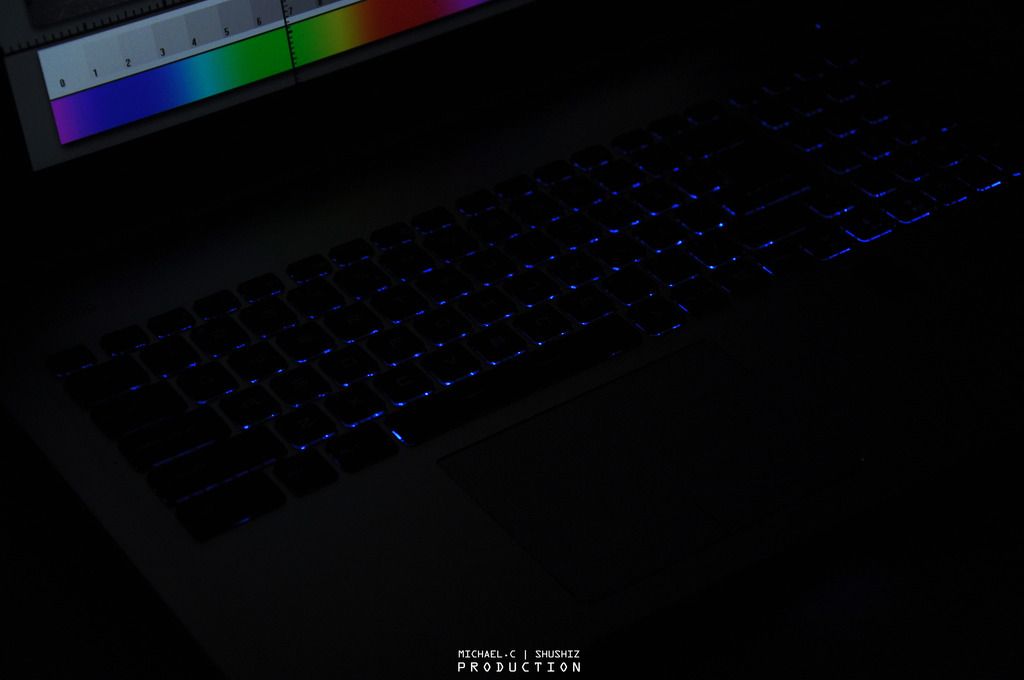
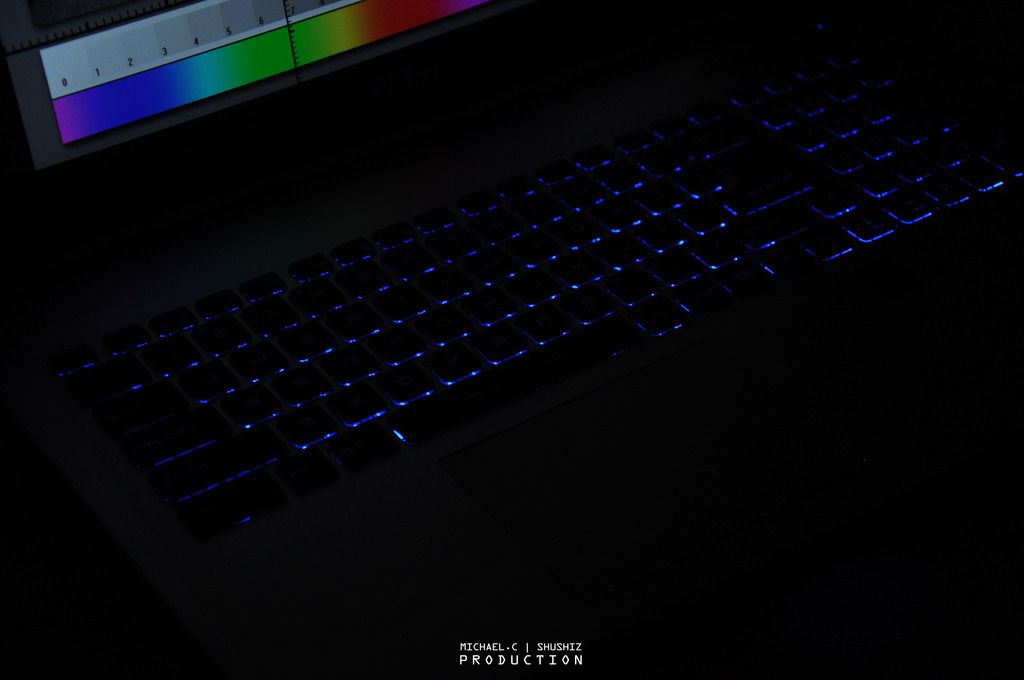
↑ This was the previous version that build with Blue single color backlit keyboard, the latest version that able to purchase on market is While single color backlit.

user posted image
user posted image
user posted image
↑ And there are three levels of brightness on the backlit keyboard to choose on.

user posted image
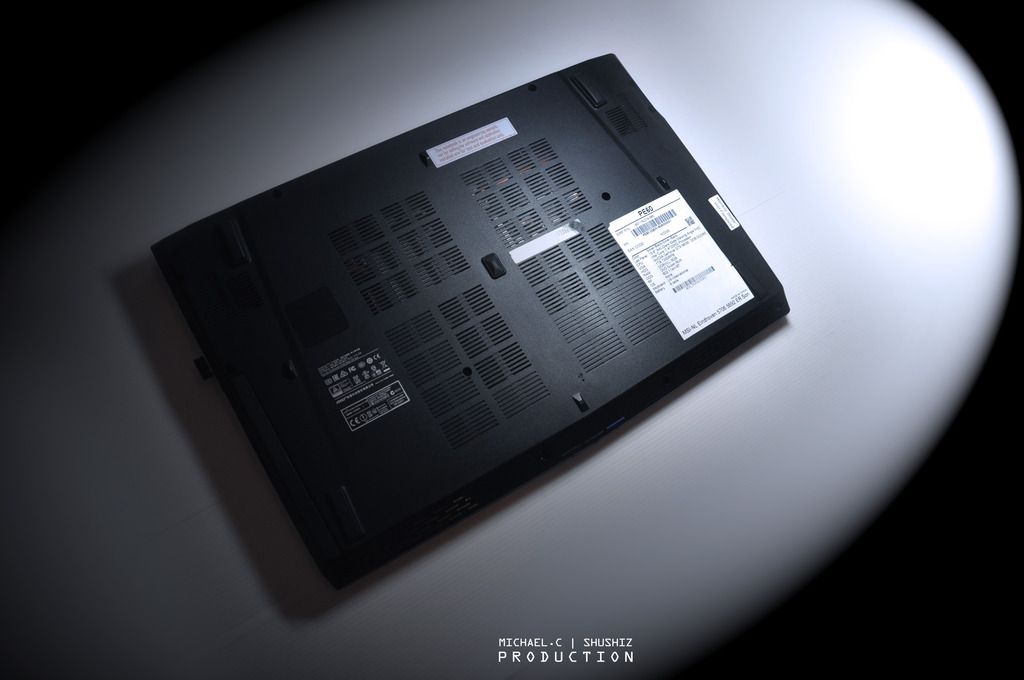
↑ The bottom of the laptop is made of the plastic, technically you aren’t allowed to take it off and change/upgrade the component yourself.

user posted image
user posted image
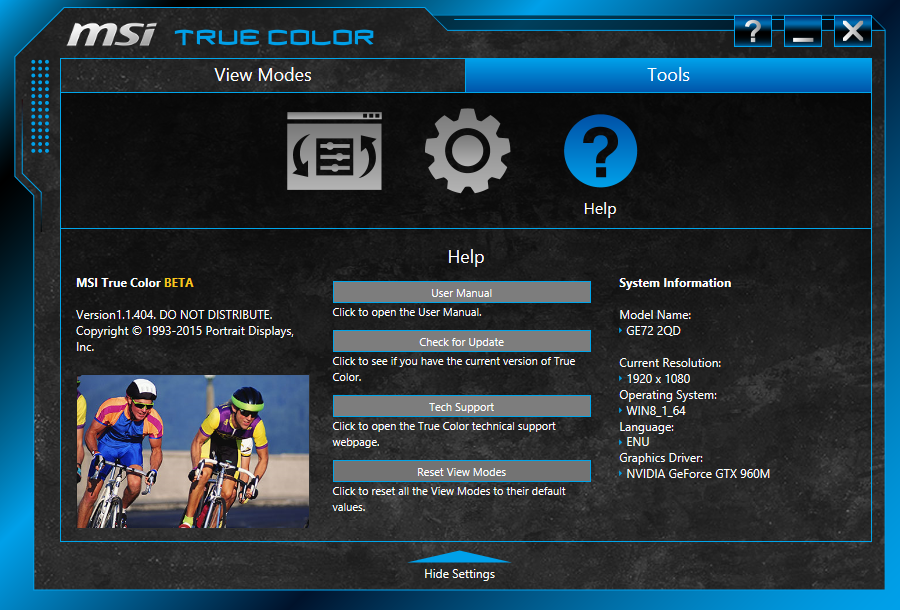
↑ The specification of this unit (this is the previous generation), and there is a new gen of PE60, with the latest processor, larger RAM (This one with DDR3 8GB RAM), and more.

user posted image
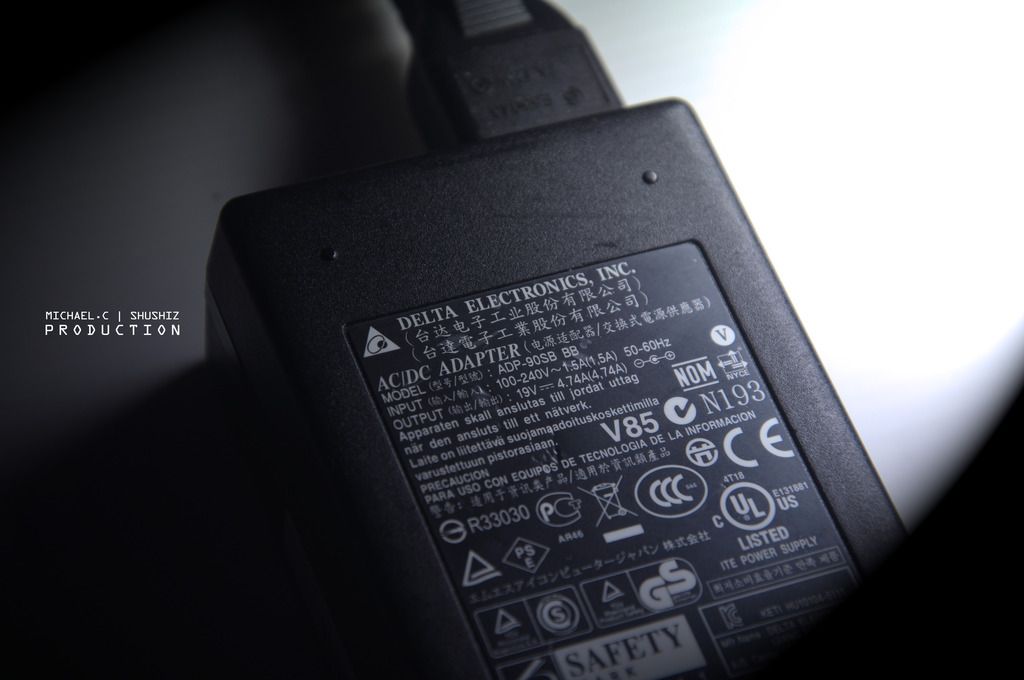
↑ As usual, the 120W AC Adapter from the famous manufacture: Delta

This post has been edited by zhen737: Mar 11 2016, 09:26 PM
TSzhen737
post Mar 11 2016, 09:16 PM

Getting Started
**
Junior Member
93 posts

Joined: Aug 2010
From: Near MidValley or TimeSquare


user posted image
user posted image
user posted image
user posted image
user posted image
user posted image
user posted image
user posted image
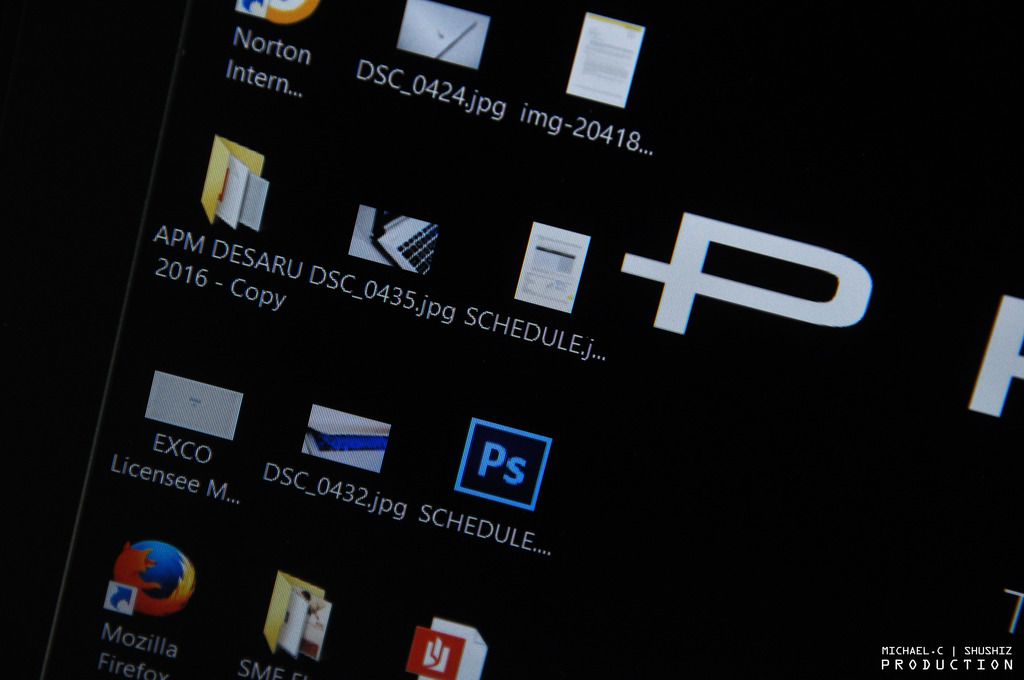
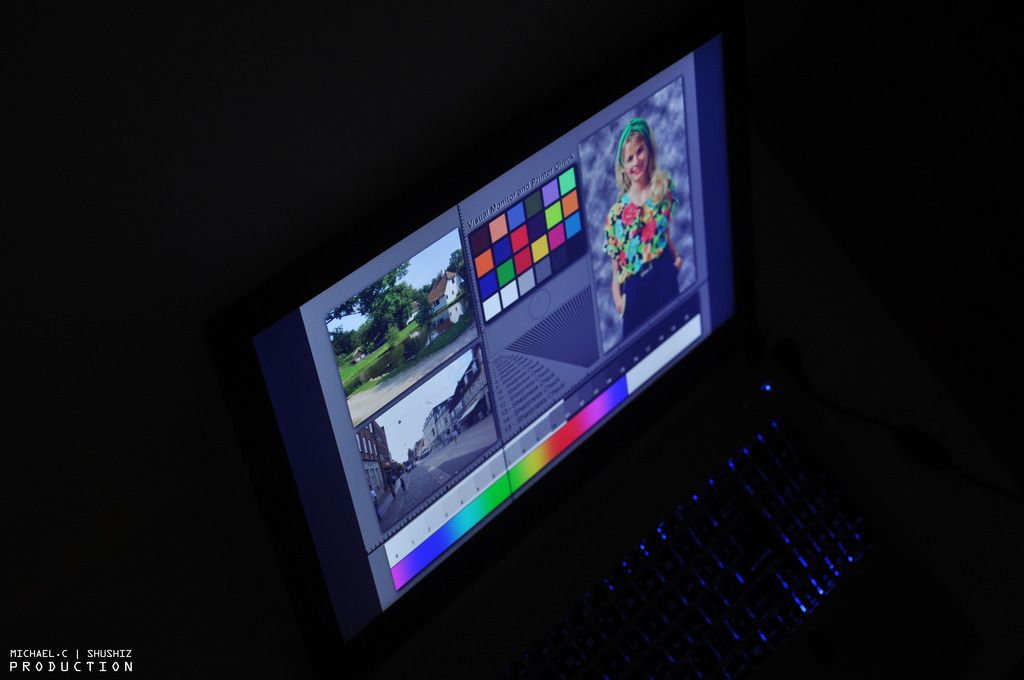
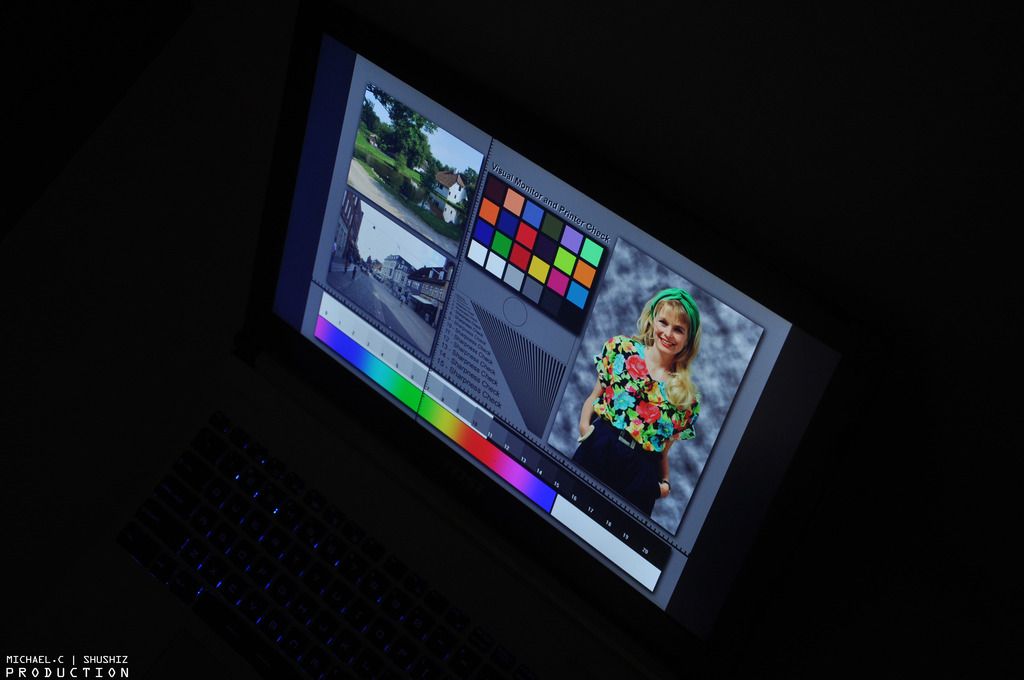
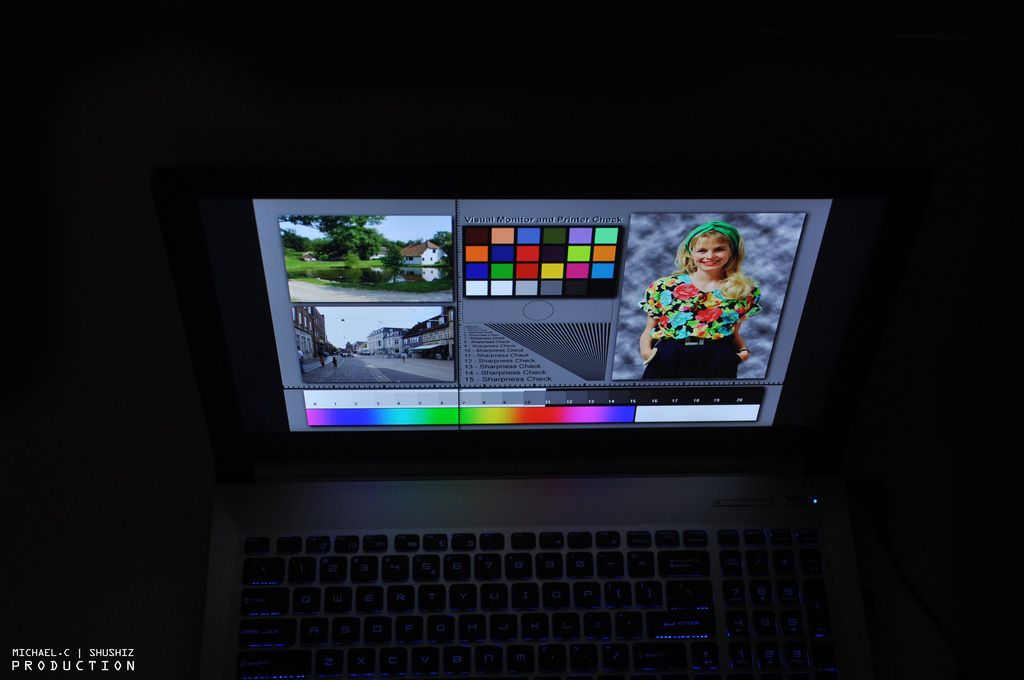
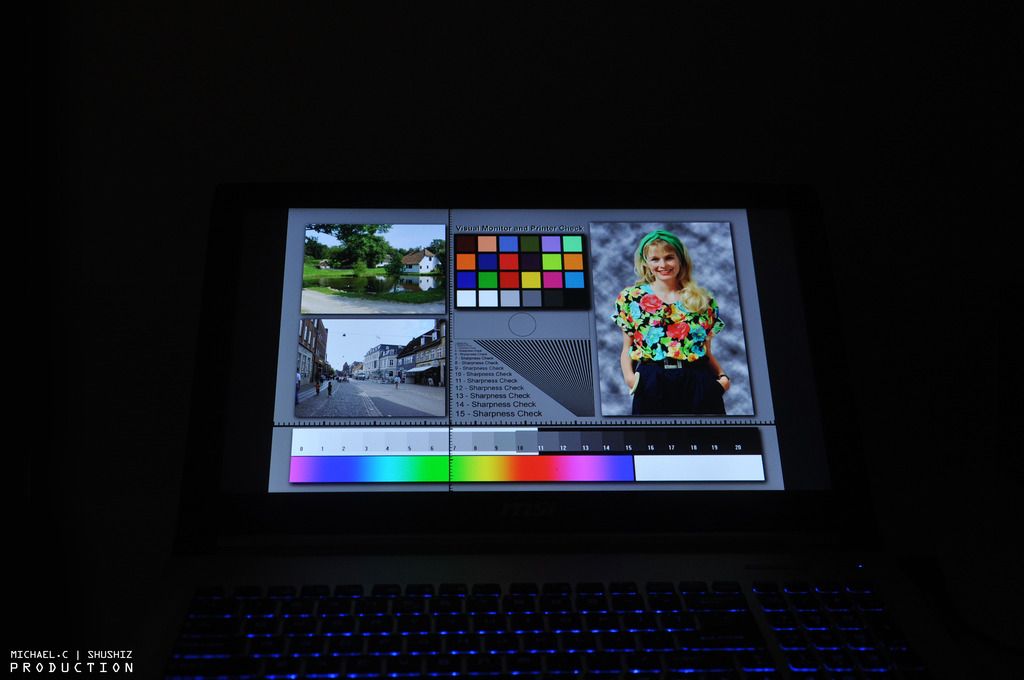
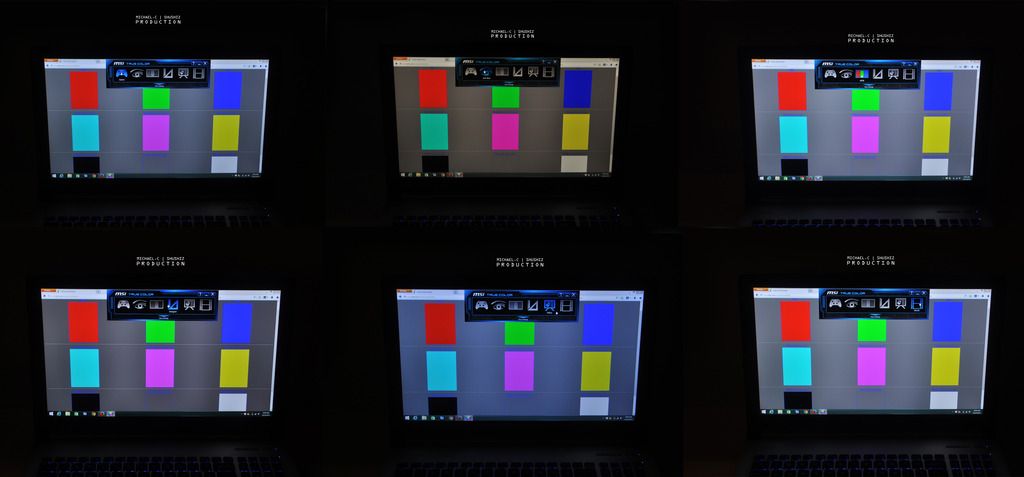
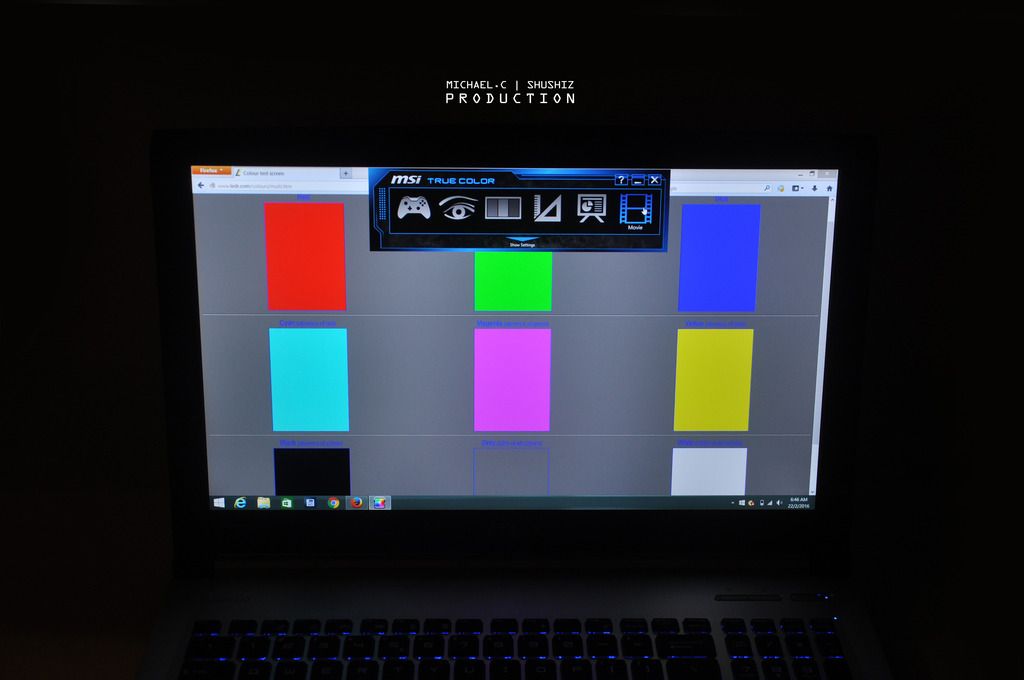
↑ Regardless of any angle, the color, the brightness, the outlines still look very sharp.


TSzhen737
post Mar 11 2016, 09:17 PM

Getting Started
**
Junior Member
93 posts

Joined: Aug 2010
From: Near MidValley or TimeSquare


user posted image
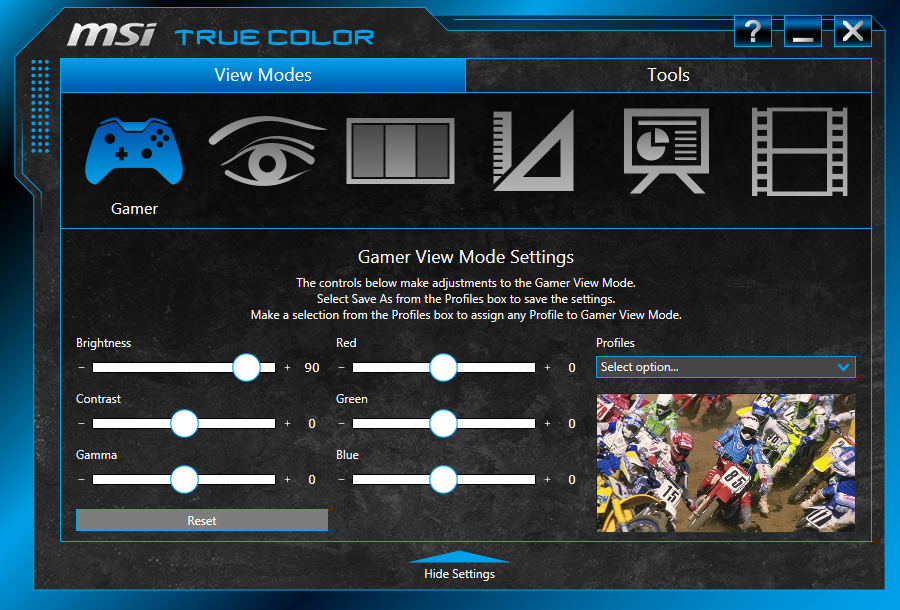
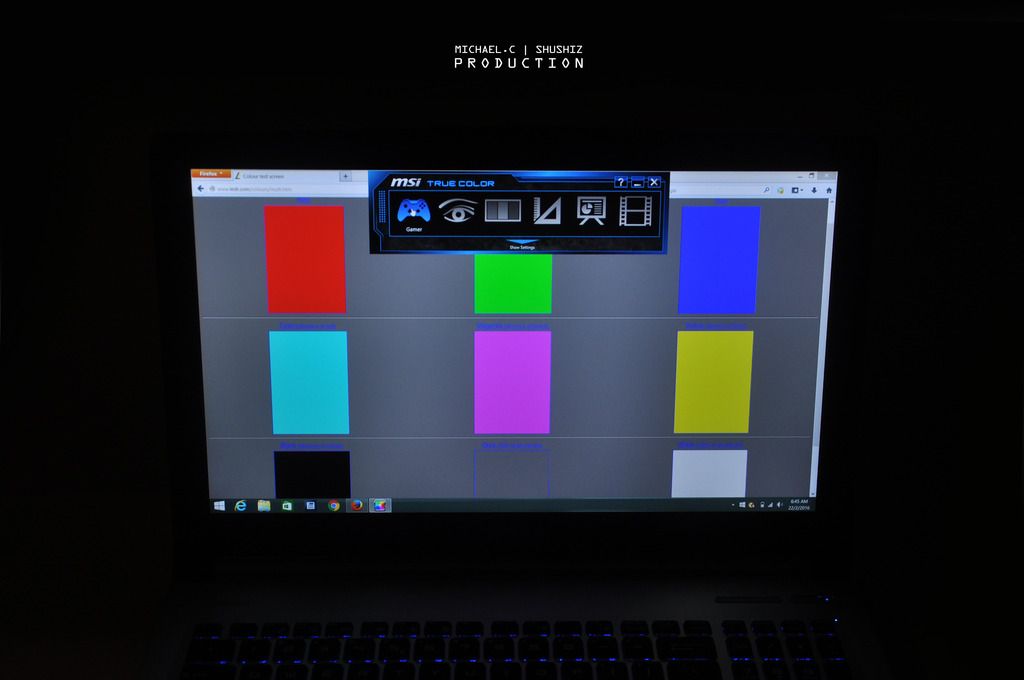
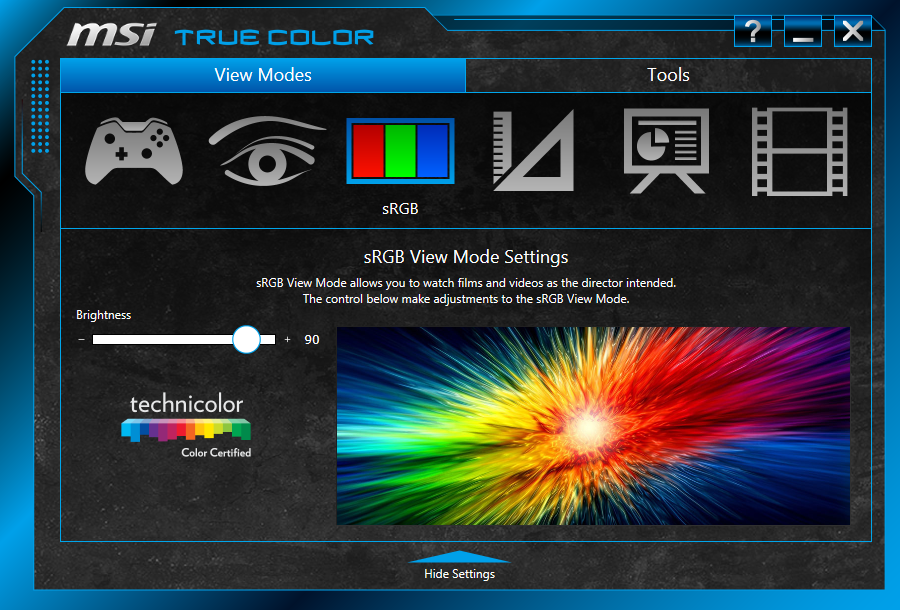
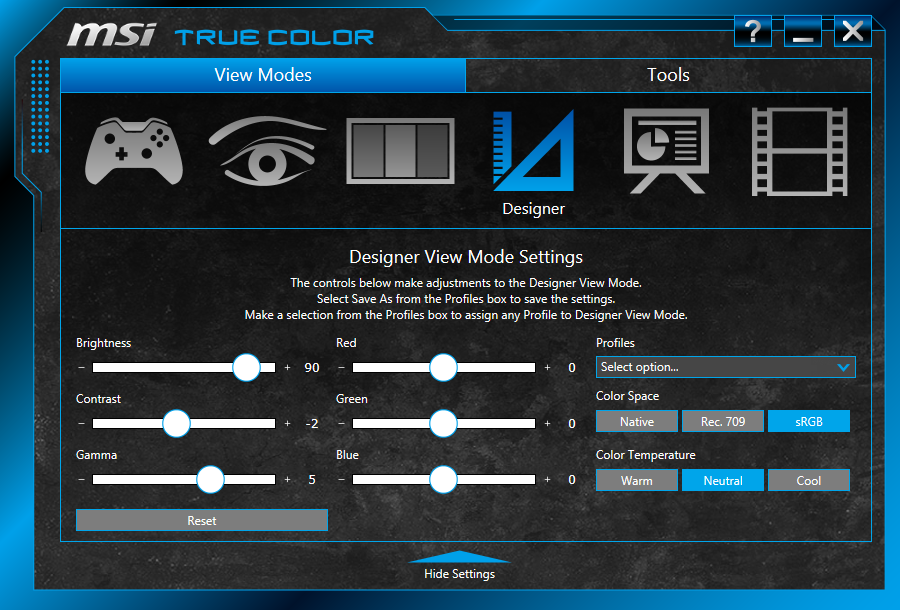
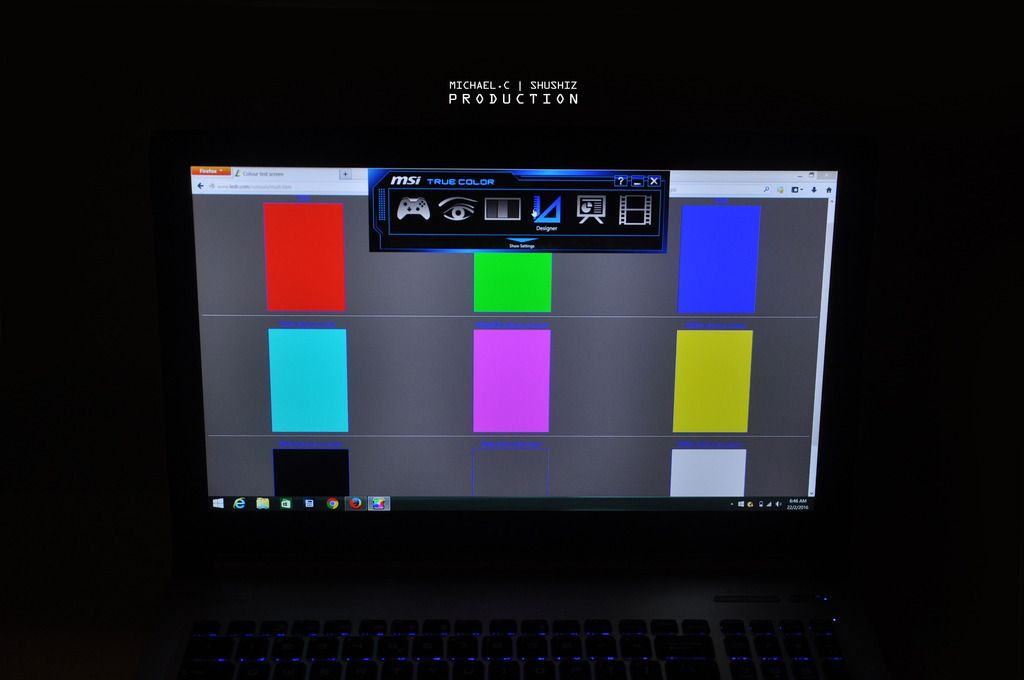
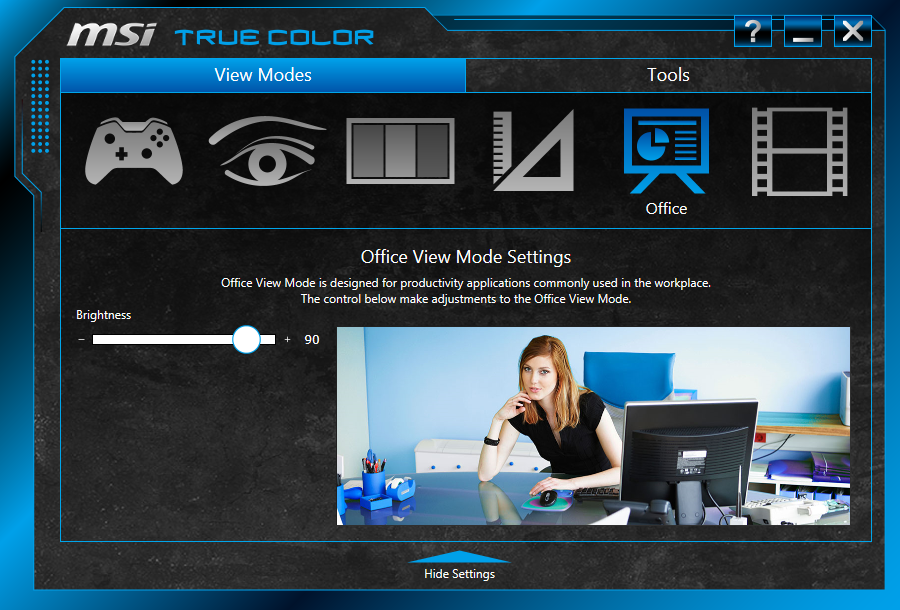
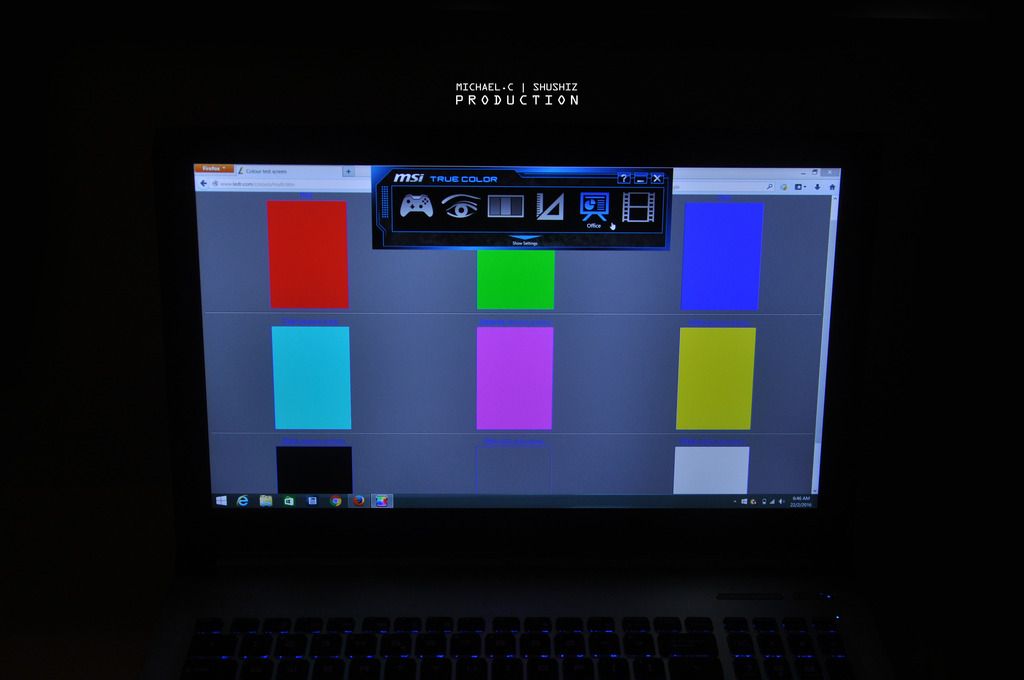
↑ As we mentioned earlier, they are six modes we can choose on:

user posted image
user posted image
↑ Game

user posted image
user posted image
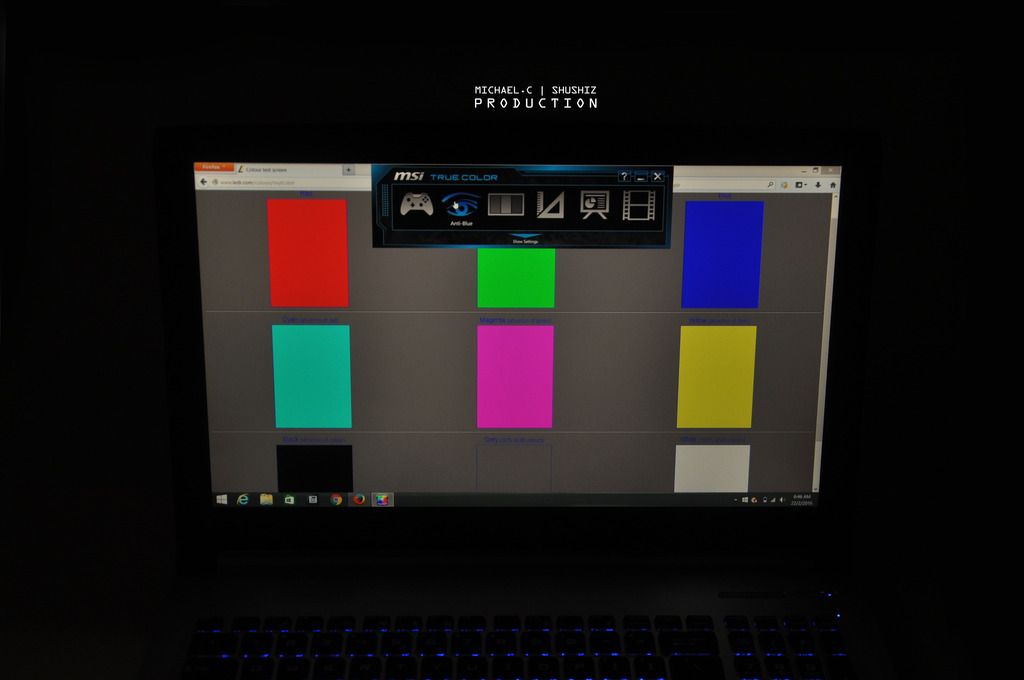
↑ Anti Blue

user posted image
user posted image
↑ sRGB

user posted image
user posted image
↑ Designer


TSzhen737
post Mar 11 2016, 09:18 PM

Getting Started
**
Junior Member
93 posts

Joined: Aug 2010
From: Near MidValley or TimeSquare


user posted image
user posted image
↑ Office

user posted image
user posted image
↑ Movie

user posted image
user posted image
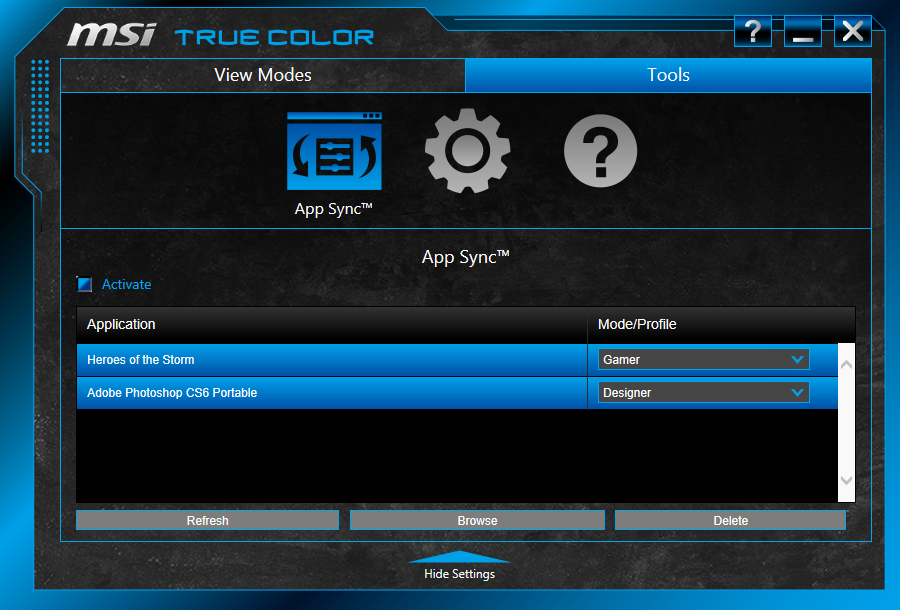
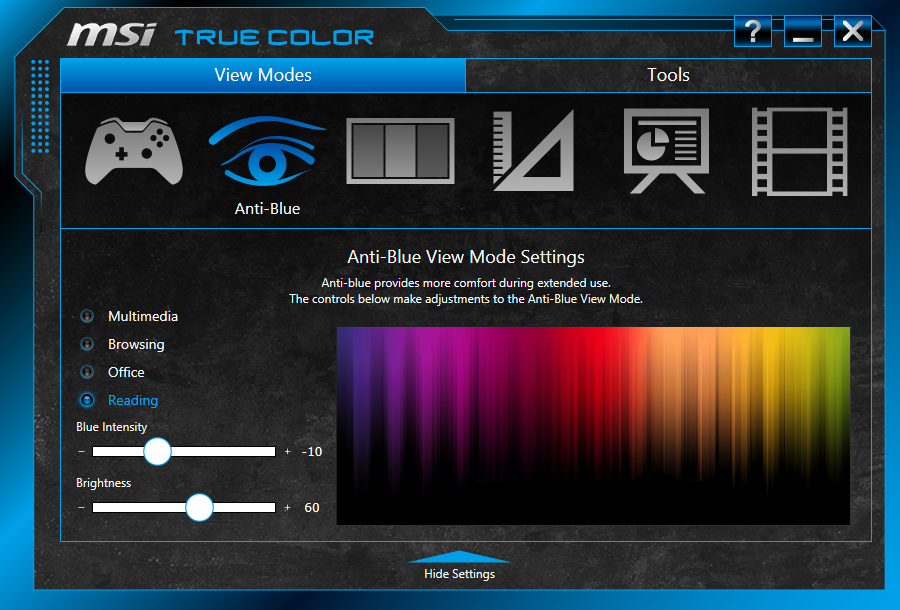
↑ Not to forget you can actually set automatically activate one of the mode when you launch an application through the build in software.
This post has been edited by zhen737: Mar 11 2016, 09:24 PM
TSzhen737
post Mar 11 2016, 09:18 PM

Getting Started
**
Junior Member
93 posts

Joined: Aug 2010
From: Near MidValley or TimeSquare


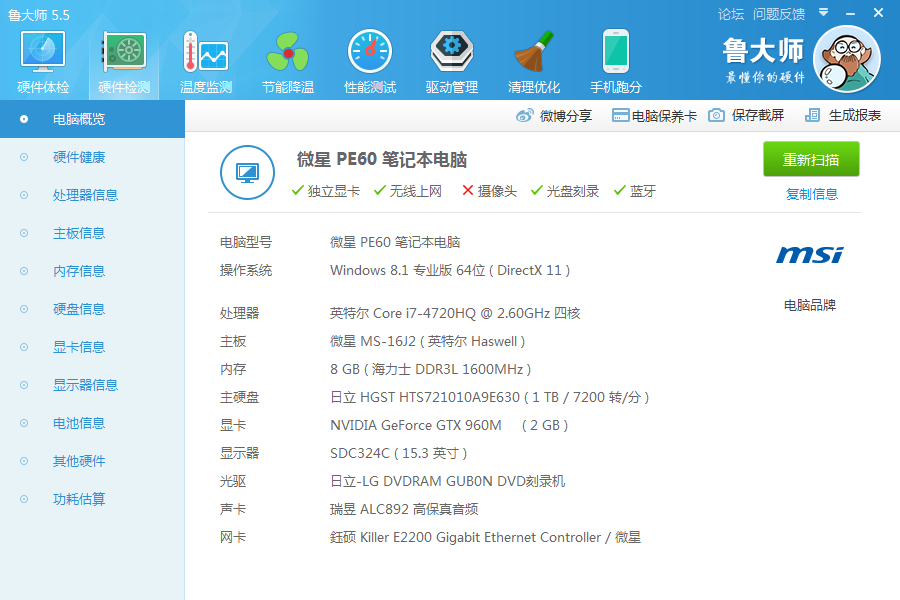
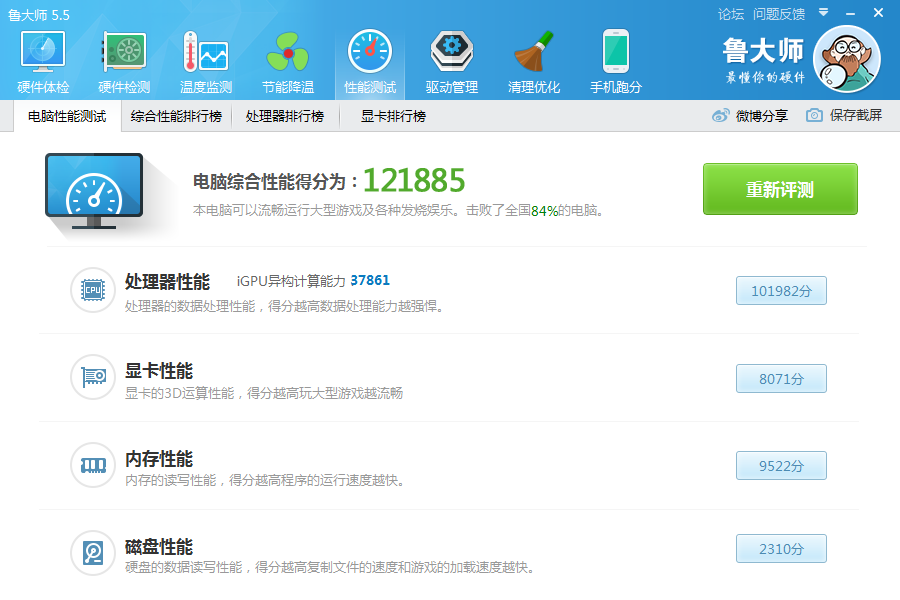
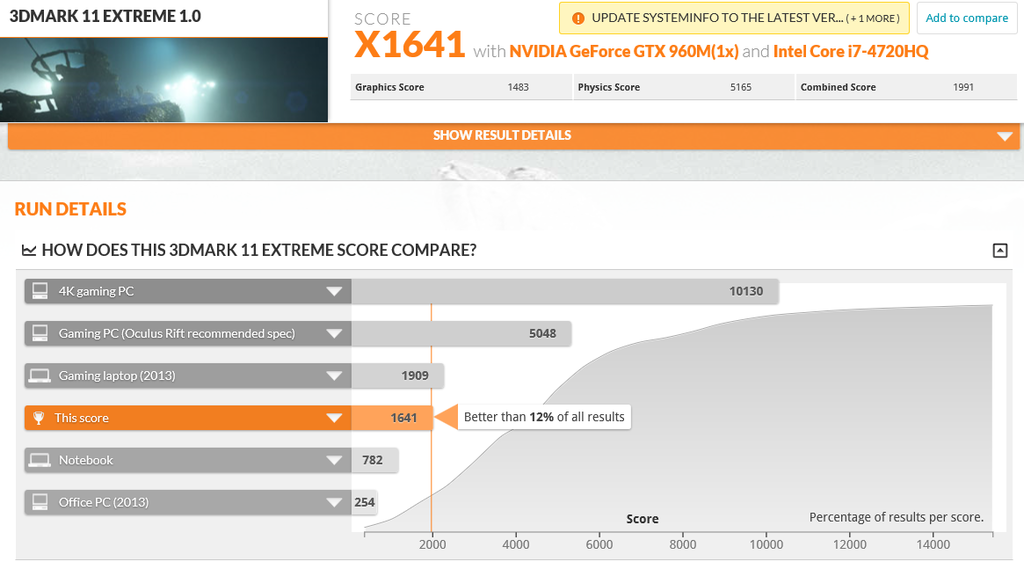
Now, let’s hit some benchmark on PE60. Since it’s not a gaming laptop, benchmark isn’t that important on it.

user posted image
user posted image
user posted image
↑ All the details are stated on it. And the benchmark on it is 12,188 (Which is better than 84% of the computer in china as it showed)

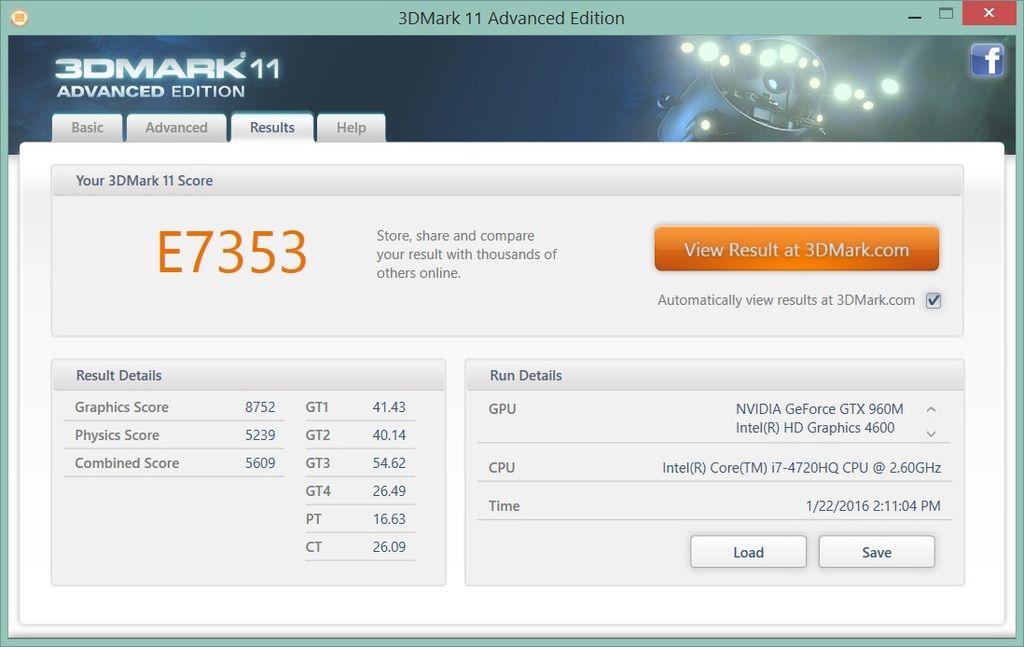
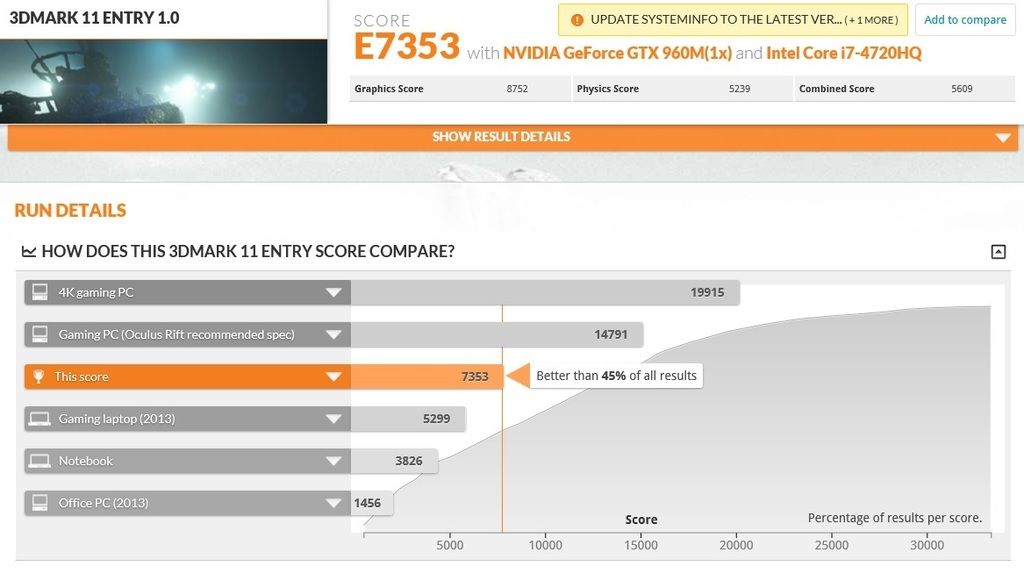
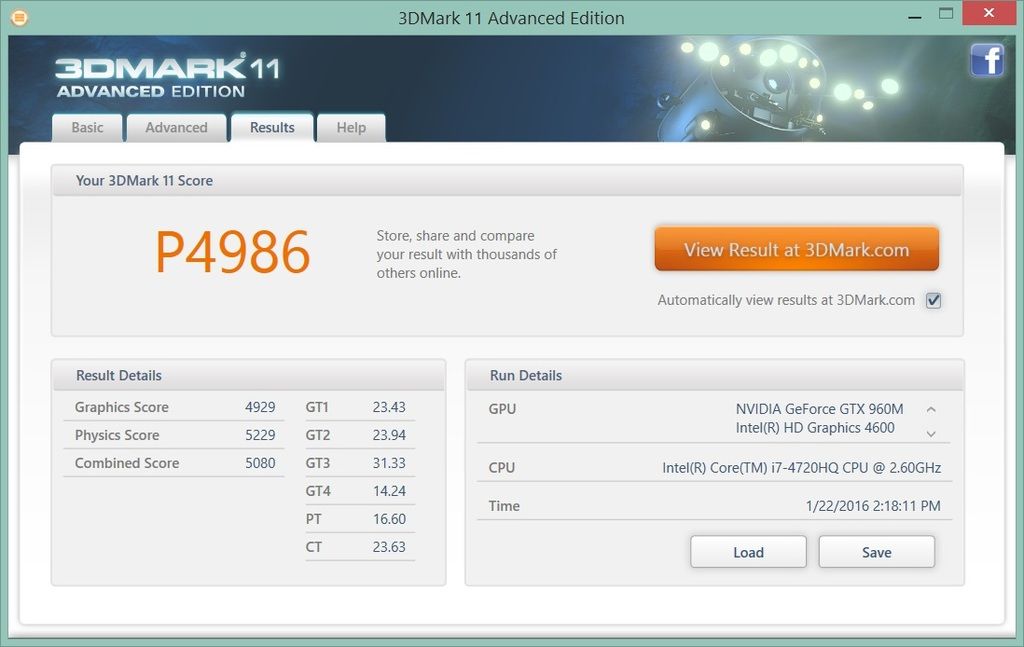
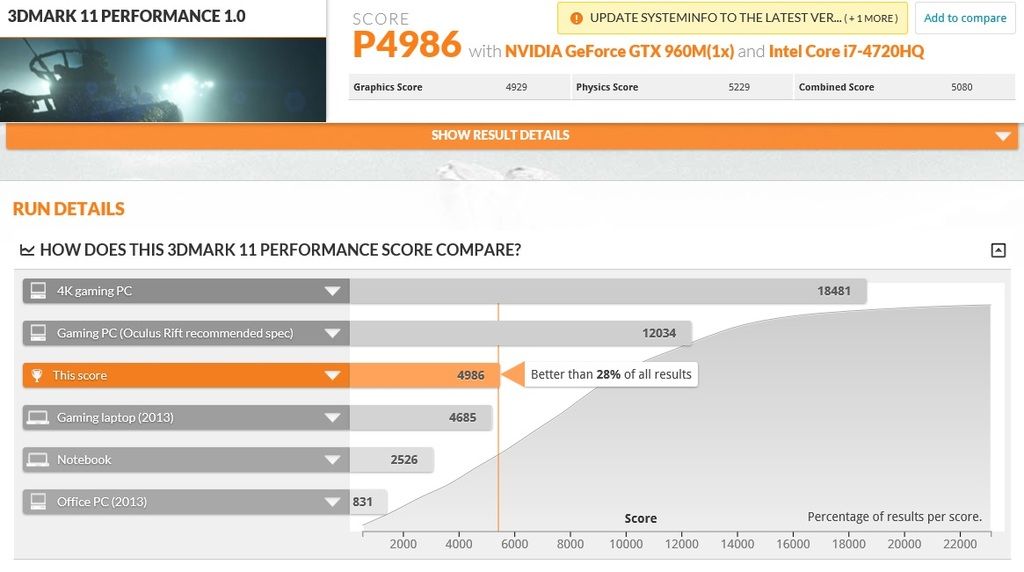
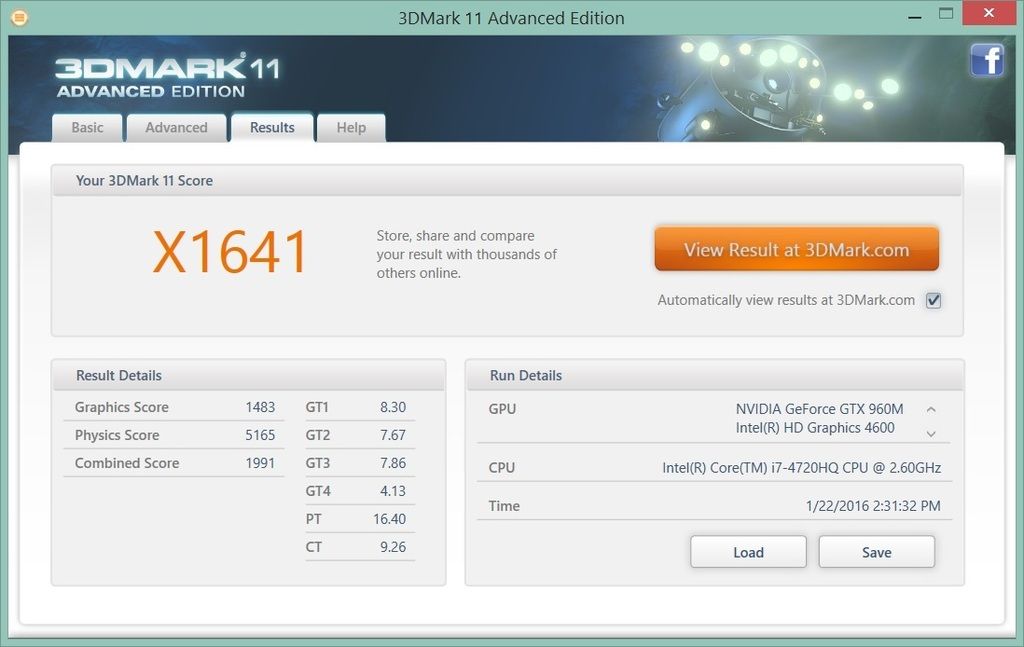
3D Mark 11 Advanced Edition:

user posted image
user posted image
↑ On ENTRY level

user posted image
user posted image
↑ On PERFORMANCE level

user posted image
user posted image
↑ On XTREAME level

This post has been edited by zhen737: Mar 11 2016, 09:23 PM
TSzhen737
post Mar 11 2016, 09:21 PM

Getting Started
**
Junior Member
93 posts

Joined: Aug 2010
From: Near MidValley or TimeSquare


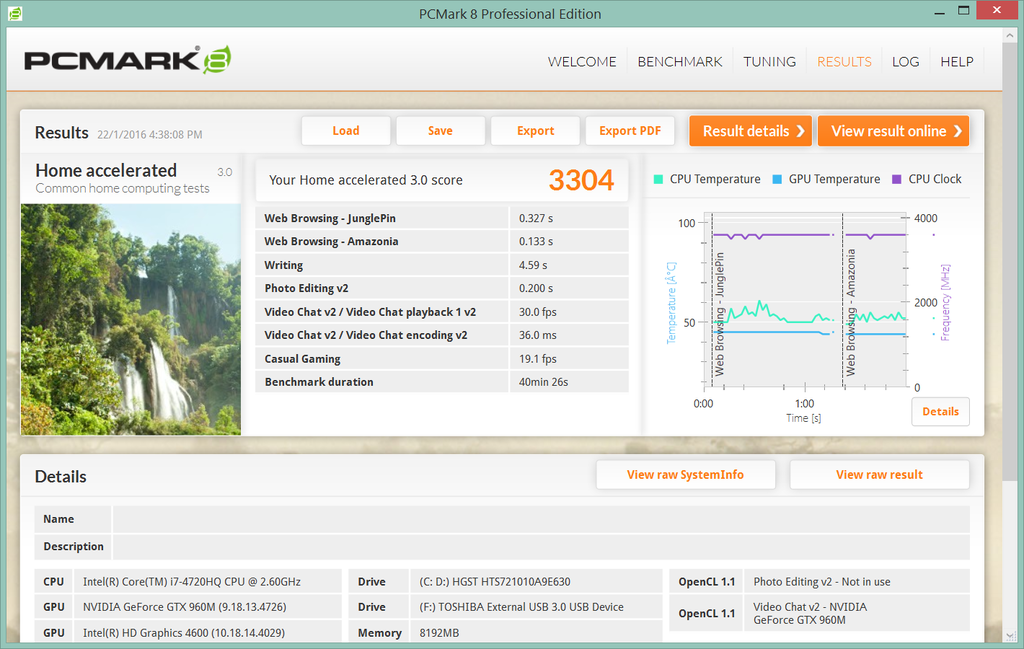
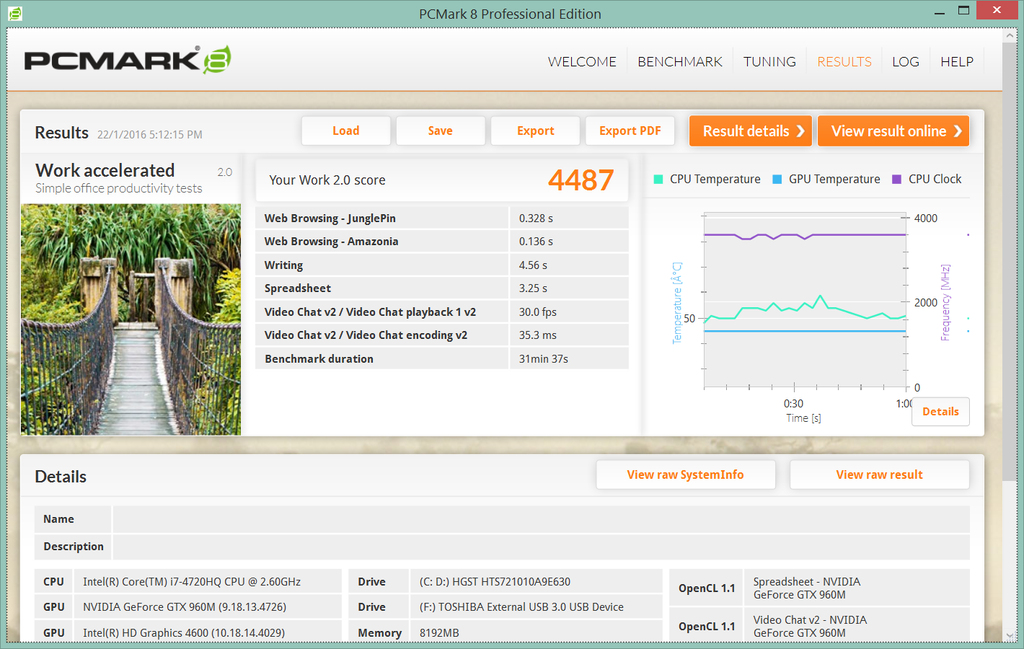
On PC Mark 8 for casual works:

user posted image
↑ On PCmark 8 HOME for some common home computing test: 4487

user posted image
↑ On PCmark 8 CREATIVE for experts and professionals: 3828

user posted image
↑ On PCmark 8 WORK for some simple office productivity test: 3304

Overall, it's a pretty decent laptop for working use, as well as some part time free time gaming, especially for those who're always traveling around. For a 15 inches lappy, it's surprisingly light I gotta say.

Unfortunately the battery life is a bit disappointed, technically it last for 1 and half hours if you really doing graphic work on it, hope it will be improved on the next generation.


Rating:

Price:
★★★★★★★★☆☆
Design:
★★★★★★★★★☆
Sound Effect:
★★★★★★★☆☆☆
Cooling System:
★★★★★★★★☆☆
Portability:
★★★★★★★★★☆
Battery Life:
★★★★★☆☆☆☆☆
Overall:
★★★★★★★★☆☆

This post has been edited by zhen737: Mar 11 2016, 09:31 PM
myway1985
post Mar 11 2016, 11:15 PM

10k Club
********
All Stars
12,091 posts

Joined: Jun 2014
From: Kuchai Lama


from the pic.. the display panel really meh like those who complaint

This post has been edited by myway1985: Mar 11 2016, 11:18 PM
roimekoi
post Mar 11 2016, 11:19 PM

Casual
***
Junior Member
337 posts

Joined: Jul 2007
2.3 kg portability?
TSzhen737
post Mar 12 2016, 04:10 AM

Getting Started
**
Junior Member
93 posts

Joined: Aug 2010
From: Near MidValley or TimeSquare


QUOTE(roimekoi @ Mar 11 2016, 11:19 PM)
2.3 kg portability?
*
Comparing the same specs, with same size of screen lappy on the market, 2.3 is actually good enough, at least for myself. thumbup.gif
chahupping
post Mar 12 2016, 08:37 PM

Getting Started
**
Junior Member
137 posts

Joined: May 2009
very nice photos!
TSzhen737
post Mar 14 2016, 03:32 PM

Getting Started
**
Junior Member
93 posts

Joined: Aug 2010
From: Near MidValley or TimeSquare


QUOTE(chahupping @ Mar 12 2016, 08:37 PM)
very nice photos!
*
Thank you! Nice signature you got there, missing the good old times of SC2. #deadgem #FeelsBadMan console.gif
Kroger88
post Mar 21 2016, 04:38 PM

Getting Started
**
Junior Member
106 posts

Joined: Jul 2015
good review!

meera1225
post Mar 23 2016, 04:01 PM

Getting Started
**
Junior Member
183 posts

Joined: Nov 2014
it is a great and wonderful review.. I think designer and photographer like it the most... biggrin.gif biggrin.gif

skr1107
post Mar 27 2016, 01:22 PM

Getting Started
**
Junior Member
51 posts

Joined: Oct 2015


wow nice photos and good review bro thumbsup.gif
X_F@cT0R
post Mar 30 2016, 07:01 AM

On my way
****
Senior Member
578 posts

Joined: Dec 2015


wow what a nice review you did over there man especially the camera work looks so professional thumbup.gif notworthy.gif


Change to:
| Lo-Fi Version
0.0219sec    0.32    5 queries    GZIP Disabled
Time is now: 22nd December 2025 - 10:34 PM