

Comments are very much welcomed
 Thanks!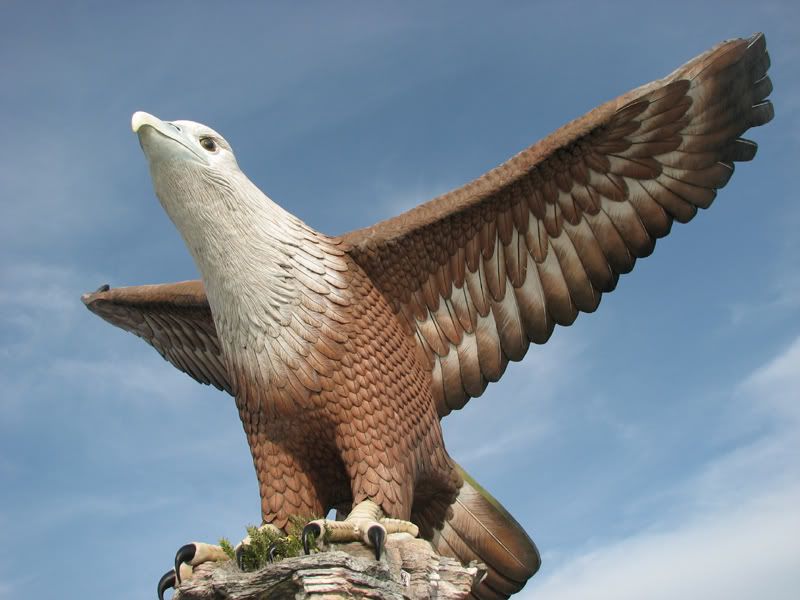
This was taken in Langkawi's Eagle Square.. it looks a bit hazy and colors are dull..
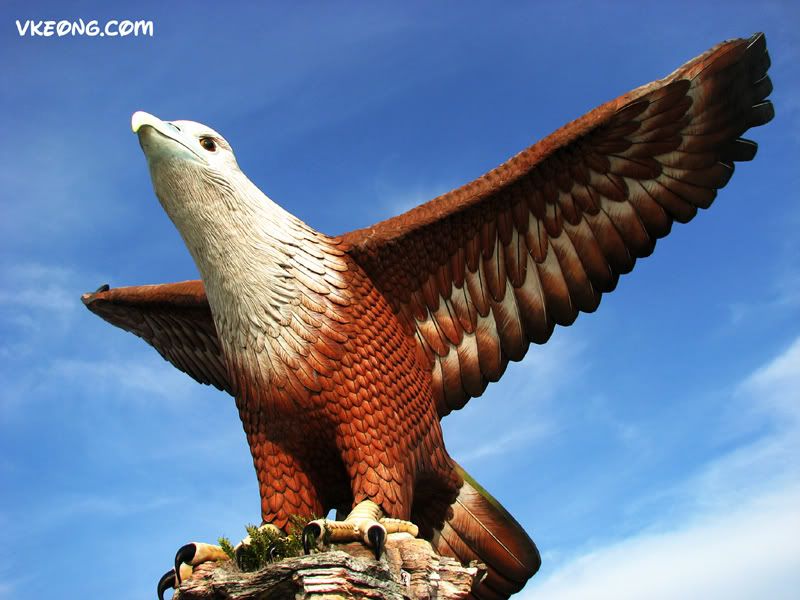
Vkeong's Before And After Gallery, Canon Powershot S3iS
|
|
 Dec 24 2006, 03:22 PM, updated 19y ago Dec 24 2006, 03:22 PM, updated 19y ago
Show posts by this member only | Post
#1
|
 
Senior Member
2,614 posts Joined: Jan 2003 
|
I bought a book "Photoshop Retouching Cookbook for Digital Photograhers" and found the tutorials and tips very useful in "saving" and "fixing" some common photo errors. Gonna retrieve some bad images I took from the past and try to retouch it~
Comments are very much welcomed Thanks!This was taken in Langkawi's Eagle Square.. it looks a bit hazy and colors are dull.. |
|
|
|
|
|
Dec 24 2006, 03:23 PM
Show posts by this member only | Post
#2
|
|
Senior Member
2,614 posts Joined: Jan 2003
|
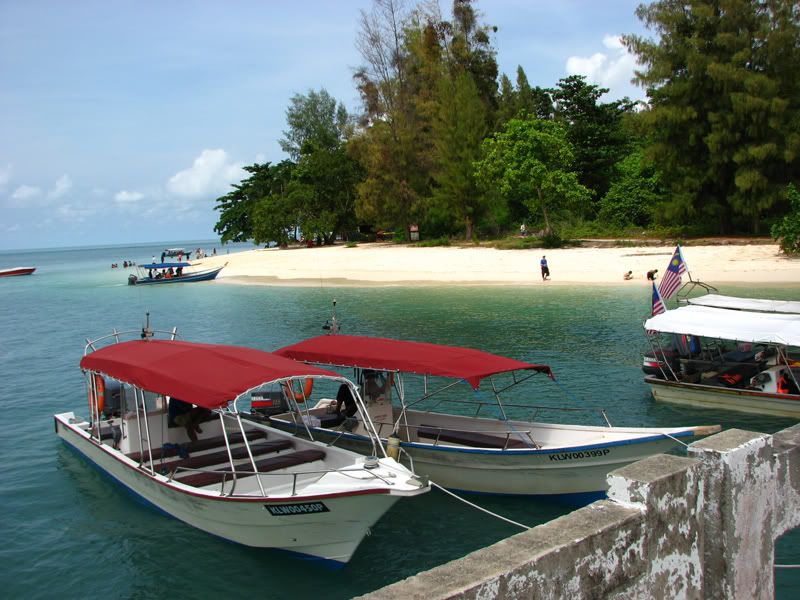 Before: Taken in Pantai Beras Basah, Langkawi. It is a nice beach but will definitely look better if the tourists are removed.. and the sky more blue. The Malaysia flag looks a bit old too.. 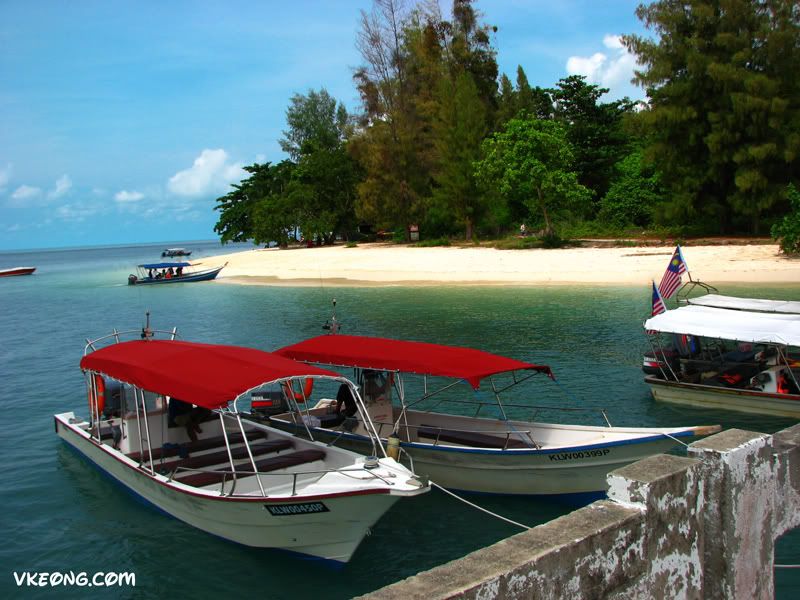 After : The boats and flags look much newer 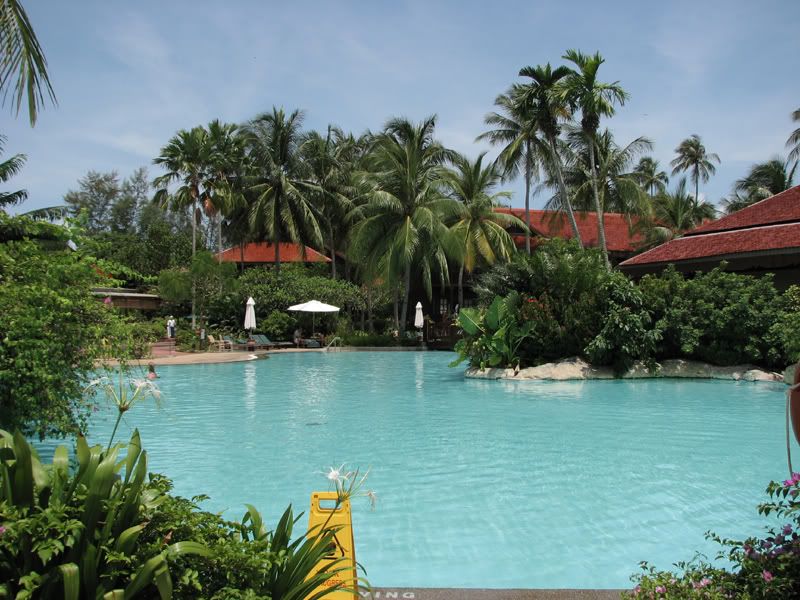 Before: Swimming pool @ Pelangi Beach Resort. I thought it was really nice when I first saw the photo.. but still it could use a little enhancements.. 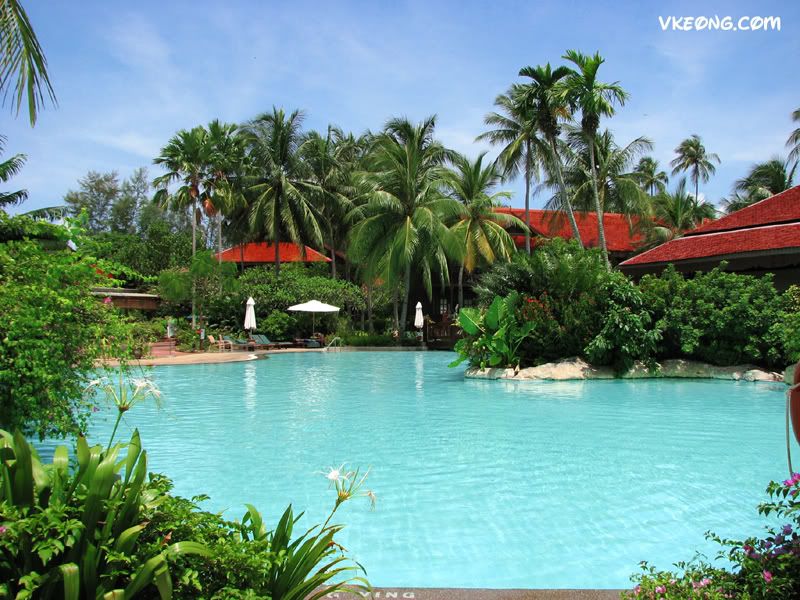 After:  I had the staff, swimmer and yellow sign removed. I had the staff, swimmer and yellow sign removed. Before : A malay house in Burnt Rice Field @ Langkawi. The sky is near non-existent.. 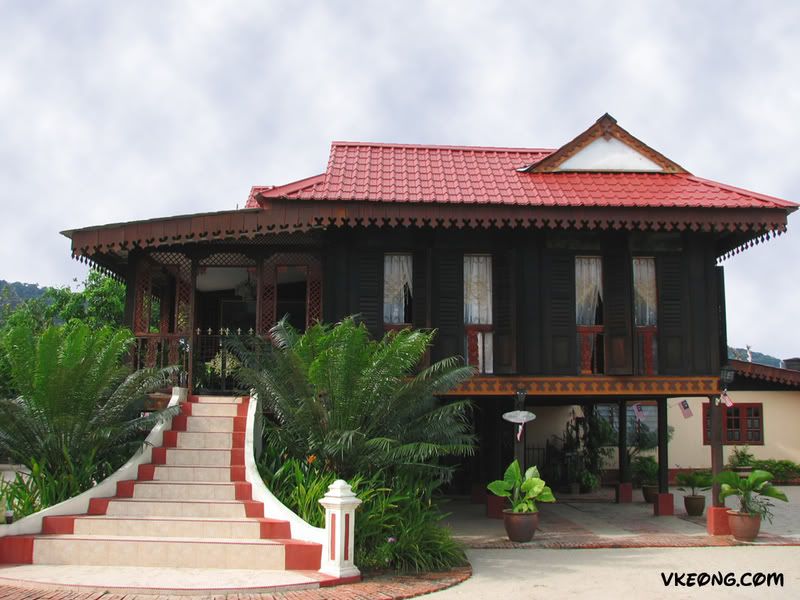 After : Rendered some clouds and enhanced the roof's color 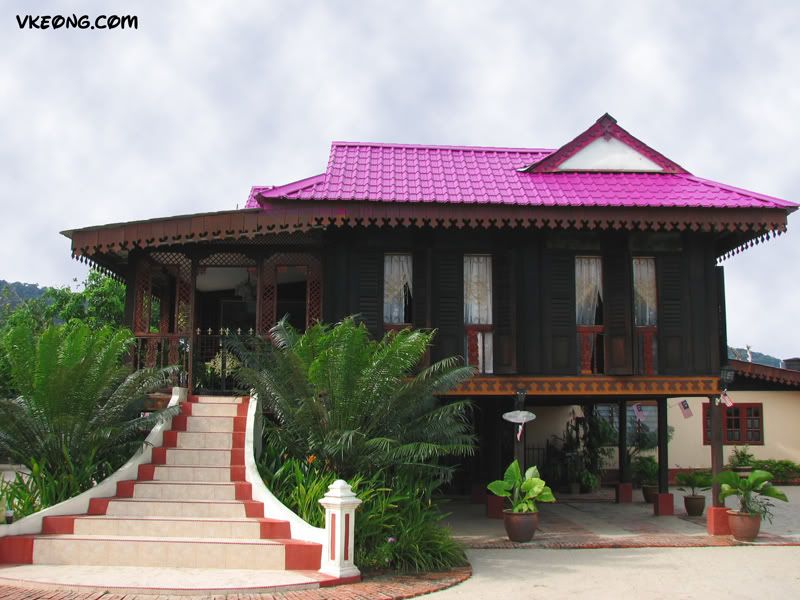 After 2 : Decided to make the roof pink 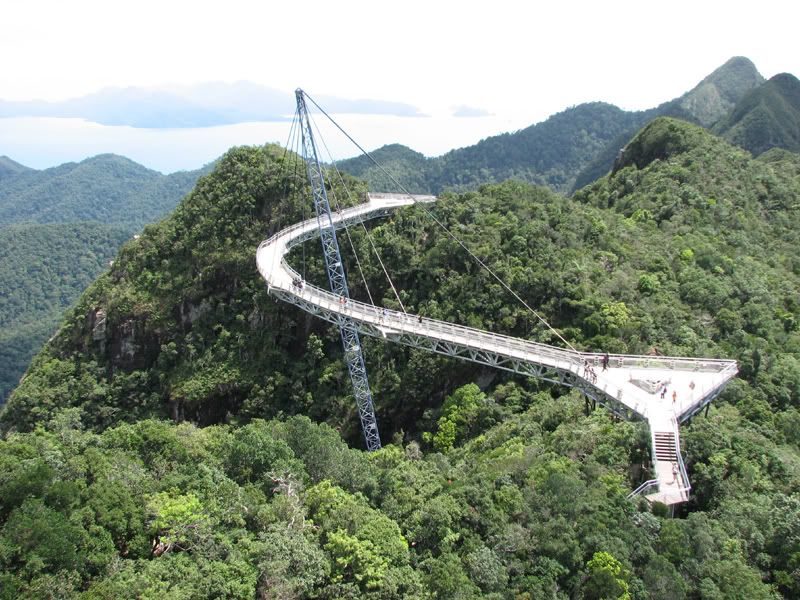 Before : Hanging Sky Bridge @ Langkawi Gunung Mat Cincang. A lot of tourists again  I wasn't too satisfied with the sky and the trees' color.. I wasn't too satisfied with the sky and the trees' color..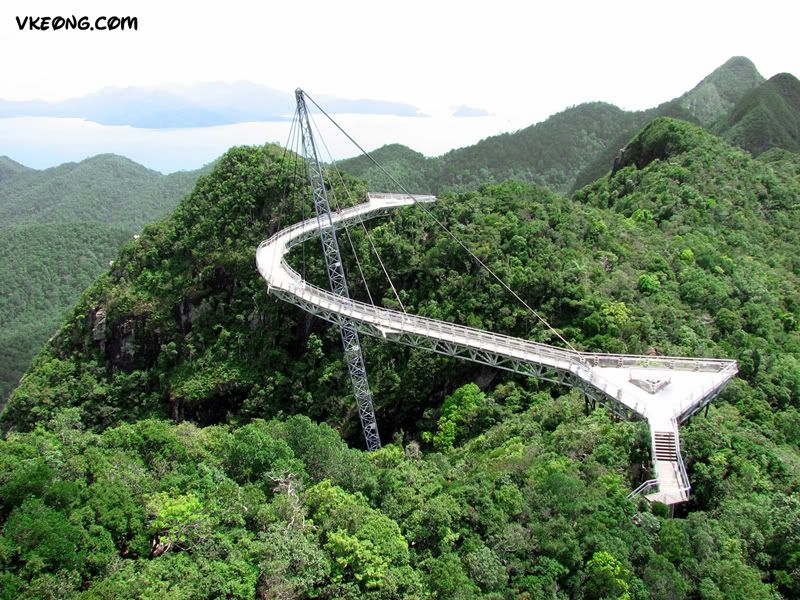 After : Removed all tourists and increased a bit saturation.. the sky and the mountain are more clearer now This post has been edited by vkeong: Dec 24 2006, 03:30 PM |
|
|
Dec 24 2006, 03:28 PM
Show posts by this member only | Post
#3
|

Senior Member
3,758 posts Joined: Apr 2006 From: Selayang 
|
The colour on the retouched eagle is too strong. Remember, let photography be photography, the technology for retouching is to ENHANCE the image, not MODIFY it.
|
|
|
Dec 24 2006, 03:30 PM
Show posts by this member only | Post
#4
|
|
Senior Member
2,614 posts Joined: Jan 2003
|
QUOTE(ac98 @ Dec 24 2006, 03:28 PM) The colour on the retouched eagle is too strong. Remember, let photography be photography, the technology for retouching is to ENHANCE the image, not MODIFY it. Thanks  I will keep that in mind. I am still a newbie. Appreciated your comment I will keep that in mind. I am still a newbie. Appreciated your comment  |
|
|
Dec 25 2006, 12:22 PM
Show posts by this member only | Post
#5
|

Senior Member
1,766 posts Joined: Jan 2003 From: Klang Valley
|
Do you mind sharing what's the enhancement that you used? No need to be in detail, just some setting that you have used.
|
|
|
Dec 25 2006, 01:17 PM
Show posts by this member only | Post
#6
|

Senior Member
970 posts Joined: Jan 2003 From: damansara & segamat
|
i think u'd probably not need a book to do what you've done...basically..i've gotten all my tutorials online though googling...it comes in really handy especially when i'm editing lots and lotsa wedding photos for my clients...
|
|
|
Dec 26 2006, 04:51 PM
Show posts by this member only | Post
#7
|
|
Senior Member
2,614 posts Joined: Jan 2003
|
QUOTE(kelvinyam @ Dec 25 2006, 12:22 PM) Do you mind sharing what's the enhancement that you used? No need to be in detail, just some setting that you have used. Mostly patching, adjusting curves/color balanceQUOTE(earthkid @ Dec 25 2006, 01:17 PM) i think u'd probably not need a book to do what you've done...basically..i've gotten all my tutorials online though googling...it comes in really handy especially when i'm editing lots and lotsa wedding photos for my clients... maybe, but I found myself doing it more if I have a book in hand.. doing it online.. i may sway to other sites easily lol  |
| Change to: |  0.0150sec 0.0150sec
 0.56 0.56
 5 queries 5 queries
 GZIP Disabled GZIP Disabled
Time is now: 20th December 2025 - 12:36 PM |
 Quote
Quote