

 Jan 22 2017, 11:46 PM


I got 3 Asus routers, the first one is my main router, second and third routers are access points.
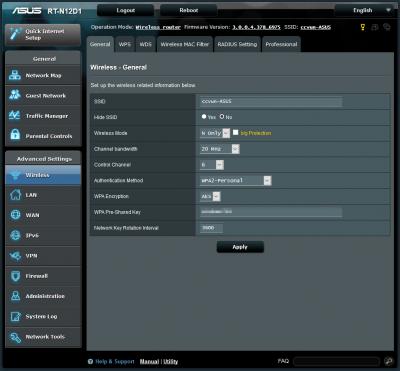
Main router is channel 1, second router is channel 11, then the last one is channel 6
My main router starting IP was changed from 192.168.1.2 to 192.168.1.4 because I want to assign my second router to 192.168.1.2 and third router to 192.168.1.3. Both of my 2nd & 3rd routers were disabled DHCP.
My Main router

My second router
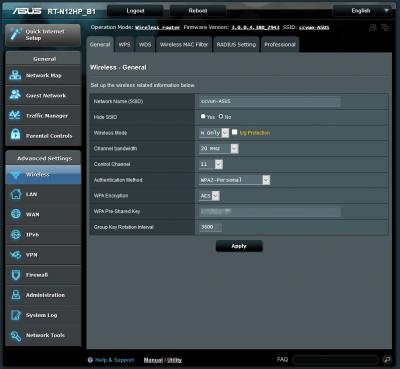
My third router
My home only get 28mbps although I was subscribed to unifi 30mbps. My unifi never reach less than 10ms. I have no idea why, probably here is Kota Kinabalu, Sabah got higher ping compare to west Malaysia.
Here is my speed test result from my Desktop PC, connected with LAN.

Here is how I set my home wifi connection.
My main router mac address

My first AP mac address
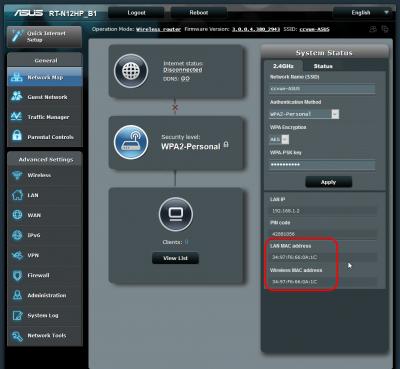
My second AP mac address

Now, I have to test my wifi speedtest for routers.
Here is my speedtest result for main router
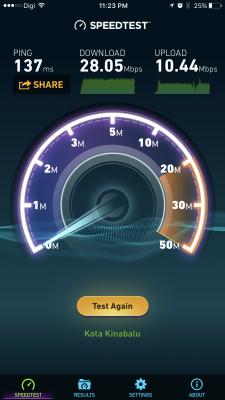
Here is my speedtest result for first AP router
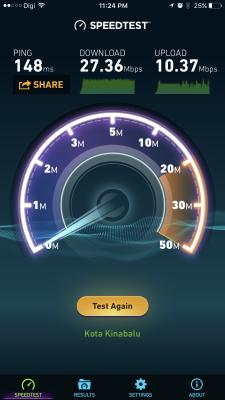
Here is my speedtest result for second AP router
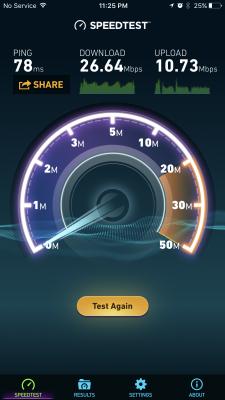
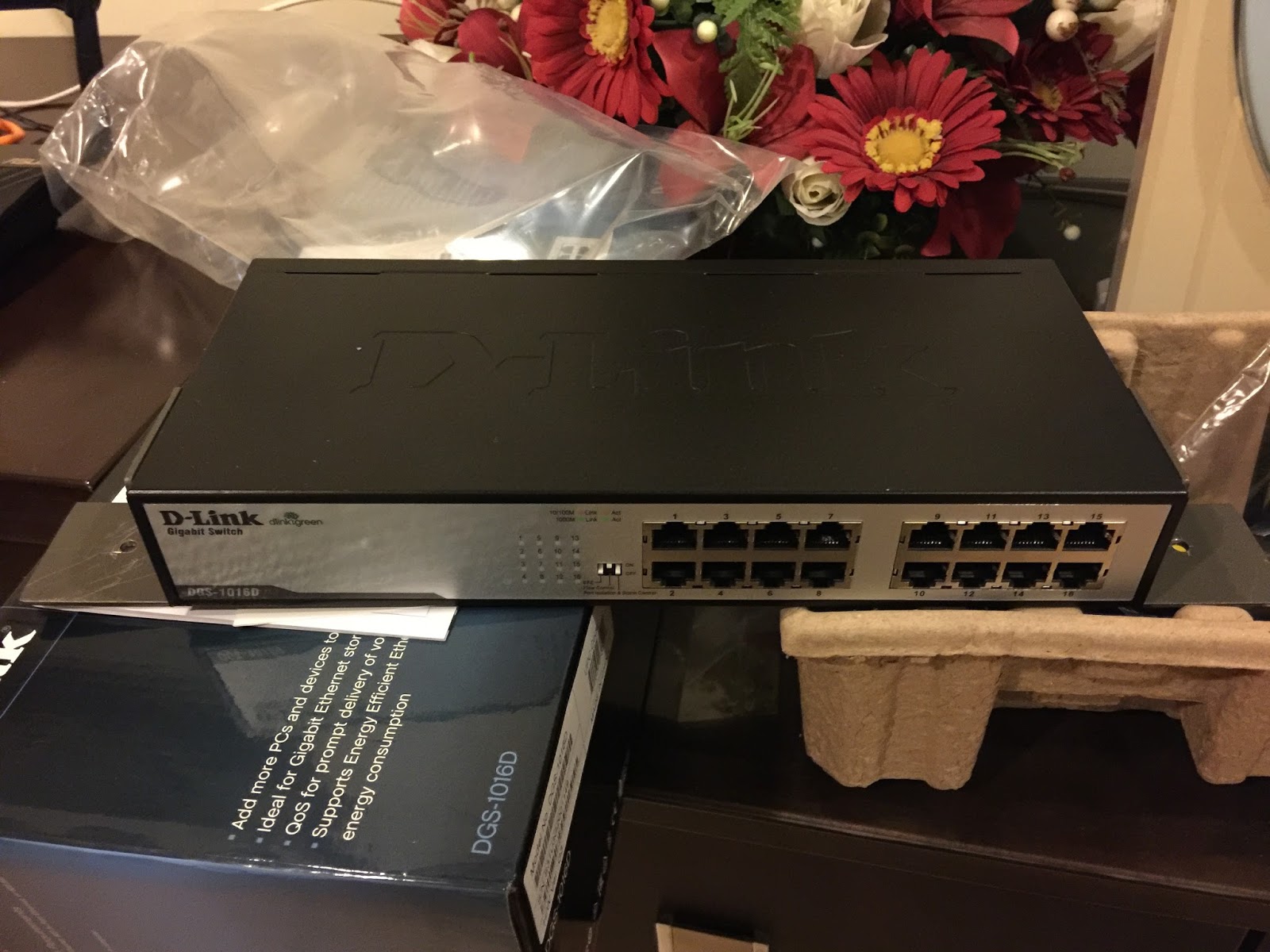
My home network is connected with LAN networks through a D-Link DGS1016D gigabit switch.
This is my home gigabit switch
Both my two Asus AP routers are connected with LAN networks. All the network cables are Cat5e and pulled into the wall then connected to network wall socket.
Which is looks similar like this
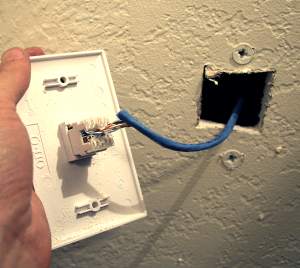
and like this

This post has been edited by junclj: Jan 23 2017, 01:39 AM
 Quote
Quote
 0.0143sec
 0.75
0.75
 7 queries
 GZIP Disabled