

#1
Ori...
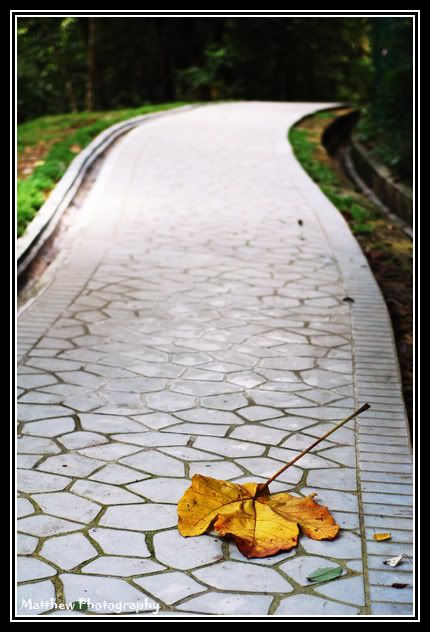
#2
B n W...
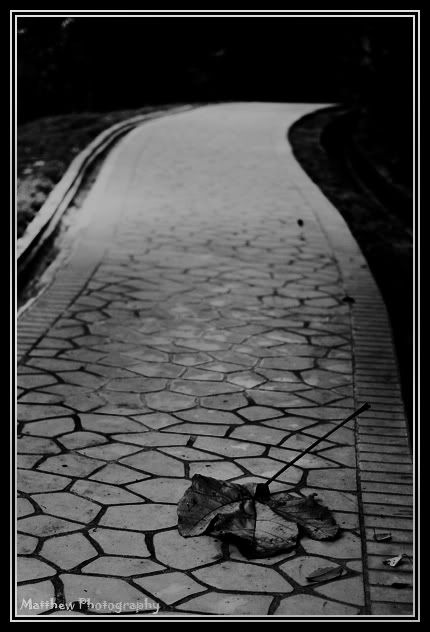
#3
Hi contrast...
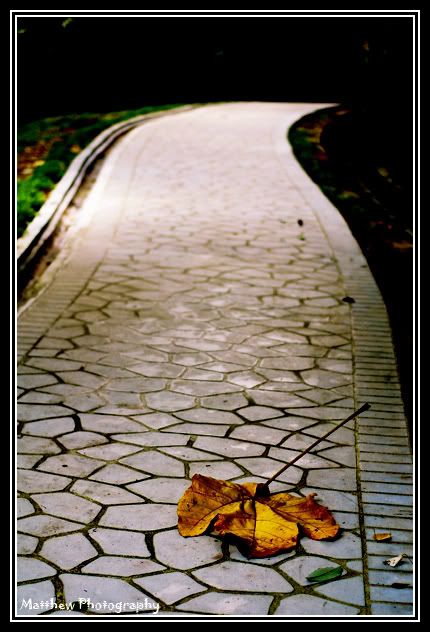
#4
greeny...
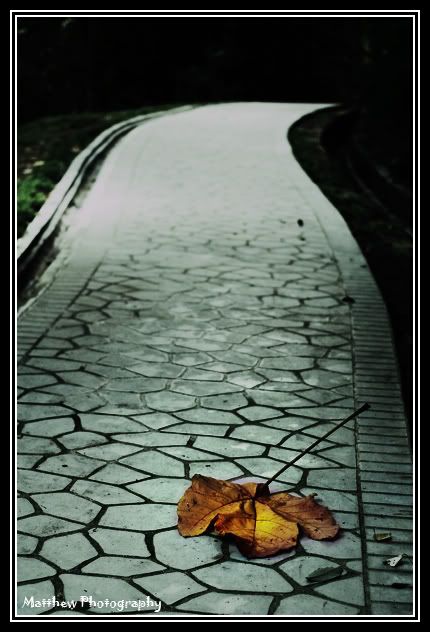
#5
dark dark corner...
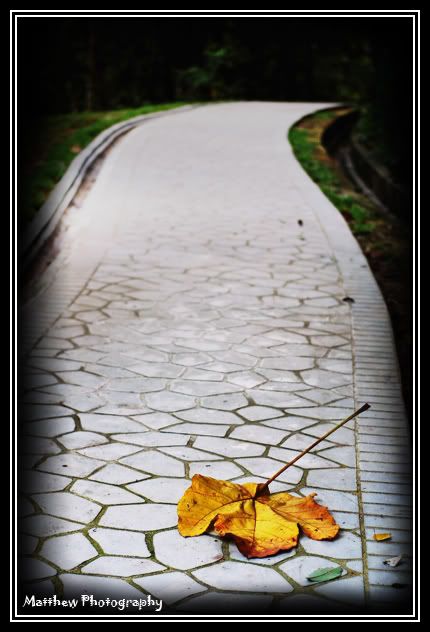
testing on photoshop..., coments plz...i wanna c what u feel...
|
|
 Nov 22 2006, 10:58 PM, updated 20y ago Nov 22 2006, 10:58 PM, updated 20y ago
Show posts by this member only | Post
#1
|
 
Senior Member
800 posts Joined: Jan 2003  
|
coments plz...i just wanna c what u feel...did i put the mood in?...did the photo have any feel 2 u?...
#1 Ori... #2 B n W... #3 Hi contrast... #4 greeny... #5 dark dark corner... |
|
|
|
|
|
Nov 22 2006, 11:05 PM
Show posts by this member only | Post
#2
|

Senior Member
1,672 posts Joined: Jun 2005
|
try hi contrast on the leaves, and b&w for the rest. those were the only two that gave me a "feel"
|
|
|
Nov 23 2006, 01:05 AM
Show posts by this member only | Post
#3
|

Junior Member
49 posts Joined: Nov 2006
|
NB . nice pic u have.. to make this pic nicer i suggest tweak the ori. under expose it -0.3ev and make the texture on the top part of the route come out. ori pic seems over and lost all the details at top. the leave and green colour remain. b4 u do bnw conversion, please under the pic first. it looks better. jusr my 2 sen.
|
|
|
Nov 23 2006, 01:35 AM
Show posts by this member only | Post
#4
|

Senior Member
3,758 posts Joined: Apr 2006 From: Selayang
|
QUOTE(brianshong @ Nov 23 2006, 01:05 AM) NB . nice pic u have.. to make this pic nicer i suggest tweak the ori. under expose it -0.3ev and make the texture on the top part of the route come out. ori pic seems over and lost all the details at top. the leave and green colour remain. b4 u do bnw conversion, please under the pic first. it looks better. jusr my 2 sen.  Yeah, he already lost the top section to the bokeh. Underexposing the original image before bnw conversion is always good taste, makes the image appear stronger  |
|
|
Nov 23 2006, 02:05 AM
Show posts by this member only | Post
#5
|
|
Senior Member
800 posts Joined: Jan 2003
|
ic...thx..
 will come out with another version soon...which the photo r exposed batter...just wanna try the photoshop style...abnormal bit..hehe.. will come out with another version soon...which the photo r exposed batter...just wanna try the photoshop style...abnormal bit..hehe.. |
|
|
Nov 23 2006, 03:07 AM
Show posts by this member only | Post
#6
|
|
Senior Member
800 posts Joined: Jan 2003
|
series 2
#1 Ori 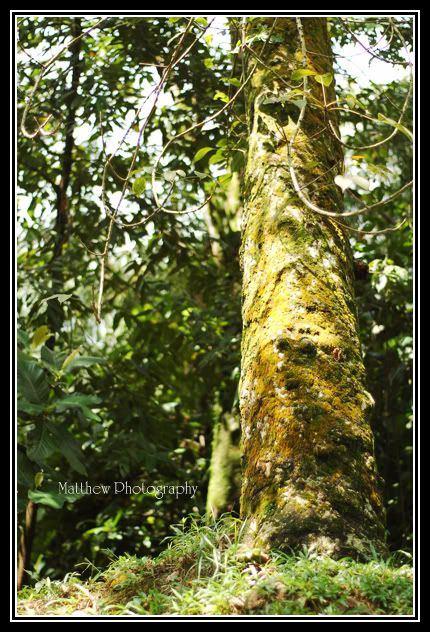 #2 Some different trick... 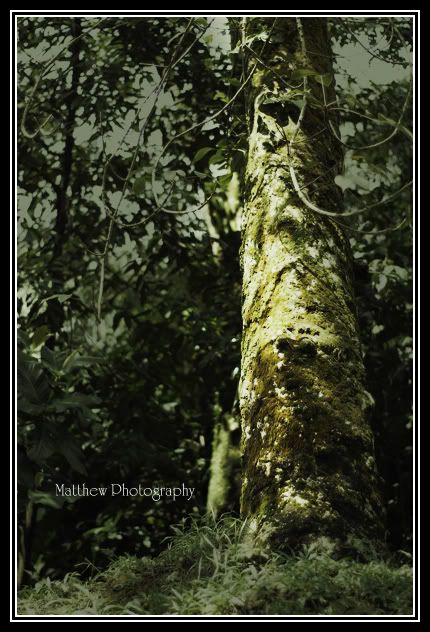 #3 Dark 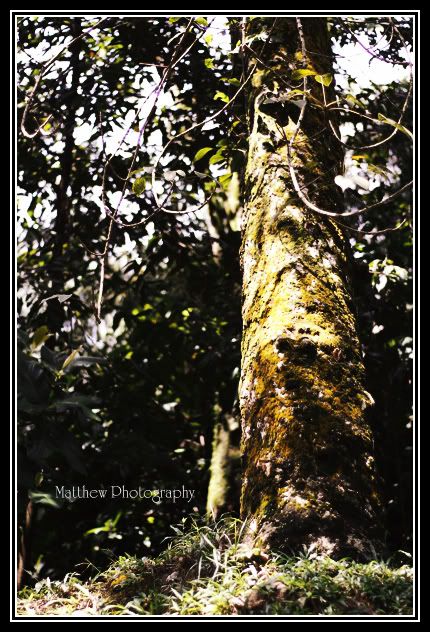 #4 Soft 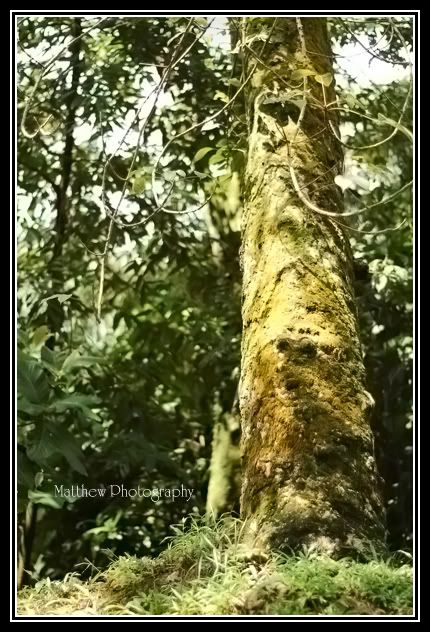 #5 Black n White ( Previous is like Gray n White ) 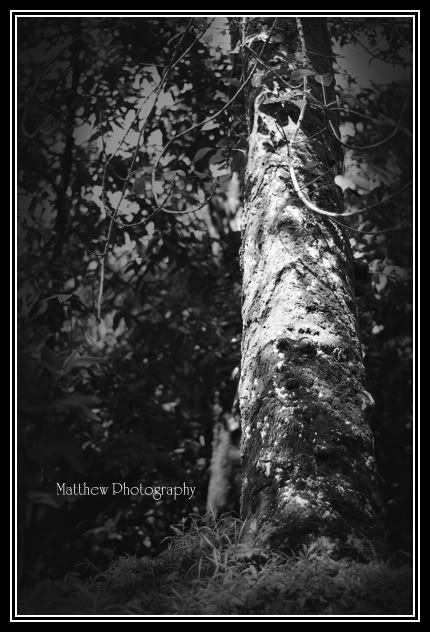 |
|
|
|
|
|
Nov 23 2006, 07:17 AM
Show posts by this member only | Post
#7
|

Senior Member
2,502 posts Joined: Apr 2005 From: Kuching,Kuala Lumpur, Gifu,Japan
|
QUOTE(brianshong @ Nov 23 2006, 01:05 AM) NB . nice pic u have.. to make this pic nicer i suggest tweak the ori. under expose it -0.3ev and make the texture on the top part of the route come out. ori pic seems over and lost all the details at top. the leave and green colour remain. b4 u do bnw conversion, please under the pic first. it looks better. jusr my 2 sen. i'm with him but as ac said i think u also lost to bokeh. somehow it fely like the road was cut in the middle instead of stretching to infinity.for the tree shot, def the b&w  |
|
|
Nov 23 2006, 09:43 AM
Show posts by this member only | Post
#8
|
|
Senior Member
800 posts Joined: Jan 2003
|
ic...i use 50mm f1.8, DOF is also very important 4 shooting perspective...thx guys..
|
|
|
Nov 23 2006, 11:41 AM
Show posts by this member only | Post
#9
|

Senior Member
1,281 posts Joined: Feb 2005 From: KL 
|
dark corner for the road, and b & w for the tree
|
|
|
Nov 23 2006, 02:49 PM
|
|
Senior Member
800 posts Joined: Jan 2003
|
QUOTE(beehawk @ Nov 23 2006, 11:41 AM) dark corner for the road, and b & w for the tree thx beehawk, i will try go back that place n do the effect again..cant find good time yet cos that time i got this pcs, i was shower by the rain... T.T |
| Change to: |  0.0163sec 0.0163sec
 0.31 0.31
 5 queries 5 queries
 GZIP Disabled GZIP Disabled
Time is now: 20th December 2025 - 03:03 PM |
 Quote
Quote