Just to share with ZW3 user, whoever have not received auto update on AW2.0, you could trigger update on your watch now, steps as below:
1. Ensure your zw3 with at least 80 percent battery, and connect your watch to power adapter.
2. Go to SEtting-> about -> system update.
3. Tap the green screen rapidly, some said 2min, my experience just keep tapping around 30second, it will be trigger the download to update AW2.0.

4. The download screen will take time. My situation is 1 hour.

5. Your watch will auto reboot after finish downloading.
6. You may notice your watch may come across "Continue setup on phone" for more than 15min, yes.. is abnormal. i check my phone has no prompt error / setup screen.

6.1 In this situation, check your phone, Settings » Apps » All apps-> android wear app, it must be version 2.0 or
above, else please perform apps update.
6.2 In your application list, check your Google Play services app is version 9.8.41 or above, else please perform apps
update.
7. if both apps version are met still same issue, reboot your phone and watch together. (in my case it works after reboot)
8. After both devices reboot, your phone should come across this page, where it prompt you to copy google accounts info to zenwatch.
9. Your zenwatch should be updated completed.
This post has been edited by myshiokmore: Jul 17 2017, 10:17 PM Attached thumbnail(s)


 Jun 22 2017, 04:35 PM


 Quote
Quote


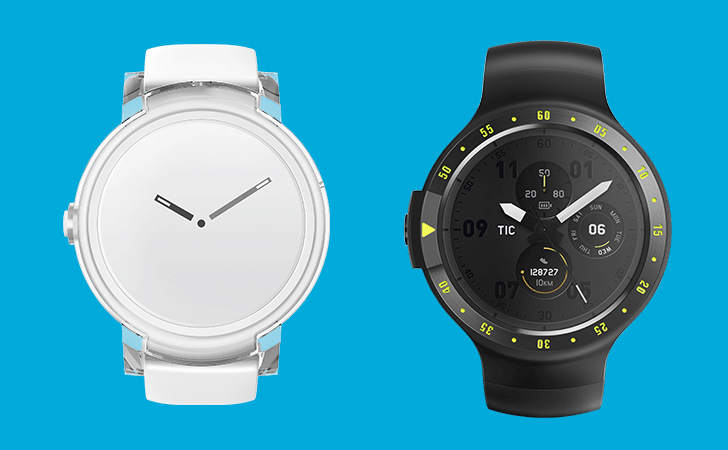


 I read the news in Android Police, then immediately go check, Early Bird left 6XX slots, super early bird long gone. Kasi pledged immediately while sitting on toilet bowl


 0.0414sec
 0.32
0.32
 6 queries
 GZIP Disabled